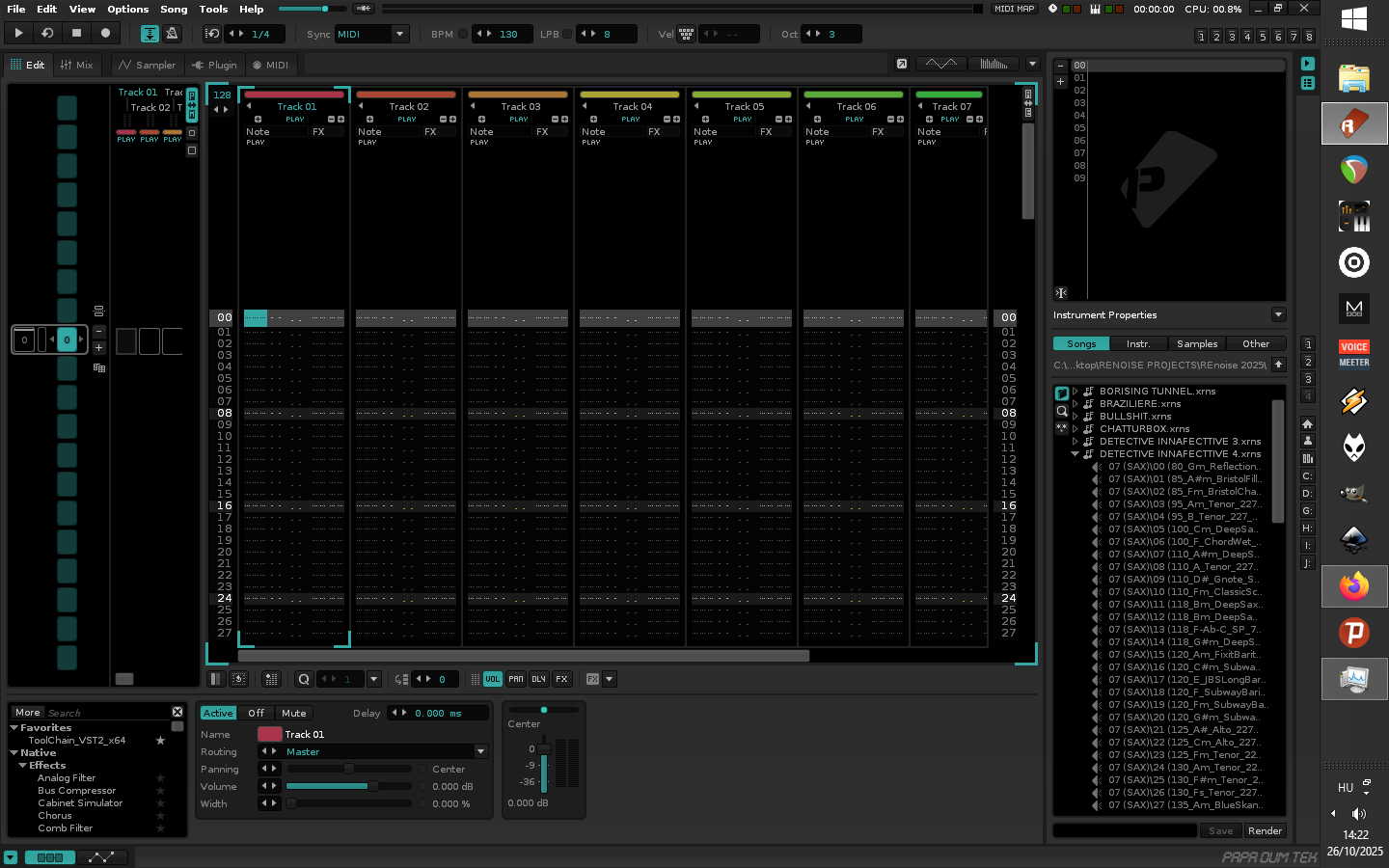
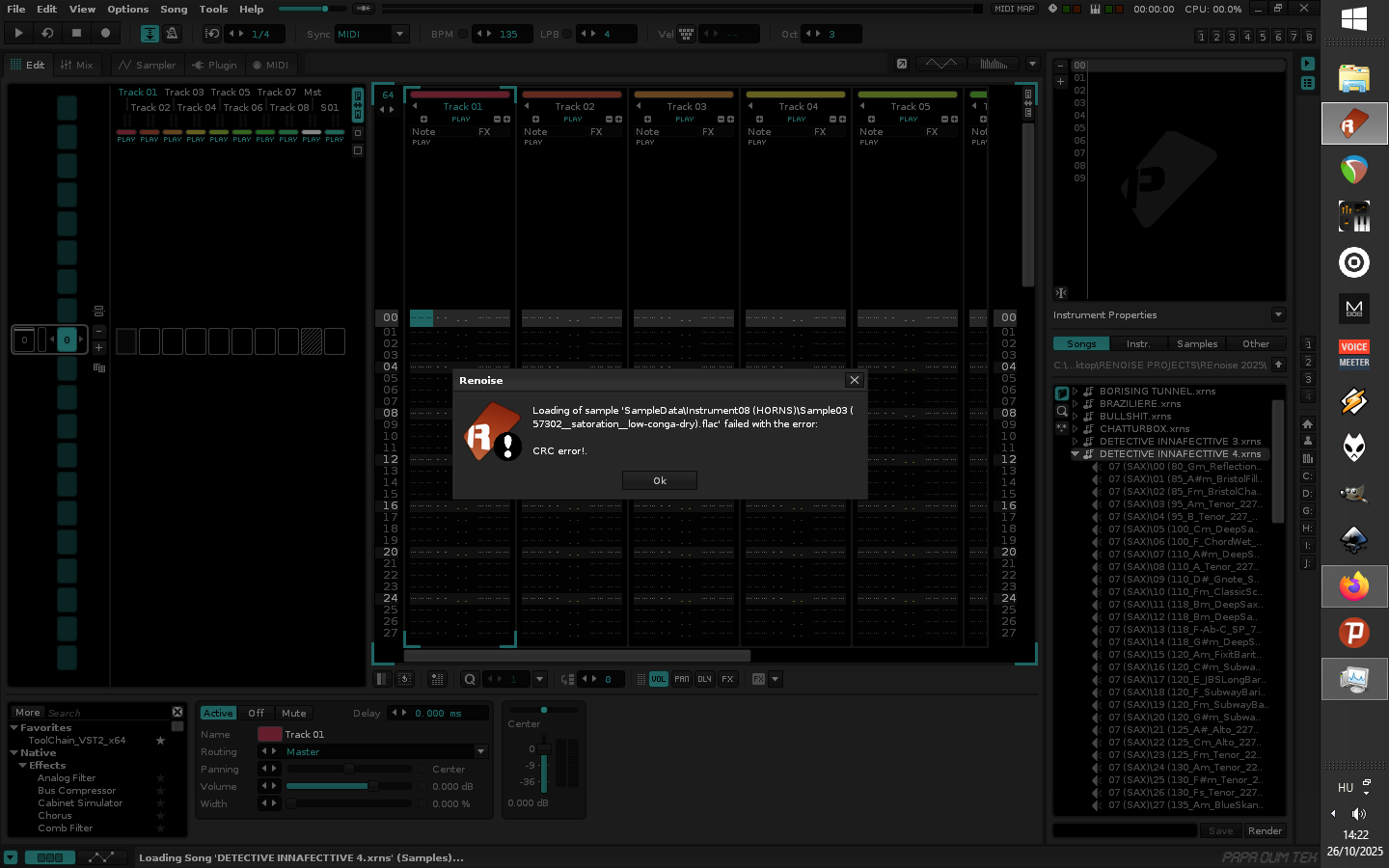
I have been working on a couple of tunes for weeks. The samples are within the Renoise file, not stored anywhere else as I recorded them onto Renoise. One can clearly can see the sample files within the.xrns file, and I can even play them by selecting them, so i know they are there. However, when i try to load the .xrns file I get CRC error message, that it cannot find the files. Hmmmm. I was just working on this one particualr song just yesterday with no problems.
Here are a couple of screen shots… ANY SUGGESTIONS??? This is a song i wouldn’t want to lose as I have a deadline for an online music fest.
The Renoise XRNS song files are just ZIP files containing the XML song data and individual samples.
So if you have a utility like 7-Zip, WinZip, WinRar, etc., then you can manually open the XRNS song as a ZIP and examine the contents – maybe also run a check on the ZIP itself to check for integrity?
If that sample (or other samples) became corrupt somehow – perhaps due to a weird issue last saving the song – then hopefully you can extract or replace it.
Then save a new copy of the ZIP as a different .XRNS and see if that loads into Renoise.
Ya i am trying to do that with 7 Zip and Winrar. I can open it and all the files are in there. But i am not sure how to save out of one of those to a .xrns file. I keep trying though.
If the .ZIP opened fine in 7-Zip then it maybe only takes re-saving it to fix the CRC bug.
If it’s just a particular sample that seems to be the problem, then maybe you can find a similar replacement sound, give it the same .FLAC filename and drag it into the .ZIP to replace the broken sample.
Then just save the new .ZIP and manually rename it with an .XRNS extension in Windows Explorer to see if that opens in Renoise.
Thanks mate! I basically unpacked the files to a new folder, Opened the corrupted file again, replaced them with the ones i unpacked and renamed the file. IT WORKED. Not sure exactly how, but i am determined little cuss. Ya i guess the files wasn’t properly saved ,aka corrupted, as even Renoise kept prompting me to save a new version. But it was still screwing up. This worked though, so I am happy as Larry . Albeit I don’t even know a Larry. Nonetheless…. You’re a star.