When opening a song file after launching Renoise, you must select N in the following dialog every time:
Do you want to save the change to 'Untitled.xrns'?
Of course, this seems to be quite robust behavior.
I often have multiple Renoise instances open, each processing different song files, and it’s a bit of a burden each time.
This is just a passing thought, but I feel it might be slightly more convenient if we could unconditionally open song files whenever all the following conditions are met.
This is merely an example. What do you feel?
The title is undefined
There is no undo buffer Or The contents of the file you’re trying to save are identical to a template file
I am guessing one of your installed tools makes some changes to your song the moment you open Renoise. Try disabling all tools and restart to confirm.
For example my tool “tint” does this because it colors your selected track and that’s changing the template, I’m sure there are other tools with similar behaviour.
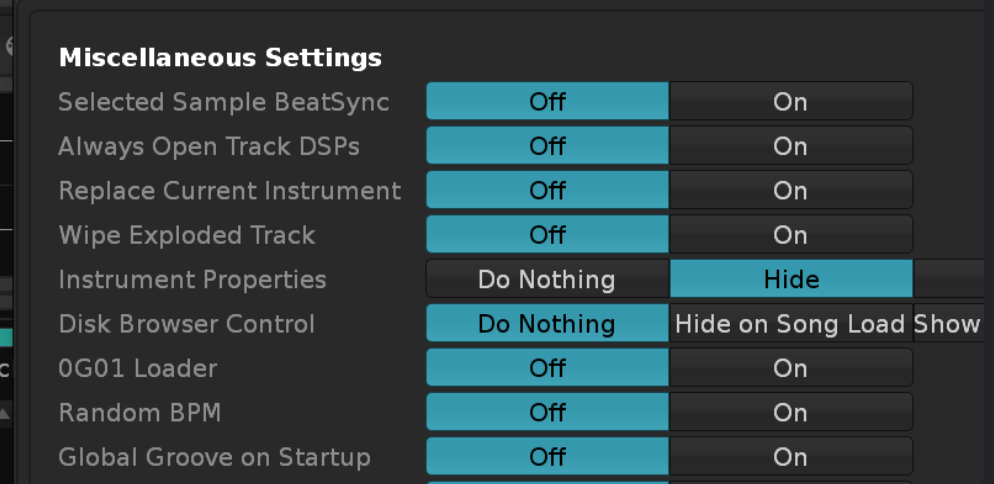
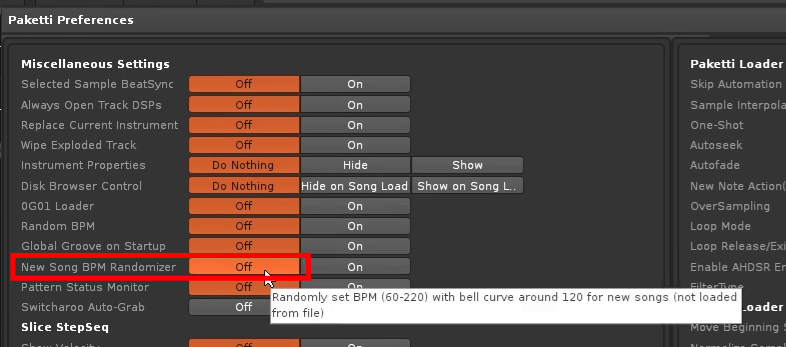
Check the forum first. I had the same problem due to Paketti (shuffle was changed automatically), and the issue was fixed in newer Paketti versions, which you can download here.
The latest version of Pakeeti seems to have the same issue. I’ll consult with him.
I hadn’t searched the forum.
I realized it would have been better to back up my settings and use a simplified Tools directory before reporting it to the forum.
Thanks for your kindness.
 I had the