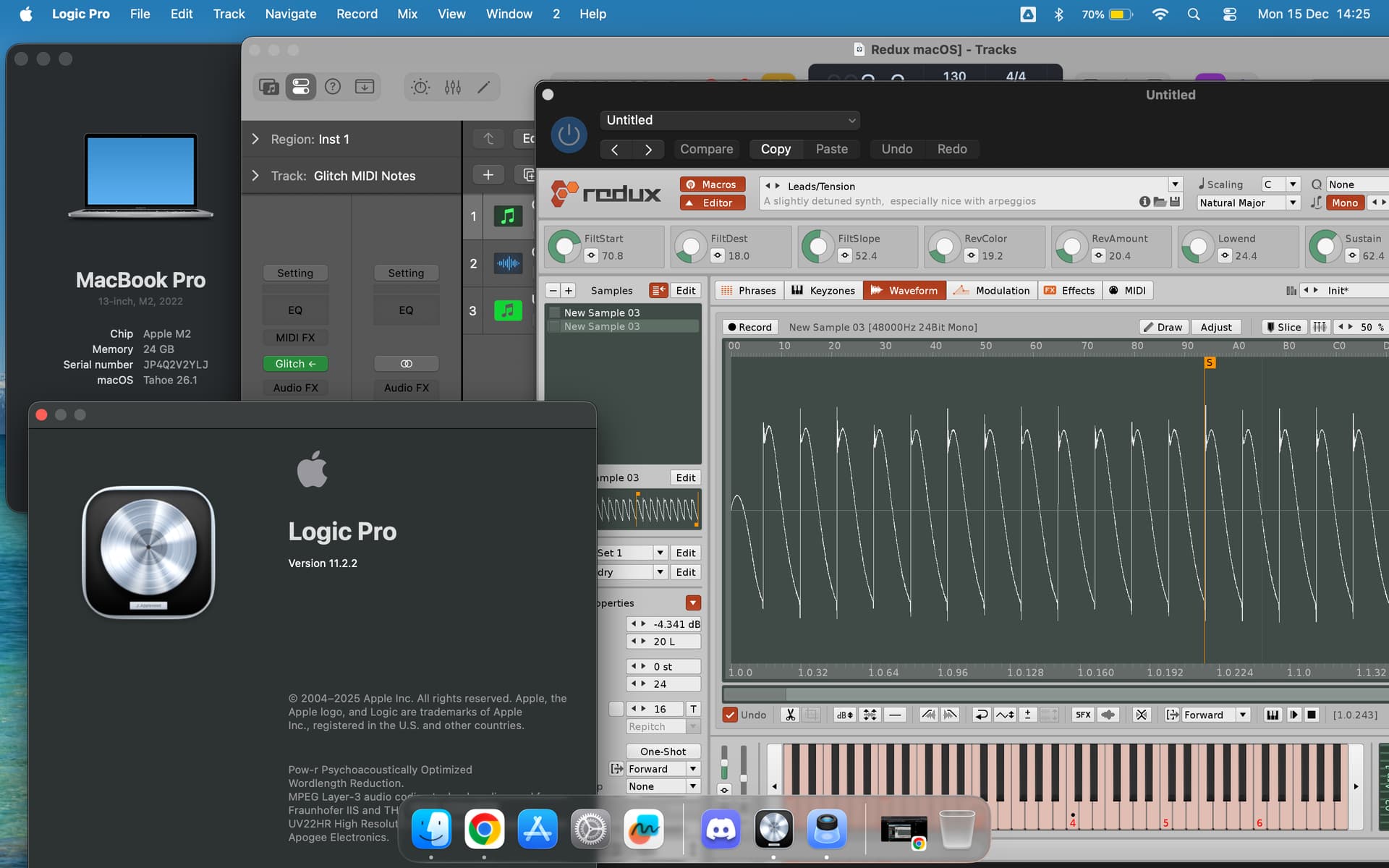
I’m trying to select Renoise Redux 1.4.1 in Apple Logic Pro 11.2.1 on MacOS 15.5. It shows up, with the compatible checkmark, in the plugin manager but does not appear in the plugin selection dialog. I’ve tried resetting the cache as outlined at https://www.logicprohelp.com/forum/viewtopic.php?t=153232 and have also done a full Audio Unit reset. It appears normally in Ableton Live 12.2.1.
Have done the following:
Full Audio Unit reset in Logic Plugin Manager, followed by Logic restart, still doesn’t appear.
Tried removing ~/Library/Preferences/com.apple.audio.AUHostingService.arm64e.plist, ~/Library/Preferences/com.apple.audio.InfoHelper, ~/Library/Caches/AudioUnitCache, ~/Library/Caches/com.apple.audio.InfoHelper & ~/Music/Audio Music Apps/Databases/ followed by a system restart.
Are there any other options for getting it to appear as a selectable instrument?
Still not found. I tried deleting the plugin and restarting Logic Pro twice. I also installed older Redux 1.4.3, which is not found by Logic even in “Plug-In Manager” -window.
Also tried deleting some system cache folder and restarting, but still the same thing.
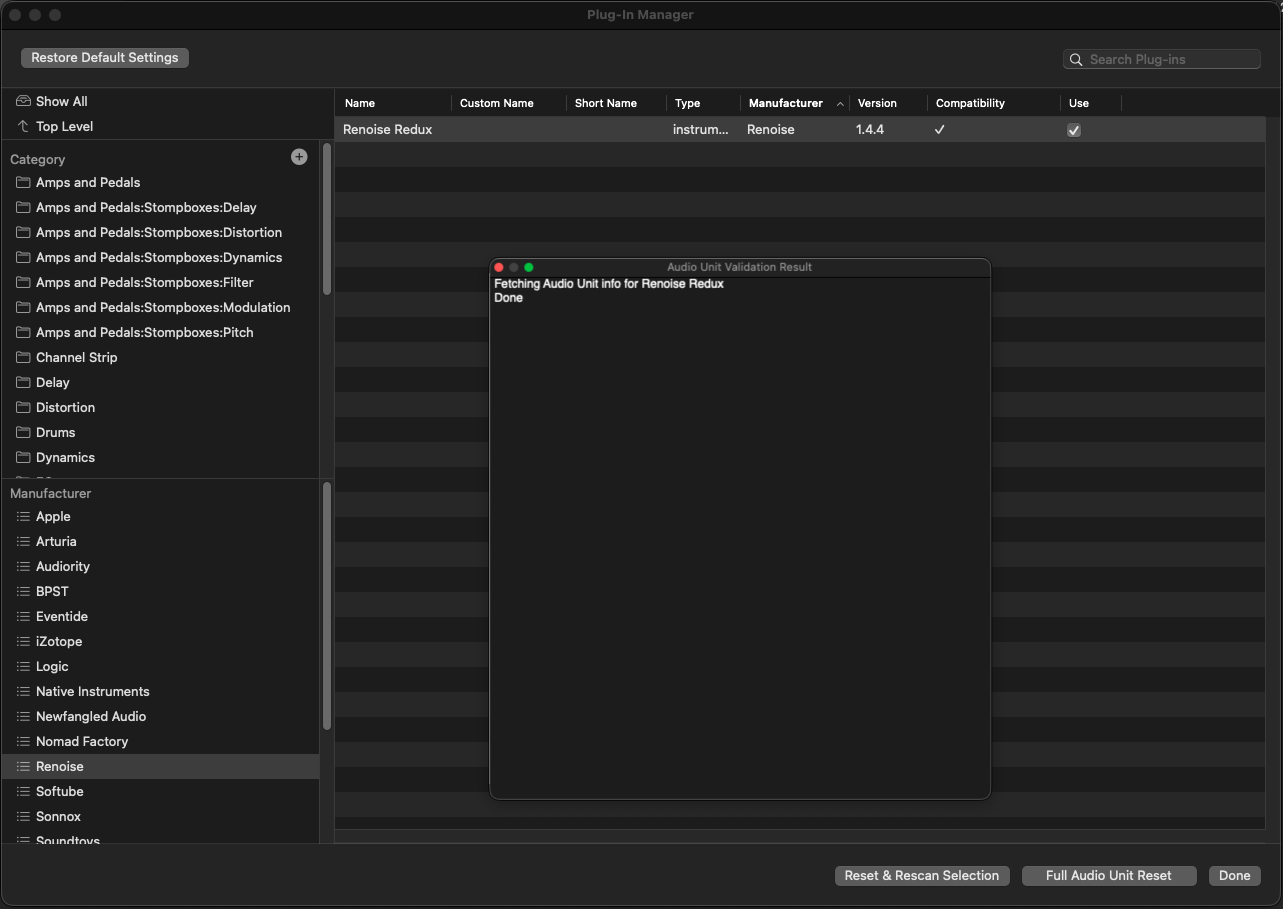
After installing the current Redux 1.4.4 everything seems fine in the Plugin Manager:
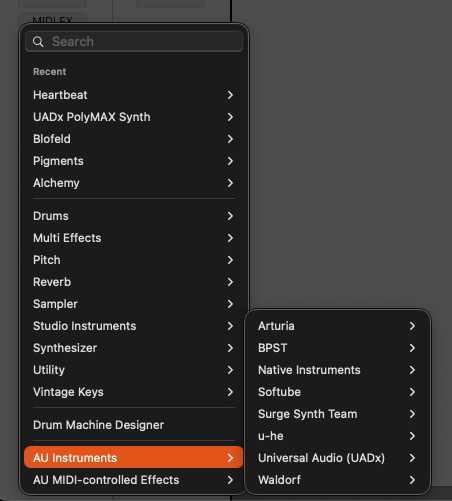
The problem has seem to fix by itself. Today I noticed that the plugin is selectable in “AU Instruments” -folder as it should. I have no idea why though.