This is a project I’m working on. Stream Deck lets u send custom keyboard shortcuts or keystrokes from custom buttons. Makes it very powerful with Renoise.
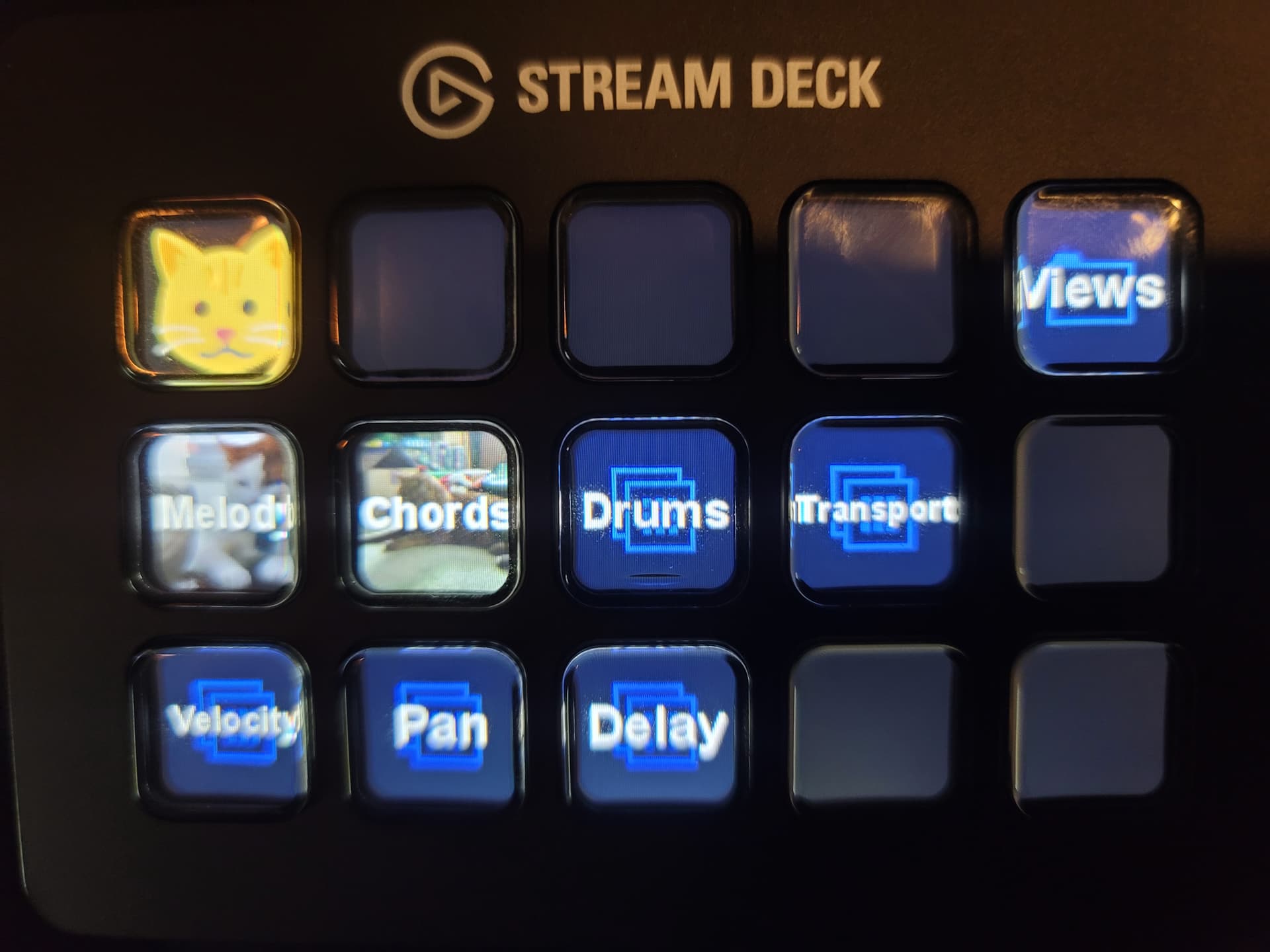
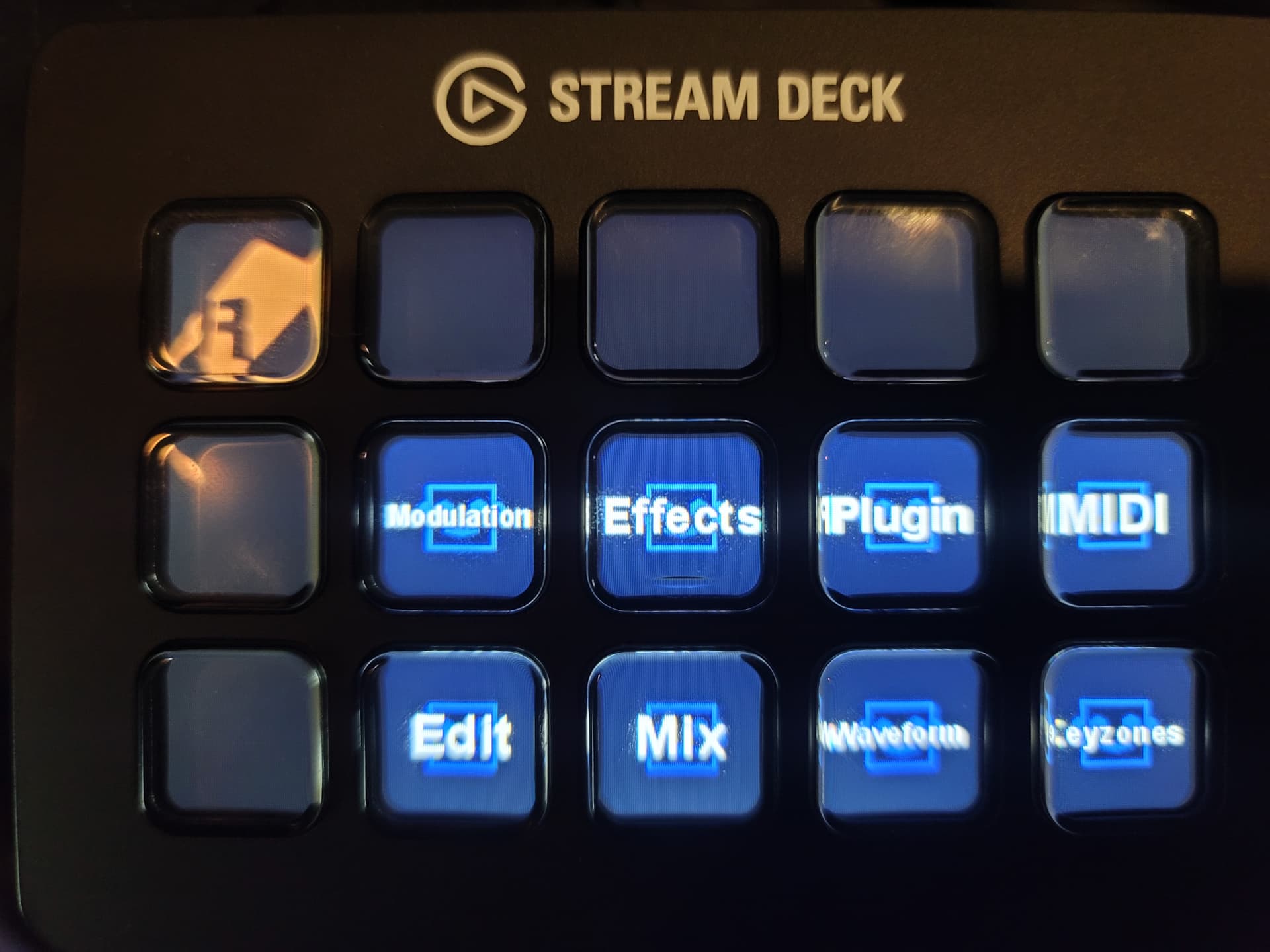
This is a project I’m working on. Stream Deck lets u send custom keyboard shortcuts or keystrokes from custom buttons. Makes it very powerful with Renoise.
Was looking for exactly this type of thing for my XL. Would you mind sharing your current work in progress (profile)?
niceee def going to not let the next one slip past my hands… been seeing them in .ztrash lately 
I will soon I keep forgetting
Hi FD - please could you upload/share your Elgato profile?
It would really help a n00b like me understand the functionality
Many thanks!
My steam deck and computer with the stream deck profile is in a pawn shop right now unfortunately
Just checking back in, in 2024. Hoping you were able to get back your PC?
Aw, damn it, I’m sorry I didn’t reply to you sooner. I lost most of my stuff in a natural disaster this year so I don’t have the computer or StreamDeck anymore unfortunately and will have to remake my profile. I will get a new one - an XL this time. Do you have a regular StreamDeck or an XL?
No worries mate. Sorry to hear the news - I hope you get back everything you had.
I have 2x XLs which are super-useful.
I mainly use Cubase so have not spent any time in Renoise this year, but I hope to get back on it.
Please keep us posted dude!
is there an interest in a Loupedeck version of this?
Do you have one working ? Is it well integrated ? I’m curious
i have a loupedeck live and a loupedeck CT. a few years ago i worked as a freelance consultant as a tester for them and reported multiple issues and proposed fixes and tweaks.
i can start cracking away at a loupedeck live preset, but what i want to know is, what should it do?
because configurability is always up to the user…
if you have pointers, please let me know @TUK
Finally I just got a StreamDeck and it works fine with renoise ! it’s perfect to navigate around my VST/VSTi/native effect and synths ! BUT, it’s really a long work to have all of them setup:
I have to save them one by one as a device chain, then I create in the S.D soft an “open file” button (with the screen pic of it).. Really long but when it’s done it’s amazing to add something on the fly, without the mouse.
I did it first with ableton, but in fact it’s easier with renoise 
ok, sounds like the XRNT shortcuts would be a good way to start with - i’ve written a method of storing a maximum of 10 XRNTs into 10 slots - and then having shortcuts that load that content - and you’d be then binding the streamdeck to those 10 shortcuts - in this way, the configuration would be “more within Renoise” rather than doing Open File - you would map 10 shortcuts into streamdeck, which i guess would have logic that Renoise would be as a front app and then the shortcut would be sent. this way you could have the same 10 shortcuts, and then configure which ones are used.
could be worth looking into, if dealing with a heavy XRNT / XRNI setup (i’ve got a modulation of the dialog that also loads a new track with a new instrument (XRNI) and track dsp chain (XRNT) and sets them up.
hmm. i’ll have a think about what else the loupedeck live could do, but it feels a bit like i’d need to converse with someone about their usecases to make more of these available in Paketti.
Yes I’ve tried an other way before with shortcuts, but I was afraid to not find enough shortcuts for my 2500 plugins lol… If you found an other solution with slots and it works that’s nice
I found my way (just need to desactivate the otion replace device chain track in the settings) after that and after days of setting everything up it’s done and it’s like machine user feeling to add VST or VSTi etc.. The nice thing is that I can recall also different combinations of plugins, same as a channel mixer recall..
I’ve been using a Stream Deck with Renoise too, and the easiest way I found was mapping everything through a small MIDI bridge app first. Once the Stream Deck sends MIDI (or even keyboard shortcuts), Renoise picks it up without any drama.
Not perfect, but it saves a ton of clicking. Might help someone trying to set their setup up the same way!