Help understanding preset libraries / usability suggestions for content management

I’ve been away from Renoise for a long time. I’m originally a 2.X user, but I’m trying to get back into making music using 3.X (and Redux via Cubase). I’d like some help understanding how presets work, as well as to discuss potential usability improvements.

In the Backstage, there are several XRNL files available (for example: com.renoise.elements.xrnl, com.renoise.djeroek.xrnl, com.renoise.psudaform.xrnl).

When I double-click these, Renoise unpacks them, and they are installed to: C:\Users\X\Documents\Renoise\Installed Libraries

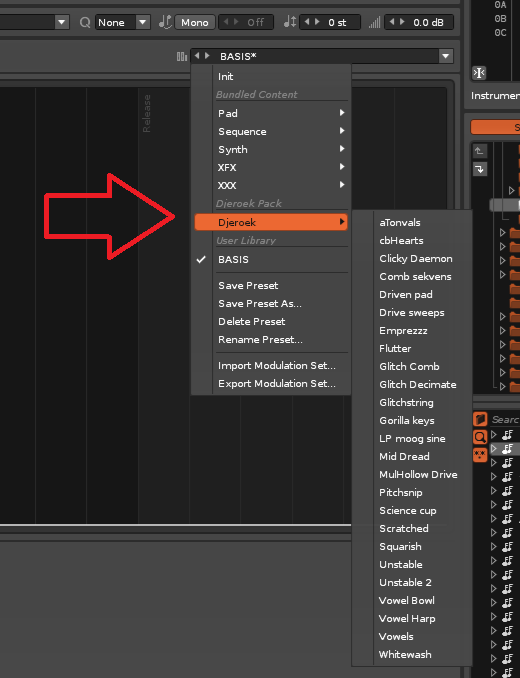
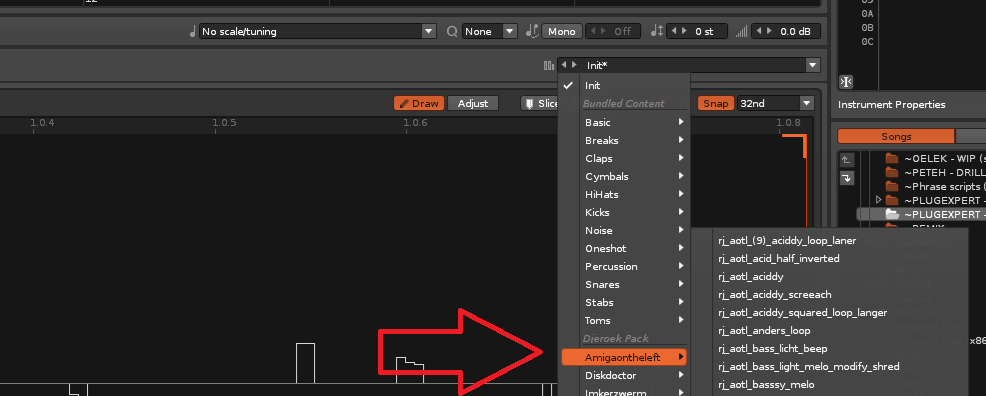
When I go to Sampler > Instrument Presets in Renoise, I can see some (though not all) of the included content. This part is great:
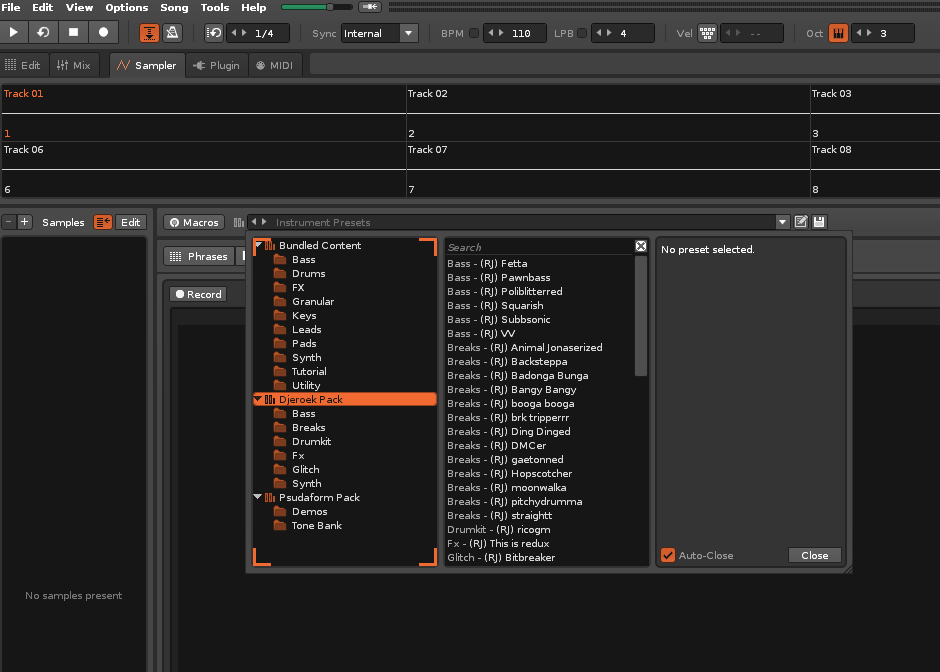
However, the rest of the content in these packs isn’t as straightforward to locate.

Problem 1: In the Disk Browser, neither the Home nor Library buttons lead to where this content actually gets installed.
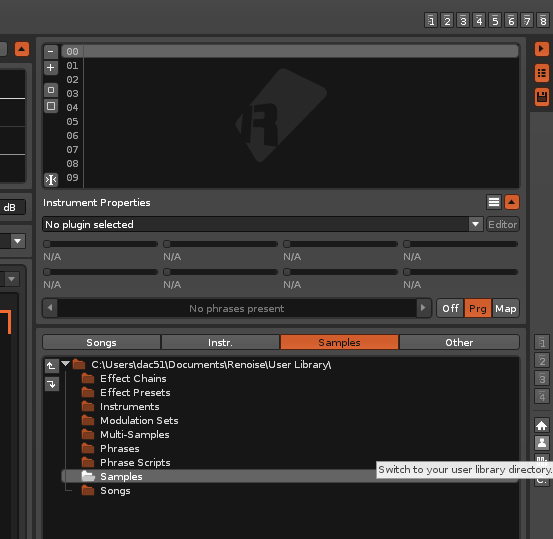
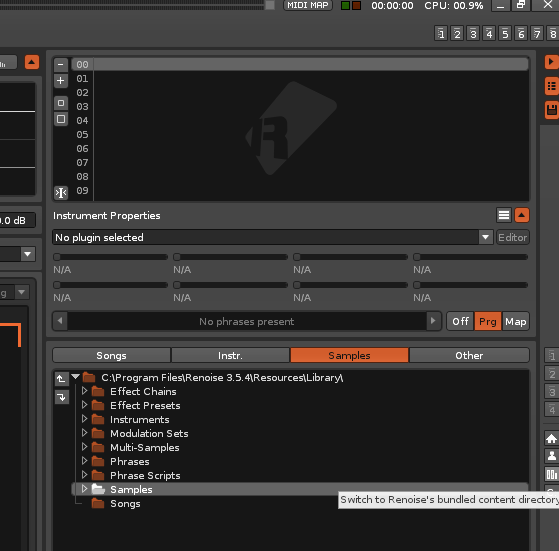
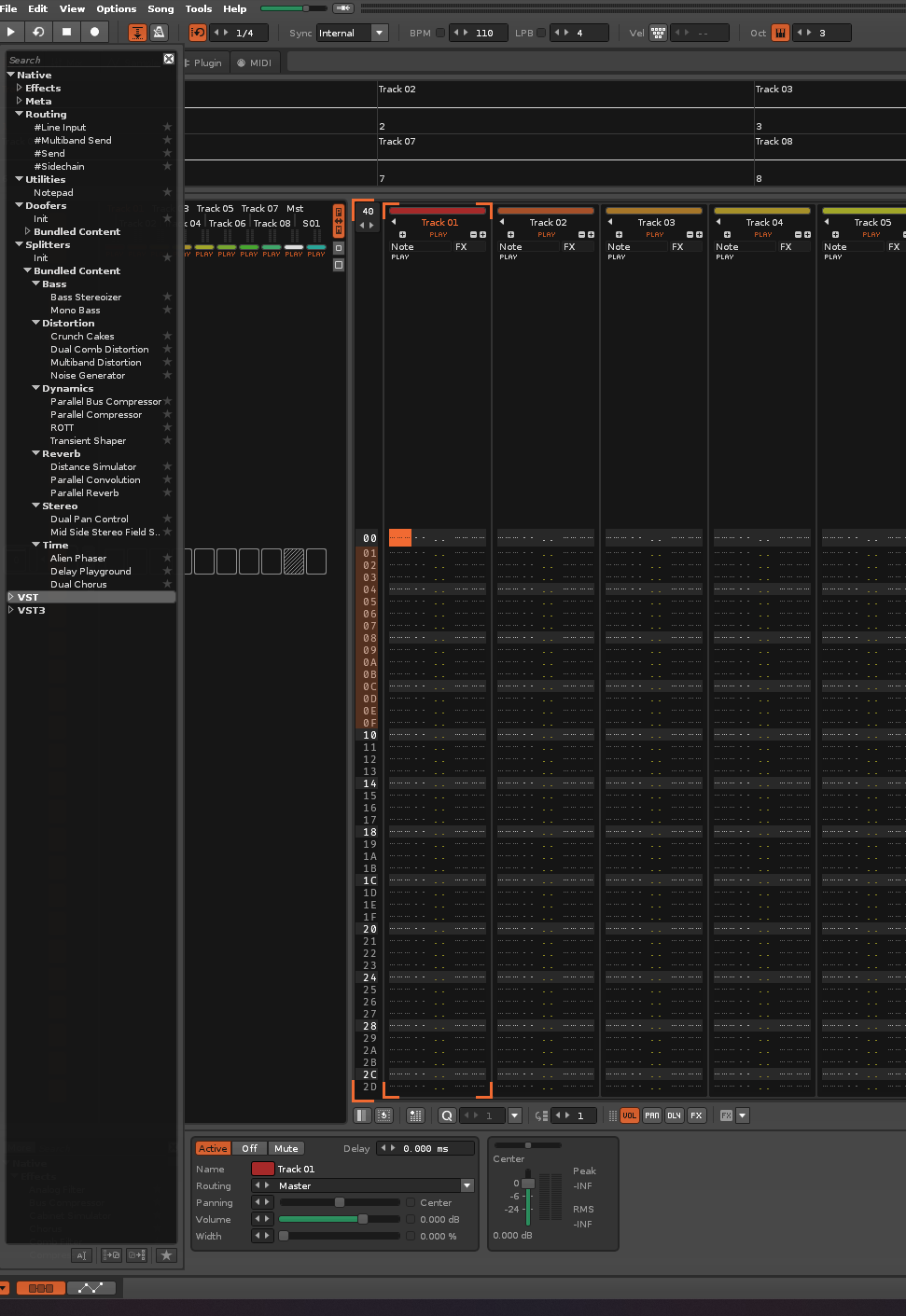
Problem 2: Some of these packs contain FX chains, but they aren’t visible unless I load them manually. To do that, I have to navigate deep into a folder path that lacks any quick shortcuts. Ditto for instruments and other assets.
Questions for the community:

Why is some content from a pack automatically exposed while other parts are not? How does Renoise decide what to display in the menu versus what it forces you to locate manually?

What are the exact differences and intended uses for these three directories?

C:\Users\X\Documents\Renoise\User Library
C:\Users\X\Documents\Renoise\Installed Libraries
C:\Program Files\Renoise 3.5.4\Resources\Library

Overarching Suggestion: An integrated preset browser. Renoise could scan designated folders, recognize native extensions (as well as SFZ, etc.), index usable files, and let users tag them with categories—making everything in our collection much easier to find.
A workable approach is to treat the three locations as different layers: keep the application’s bundled Resources library untouched, regard Installed Libraries as content delivered by packs, and use User Library for your own curated material. In the Disk Browser, I’d add or bookmark the Installed Libraries path once, then organize personal additions under a shallow taxonomy such as Instruments, FX Chains, Samples, and By Author. Consistent names like “synth_pad_dark_v2” make the current search tools much more useful. I also save a small test instrument or chain into User Library after installing a pack, so it is obvious which assets are native presets versus files that still need manual loading. A browser that indexes both native and compatible formats would be a great quality-of-life improvement.

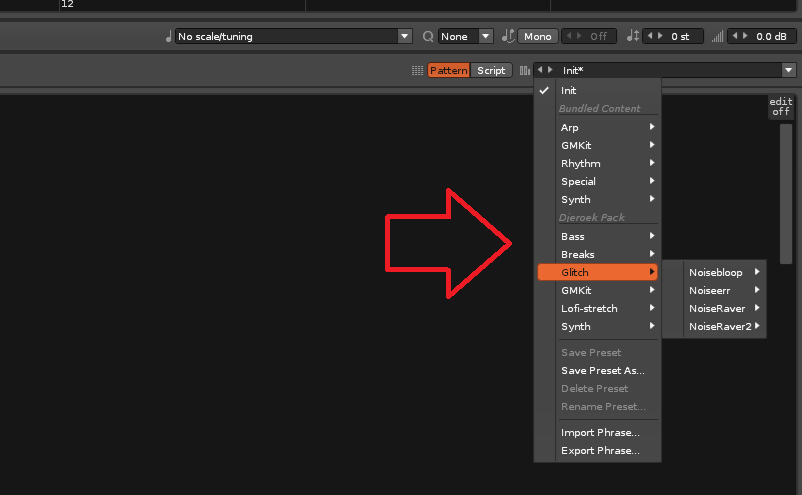
Regarding my pack, there are also samples to be found in the sample editors tab;

Phrase editor tab;

Modulation tab;

Midi, Effects tab, you get the drift. Basically every option in the instrument editor has a dedicated preset selector.

Thanks @Jonas, I totally missed those menus!

On the subject of a proper “preset browser,” I feel like it’s something that could be built in Lua using Claude or Codex, though I don’t have a clear idea yet of how it should look or function.

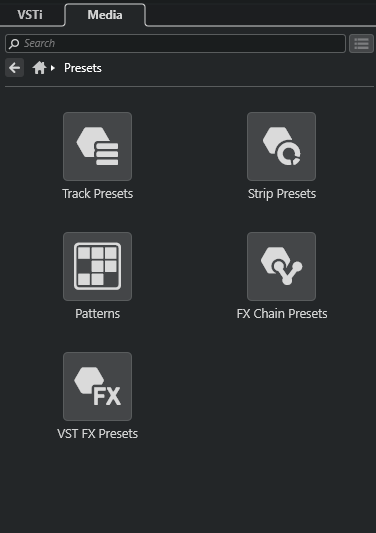
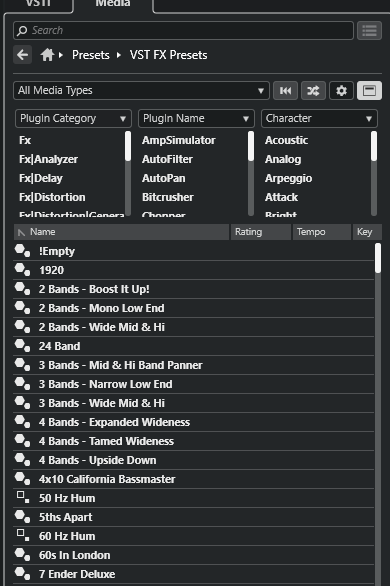
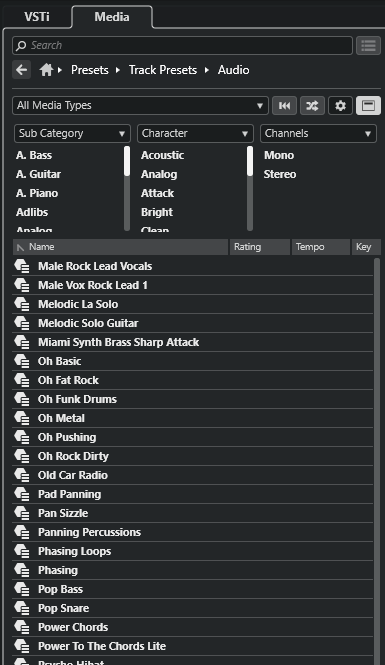
For reference, this is what the preset browser looks like in Cubase. You can invoke context-sensitive versions elsewhere (like right-clicking to load presets relevant to what you selected), but these screenshots show the generic “All Presets” view in the upper-right panel:

Same here for a long time! :slight_smile:

I agree the diskop, ways to load things in Renoise can use an overhaul, make it more modern. For me the effects selector in the TrackDsp panel & similarly effects selector in the Effects tab of the instrument editor feel outdated / could be made better (right now using ‘more’ to expand, but then this auto collapses when selecting something imo isn’t always useful ).

Not that you have to rip off every other daw, but most seem to reserve one side of the screen to all preset/file format/vst(i), sample loading stuff, if it works it works!

Seeing that Sononym has Renoise roots, I’m sure the devs know how to tackle this.