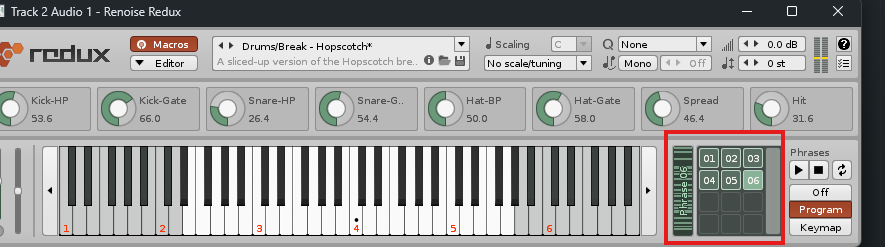
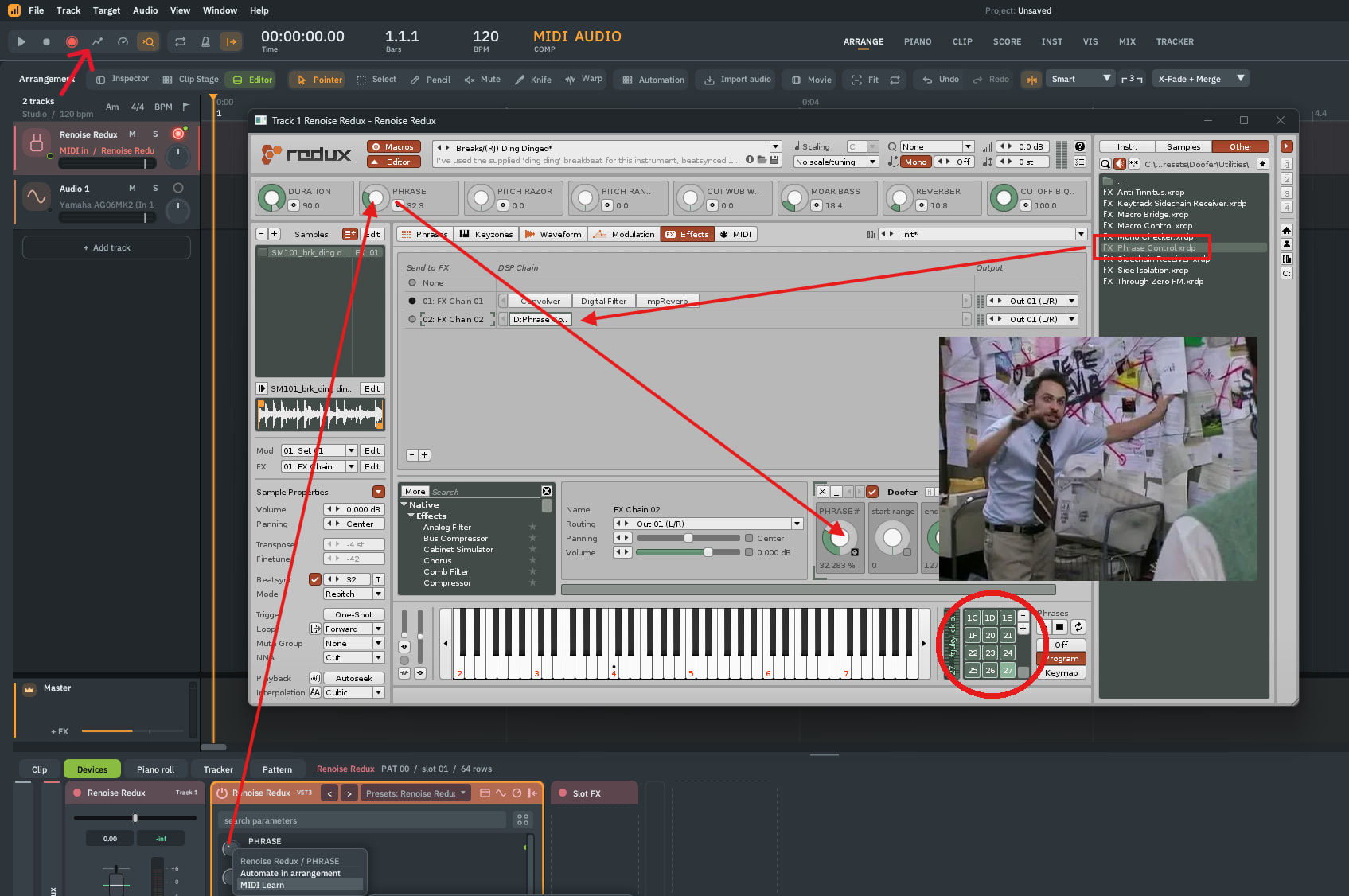
If you have the current version of redux or renoise you can use the “phrase control” doofer preset I created (under utility, I believe) to have macro control over program number.
Please note that a new note trigger event is required to hear live changes in phrase playback, however
Let me know if this does the trick or if you have any questions
On Windows, I found that preset under C:\Program Files\Common Files\VST3\Renoise Redux.vst3\Contents\Resources\Library\Effect Presets\Doofer\Utilities\Phrase Control.xrdp
In the Redux Effects tab, I created a new FX chain and dragged it there.
In the Macros, I named & assigned PHRASE to the first param in the Doofer.
In my DAW host, because it can see the Macro, I midi learned my knob there.
Nice. Glad it worked! You can set the range parameter macros on the phrase control doofer to restrict the select knob to just the phrases you have in memory, as well. Sometimes that makes a difference for ease of use