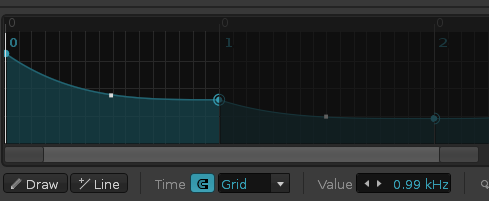
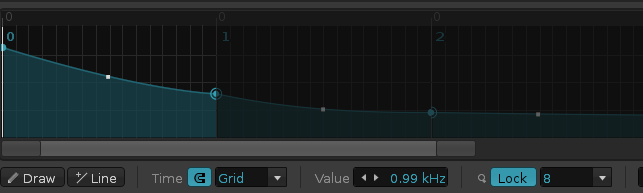
I managed to create a volume automation ramp that crosses several patterns using the Line tool. Now I’d like to make it a fade-out with a concave curve instead of a straight line.
How can I adjust the curvature of that line? Screenshot attached.
I don’t think it’s possible to edit multiple points or their curves’ tensions across multiple patterns at onece, so you have to do it manually, which results in something similar to this in the image, but this the closest you can get.