Renoise has a feature to record audio samples from VSTs.
I wouldn’t do this for soundfonts, because soundfonts are just instruments with audio samples to begin with.
There might be situtations where the complex instrument layering and fine tuning on the preset may make this unreasonable. However this shouldn’t stop you from looking.
And I hate dealing with perfect looping an audio sample which was done by someone else.
The tools
There’s multiple methods to this madness:
As previously mentioned, Renoise built in audio recording feature for VSTs. (Select and highlight the VST instrument, then CTRL+F it)
Using application such as SF2extract from libgig to extract all samples from
If some of the audio samples have nonsensical looping issues, you can use either the auto loop feature in the toolbox to auto detect possible looping points in the sample. Either Polyphone or Renoise’s cross-fade feature is there.
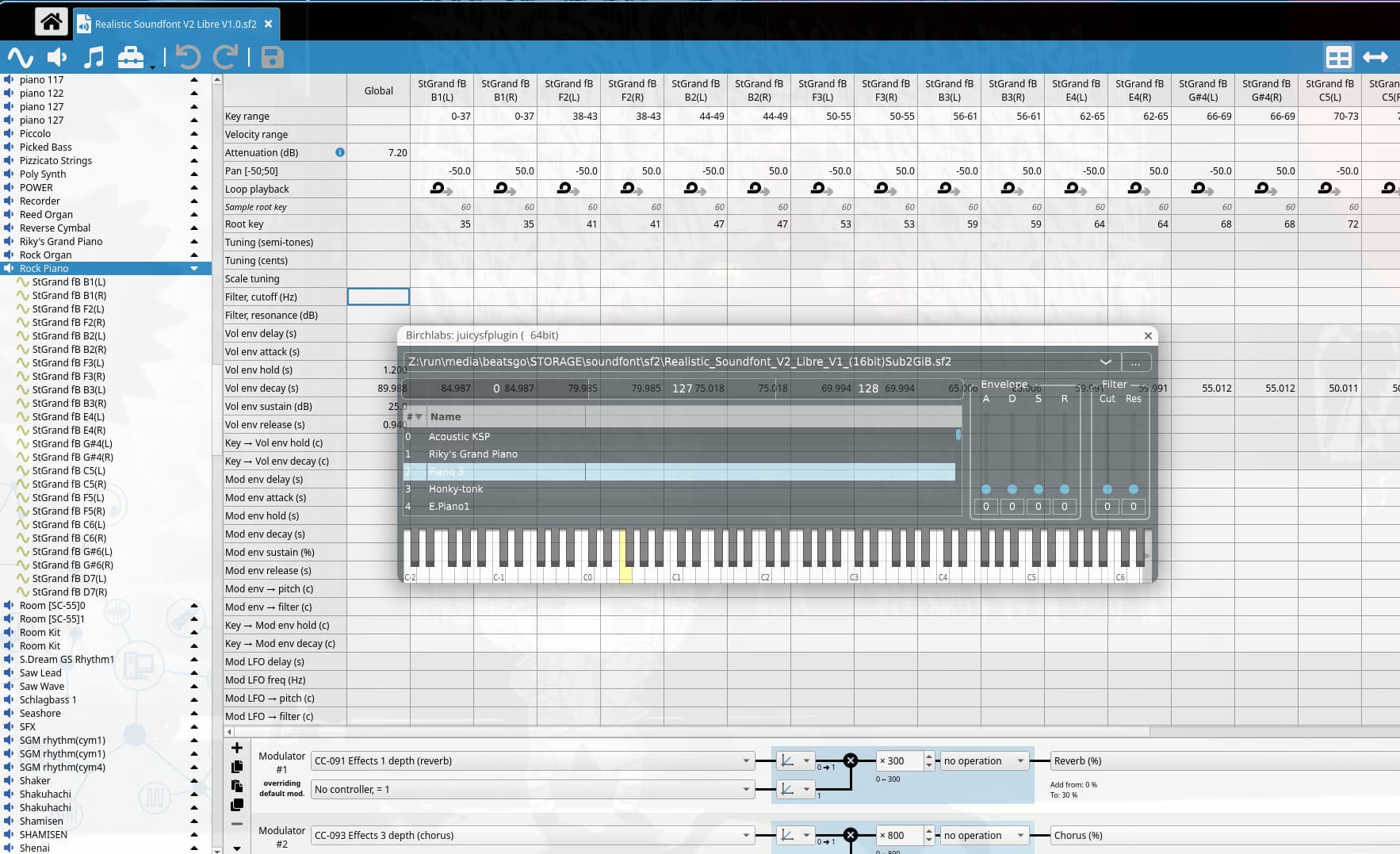
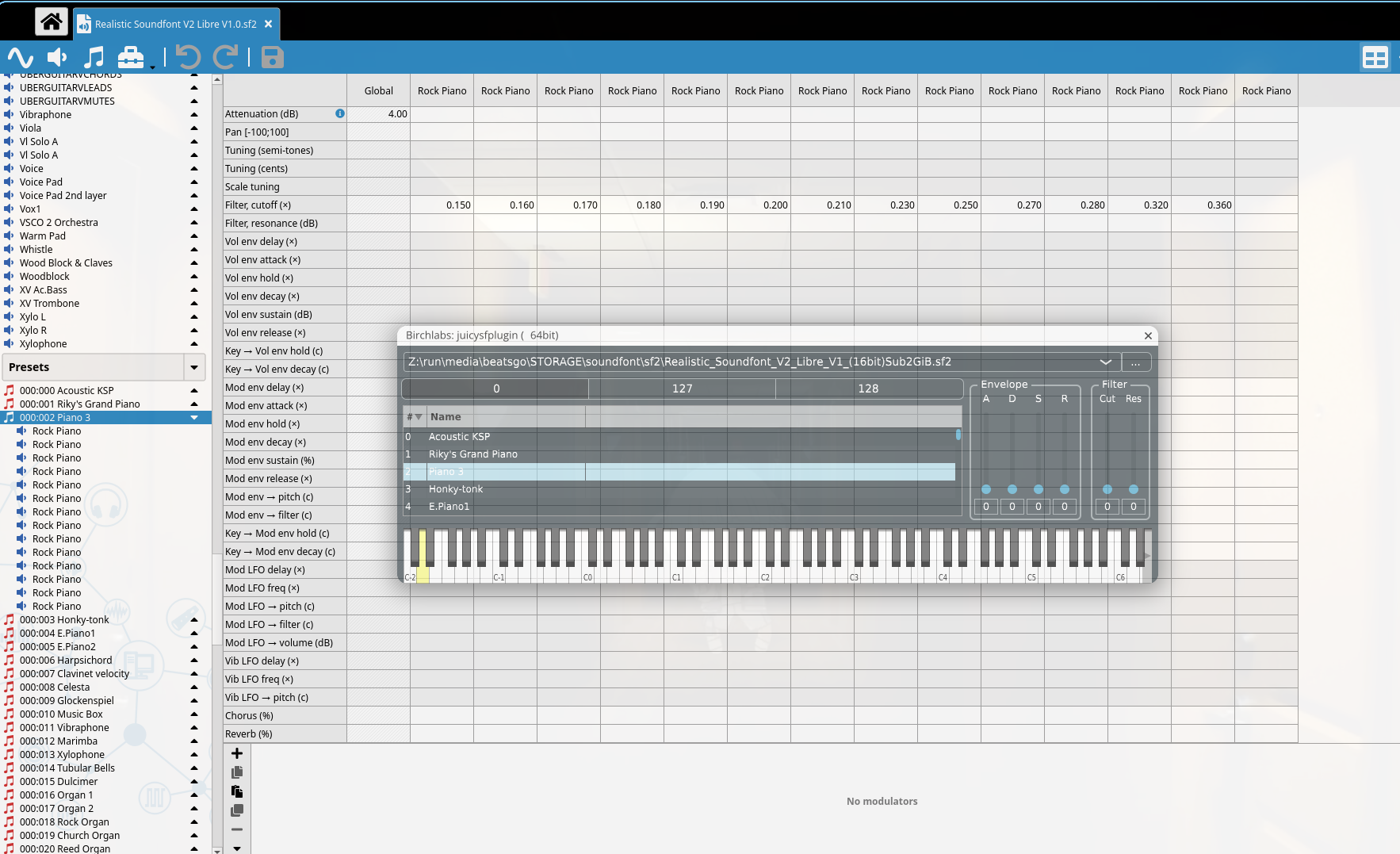
Not sure which files were used in the instrument? Matching the preset, then the instrument(s) from the SF2 player is pretty simple determining which audio samples were used.
I always used Extreme Sample Convertor for such buggery… Plus can save SF2 as XRNI if wanted or XRNI to SF2 but mostly for my ‘HighLife’ frozen instruments where I sample every semitone… yes, makes for large SF2s but quality is high & we all have larger HDDs SSDs these days… Also use for making SF2 into AKAI for SkaleTracker…
But loaded a SF2 in SVArTracker’s Anti-Wave sampler one can export any WAV… MaCaW is probably the swiss army knife for SF2’s as the DAW is basically built around them with many panels/pages of editing for each & every sample as well as modulations, very mind-boggling the feature set… MaCaW is the newest version of Oscillastation which used to be DeltaSP…
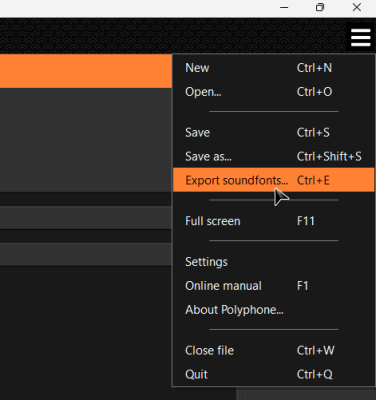
I recall looking into that method to some extent a long time ago. At the time, I believe using Polyphone via the command line was the simplest approach.
EDIT: No, I misunderstood. What I was doing seems to have been a method for converting one specific soundfont into another soundfont.
Why you want export? Give “Shortcircuit XT” a try. Its a 64 Bit Sampler/Soundfont player supporting SFZ and SF2. You can files simply import per Drag&Drop, Supports SF FX and its has own additional FX Chains. And its very simple to use. Its still a beta, but i have no problems with it.
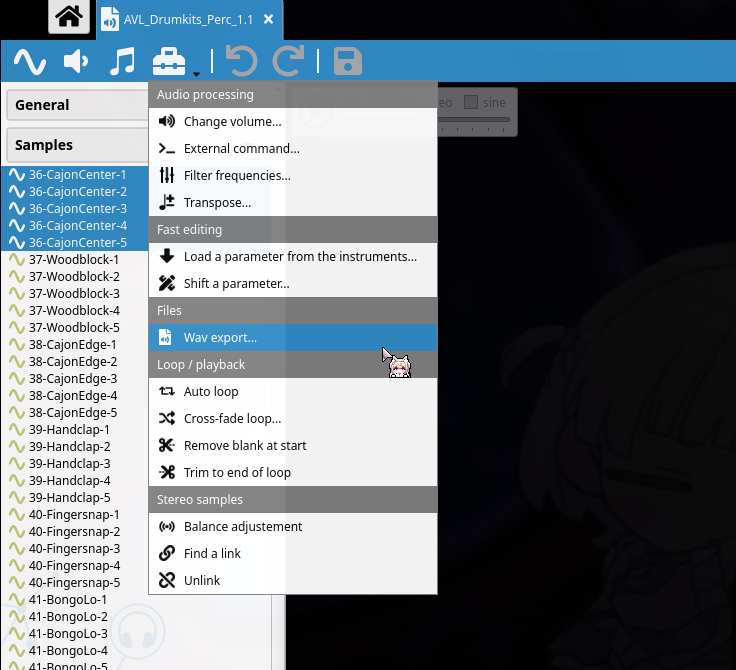
Polyphone is the tool I reach for with sf2 files. It is free and cross platform, it opens the soundfont and shows every sample in it, and you can select the samples and export them as wav straight to a folder, which is then just a drag into Renoise. It also lets you save the whole bank out as sfz if you would rather keep the key ranges and loop points instead of starting from bare samples.
Because I prefer using multi-sample instruments with Renoise’s excellent sampler and I use Redux with Reaper. Why use another sampler when you got these?
Mate i can only suggest you to try it out! I found it much easier then Renoise Sampler. YOu have Multisample Instrument support and you can even do mix of different SF2 simple by drag and drop.with all looppoints, velocity, Midi FX, Playranges. Sample-splits and so on. Ok maybe its usefull for Redux and your Reaper DAW. Maybe there are personal preferences too in working with your DAW. Its an Individual decission. If Renoise had pure native SF2 Support integrated, i would prefer use it too over external samplers. But it not has this feature.
Polyphone is the right tool. The thing worth knowing is what survives the export.
SF2 keeps loop points as sample-frame offsets in the sample header, not in the audio. Export bare WAVs and whether the loops come with them depends on whether the writer emits a smpl chunk. Some do, some don’t, and nothing warns you either way.
Export the bank to SFZ instead and the loop points come out as text next to the key and velocity ranges. The WAVs land alongside it. You can open the SFZ in any editor and read exactly what it thinks the mapping is.
Want the audio, take the WAVs. Want the mapping, take the SFZ.
hmm. well. converting the Paketti SF2 Loader to Batch SF2 → WAV Export (with wav cue headers being used for slices and loop start+end points set). it’ll be called SF2name-SF2Number-Samplename.wav. enjoy.