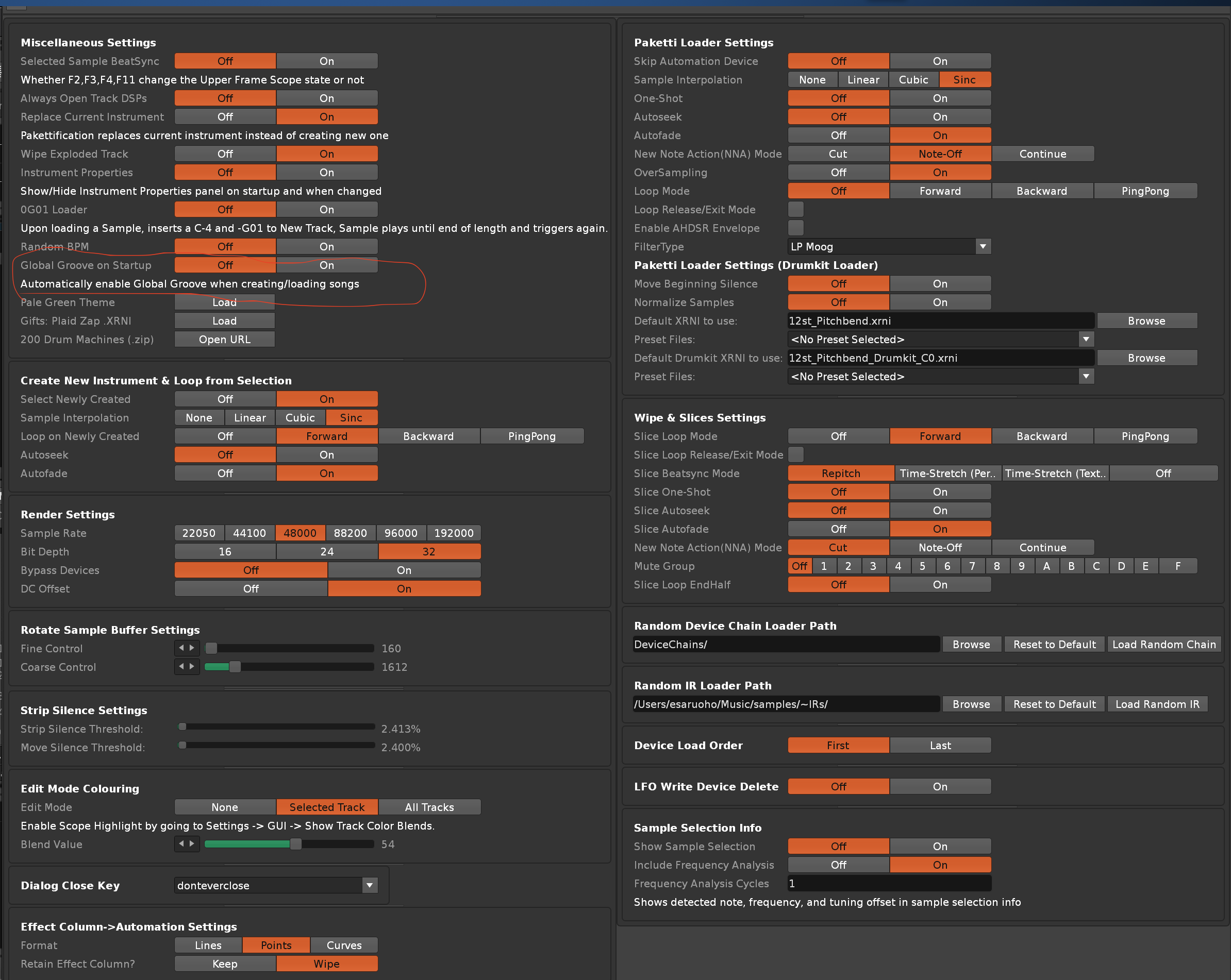
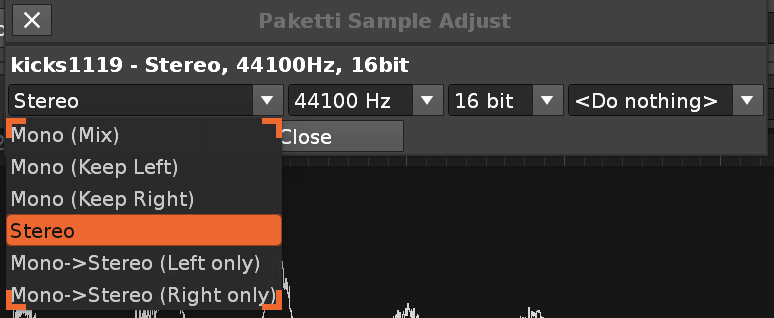
I was talking about the “Isolate Slices” feature you mentioned. It’s all good, this is the settings menu I was looking for. Thanks! (I suppose I’ll have to check to manual to see what I’m missing out on )
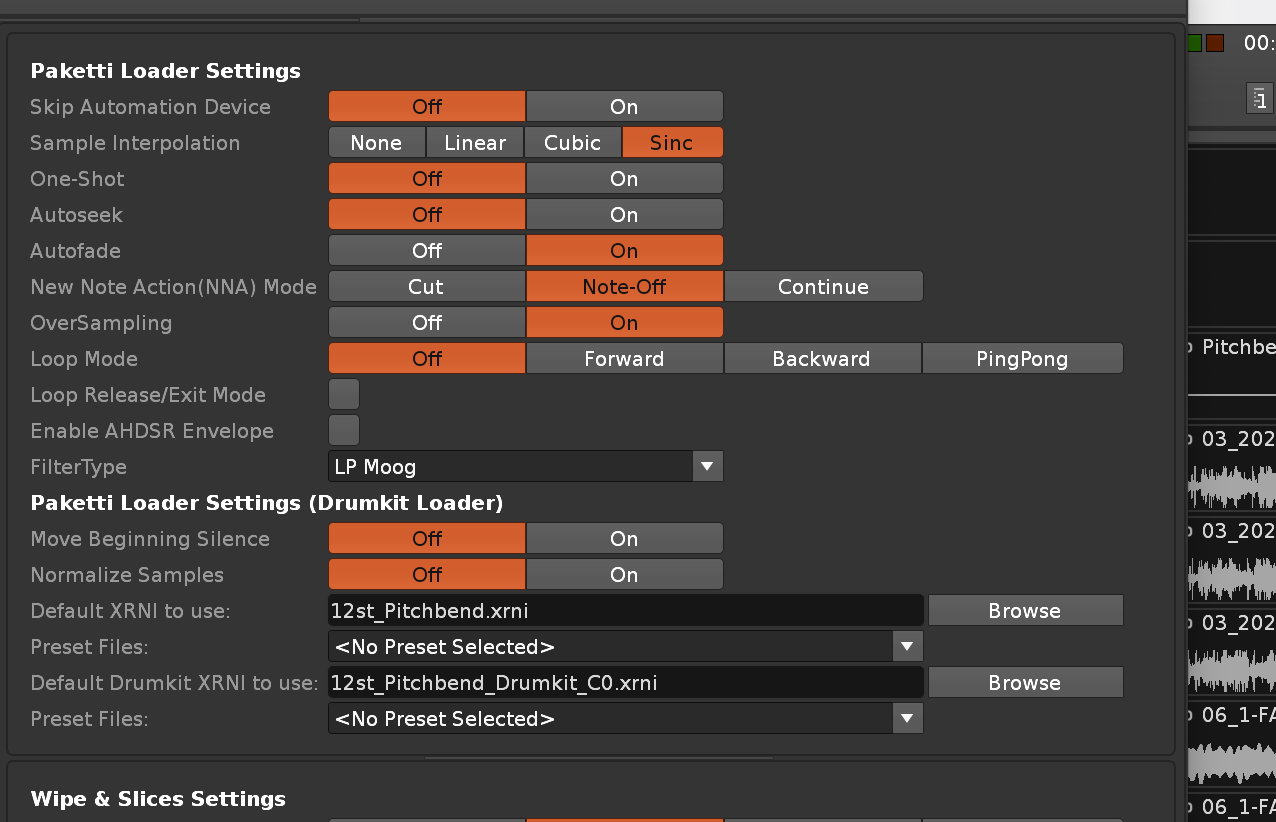
Isolate slices is also designed to use the default XRNI in paketti preferences. You can swap the xrni with your own choice of xrni even an empty one. But then the 8 macros wont work nor the steppers
Unfortunately the manual contains maybe 2% of the features detailed so please ask if you come across something interesting but arent sure what it is
I have a couple more random issue reports for Paketti (not sure if you prefer them here, on GitHub, etc.)
Firstly, pressing Esc to close menus is broken:
main.lua:191: unknown property or function 'cleanup_observers' for an object of type 'Dialog'
stack traceback:
  [C]: in function '_error'
  [string "do..."]:48: in function <[string "do..."]:35>
  main.lua:191: in function <main.lua:187>
Secondly, maybe I’ve just missed it but I can’t find any way to stop Paketti from enabling Global Groove when creating/loading a song. This is a problem because it adds an undo point, meaning that every song is treated as modified by default. IMO this is a frustrating behavior that shouldn’t be the default.
thanks! i’ve found where it’s set automatically, and set it to be disabled by default, and added a preference in paketti preferences.
also, the 4 midi mappings that let you change the global groove 1, 2, 3, 4 - enable global groove if you tweak the knobs, so having it as Off is pretty good.
and many thanks for catching the “modified by default” - it was mentioned to me a few times but i would’ve never gotten around to catching it/fixing it without your report.
now, i’m gonna look at your other report about cleanup_observers
ok, i’ve fixed it.
so anyway, Paketti offers a way to define (out of a small selection) your own key for closing any Paketti dialog - it is “esc” by default but i’ve set it, for myself, as “donteverclose” so it just won’t close. but this thing you reported was unrelated to that, it was related to another dialog.
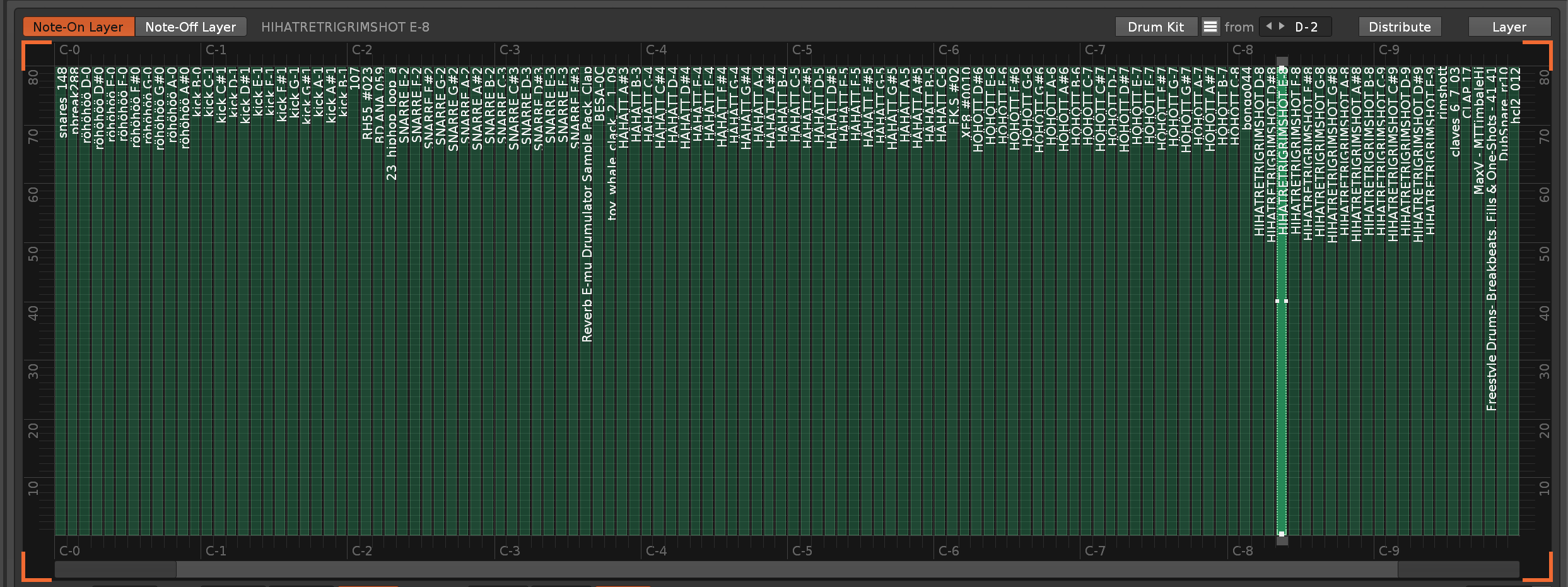
yep, i think the first thing you mentioned (the order) can be fixed with Sort Notes Ascending or Sort Notes Descending. now, @cosmic.ollie - the method of reductive editing is something i’m not sure i know how to solve so that it’d be a useful solution that helps people
turns out that yes, every single note column can have it’s own arpeggio.
so i’m wondering, how would you prefer for this to be solved? i could make a “if more than 3 notes, or, the notes are outside of 0-F limits, then…” . but before i go and do this, can ya help me with how you’d prefer this to work?
Hi,
I tried “normalize_all_samples_in_instrument” from Sample List and few others - bug list in .txt file. Release 2025-06-11_05-54-00. paketti_bugs.txt (1.8 KB)
EDIT: also fixed Convert All Samples to 8/16/24bit so that it no longer stops the conversion if coming across a sample that’s already at the bitdepth the others are being set to
and added 32bit conversion too
Thanks @esaruoho, that was quick. It works very well.
Just now I finished playing with the conversion to 8bit. I’m getting to know the options available, how to change the SCW to fit better to make wavetables, as the export tool is already there.
I am just learning to script and write tools . Bug report straight out of the terminal, the best option.
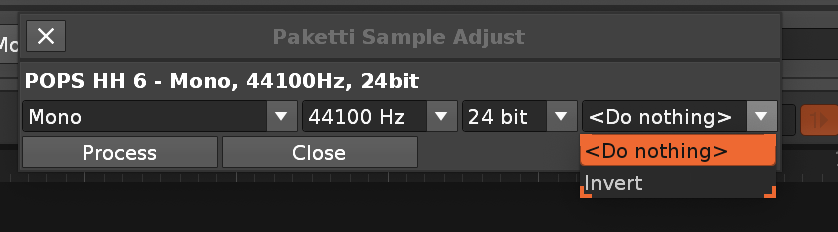
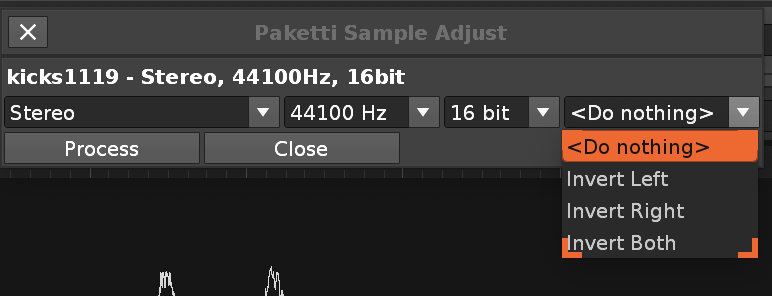
this tries to supercharge the current Adjust (which you have to click on the left mouse button on a button to access) - and makes it shortcuttable.
i could modify it to include more stuff, if so desired.
it just occurred to me that Renoise vanilla Adjust just adjusts the sample editor selected sample, and ignores the “Sample Navigator selected samples” - so if you were to want to select say 9 samples from Sample Navigator and run Adjust on them, the Adjust button isn’t the way to go.
Text report is a habit from previous work, painless for all. Reading screenshots is cool, but how to copy it?
For Paketti you deserve some kind of award, a medal. So many years to keep it alive, constantly adding new features. Respect.
The problem lies in the SCWs themselves, or rather their length, which corresponds to the pitch they have. Digitakt expects samples tuned in C2 or C3.
It seems to me that your tool Paketti Simple Sample Tuning Calculator, may be the answer to my needs with SCW files, but…
*** no static ‘MIDDLE_FRAME_SAMPLE_EDITOR’ in class ‘ApplicationWindow’
*** stack traceback:
*** [C]: ?
*** .\PakettiRePitch.lua:108: in function <.\PakettiRePitch.lua:98>
 (maybe a screenshot)?