New Tool (3.1-3.5): Paketti - new features for Automation,SampleEditor,MIDI,PatternEditor,PhraseEditor,Mixer,KeyBinds,MenuEntries

The ChordsPlus thingy is nice. The functionality to create a chord progression in a scratchbox like in Scaler 3 seems to be almost there.

I could imagine a combination of ChordsPlus, ChordGun/ChordLord and Groovebox 8120 to cycle through chords and/or phrases to audit the progression in realtime and then copy it to pattern. Just an idea.

1 Like

hi @FZ99 - did you check the “Capture Last Take” feature i’ve recently added? here’s an instagram video about it

https://www.instagram.com/p/DNbOH3IuKDF/

i haven’t yet figured out an interface for combining ChordsPlus with Capture Last Take - but if there’s something specific going on that you have a simple idea for an interface for, let me know.

The Scratchpad type idea is kinda in Capture Last Take - you can hit chords and then store them in slots, then print them quickly onto the pattern, evenly spaced.

2 Likes

after making that video, i’ve added Audition mode so can press space on a slot and those chords will play. and pick up notes from pattern, too.

2 Likes

Yup, I saw the “Capture Last Take” function and it’s very useful. Ableton has that in the main toolbar, but some DAWs don’t have that at all so that’s a +1 for renoise.

I had the idea about a “Chord Cycler” while watching your Groovebox 8120 video in which a bunch of drums samples from the Finder are swapped with a MIDI controller. I thought “Great idea, drum replacement couldn’t be faster. Maybe this could cycle through chords?”

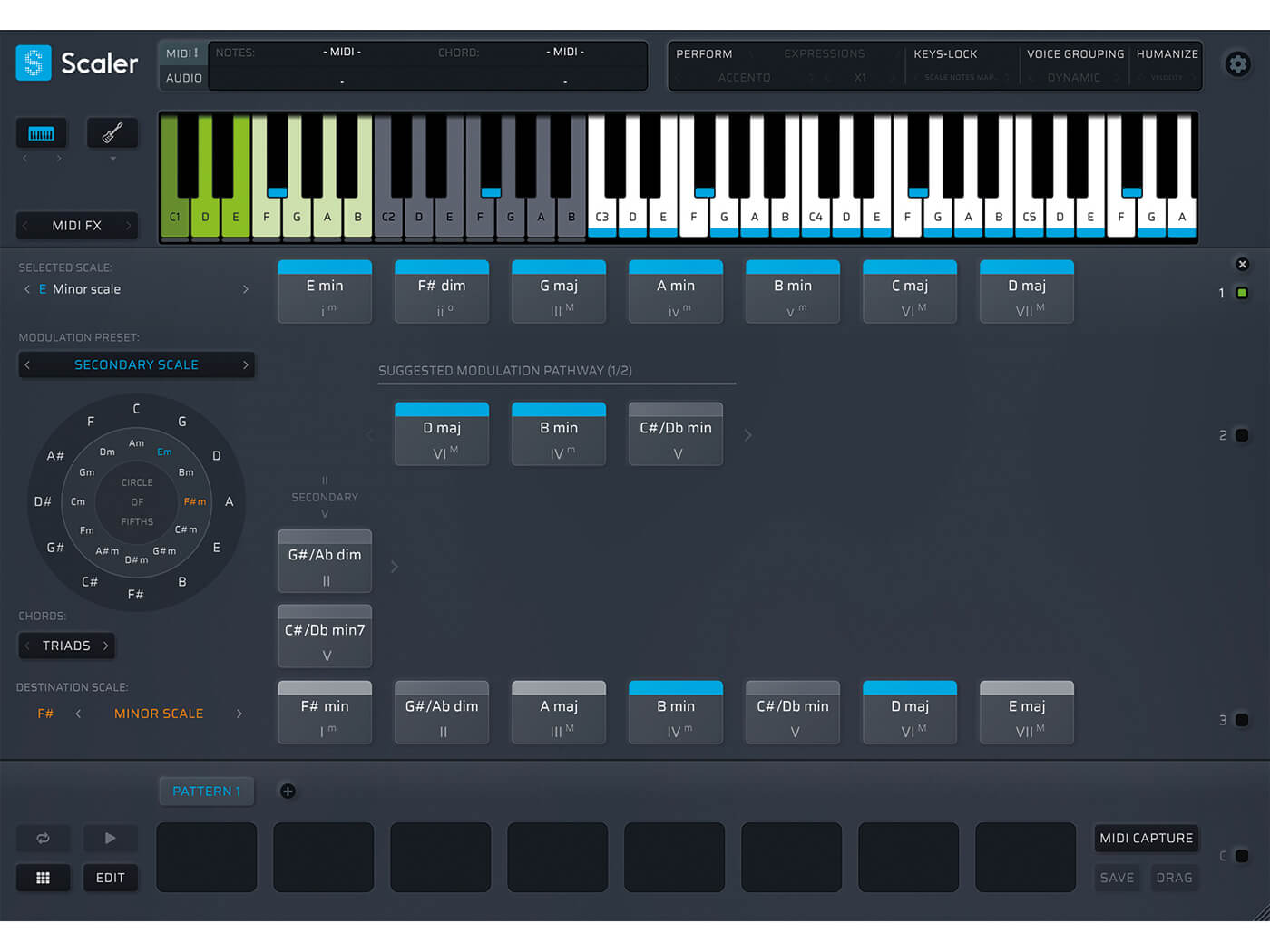
In example, If someone wants to replace the second chord, they would just tweak the mapped knob and it goes through a list. I haven’t fleshed out this idea. Maybe I need to overthink and do some kind of mockup image. Below is a pic of the Scaler 2 UI from which some things could be borrowed. I think there is potential as a composition tool , but it might be a tall order to make it happen. It would also save 99$ for the bloated Scaler 3 :wink:

thanks for breaking it down to groovebox8120 territory – so “sample switcher” → “chord switcher”. i get it! i just need to figure out what the chord should be, i.e. how should the list be populated, and how :slight_smile:

It’s actually kinda tricky the more I think about it. In Groovebox are 8 lanes which could represent 8 chords. (i, ii, iii, iv etc.) The instrument slot below each lane could be the chord selector. The chords could be read from a MIDI file (bloat alert) or maybe better, use the data from ChordsPlus. However, I am not sure anymore how good that idea really is or if that is even doable, because it might mess with existing Scala tunings or Oddsound MTS-ESP.

I was just thinking, that a lite version of Scaler could be implemented somehow. I also have to say, that I am definetly not an expert in renoise, so maybe there is an entirely different way. The core idea is to build a progression without actually playing it realtime. Food for thought. I sleep over it :slight_smile:

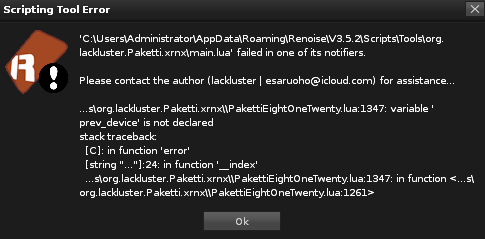
Anyway, thanks for considering this. Oh and I got this one sometimes in Groovebox after clicking on something (instruments are present), but it keeps running:

thanks for the error! i’ve fixed it - it’s on Releases · esaruoho/paketti · GitHub

now i’ll read the rest of the message :slight_smile:

ok, so, i think some sort of, unrelated to groovebox, tool called Switcharoo would be good.

so it’d read what’s on the selected track, say, go “oh this bunch of notes here, with these intervals”, and then it’d do “???” - and offer a knob or a slider that lets you replace a specific chord with something-else, but of course the question is, how the logic would go. one simplistic thing that already exists in chordsplus, is doing a kind of re-voicing of it so c-4 e-4 g-4 would turn into c-4 e-2 g-5 for instance. but that’s not exactly doing much, but it’d be a start, then the actual plumbing of somehow deciding what the content is turned into, and with what rules, would need to be implemented. instead of .mid, it’d be a bunch of numbers.

i could try and experiment with this switcharoo idea, it sounds interesting. let’s say we’d have 8 chords on the selected track, it’d read them as 8 chunks, and you could use one knob to re-voice it, another knob to switch the chords somehow, but the idea would be nice to develop further. i worry about trying to recreate some sort of circle of fifths thing tho, as it sounds like a thing where i’d be developing it for multiple months non-stop. and it wouldn’t be quite as good as scaler :slight_smile:

but if there’s some easy-win type thing that can be done, sure, i can throw the idea around, you can always like dm me or wotevs.

and the solution to scalat unings or oddsound mts-esp is to go “oh well you have scala tunings, so, let’s not do anything” - so keep it simple. i hope.

@PaDumTek no worries. yeah, there’s a learning curve here, and it does introduce 7000+ shortcuts, 110+ dialogs, close to a thousand new midi mappings, and 1000+ menu entries.

which is why i do 1on1 calls with people about certain features and try to figure out their usecases and what else i can introduce.

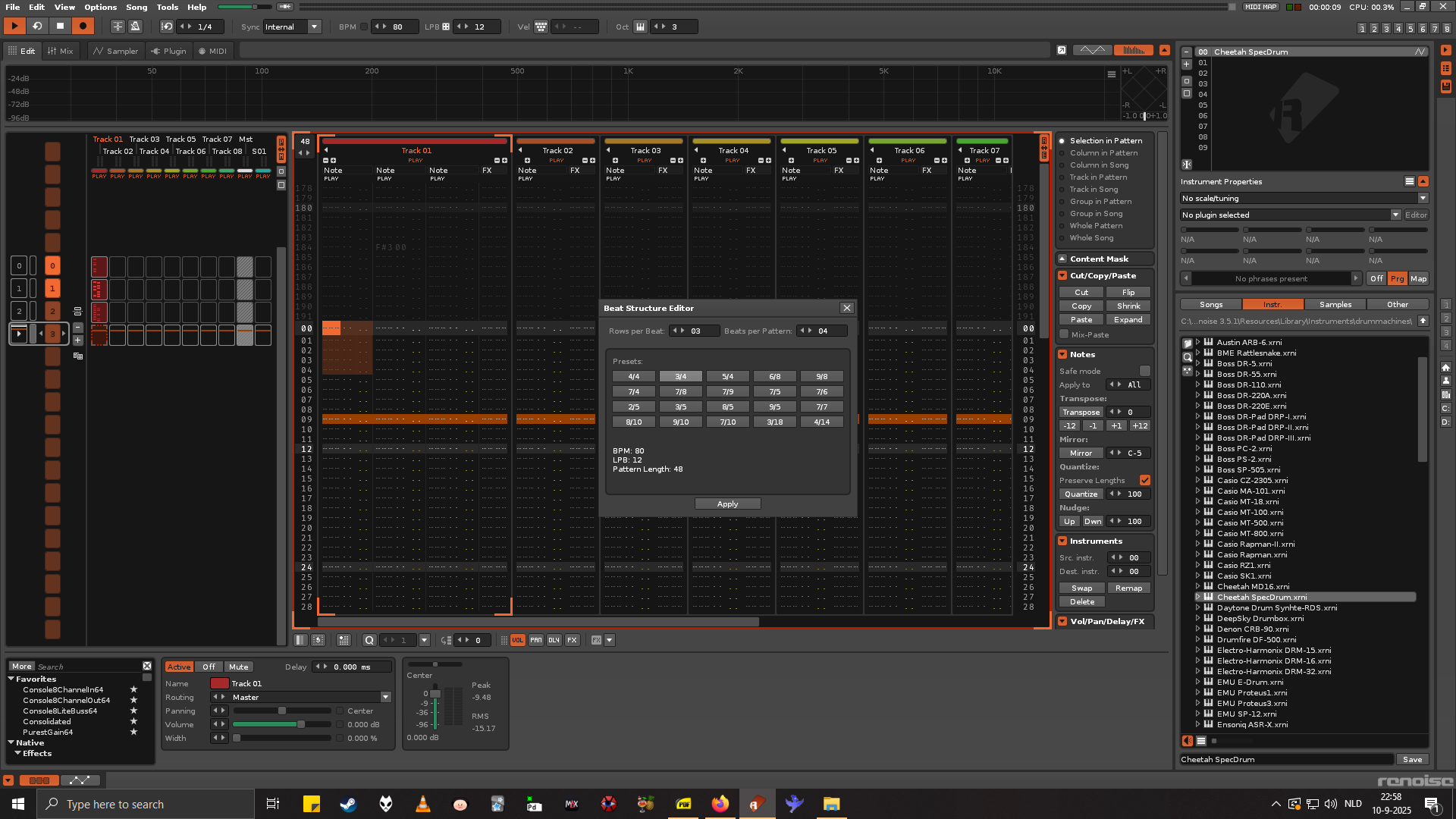
Hey I was looking into this beat structure paketti gadget and i wondered if you could clear some things up. Why when i select 3/4 does it switch to 12 lpb ? Maybe more broadly speak how are these lpbs related to certain time signatures ? And shouldnt 3/4 at 12 lpbs have a pattern length of 36 instead of 48? such that you have 3 beats of 12.

And im also confused about those rows and beats per pattern options what do they do exactly ?

hi, so, the detail is that it’s not “3/4”. it’s 3 rows per beat and 4 beats per pattern. at lpb12 it results in 48 rows on the pattern. there needed to be some way of communicating what it is, and admittedly, it’s very confusing. that’s why it’s called a beat structure editor, not a time signature editor, to kinda steer the person away from “3/4 is waltz”type things

hi esa, hope you’re doing well. I found something I think very interesting. https://youtu.be/Qv5nqDHFN1E?feature=shared. this sorts notes (regular time / compound time) This sorts notes according to their importance or indispensability. I copied the source code from the yt video into Thonny, with all expansions and libs. but it gave me an error :slight_smile: maybe the listing is not completely shown. my question is: would this make sense to implement into paketti ? program notes - define the last / better: the next 1st beat and then it calculates all velocity notes stacked in the logic shown in the video. so the notes can be removed manually in following repetitions

hi @cosmic.ollie - could we continue this over dm maybe and if you could explaiin how it looks and functions, that’d help quite a bit – it might, sure, make sense, just need more details, in tracker-speak :slight_smile:

here’s pick&move row - so one shortcut that picks+clears the row, then you move it to a specific place with the same shortcut.

pickmove

Hi esa,

The thing about dispensability was perhaps a little too hasty—I like the idea of having a kind of mathematical “rulebook” that allows you to add and remove musical notes. I’ll think about it for a while longer. it’s not thought out. I compare it to pixel art, where artists use dithering patterns as a transition from one color range to the next. It’s the same with music: I play a melody or chords on the keyboard, and these would then be sorted using this method to slowly fade sections in or out by removing or adding notes. As I said, this isn’t very well thought out atm. Let me think about it some more, please.

But I have a question at this point, if you have time.

In Renoise, I mapped the paketti shortcut

<<selected Phrase LPB (Powers of 2)>>

to a MIDI knob. works perfect.

Is it now possible to record exactly these LPB midi value changes into the automation editor pane ?

Atm I use a workaround with resampling with rolling sampler. Please let me know if you have An idea for a workaround.

Thank you very much,

Ollie

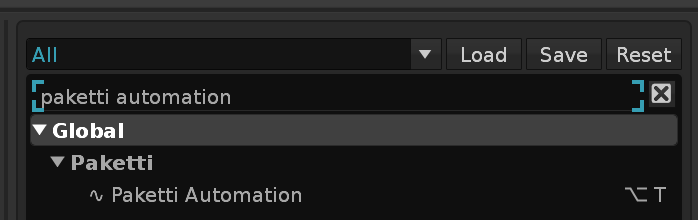
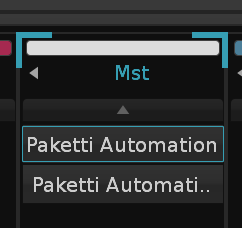
@cosmic.ollie hi, these kinds of Phrase LPB value changes cannot be automated without there being a hack for it - I’ve got something like that in the “Paketti Automation” doofer - which can be accessed like this:

it creates two Paketti Automation Doofers to the Master track, and they must be activated everytime they deactivate - it’s a hacky method. here’s the content of the Doofers:

these offer the possibility of automating global groove, BPM (with limits), EditStep, Keyboard Octave, LPB (with limits), and EditMode, Sample Recorder, Pattern Length, selected Instrument Pitch, selected sample LoopEnd, and selected Phrase LPB.

but warning: these will not work while you diskwrite - so it’s not a proper hack. You’ll need to be using something like Rolling Sampler or your soundcard loopback, to be able to record them.

If you have additional ideas of what else I could add to this, do let me know :slight_smile:

it’d be neat if scripts could be running while “Native Renoise Rendering” is happening, but.. maybe later.

Ah, okay, I understand. And thanks for the tip about the doofer—I can work with that and Rollingsampler. Now I’m slowly beginning to understand the little missing elements that people talk about in the forum, but which you need in the API to be able to implement the last few things. That and gamepad support :slight_smile:

Thank you.

1 Like

As a side note, I think you could resample everything inside and outside of renoise to a new instrument slot on Windows ASIO if your Interface has a loopback option. But it only works with a pattern or MIDI input, not the keyboard. Mouse drawing the waveform can also be recorded that way.

@cosmic.ollie do you wanna say more about the gamepad support, please?

can a gamepad just send keyboard shortcuts?

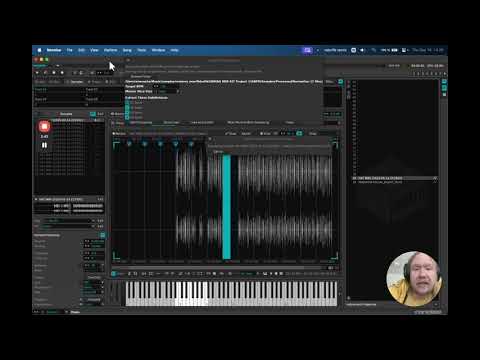
ok here’s a video finally introducing the StemSlicer idea.

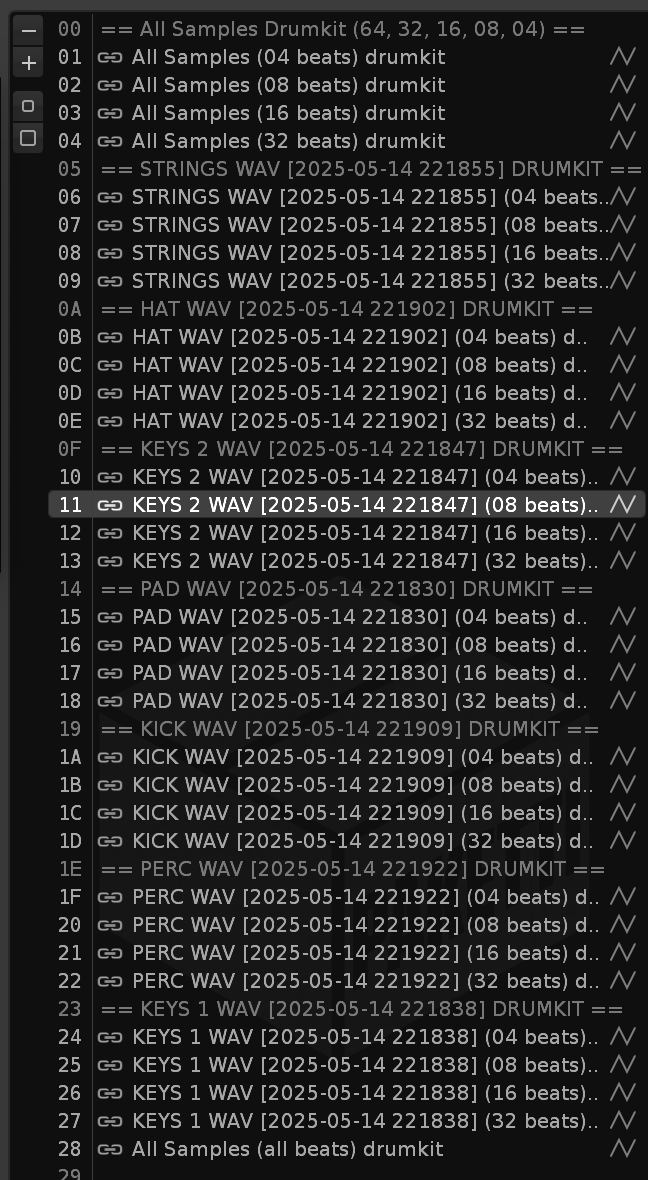
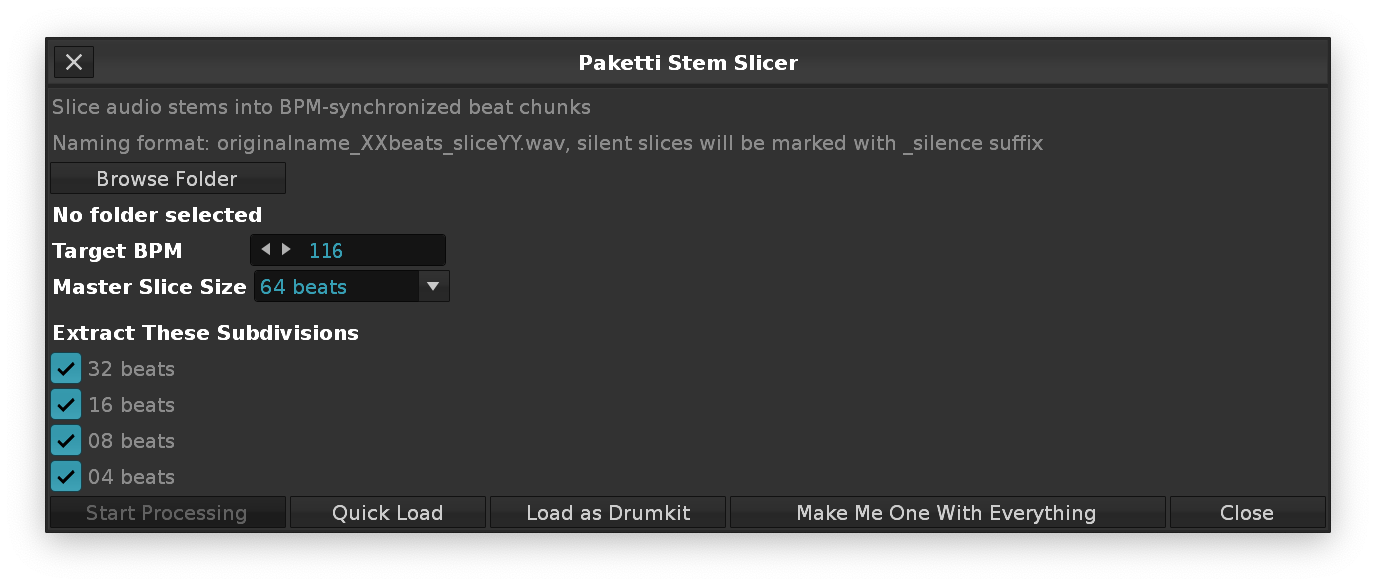
“I was asked to do a remix for Ndorfik - was sent an Ableton Live project + bounced stems, and thought, geez, i’ve been doing remixes for 28 years, extracting little loops out of long wavefiles manually, why not just script my way through it. So StemSlicer was born. This will take a BPM, and then slice up all the stems in a folder to 64, 32, 16, 8, 4 beats, to a separate folder, name the files accordingly, name the silences accordingly, and after that “Load as Drumkit” will just pre-populate the Renoise song with the files. Just press a button, set the BPM, select the beats, press Start Process, go have lunch or drink some tea, read a book, watch an episode of your favorite TV series - and come back, press Load as Drumkit and start looking for happy accidents.”

2 Likes

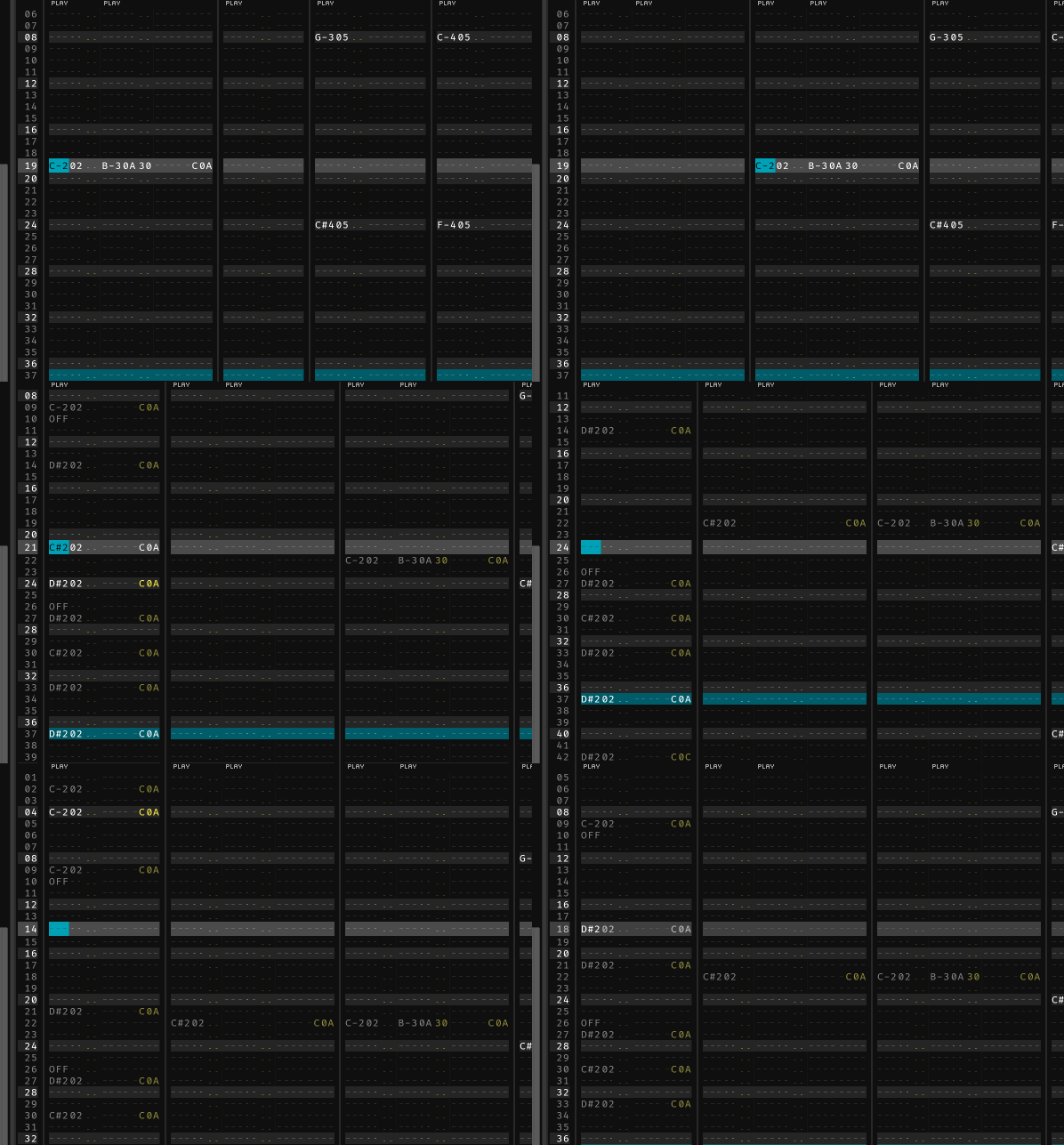
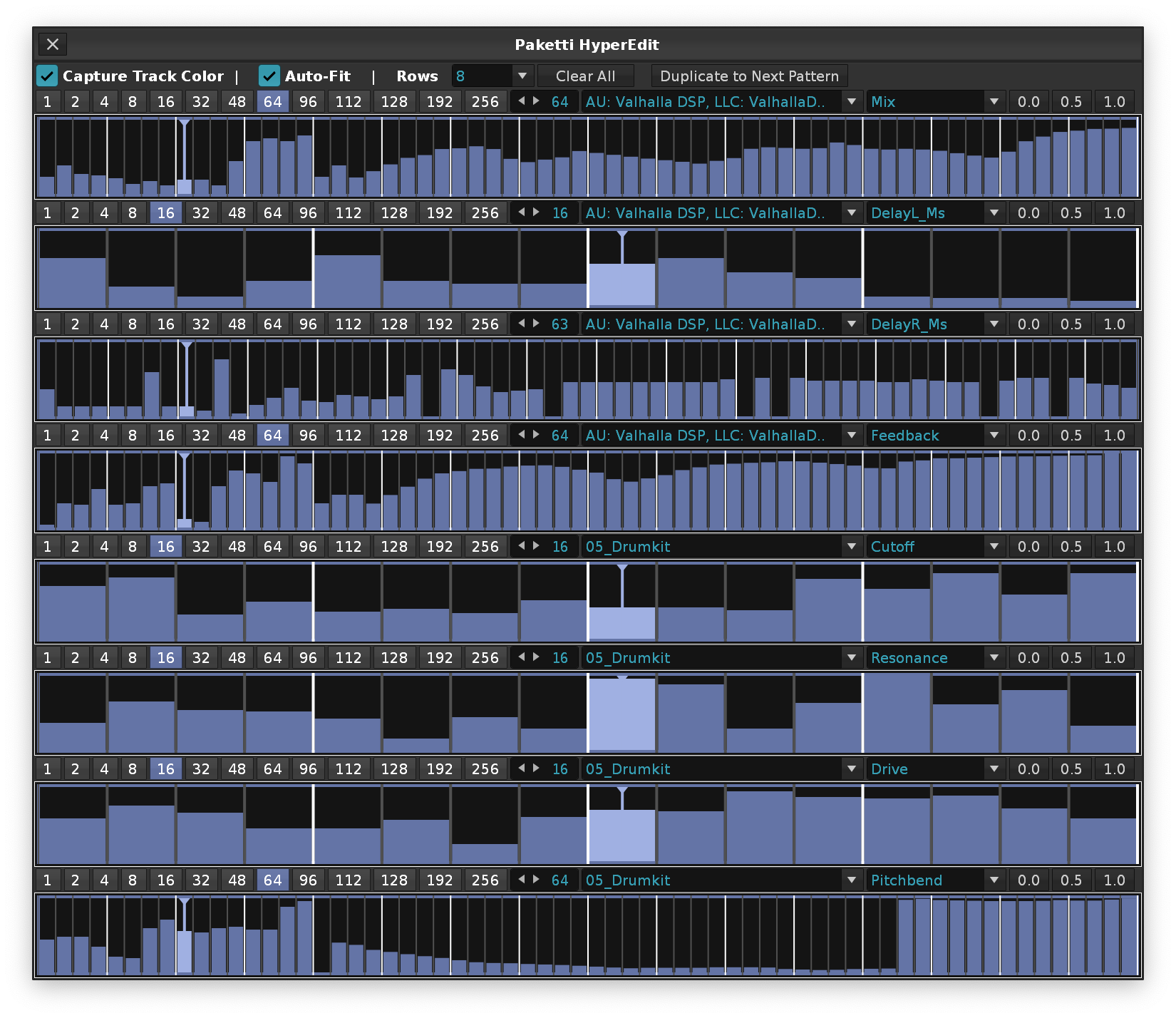
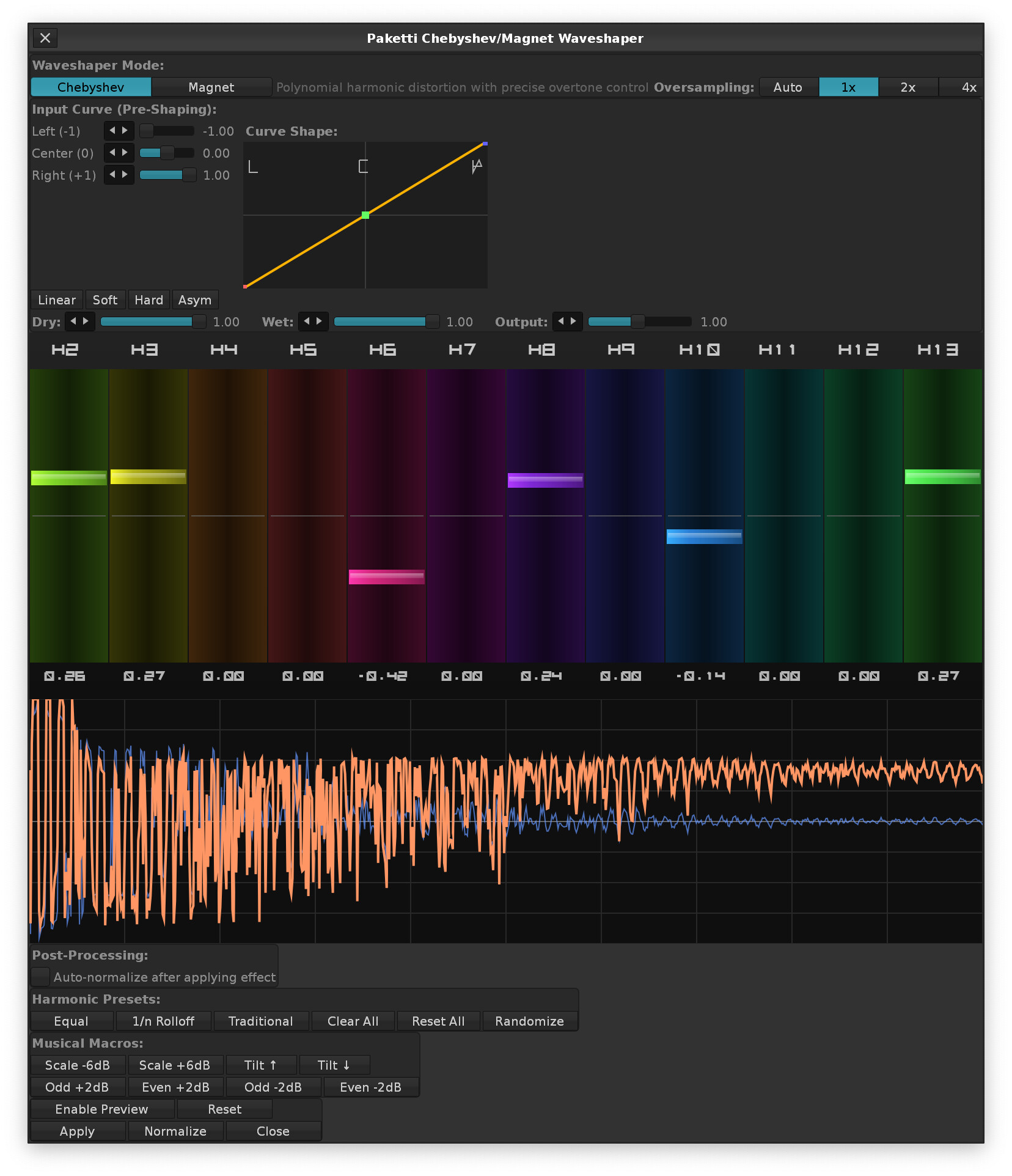
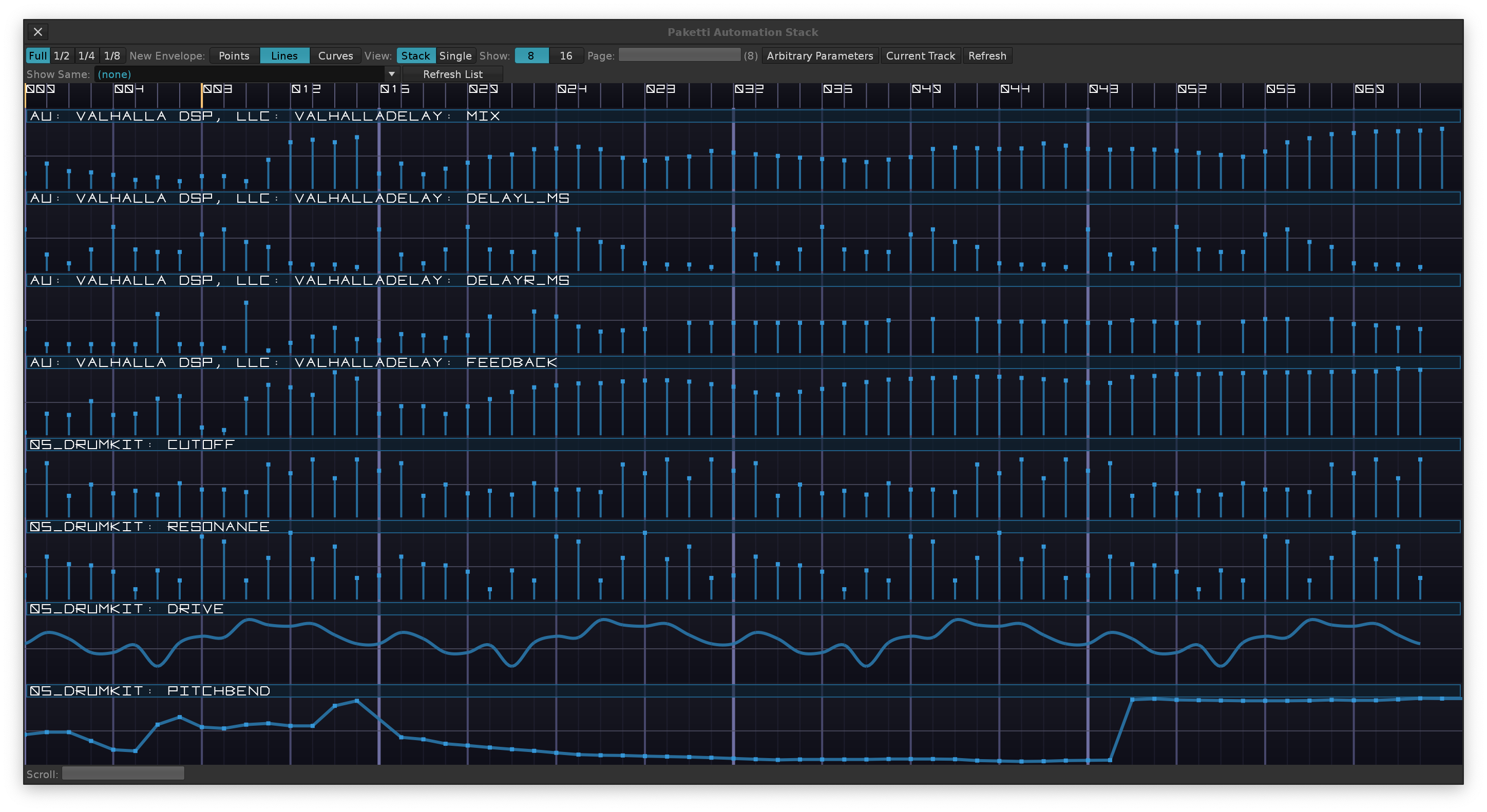
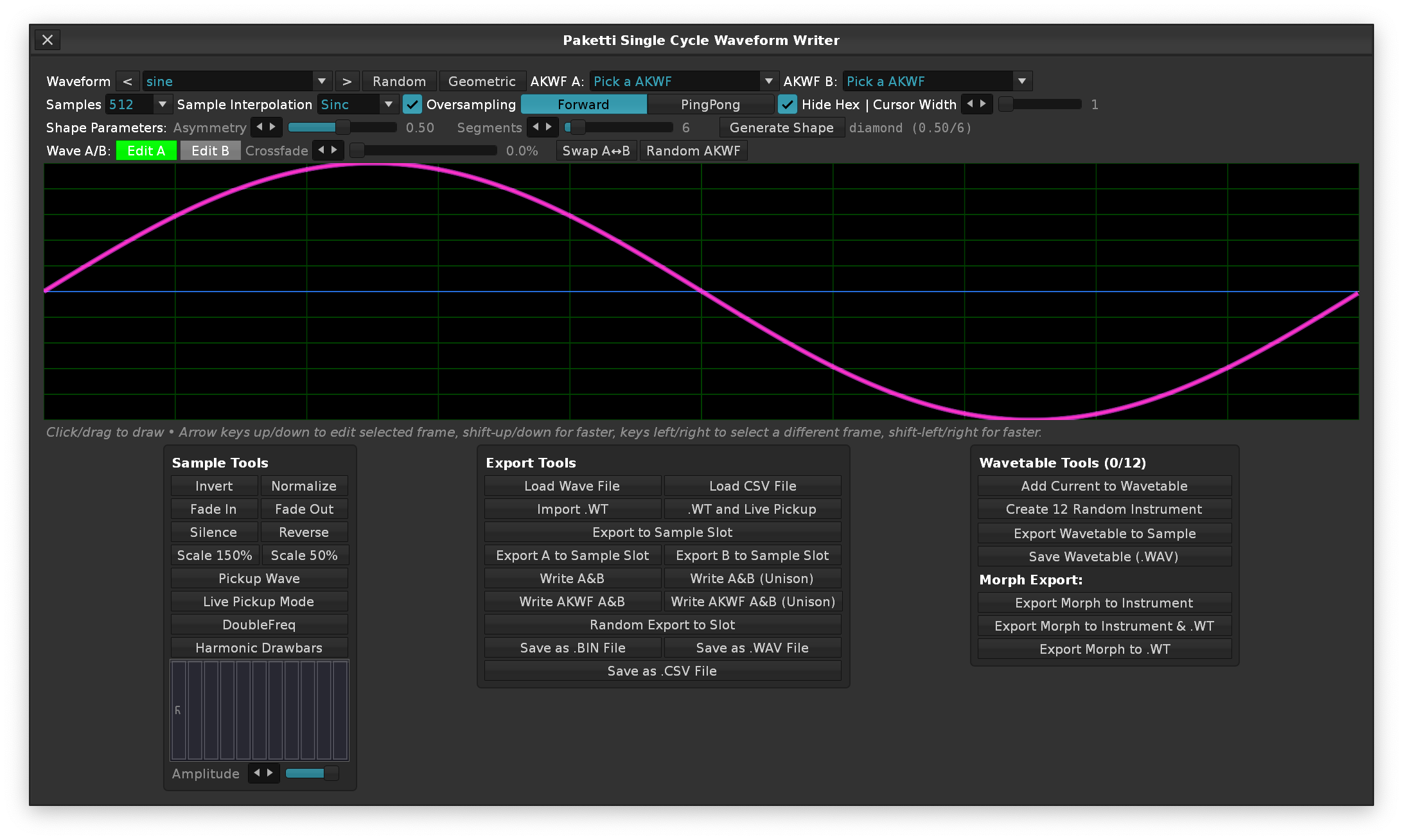
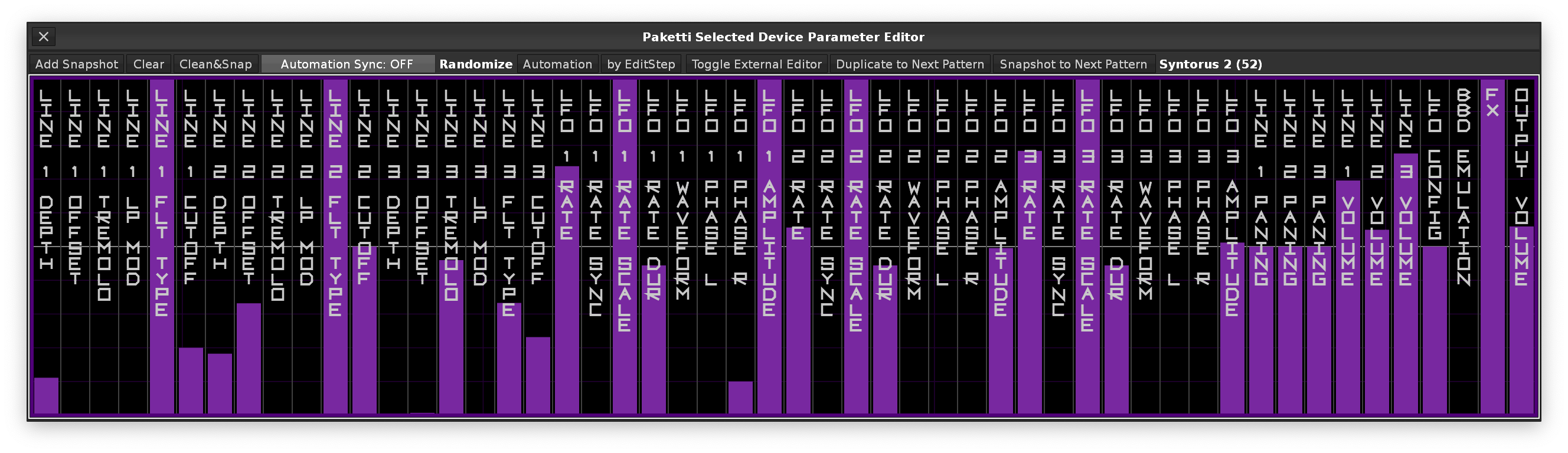
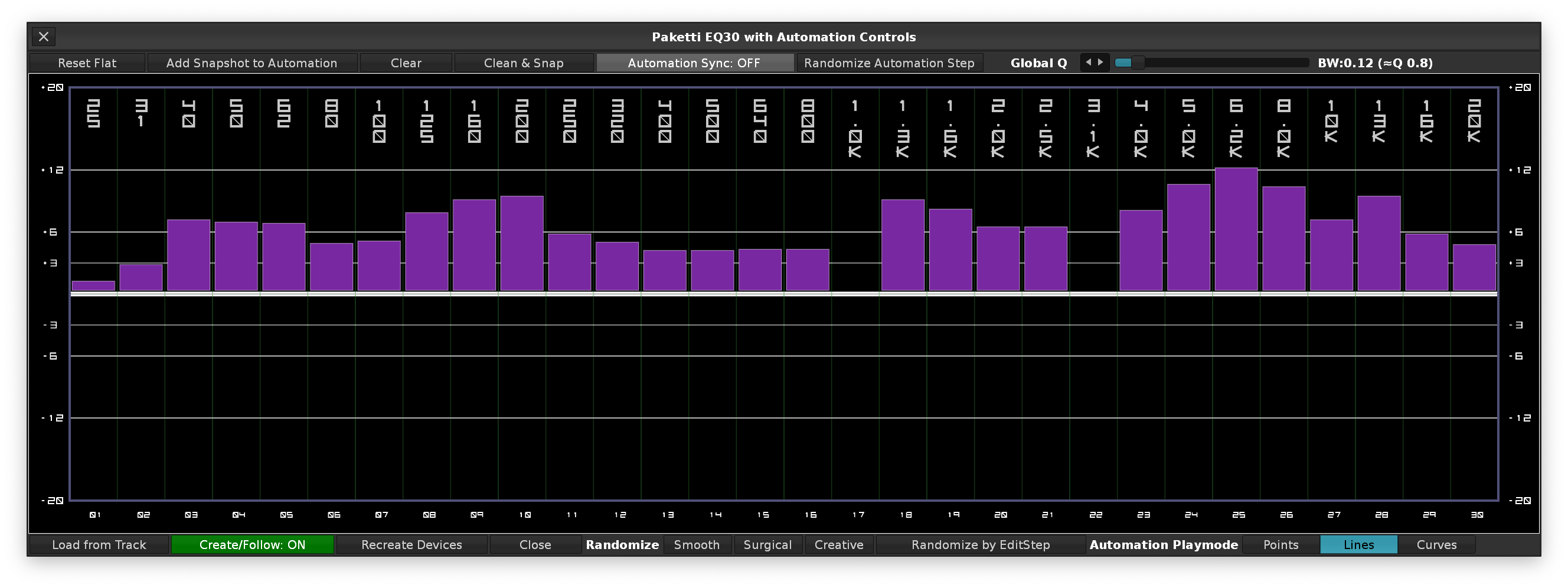
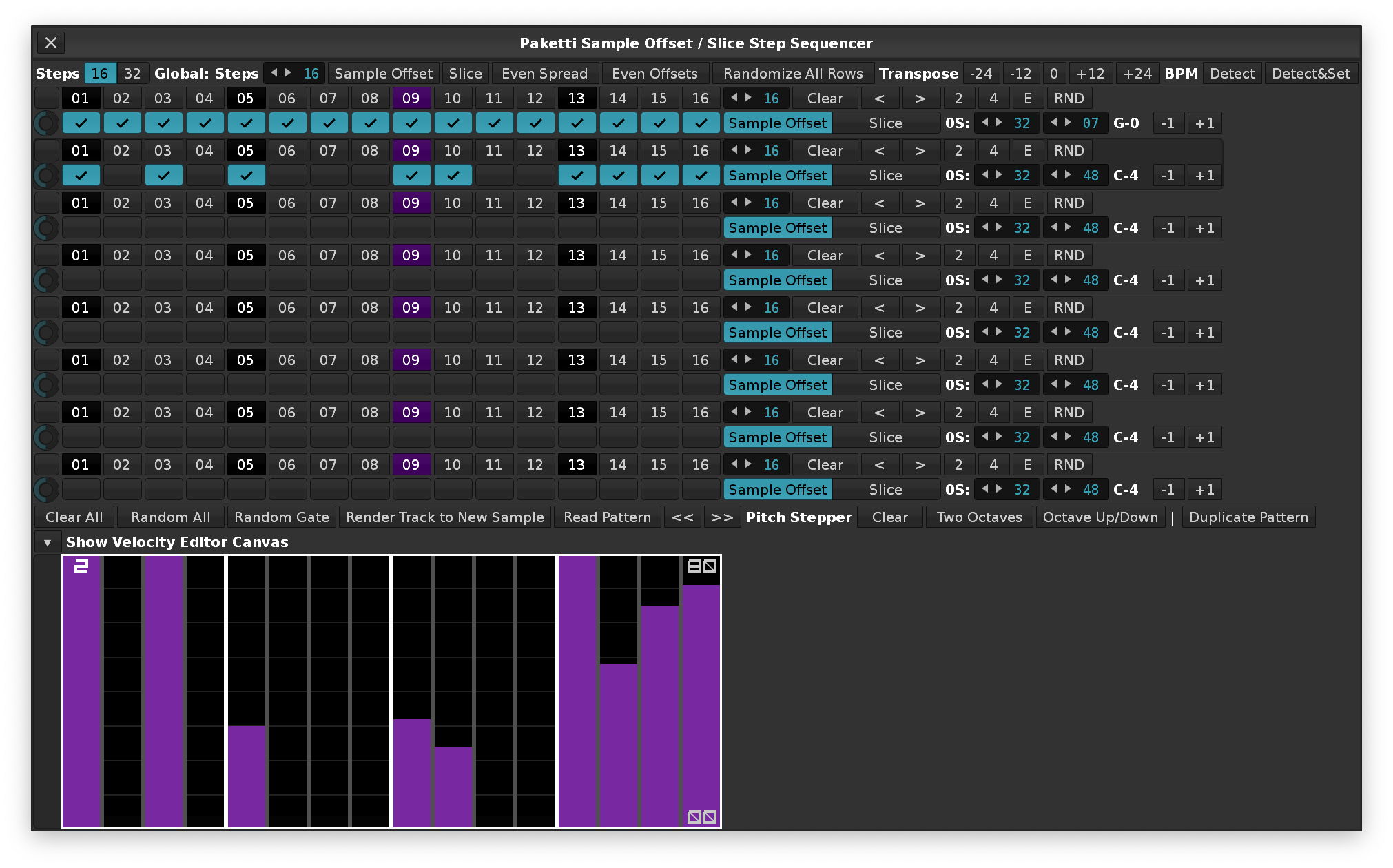
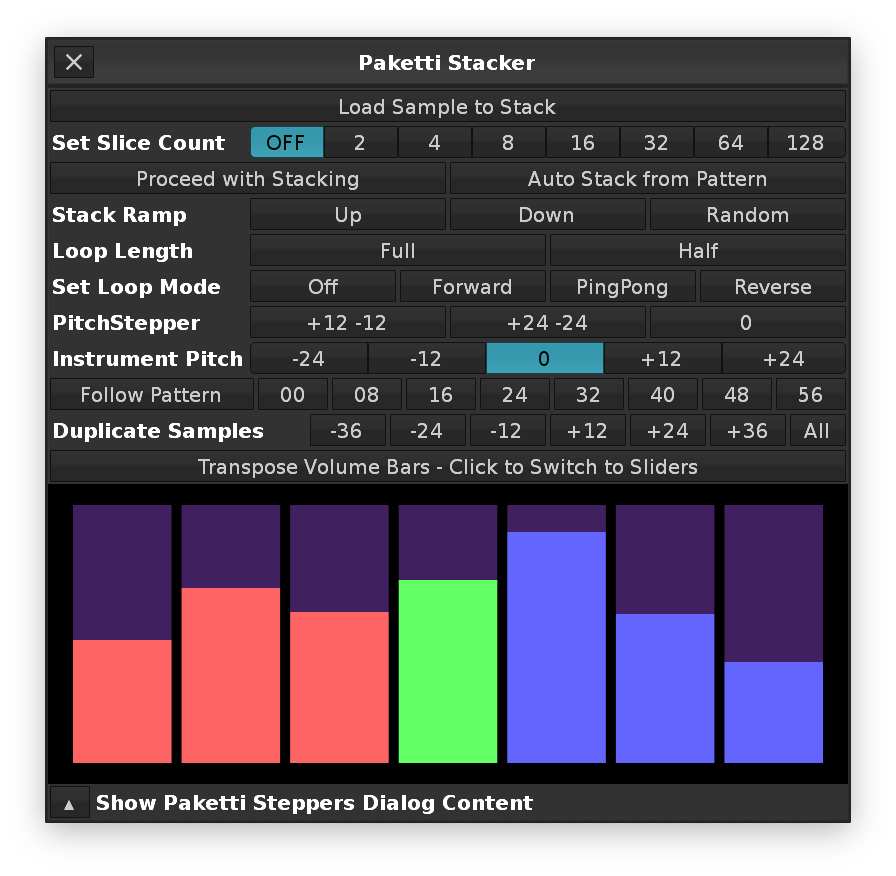
@OopsIFly here’s a few screenshots of Canvas-related v3.5 only features:

2 Likes