Marvelous
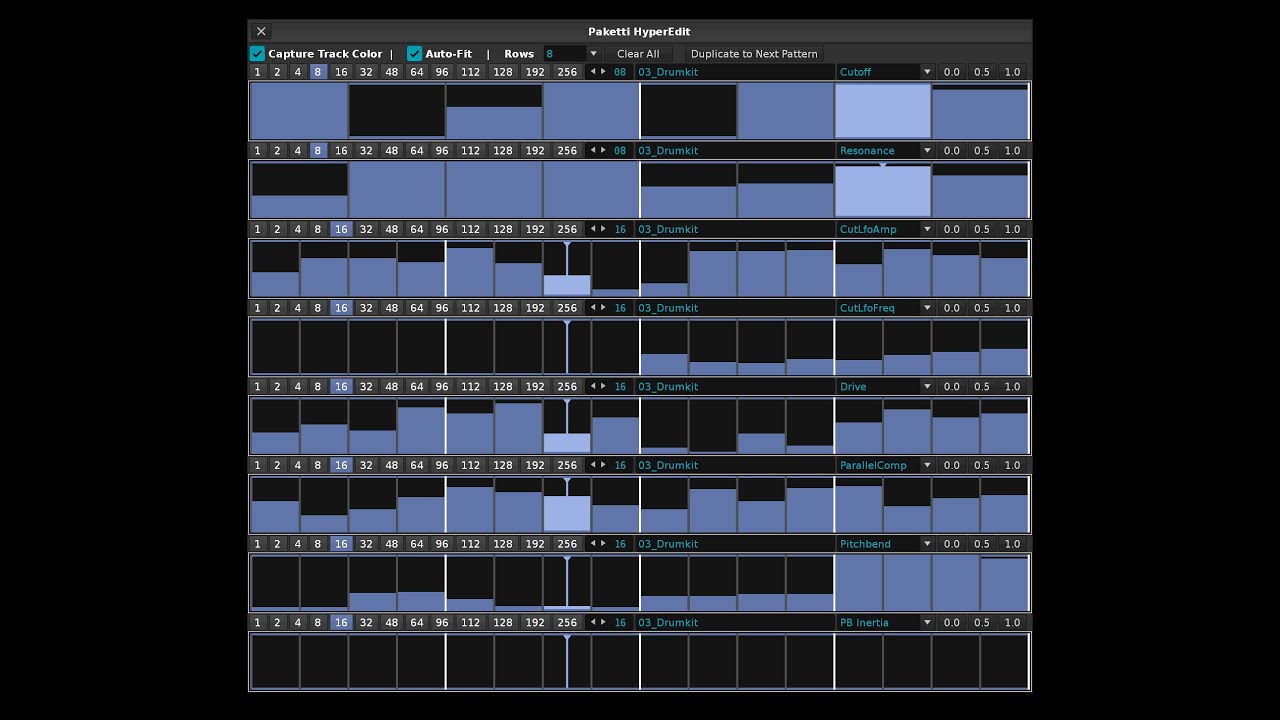
here’s a narrated demo of Paketti HyperEdit:
5 Likes

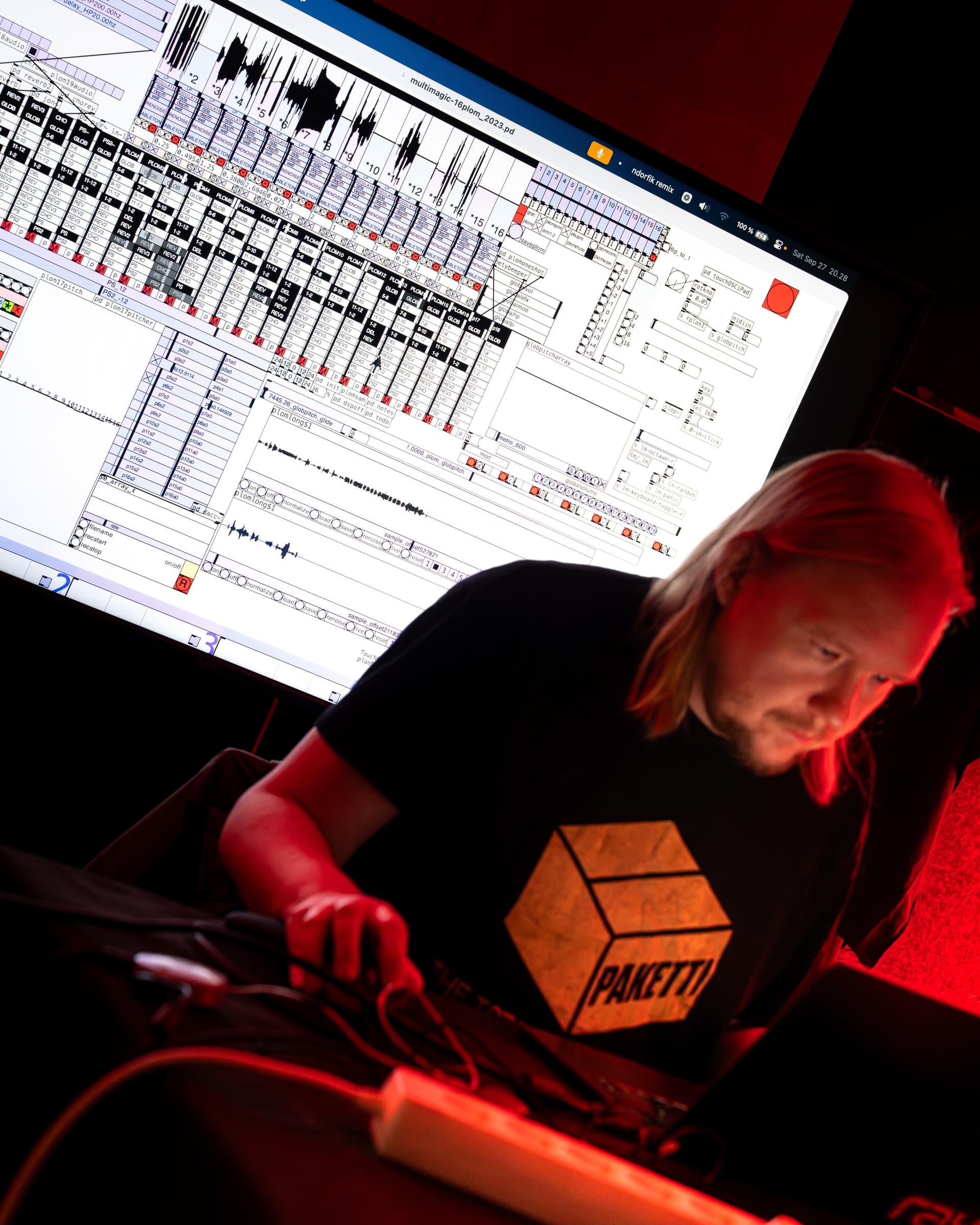
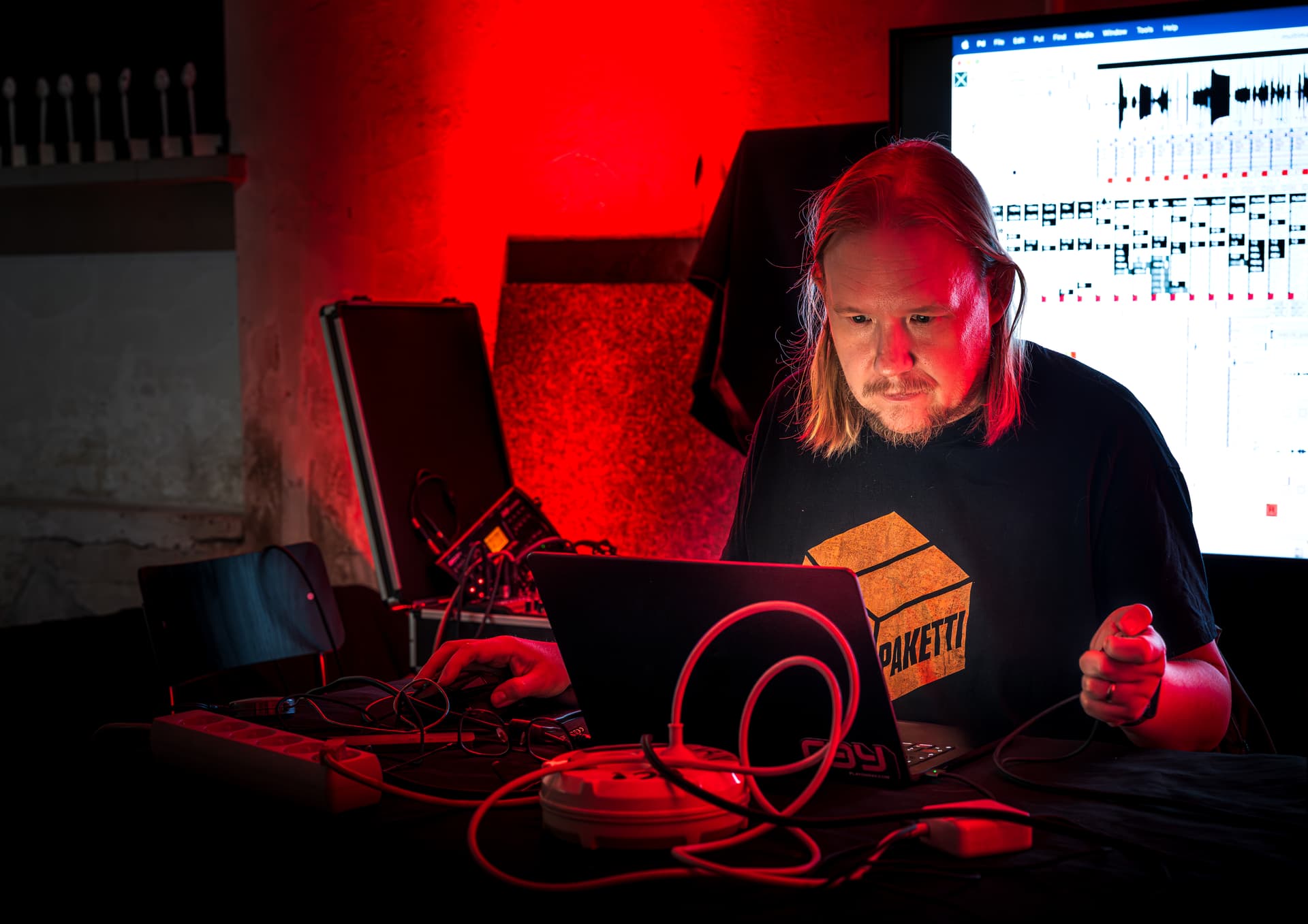
and here’s a recent Esa Ruoho: Plugged Into Nothing gig where i used Paketti and HyperEdit extensively during the 2 hours. (in addition to Ableton LIve 12 and Pure Data)
7 Likes
Hi Esa,
I’m getting some weird behavior in Renoise after installing Paketti. When I add a new instrument sometimes it adds a second unwanted instrument as well. Usually it is a sample from the first instrument. I disabled Paketti and the behavior stops. Any ideas what could be goin on here? Thank you as always!

thanks for notifying me on these.
i’ve recently, upon request, added a method for changing the default-sample-load-in settings (autoseek, autofade, nna, interpolation, oversampling etc + pakettification) - and this is clashing with the strip silence. i’m doing a few tweaks to this and will let you know when strip silence is no longer suffering from these. thanks for all the reports, will hopefully roll a fix in soon.
1 Like
hi. i added .ITI export - while it doesn’t do envelopes at all (volume, panning, pitch/frequency)
what it does do is accurately saves a .ITI with the fileformat and the startloop + endloop positions.
also, i wrote a .8svx + .16sv exporter for those that are OctaMED/Protracker interested.
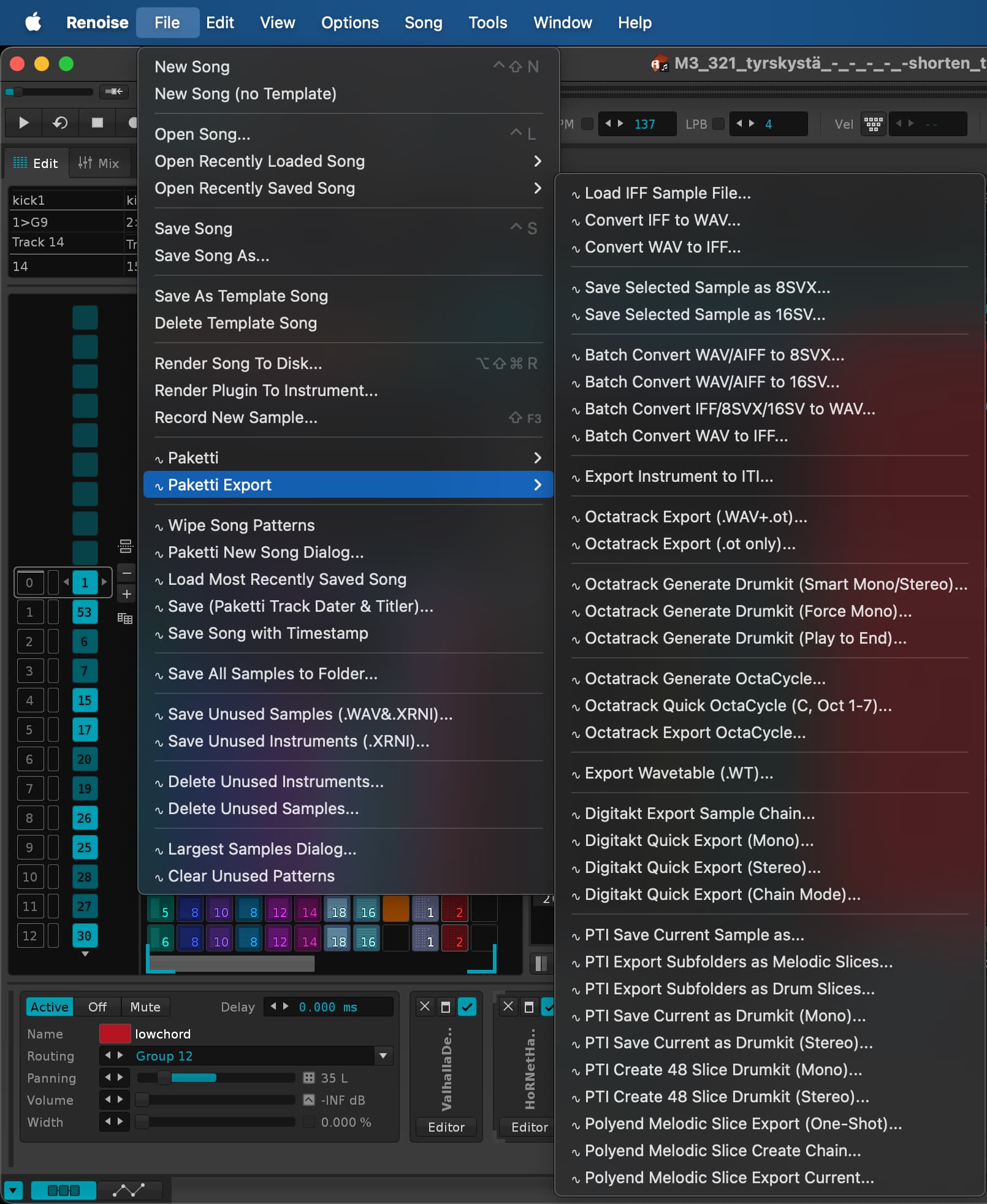
here’s a better, more organized “Paketti Export” menu - easier to find all the things that Paketti exports.
2 Likes
i’ve pushed an ALT-B (Begin Selection) modification that addresses the issues raised at
It’s on GitHub.
have a look, @weizenkeim
1 Like
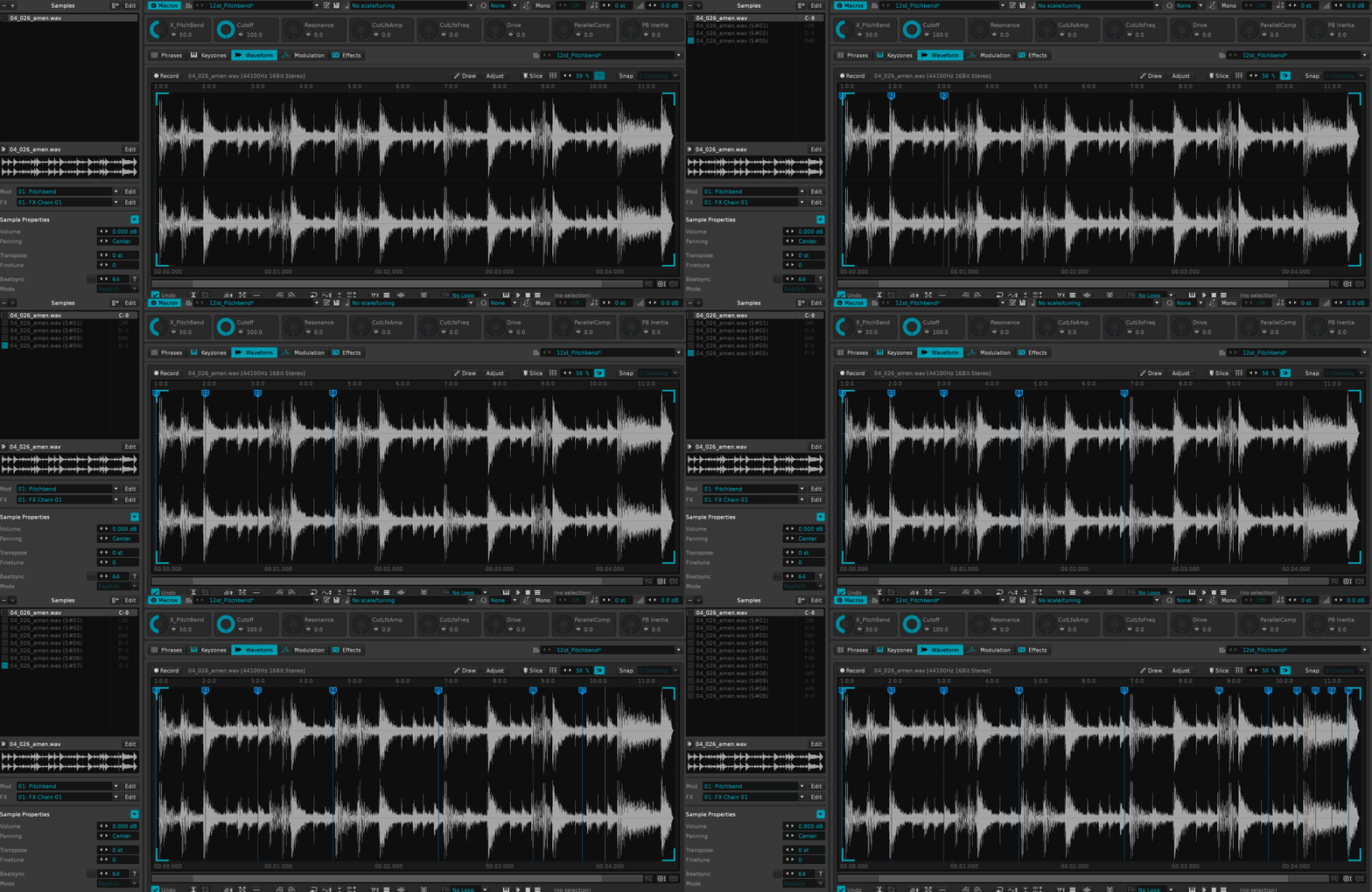
i’m working on this. there’s a flavor that works for original sample, displaying that, and a flavor that works on showing the newest slice.

here’s a brief video before i implemented the show original show newest slice tweak:
and an improved version:
2 Likes
maaaan! you are insane (in the positive way)
i’ll let you know how it goes once i get my hands on it!
1 Like
a better version is now at
https://www.loom.com/share/8f30feba959f4ff5bce9394566c2c554
more appropriate, less cuts (there are some audio drops, but i feel like it works better and is more visual and now, as an added bonus, can drop slices between pre-existing slices, etc)
2 Likes
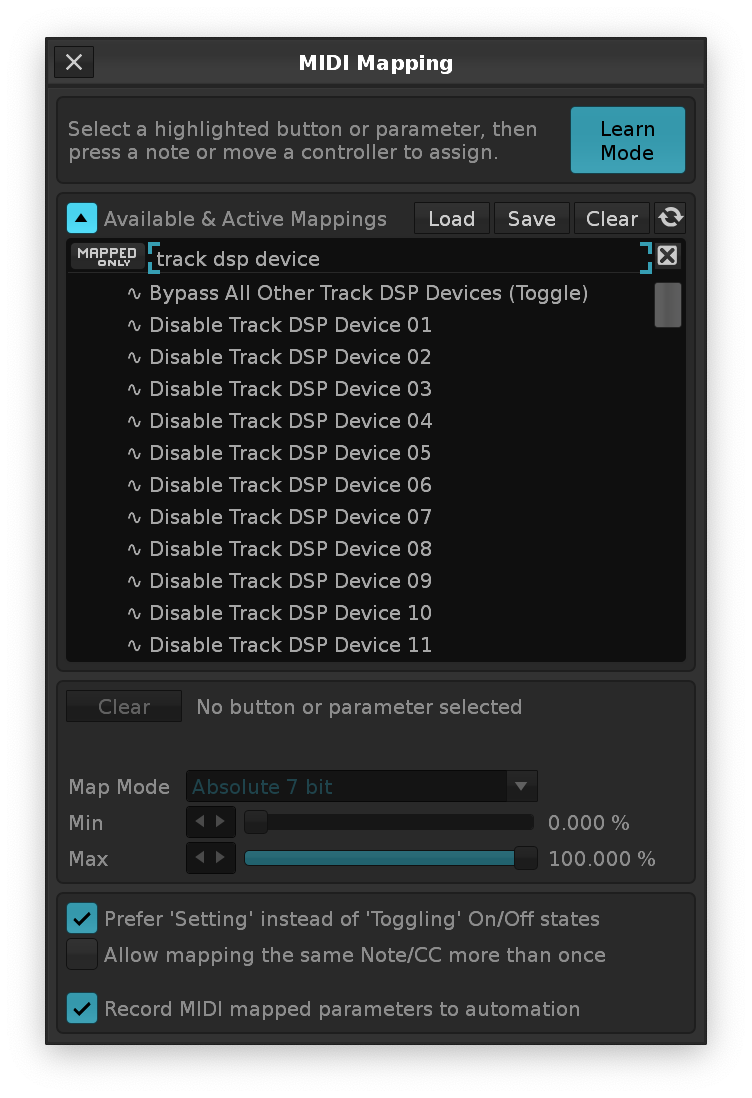
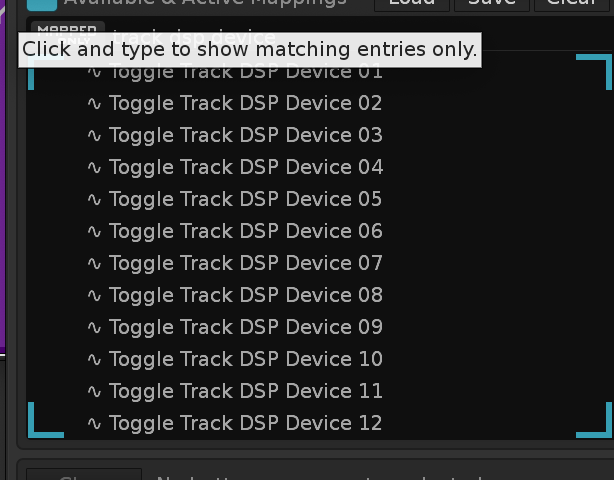
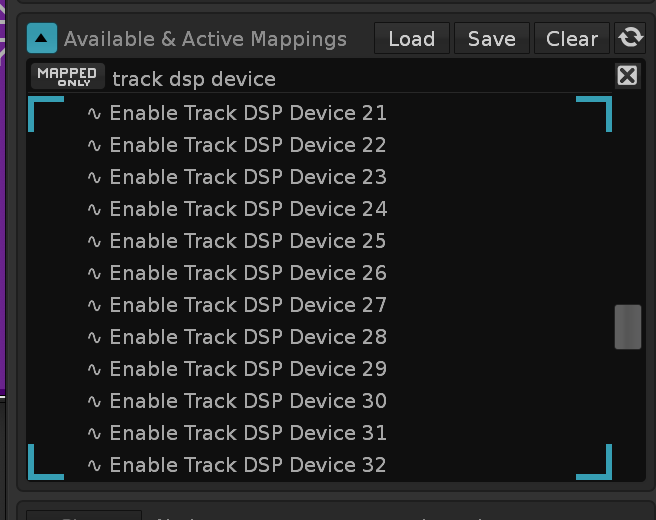
hi @wahrk - do these suffice? they’re in Paketti
Enable Track DSP Device 01-32 - Turns on a specific device
Disable Track DSP Device 01-32 - Turns off a specific device
Toggle Track DSP Device 01-32 - Toggles a specific device on/off
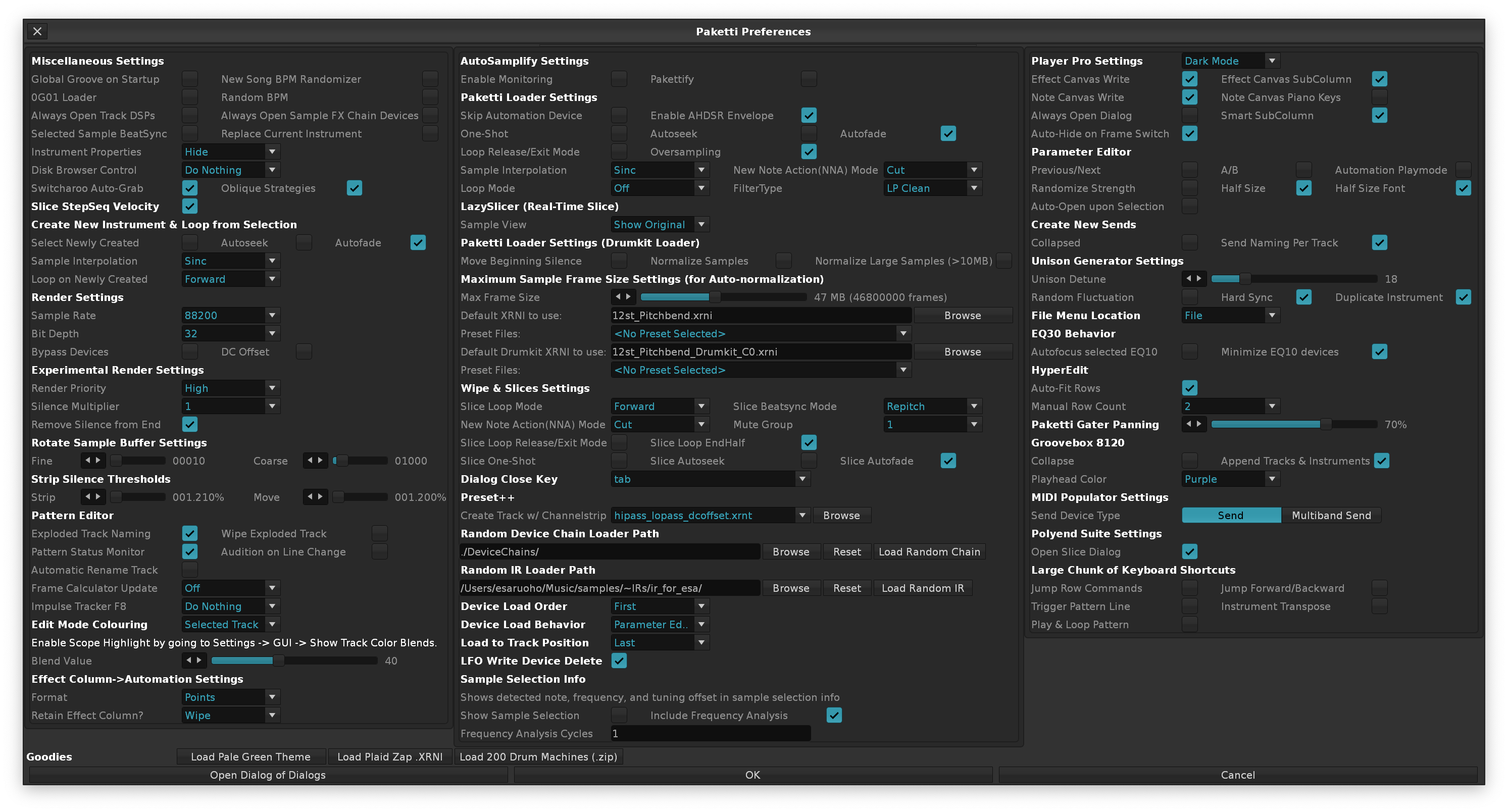
ended up spending a bunch of time organizing the Paketti Preferences so that the dialog is less tall and less wide. Hopefully easier to use now. Enjoy!
1 Like
you can add bullet point symbol and tab the second lines in hierarchy for more readability
added .wav with cue header import
and .wav with cue header export
so that solves Slices Not Saved To Wavefile (Wav Cue Markers)
1 Like
speaking about wavs with cue point markers in them (like when you export a renoise song file and all the pattern starts are imbedded), is there a way through paketti to import such render with markers and be able to create the necessary corresponding patterns, pattern lengths based upon length between cue markers?
So basically, get a (empty) song structure back from a render with cue markers.
I’m currently remixing and it would save manually setting things up, perhaps be able to set the bpm though the tool gui and hit a process button, which puts the recording wav with cue markers at the song start (autoseek enabled) and have the pattern lengths determined and automatically generated according to the sample length.
yes there is @Jonas - it’s called

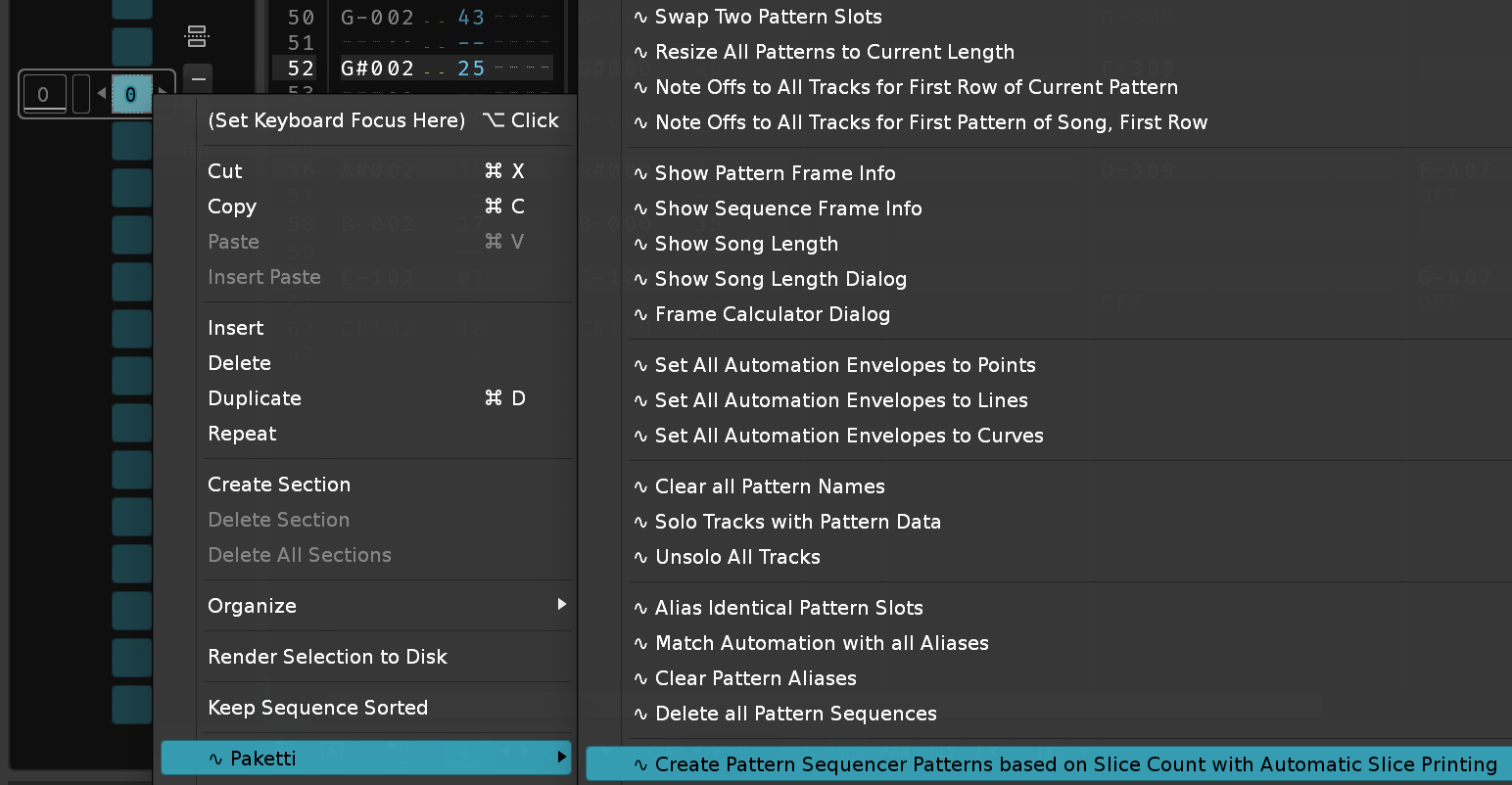
Slice to Pattern Sequencer Dialog
when you take a sliced sample
and then you Create Patterns
it will create one pattern per each slice.
you can also audition the looping so that you set the bpm + lpb and pattern length so that the first 4 bars or whatever, loop (or 8 bars, or whatever) and then you just create the patterns.
if there are any issues with this feature, let me know.
remember, this is a destructive method, so it will not play nice with an already created song, so use it with a newly loaded sliced sample, or an unsliced sample, use it to create the 4bar/beat or 8bar/beat slice or sample, then it’ll automatically auto-slice it to 4beats or 8beats (these are only guidelines. whatever sounds good to you, and lines up), then you create the patterns automatically, and each pattern has a single slice triggered automatically.
yes. this is exactly what it’s for.
1 Like
so in this case, you’d load with wav cue loader
have the slices
and then print to pattern.
if you already have the slices, and you know the first slice plays for the duration of the first pattern
then just do this:
awesome, I will check it out  .
.
although, looking specifically at your “and pattern lengths”, that would require a bit of work from my end . and maybe an example wavefile with different pattern lengths, so i’d know when it works - since this has been, currently, designed for “steady same-length patterns” .. i.e. let’s say a song that’s 64 rows or 128 rows or 256 rows per each “slice of sound”, not like a song that has cuemarkers for 12rows, then 96rows, then 4 rows then 300 rows then 512 rows then 48 rows then 192 rows.
yeah, exactly some of these have different pattern lengths, switch ups.
Ideally, for the wavefiles that aren’t produced with Renoise, that don’t have the cue markers embedded, I’d manually add the cue markers in a wave editor so they might not be perfectly placed, I guess the tool should then round the length to the nearest line?