New Tool (3.1-3.5): Paketti - new features for Automation,SampleEditor,MIDI,PatternEditor,PhraseEditor,Mixer,KeyBinds,MenuEntries

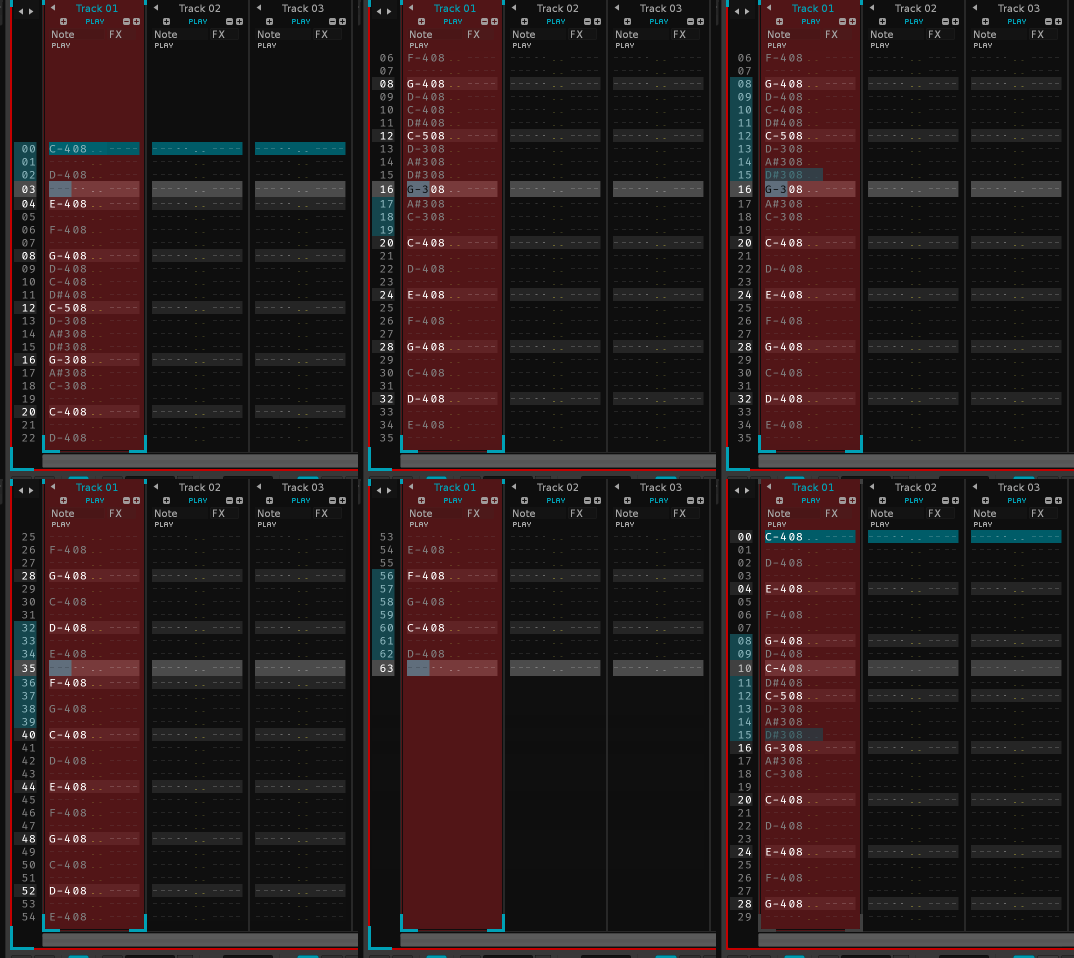
i’ll have a think about how different pattern lengths and switchups could be read, and tested. in this, the “oh no, i forced cue markers on you when you rendered the wavefile on renoise” would help me somewhat. i’ll have a little think.

i guess i could do something like, play a different length beat at. different bpm.

maybe even experiment with different bpms in the pattern. i think i could probably figure out a usecase and do a test. it could be fun.

2 Likes

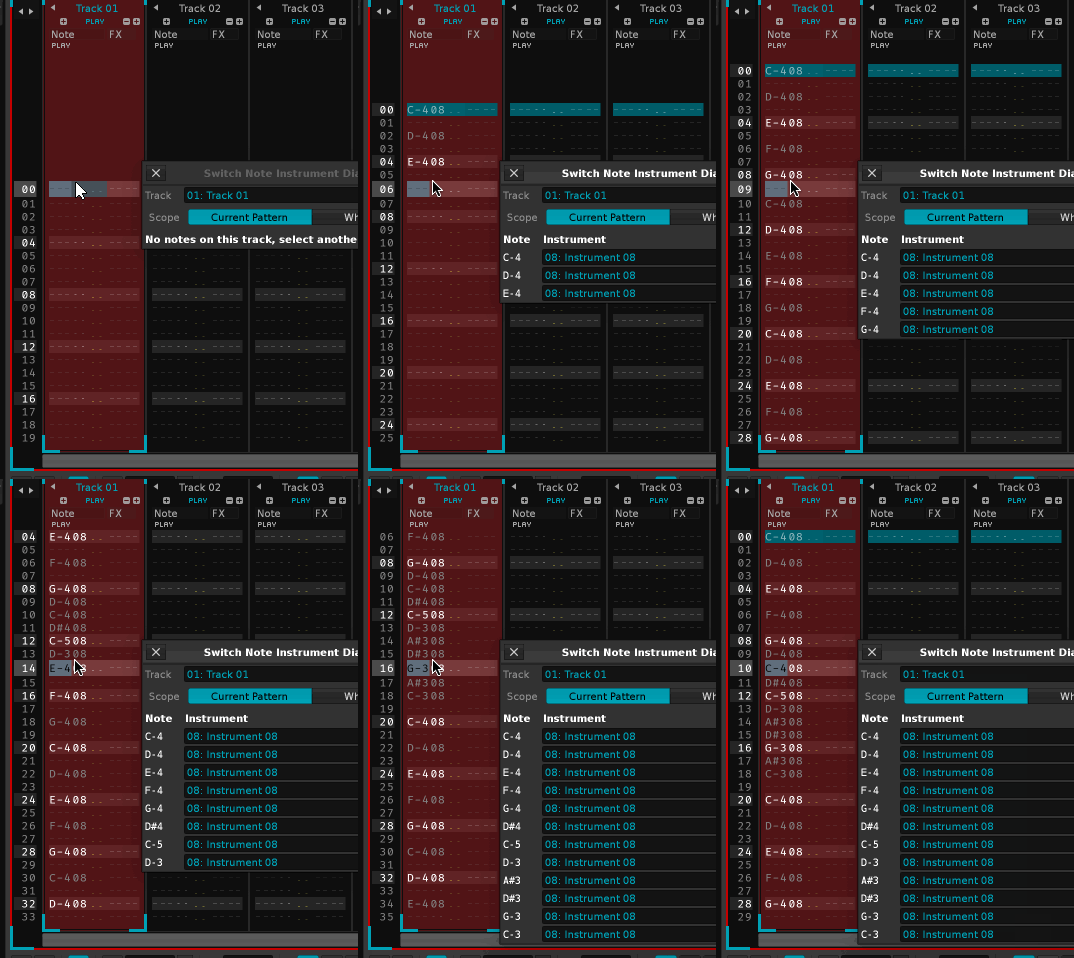
While I haven’t updated this thread for 24 days, I’ve created dozens and dozens of new features, tweaks, improvements, etc. but.. here’s Paketti in use:

Traum Schallplatten released V/A: Tour de Traum 30 on the 5th of December.

My track Spindrift is on it.

It’s made with Renoise / Paketti.

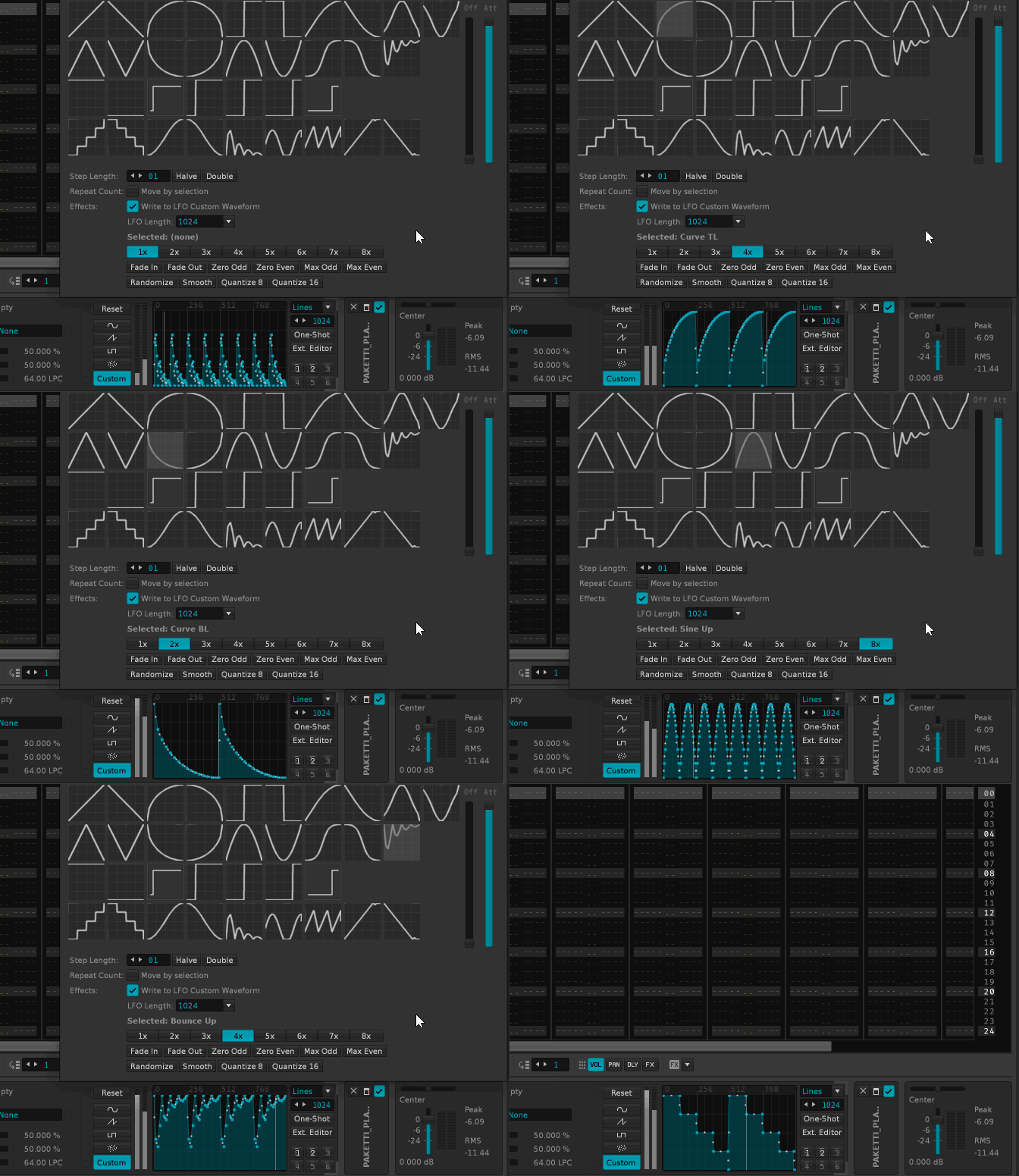
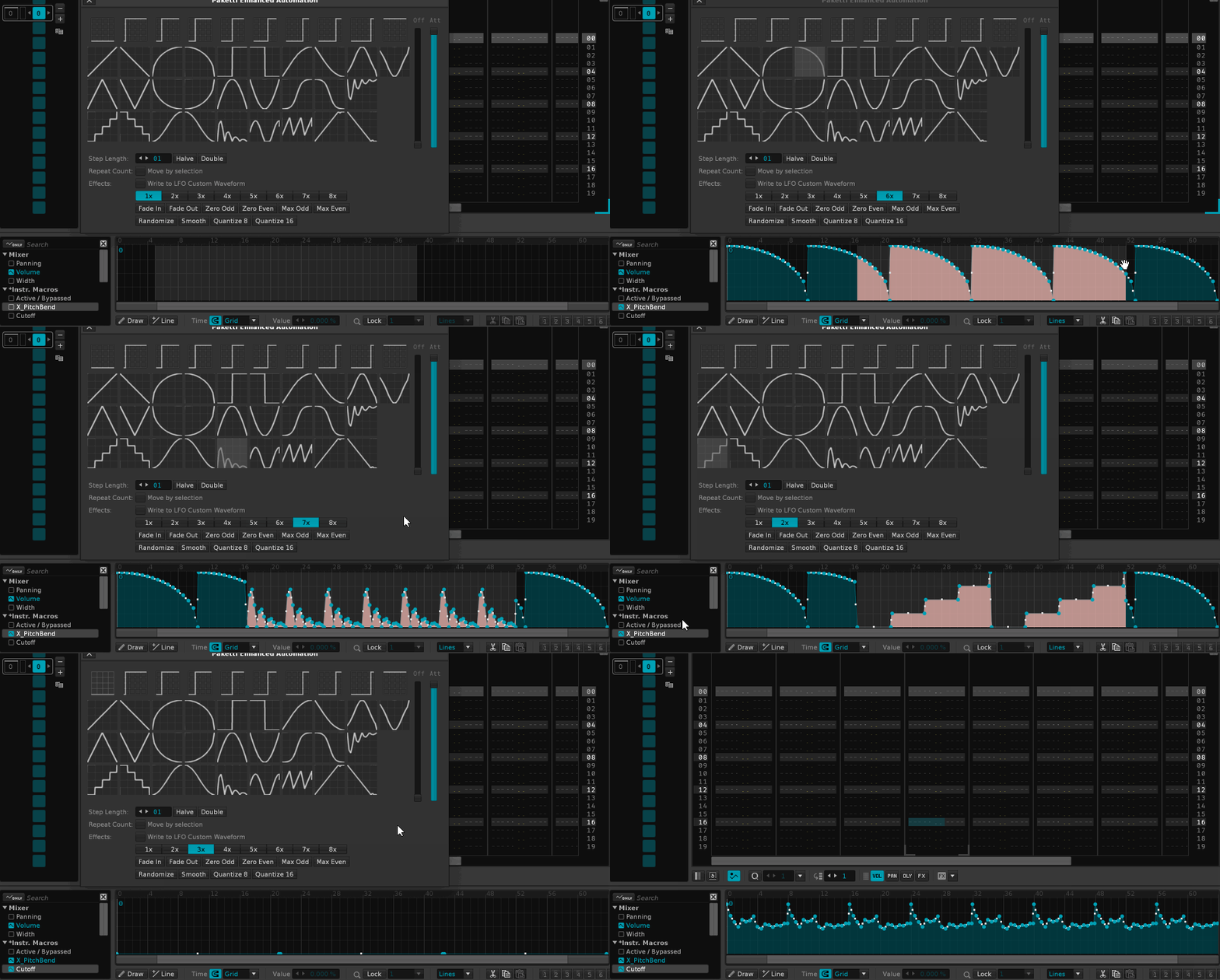
It uses the Paketti Gater to create the chord retrigs + gates + pan fluctuations, the Paketti PCM Single Cycle Writer for creating chipsounds - including the LFO “Wavetable” Modulation, Paketti ChordsPlus for isolating the lowest notes to a new track for bassline, the main beats are made with Paketti Groovebox 8120, the Paketti HyperEdit is used for creating looping automation for the last instrument that’s added into the mix (with delay + reverb automations just drawn in using the Renoise Canvas), and the usual shortcuts for opening new Track DSP Devices into the tracks.

The track has been arranged using the usual “Copy Unmuted Tracks Above” / “Copy Unmuted Tracks Below” - which allows for quick arranging. I squeezed the track down from 12 minutes to around 6-ish minutes. And tried to get the kick going by layering i think 5-6 kicks (as the Groovebox 8120 will load a maximum of 960 samples, spread across 8 instruments (120 samples each). All the pads are created with the Paketti Single Cycle Waveform Writer, set to Unison Generator mode, so the 2 (Wave A / Wave B) samples are rendered 4 times each to get a maximum of 8 samples, and then wavecycle offset and finetuned and pan offset to get a wider variation of sound)

Oh, and the reverse cymbals are placed automatically by “Place Sample to End at Pattern End”, just so you just pick a sound and place it and it’ll function as a riser.

I believe one more feature is the “Turn tracks patterns into aliases” - if the tracks have identical data, then I just dump it into aliases, so if I fix the original track content, the aliases correct accordingly.

So, yet another Paketti joint, leading me into developing Paketti onwards and forwards by, ya know, simply using it.
7 Likes

alt-L-multicolumn

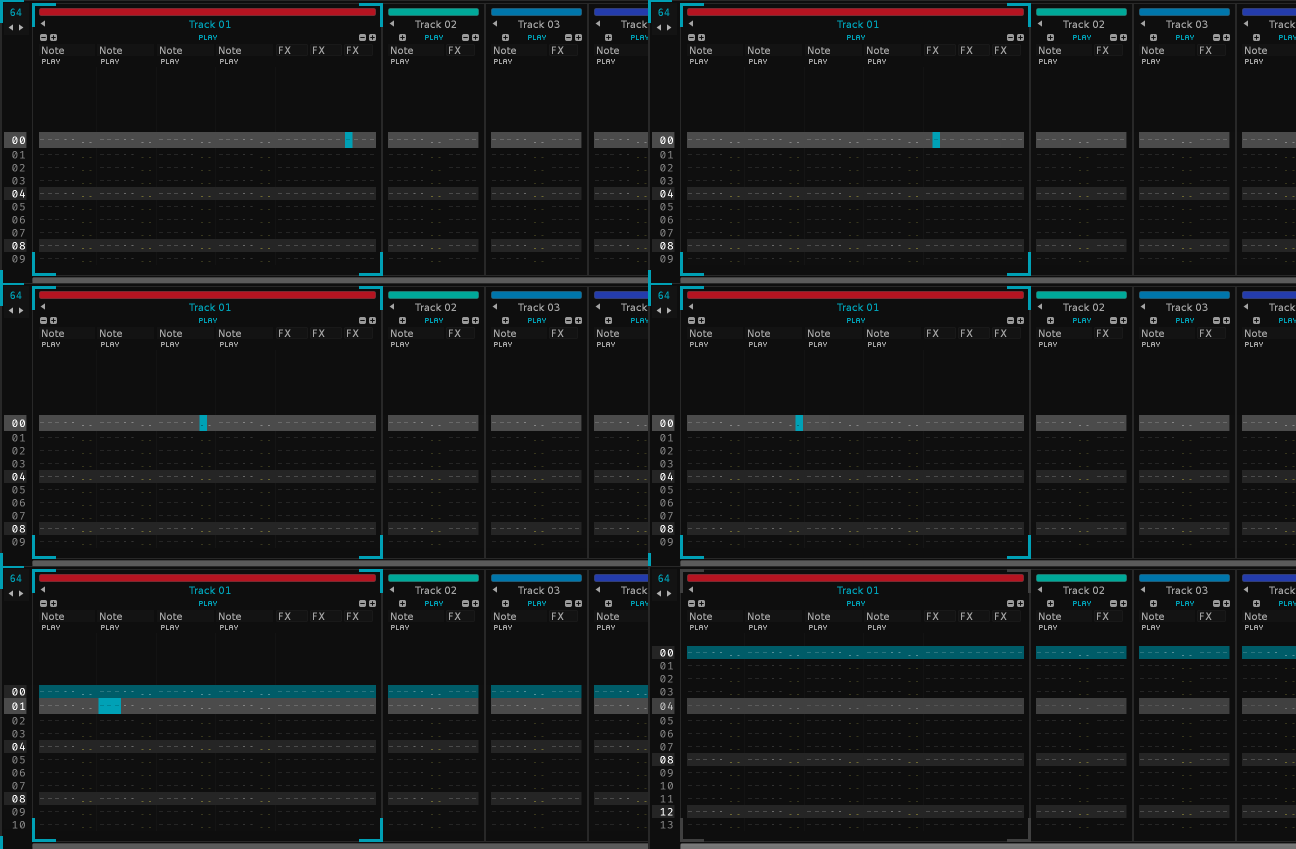
here’s a little re-jig of the ALT-L which comes originally from ImpulseTracker.

now it selects the current column, be it effect or note column

then selects the whole track

then the whole pattern.

there’s plenty more features being added but this is easy to mention so there it is.

3 Likes

clipboard_inverse

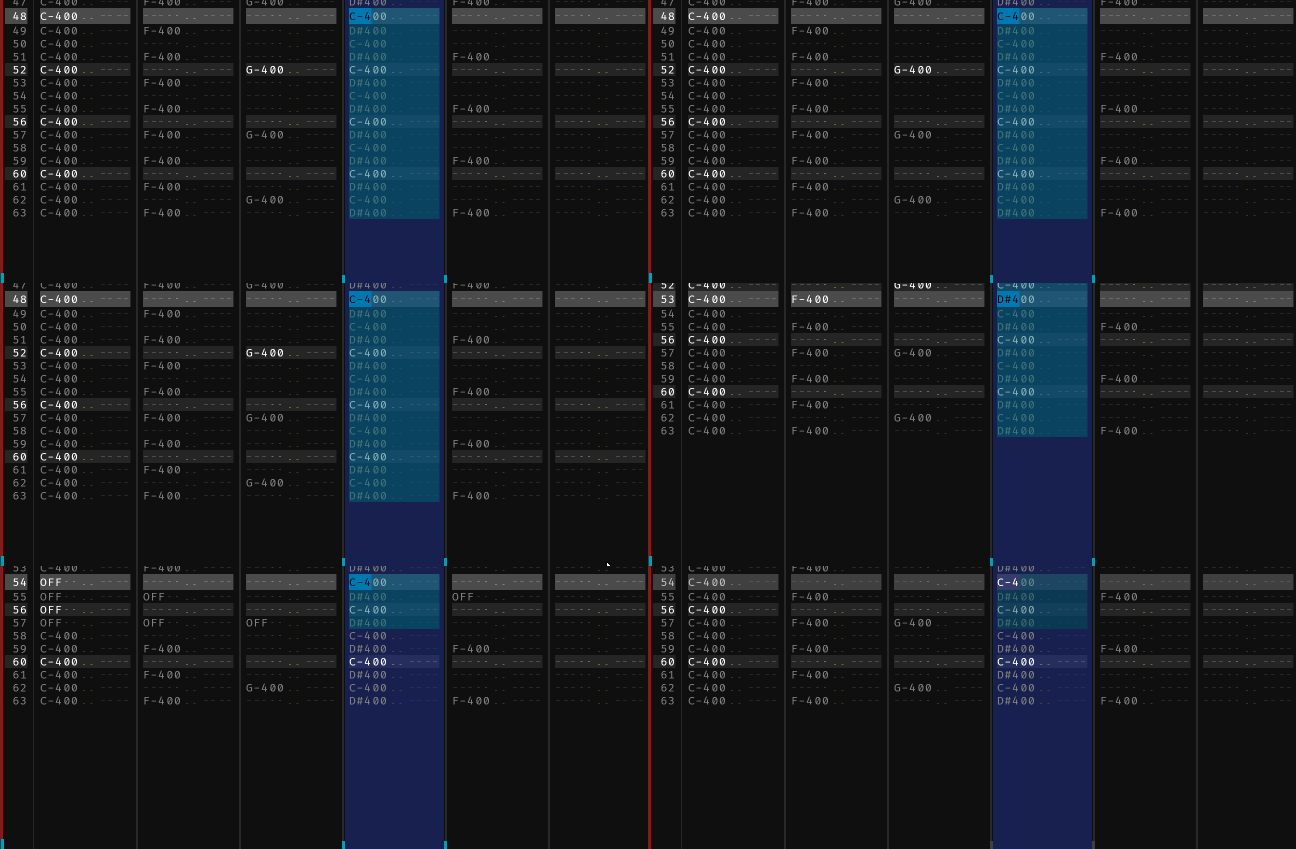
here’s something new related to the paketti clipboard. it’s called inverse cut + restore.

Hey Esa,

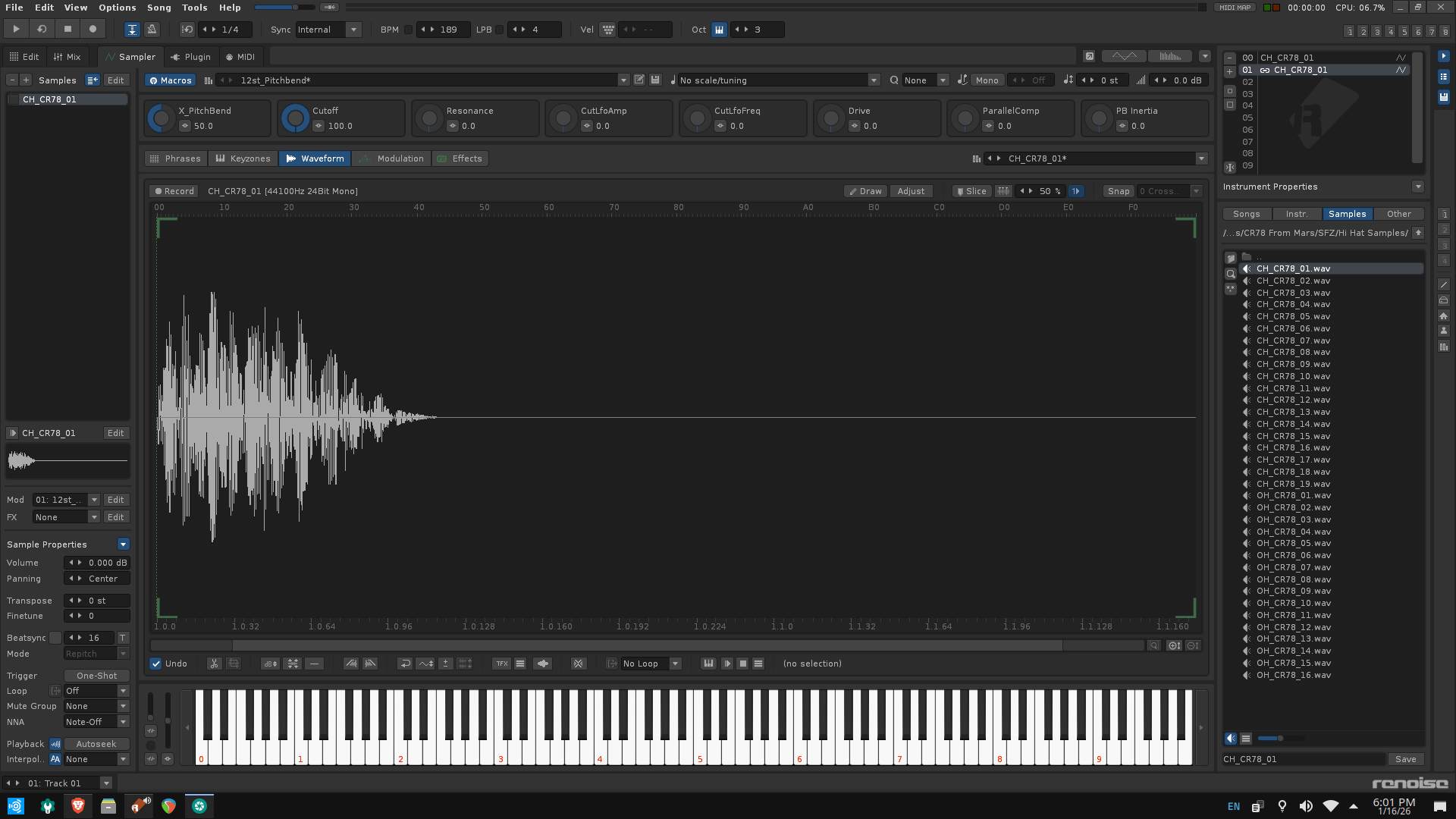
I am still getting this strange behavior when I install Paketti. Whenever I load an instrument or sample It loads a parallel sample or instrument on the next instrument slot down. It also includes these macro settings which I did not create. I am not sure if anyone else is having the same problem. Maybe a linux specific issue? Thank you for your help.

Check paketti preferences

@Sinatra - would be delighted to talk about which shortcuts are still missing, since i’m constantly looking for more ideas and more features / workflow improvements.

thanks!

ok, so this is the feature AutoSamplify, which, when you load a sample from Disk Browser, or drag a sample in, it will create a duplicate copy, add the Paketti macros, and add the Paketti Sample Loader settings.

i’ve set it to be set to Off by default, but if you’re seeing it, then please hit Paketti Preferences,

and disable both Enable Monitoring + Pakettify.

hope that helps. @Nalma1

i do want to eventually do it the right way - i.e., once Disk Browser doubleclicking is exposed via the API - I can do it the right way instead of this “oh, a new sample → let’s turn that into a new instrument and inject the Paketti XRNI default settings”.