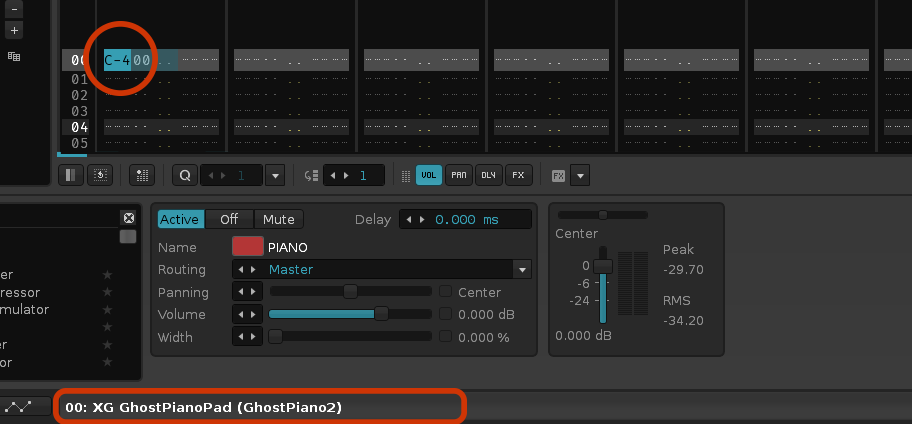
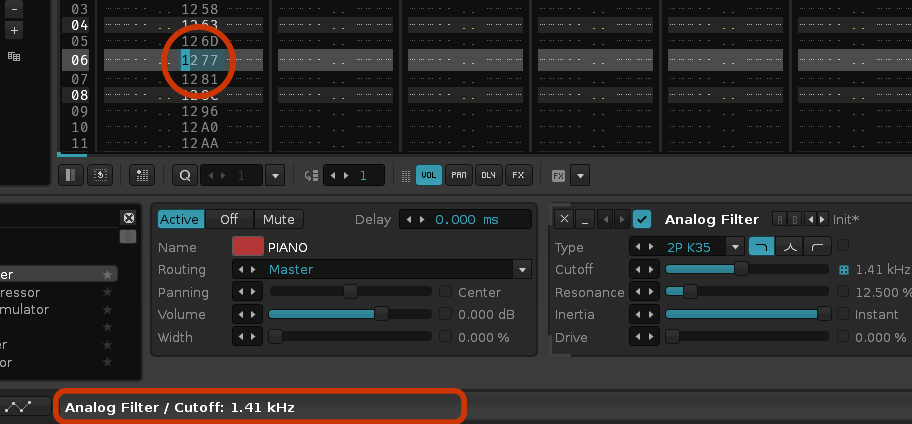
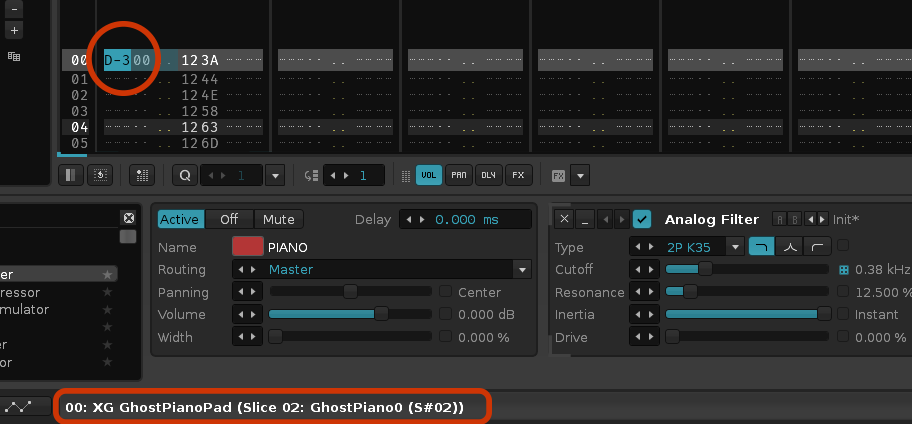
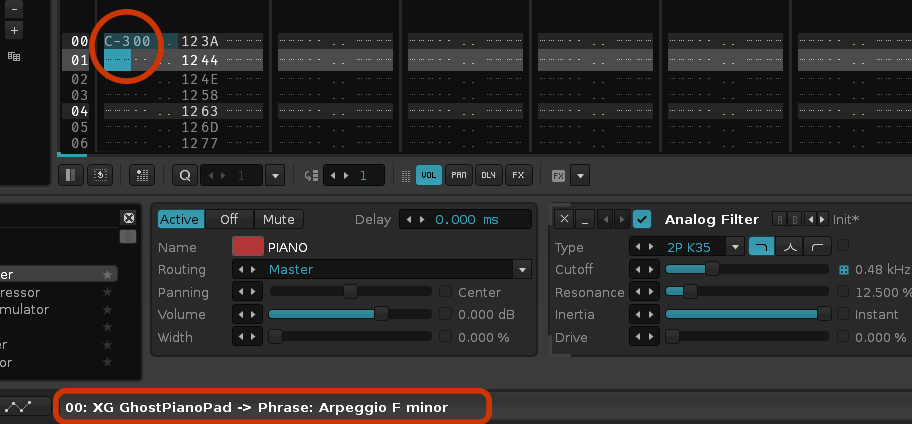
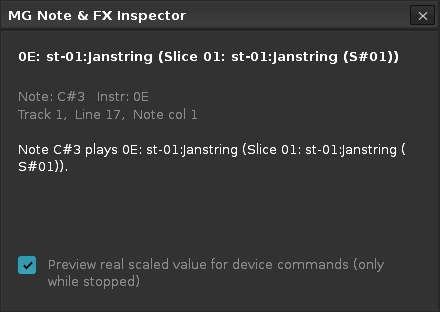
MG Note & FX Inspector gives a live status‑bar readout that, as you move through the Pattern Editor, instantly translates whatever is under your cursor or selection into plain language — the instrument and mapped sample, phrase and sllice for notes, or the device, parameter, and real scaled value for effect commands. Especially useful when working with multi-sample instruments and DSP parameters in FX column.
EXAMPLE 1: Note and sample (multi-sample instrument)
EXAMPLE 2: FX
EXAMPLE 3: Sliced sample
EXAMPLE 4: Phrase
DISCLAIMER: The tool is made using Claude AI. Feel free to edit and reupload the script if you find any bugs (which is very very likely). Always make a backup copy of your song before testing.
I would give you the following remarks & suggestions…
Use 0-based lineindex from patternline and not 1-based “Line” when show empty Notelines rowvalue for better clearness. (when i select pattern line 0, it says Line 1. that is a bit confusing)
if maybe make the Window pinable as Ontop and save screen coords in preferences.
Make window smaler (like a ByteValue infoshow in hexeditor) and remove the 2 unused checkboxes
Make it work with the Renoise alternativ play mode instead general disable it on play.
Make an Option for change choosed instrument in instrument panel when the instrument index in pattern note selection is changed.
I would wish that the Window would be dockable in a user Window Area on Renoise mainscreen, but this is sadly not able in Renoise.
If your Instrument is a sliced sample, make a shortcut to switch direct to this slice in Sample Editor.
I’ll try to address as much of your comments as possible.
Use 0-based lineindex from patternline and not 1-based “Line” when show empty Notelines rowvalue for better clearness. (when i select pattern line 0, it says Line 1. that is a bit confusing)
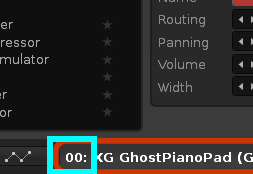
If you mean this number, this shows the current instrument number, which in the example is at the first slot (00).
“Track 1, Line 17, Note col 1” → if i select Patternline 00 It shows me “Line 01”… When i’m select Line 16, it shown me “Line 17” and so on. On First Pattern Line and last pattern line this is not so important, but if you navigate in middle of big patterns it can be confusing.
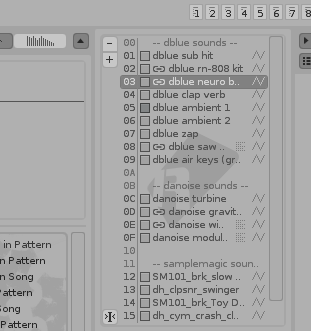
An Option, when its activated a pattern selection change do select the corresponding Instrument slot in the Instrumentspanel. If Instrument 1 is selected in Instruments panel and you select a Note of instrument 6 in Pattern, then switch over to instrument 6 in instruments panel too! This is Instrumentspanel…
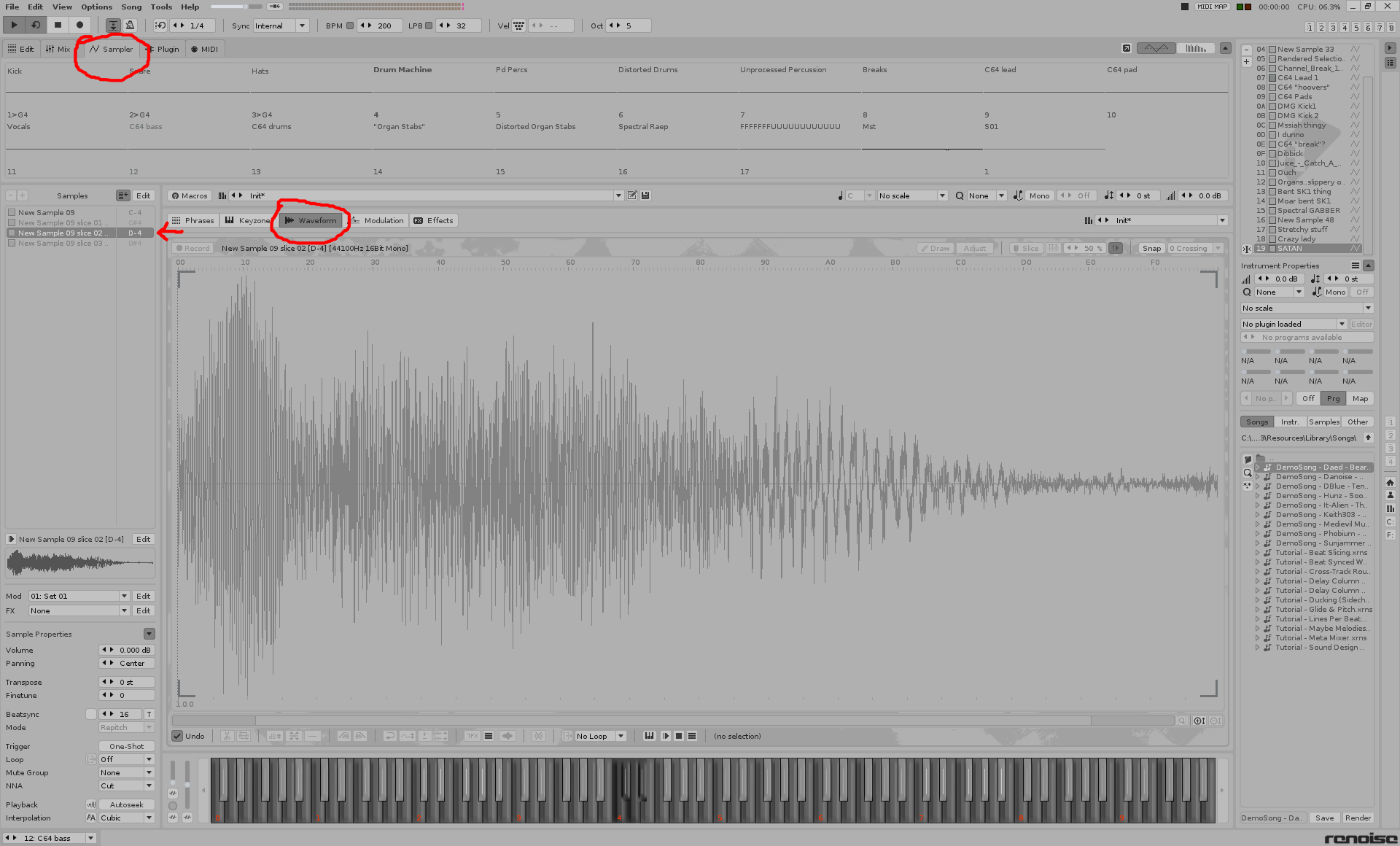
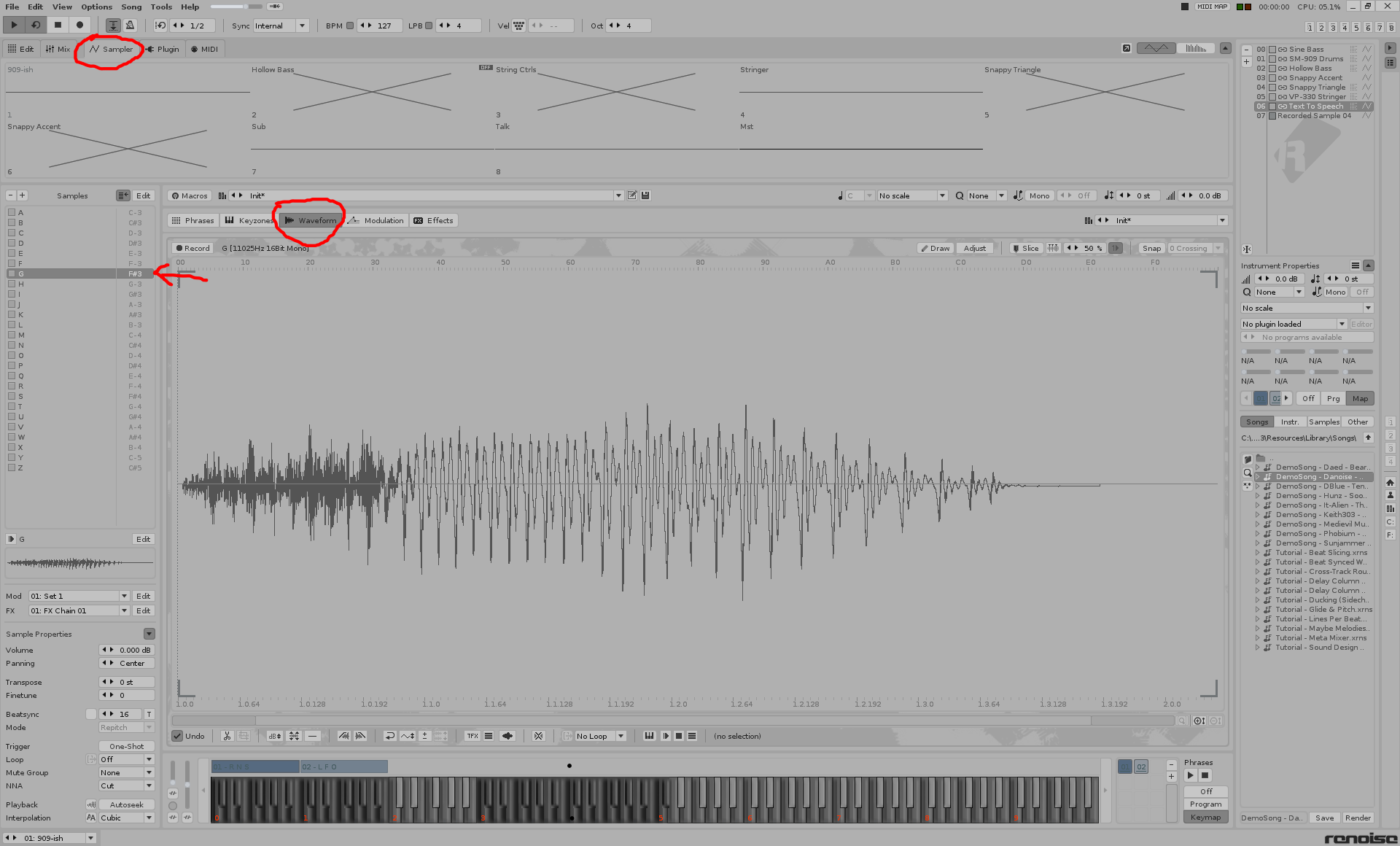
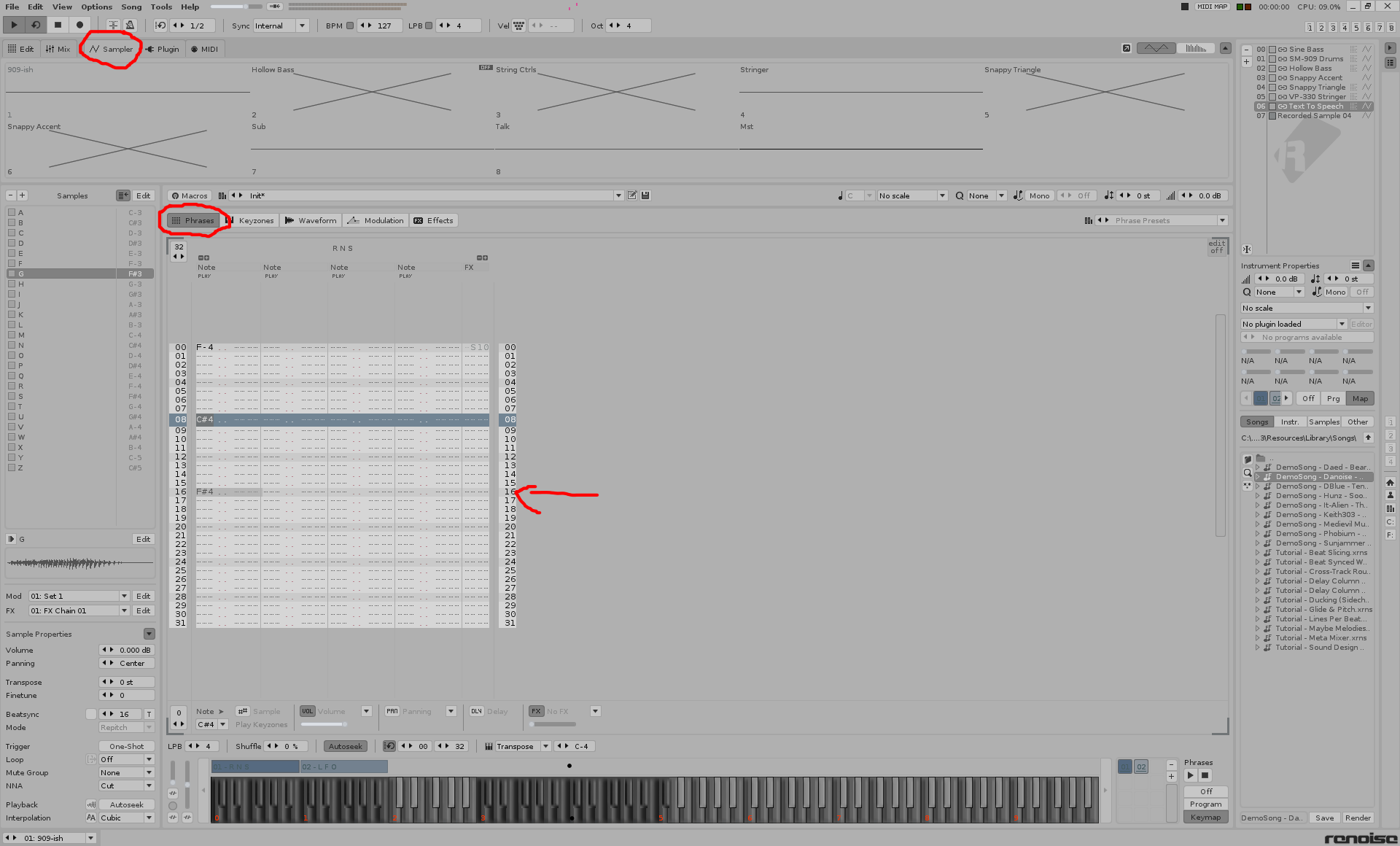
Make an option (for instance over a additional shortkey) that when your instrument has a Slice, it jumps direct to the sample screen and select the corresponding sample or slice if sliced! I mean this here…
Make it work with the Renoise alternativ play mode instead general disable it on play.
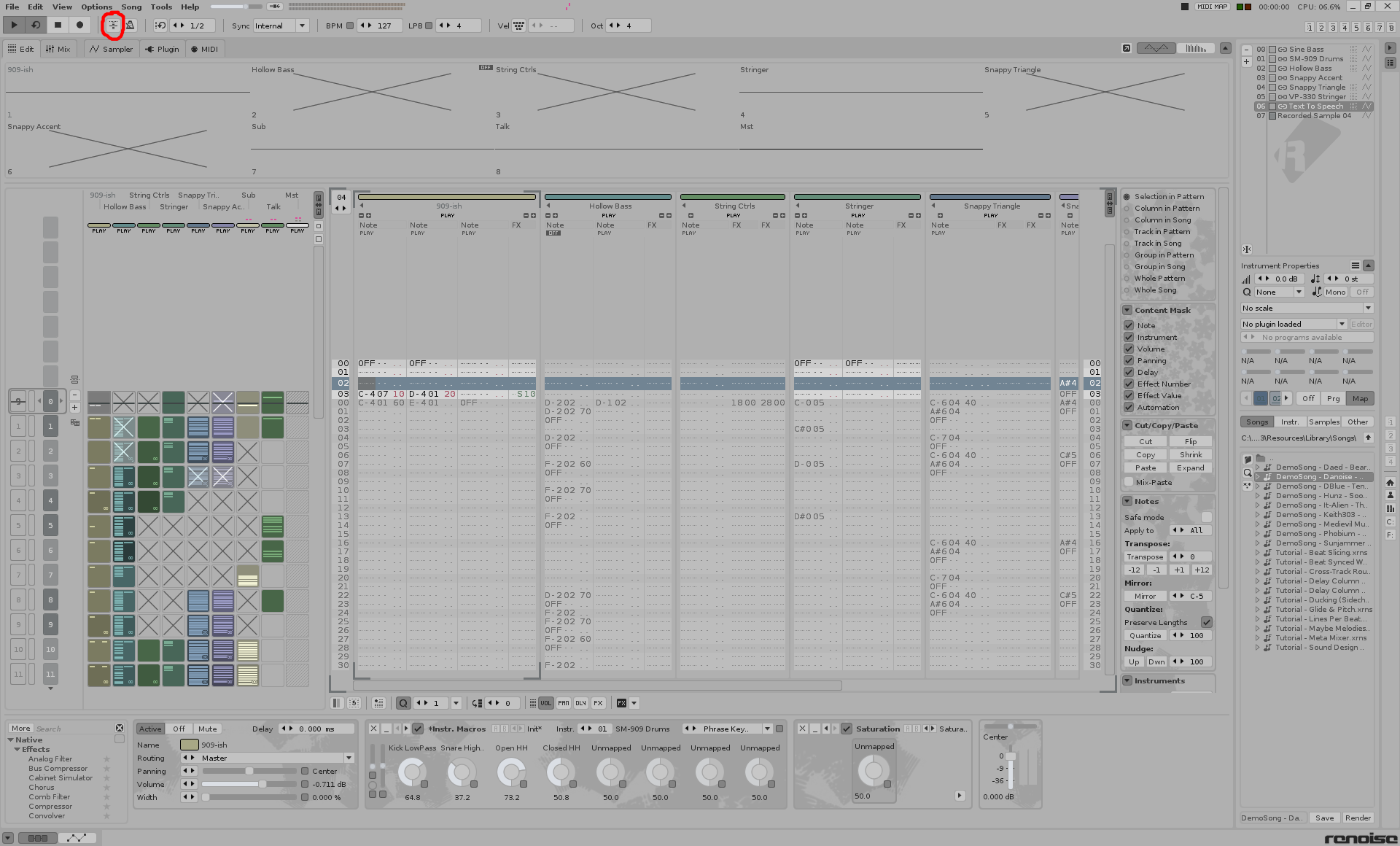
If you deactivate this Button, you can play without patternscrolling.in this mode you can do Note selections, so your Tool should work during the play too.