Hi @LiamHz, how are you? I have sent you a PM with all the details. Thank you very much for contacting!
Thanks Aaron, thanks for still being there! I’m currently struggling with the new User Guide, (It’s also a great job). I reckon we’ll have all this published soon. But you know, I have to do that thing you put in this icon : 
I’d love to see that! 
1 Like
I was very excited to try this with a view to purchasing, however, your very unique 15 minute limit complicates matters quite considerably.
I spent most of the time simply trying to enter a note with the mouse, unsuccessfully. Not intuitive at all.
For reference, I have simple piano roll installed and entering notes is as expected, very straightforward.
The preferences window did not enlighten me any further.
I wonder if there is some incompatibilty with my very run-of-the-mill set up on Windows 11.
Hoping your weekend is going well,
Tarek
You can consult the user manual for details. I hope the new version of the manual that comes with the new PRS version will help more in this regard.
Do you think it would be appropriate to make a basic guide just on how to edit in the grid? The new instruction manual (which I rebuilt from scratch) has an extensive section on this topic. I hope this helps and is more informative.
This is because PRS uses keyboard commands directly (combination of CTRL, SHIFT, ALT + mouse click, scroll wheel, etc.). This has also been substantially improved in the next version. In general, PRS doesn’t use switches to change editing. It relies on the easy combination of modifier commands and the mouse, and once you get used to it, editing is very fast.
For example, to insert a note block inside the grid, just CTRL + click. Everything is in the manual, although you don’t even need to read it. You have all the commands described together in the preferences window. You just have to try them out.
The new PRS version 7.0 and the new instruction manual with all the new features are now complete! But I have to wait for something to happen before I can release it publicly. I’ve been developing all these new features for almost a year now…
1 Like
V6.2 API, right?

the 16 minute time limit is so funny like  are you really gonna show me a nag screen after 1.5 mins, before i even figure out how to place a note?
the way you get people to buy your software after using a trial is by letting it become an integral part of their workflow. i bought directory opus after 60 days when it became indispensable. i bought renoise after 100s of hours spent on an unregistered version. etc. steep learning curve combined with spamming nags is more likely to just drive people away.
2 Likes
@lia I understand. The demo version has that slight time limitation, but you can try everything. When you have the full version, you’ll have the best workflow.
A very very important new version is coming. I’ll try to avoid these kinds of complaints (in theory it would come out this month, but something else must happen first). But the demo won’t change in terms of its condition. I can’t do much here.
To play with notes, you must use commands: CTRL + Click to insert… It’s a matter of getting used to it. It’s actually very simple once you get used to it…
Hello, @Raul I am interested in getting a license, but I am new to the forum so I cannot send a private message. Hope this reaches you, great work!
Hi @swteal88, how are you? I have sent you a PM with all the details. Thank you very much for contacting!
I’m pleased to announce that the new, fully finished 7.0 version of Piano Roll Studio for Renoise 3.5.x will be released this week. The first post in this thread already lists the main updates.
This update has been in development for over a year and represents a radical change from the previous version 6, bringing important changes relevant to both new users and those who have supported this software project in the past (please be patient). Personally, I’m very excited to finally release all of this.
As soon as the PRS download link is published, I’ll announce it here with a slightly more “official” post. In the meantime, those interested can take a look at the new Instruction Manual, completely rewritten from scratch. It’s a good way to whet your appetite in the meantime…
7 Likes
Haven’t checked in on this in a while, but just had a quick skim of the new manual and have to say Raul this is an incredible undertaking!
Congrats on taking things this far with the API and best of luck wth the new release!
1 Like
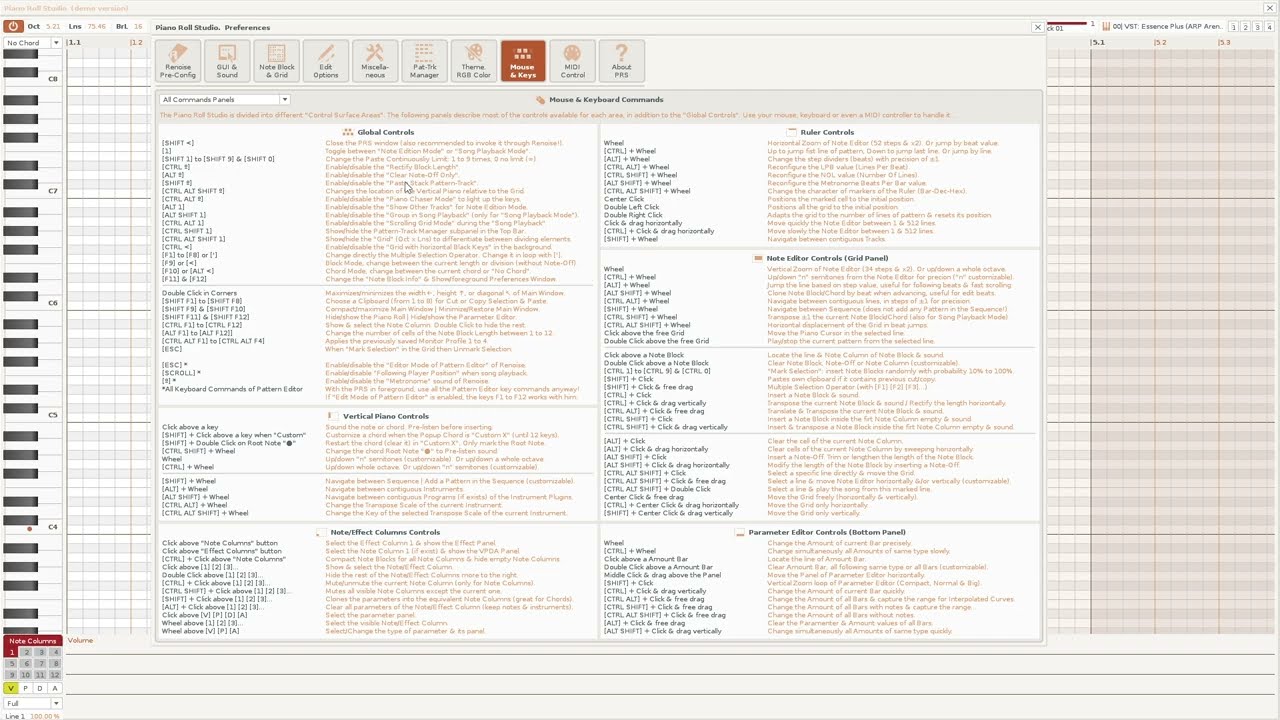
Presentation of Piano Roll Studio v7 with videos
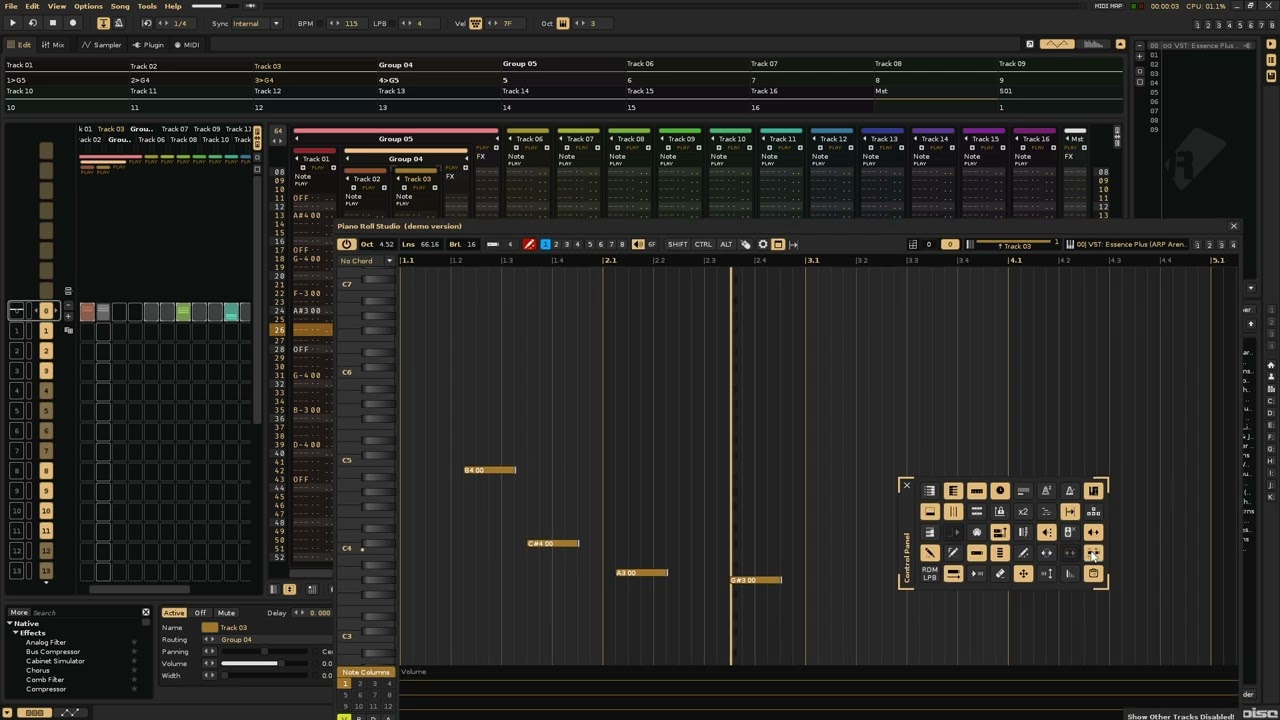
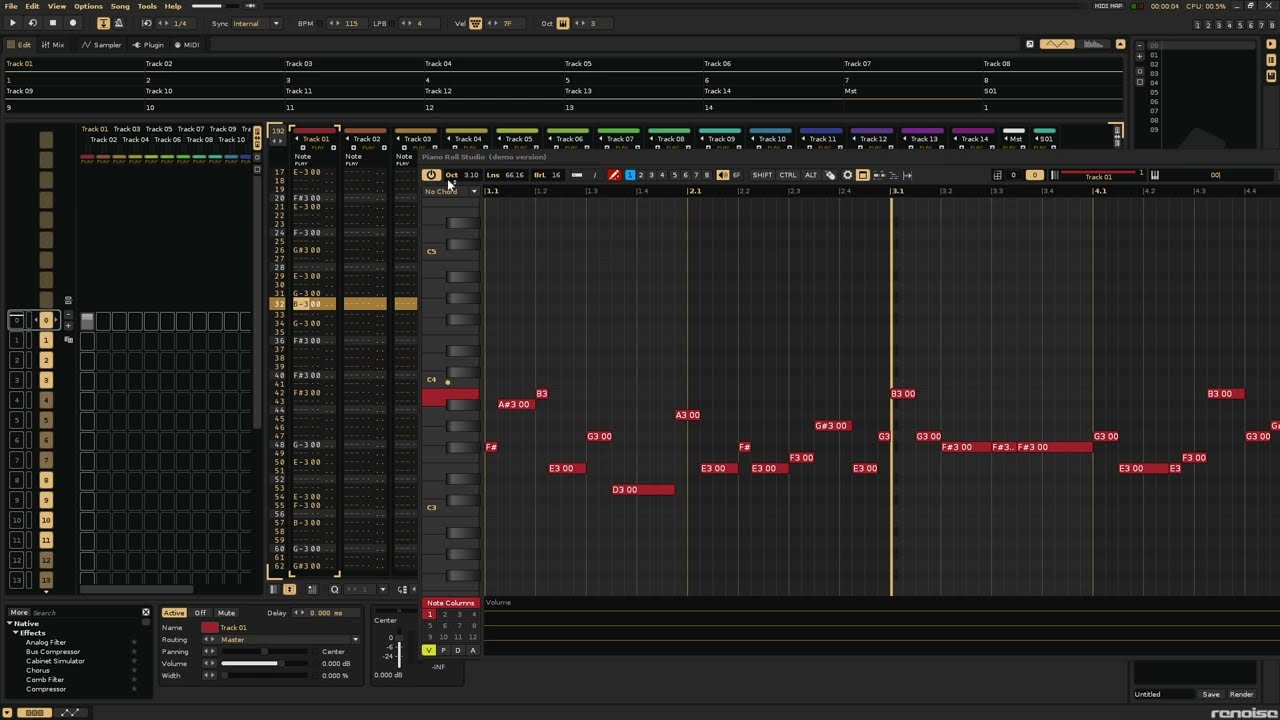
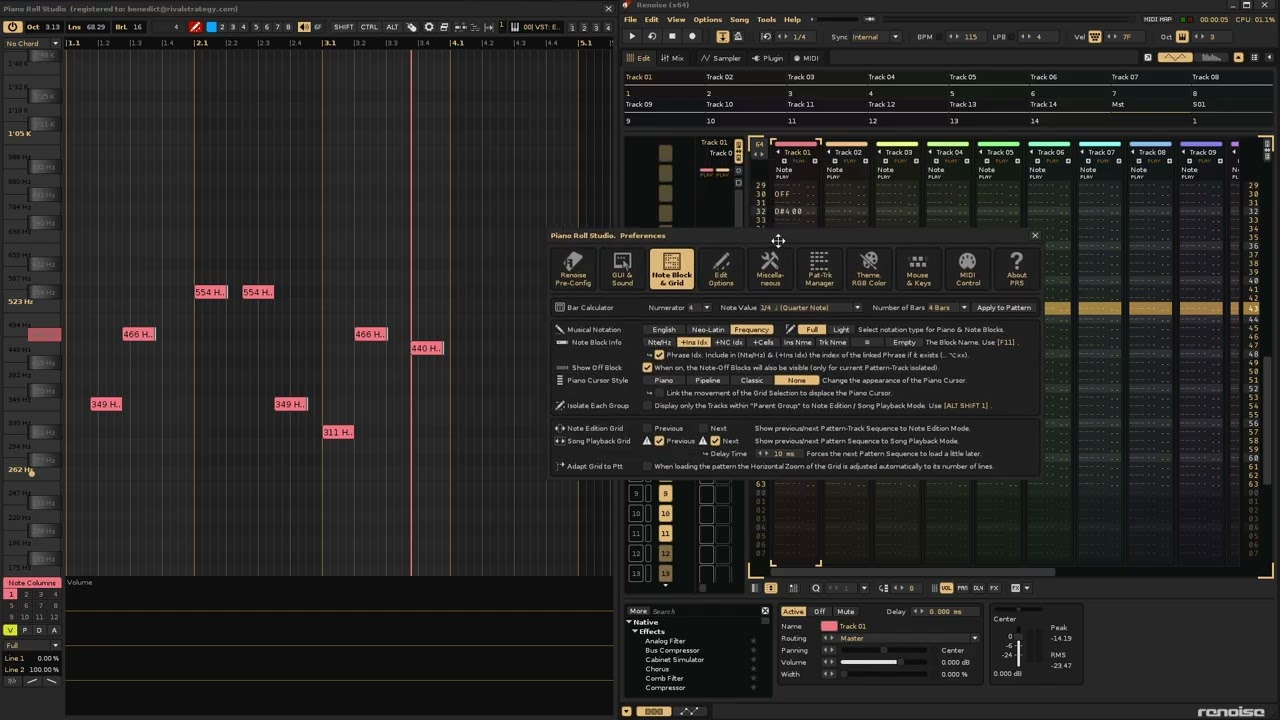
The following videos show some new features in Piano Roll Studio v7.0 using Renoise 3.5.1. It’s impossible to summarize everything in several videos, so these are just a few new features.
As usual, my videos are in Spanish, but many things can be understood just by watching the videos…
Enjoy them!
Presentation of Piano Roll Studio v7 - Part 1
Presentation of Piano Roll Studio v7 - Part 2
Presentation of Piano Roll Studio v7 - Part 3
Presentation of Piano Roll Studio v7 - Part 4
8 Likes
Video 3
Minuto 13,07
FANTÁSTICA VISTA!!
SUPER UTIL esa forma de trabajar viendo renoise abajo y tú pianoroll encima.
Te has pasado 14 pueblos !!!
Muy buen trabajo si señor !!!
1 Like
@Raul Looks great, what a tool!
Can you give me some tips about note abstraction? Please have a read here: Proper note data abstraction, not reinventing the wheel
Thx!
Thanks @Ledger! I’ve really enjoyed testing and experimenting with the new API features, which are quite a few. Although, as you know, changing something that’s already been programmed is expensive…
Hooombre @Circe, la verdad es que llevaba bastante tiempo con ganas de liberar la nueva versión. Pero hay mucha paciencia en el desarrollo (no puede ser de otra manera para hacer las cosas bien). Espero que todo el tema de los acordes te guste. Con el PRS puedes hacer muchas cosas con ellos muy rápido…
Thanks @ffx!
Well, I don’t know if the following will help you. What I’ve learned, at least in Renoise, is that a note, by itself, “is not alone.” You always have to consider its environment within its note column. This idea helps focus what data to store, since the note column determines its use.
That is, if you have a note, analyze what comes before and after that note, and store all the data in a table, which must be updated if the pattern changes and “damages” that note.
Now, this usually implies a rigid design. For example, the next note doesn’t always mean it will stop the previous note. What criterion should you use? Pattern skipping is always a matter of continuity. What criterion should you use? You have to analyze the previous and next pattern if you want some continuity.
In short, the analysis of a single note depends on its note column, the previous note column, and the next note column, and this isn’t always the case (it depends on the environment). A note might start in pattern 1 and end in pattern 4. What do you do there?
Why start with the analysis of a single note? You must analyze the smallest case and, within that case, analyze its extreme cases. For example, a note can start on pattern 0 and end on pattern 999. It would be unusual, but it’s possible. If it’s possible, it should be analyzed. From there, you narrow it down. Do I analyze only the current pattern where the note is, or do I analyze the next one, or how many? The biggest difficulty I’ve encountered with this issue is pattern continuity. How do you analyze all of that? From there, you add the remaining notes to your analysis using the same criteria for your iterations.
Finally, calculating a note’s duration depends on several factors (number of lines (BPM, LPB), two delay values, I think even the Groove), and even a small delay if you use an observable that you’ll need to compensate for. All of this makes some data expensive to obtain…
You’ll need to choose several analysis criteria that don’t conflict with acceptable performance, since one of the most costly tasks is analyzing notes in adjacent patterns.
Does this help you at all?
Piano Roll Studio 7.0 has been published!
I am pleased to announce the release of version 7.0.1005 of Piano Roll Studio. This update is the most significant since the initial release of version 1.0. It involves many important changes…
All new features are listed in the Update History (first comment on this thread). There are many changes!!!
This new version 7.0 of the PRS among other minor things it is the the first version to support the new API v6.2. As you may know if you follow the Renoise forums, Renoise has developed a new version (API v6.2) with significant improvements over Renoise v3.5.x. Many of them related to the use of the mouse and the View Builder.
The API is a set of code instructions that Lua tool programmers use to create them so that they “understand” with Renoise.
With the new capabilities, the Piano Roll Studio 7 (and higher versions) will only support the new API v6.2. This involves some important changes, both for users who have already supported the project, and for future/new users of the PRS.
For users who have already supported the Piano Roll Studio project
Have you supported the PRS project in the past? The older Licenses will only work up to version 6.x.x. If you need the new Personalized User License for PRS 7 (or future versions) you can leave a new comment in this thread or send me a PM directly.
Also, if you’d like to support this project again, you can do so with another contribution. You’re not only helping the PRS, but also helping maintain the rest of Ulneiz’s tools. By the way, if you’ve made it this far, the rest of my tools will also be updated over time for Renoise 3.5.x. It’ll just take a while…
For me, PRS is a special software that took a lot of effort to create. It’s clear that it has a special treatment compared to the rest…
Thank you all so much for supporting this project!!! Without your support, it wouldn’t be possible to invest so many hours in research and programming!
For new users for Piano Roll Studio
Do you want to use the full version of PRS? As usual, two versions are available: a Demo Version and a Full Version. The PRS is available for download in the first entry of this thread (is the same file for Demo and Full Version): Download PRS.
You can try the Demo Version at your leisure. Please read the new User Manual if you have any questions. Considerable effort has also been put into compiling all the documentation. It’s available in English and Spanish. You can also use a web translator (such as Google Translator) to translate it into your language (for example, German or Italian). In this case, use the Spanish version to translate.
The full version requires a Personalized Use License, which costs € 33. To get it, you can send me a PM and I will tell you all the details…
Please seriously consider supporting this project if you enjoy PRS!!! This also motivates me to keep programming…
Enjoy them!
4 Likes
Hey Raul, congrats on the release! Must’ve been a huge task for you. You should definitely add the demo version to the official Renoise tool page as well. Taktik was cool with it, and it’s a nice way to get a bit more exposure for your tool.
2 Likes
Yes, amazing effort. Had hoped, but didn’t expect that something like this is possible with a Renoise tool. Great work!
Of course it’s fine to upload demo versions to the tool page.
Now that we have two excellent PR tools, no one should ever complain about a missing PR in Renoise. 
9 Likes
Good work!