I thought this was possible but apparently not
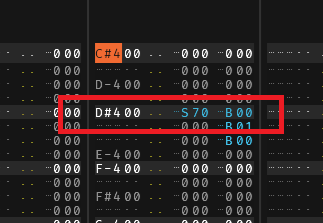
Slice command ,then play backwards from sxx.. is not happening from the slice offset
Example
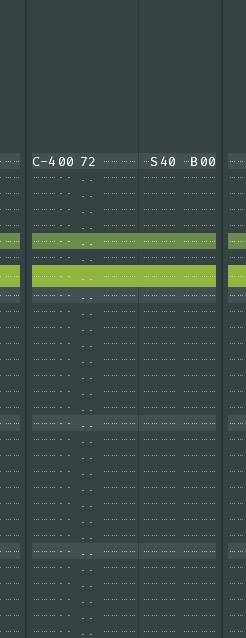
c4 B0 S30 .. wilreverse from slice D0 instead of S30
I thought this was possible but apparently not
Slice command ,then play backwards from sxx.. is not happening from the slice offset
Example
c4 B0 S30 .. wilreverse from slice D0 instead of S30
The xBxx command reverses the whole sample as far as i know. Maybe, if you try to also swap the offset command, this will work.
I mean if your result is D0 instead S30, try D0. Maybe this results in S30 when reversed. I don’t know if that works, but it’s worth a try.
Nopppes , I tried all that , it is never reversing from the offset point
Tried individual effects lane , global , order of commands .
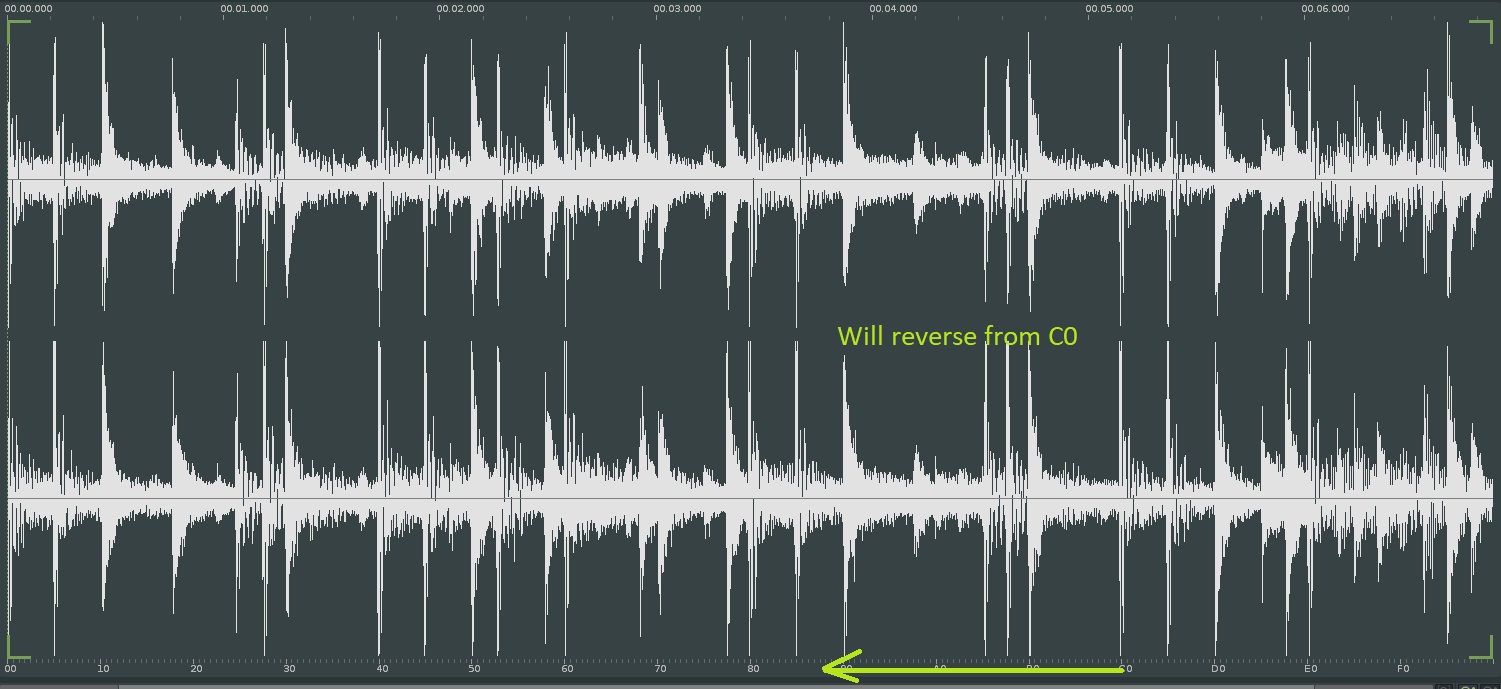
S40 , will reverse from c0 etc…
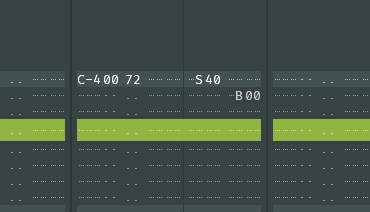
The only solution is to place the B0 on the next line
Instead of S40 where you want it to reverse, enter SC0, now it will reverse from S40?
Exactly but that isn’t verry intuitive is it ?
Funny, ran into the same today. Wanted to reverse the first part of a sample, didn’t work how I thought it worked. I’m pretty sure I did this before.
I don’t mind this being changed, but changing might break compatibility with older songs. While not intuitive, you can get it done once you know how it works. At least it should be documented better.
It does work when using actual slice markers as reference points
I was also convinced it worked on the sxx command , perhaps it’s just a slip of the mind ..?
Yes Sxx index is also reversed when B00 is present… agreed that this should be better documented. Thankfully in most situations it’s easy enough to figure out the proper Sxx value
Despite it sometimes being annoying to work out the correct slice point, this behavior has always felt “right” to me. Like, of course if you’re playing a sample backwards, S00 is the beginning of the reversed sample, i.e. the end. But I can see why it would really bug or confuse some people.
Yes , but if you’re telling a sample to play from a certain point and simultaneously give it the backwards command , it seems logical to play it backwards from that point .
PLay sample from position 3 and play it backwards , renoise plays it from position 7 and backwards
It actually reverses the whole sample including the offset indicators , ff being start , 00 being the end .
It’s no big deal really , if we really want to reverse from point x , all we need to is subtract x from FF and that’s’ it
S40 0b00 = ff - 40 =BF
So we just write SBF 0b00
Yeah the trouble is there’s no one right way to implement this, though it’s true Renoise is inconsistent given that slice markers are handled differently. It might not be a bad idea for there to be a song option for this if people have strong opinions about it (though it would make the Renoise “language” a bit less universal, so to speak).