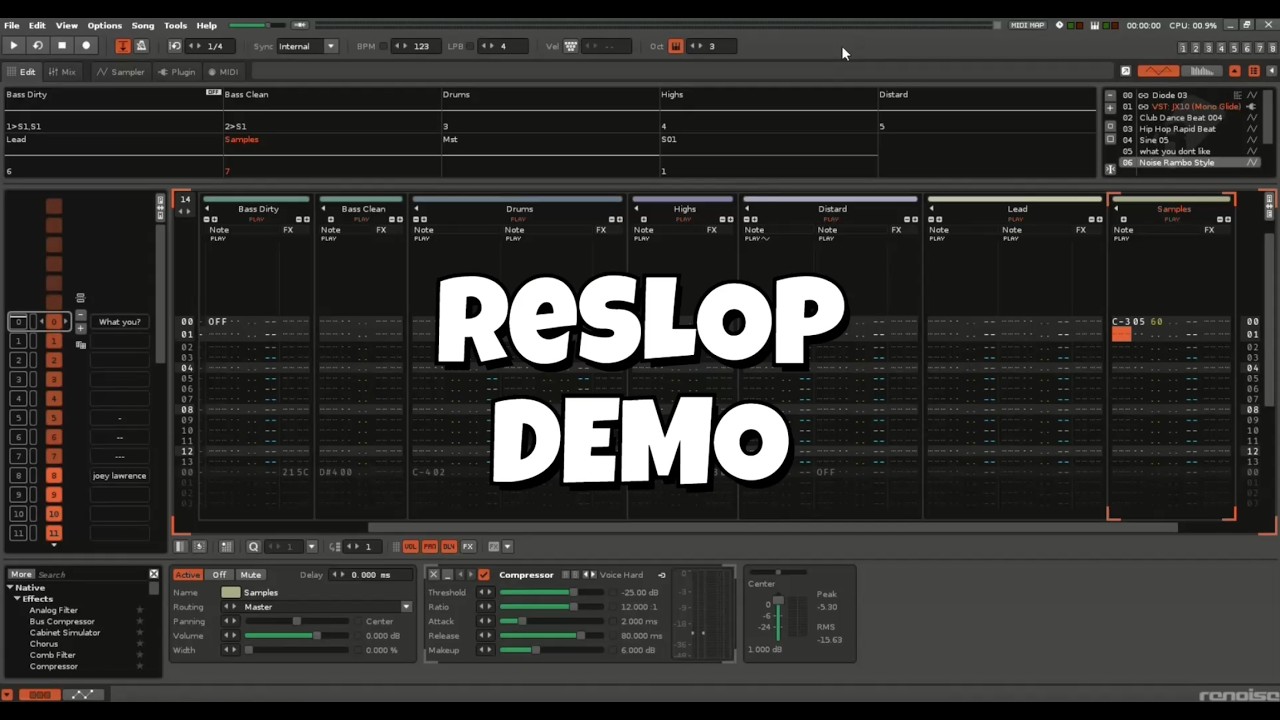
Use-this-template starter kit for Renoise Lua tools, built for coding agents.
You need three things: Renoise 3.5 (the demo works), a coding assistant (Claude Code, Copilot, …) and a GitHub account. No Lua experience required. No terminal experience required either, though it never hurts.
Click “Use this template” at the top of this page and give your repository a name. Then get it onto your computer (GitHub Desktop is fine, or git clone).
Let Renoise listen. In Renoise, open Edit → Preferences → OSC and tick Enable Server. Keep the defaults (UDP, port 8000). This is how the kit installs and reloads your tool without anyone clicking through menus.
Open the folder in Claude Code / Copilot / … and ask for a setup. Something like:
Set this project up for me. Install anything that’s missing, name the tool com.yourname.ToolName, and check that you can talk to my Renoise.
Your assistant installs the formatter, the type checker and the task runner, renames the example tool, puts it into Renoise, and reports back when it can see your song. If it needs a password for an install, it will ask.
Ask for a feature. “Add a button that doubles the BPM.” “Make a dialog that lists every instrument.” Your assistant writes the Lua, checks it against the Renoise API, reloads the tool inside Renoise, and shows you the dialog it made.
perfect. just what we needed. even more repetition of “slop” - to deeply embed this word into all of our consciousnesses, so that “it’s all just slop”. why didn’t you just call it renoise tool bootstrap or something more constructive?
If anyone wants to improve ASCII Dancer the GitHub repo is here.
I made the “renoise tool bootstrap or something” template Claude first, but there’s no reason it couldn’t be adapted to Codex, Copilot, Opencode…
The novel innovation in Reslop is the Lua dev bridge. It establishes a live, two-way communication channel between Renoise and AI coding agents which was my main goal here, not simply a good pre-prompt.