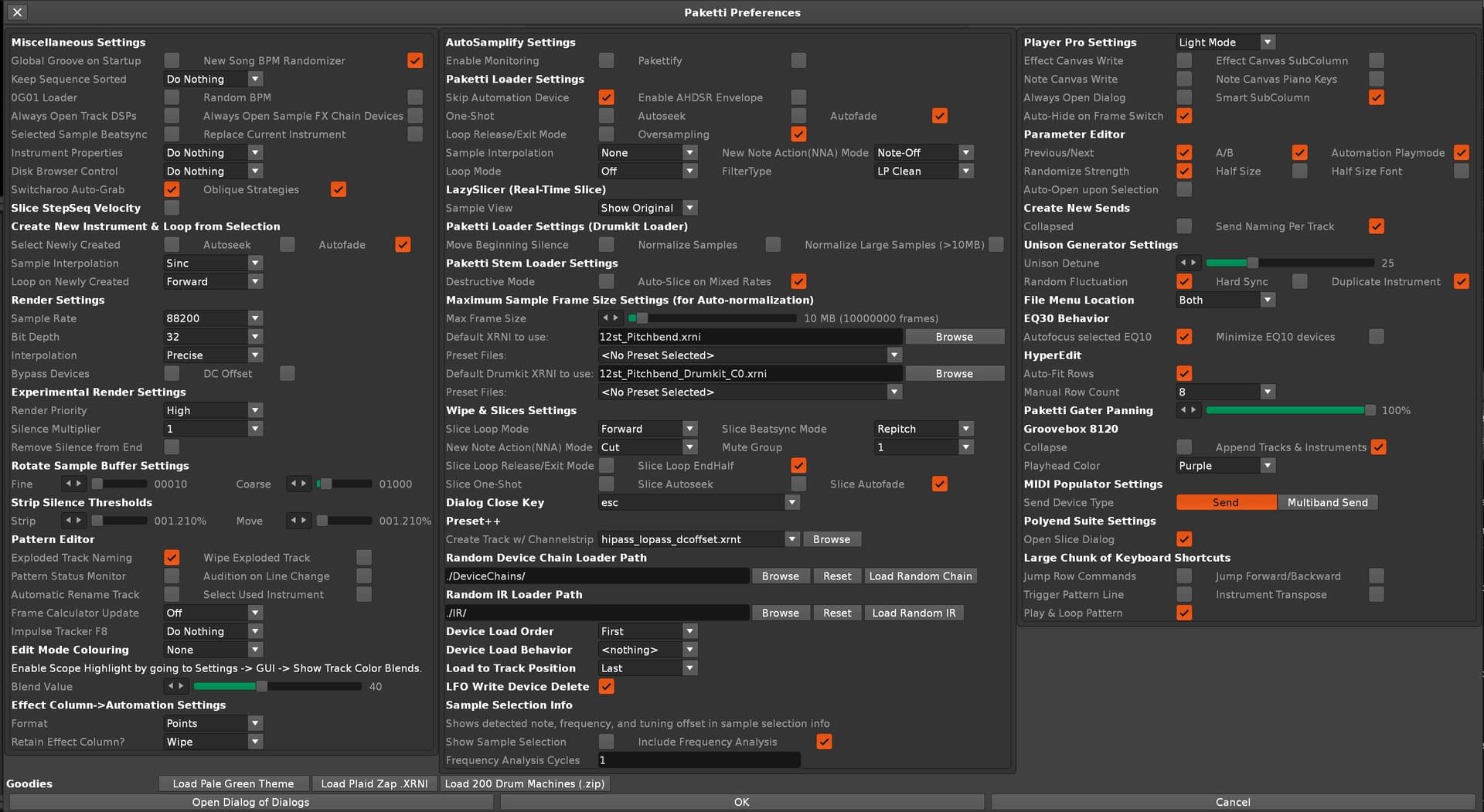
I constantly get The Save Dialog each time I load a song even if I just saved the current song or even on startup of Renoise for the first song I load.
But I get the same problem as of today. I followed what I read on this topic : check my undo menu on startup with and without some tools activated/deactivated.
My results :
@esaruoho with last Paketti (with the top recent ALT-LLL) active, on Renoise startup, my undo command already lists “undo Change BeatsPerMin”
@unless with Tint active, on Renoise startup, my undo command already lists “undo Change ColorBlend”
Unfortunately Tint works by setting the track colors on the project, which is an action that Renoise will automatically create an undo step for, and my code cannot do anything about that.
I’ve requested a feature that could fix this but it will probably never happen (you can read the reasoning here).