I think it is more common to right align the shortcut ‘legends’ in menus. It looks a bit weird now, to my eyes.
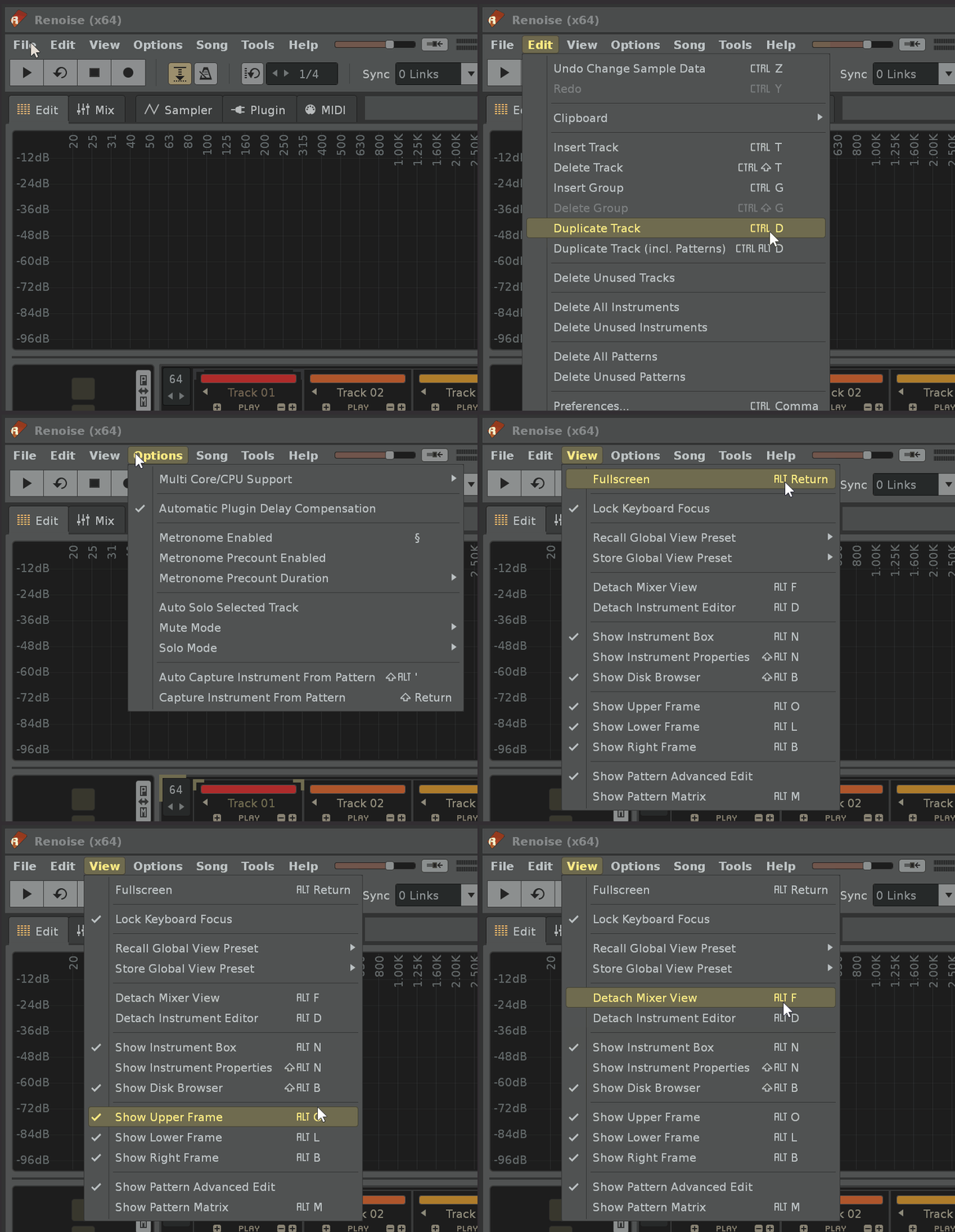
Win 10, 3.5.2, 200% scaling
Edit: they are right aligned in the “File” menu, but not in the other menus, so I guess it’s a glitch.
I think it is more common to right align the shortcut ‘legends’ in menus. It looks a bit weird now, to my eyes.
Win 10, 3.5.2, 200% scaling
Edit: they are right aligned in the “File” menu, but not in the other menus, so I guess it’s a glitch.
yes something funny going on, the View menu shows one as more centered for here but other menus look aligned right.
Win 11 1080p, 3.52 here
I guess the column is aligned so that the non-modifier component of the shortcut stays aligned across rows then the column is aligned right. As the File menu have all single characters as the “core” key, they are aligned to the right, the rest is offset because there is Return and Comma in the list.
Ah, true. So it’s deliberate then.
I suggest to change it to normal right alignment for a less jumbled look.
I see that makes sense; yes seconded for less jumbled look
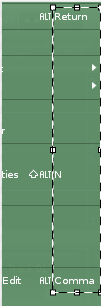
macOS gets around this by using a symbol instead of a word for such keys. That would give the best of both worlds, but I’m not sure it’s worth changing now.