Hey man, thanks for testing!
I found out that sadly, the browser vendors not yet enabled webgpu for Linux, for some unknown reason. It should be enabled for Windows and macOS since late 2025.
So if the support is not enabled on your Linux, you will see the binary scroller instead. But you can enable it, it completely works.
- Firefox: Enter “about:config”, search for “webgpu”. set “dom.webgpu.enabled” or so to true
- Chromium: Enter “chrome://flags” search for “webgpu”, set “unsafe webgpu support” to true
I found out that it’s not the webgpu code itself which causes the stuttering on some machines, it the layering of multiple canvas, some rendered mostly by cpu, some by gpu. That seems to require a very recent graphics backend in the system or so. I will try some possibles fixes in the code, too.
Btw. I ve bought a used m1pro mbp pro 14… For 600€, which is quite a low price. Companies are replacing their older macs currently, it seems. Machine in almost perfect condition, and:
I’ve installed now Asahi Linux onto it! It’s a Fedora. installed it with KDE. And I am very impressed. Once you setup it a bit, Linux feels so much better than the other OSes. It also supports most of the Apple gimmicks like trackpad gestures and so on. Not everything works perfectly, like power management still is not 100%.
What’s funny is that I can use 120Hz for the display, Apple doesn’t allow that under macos. And it seems that I have that “HDR” brightness constantly. Not only HDR videos have HDR contrast/brightness, but all! I am still struggling with installing some apps like Signal. I’ve found a really nice firewall “opensnitch”, the clone of Little Snitch, yay! The OS boots up in 3 seconds (if I don’t count those retro delays in grub). Not constant cpu hog with stupid surveillance services. Everything is like it should.
Alsoo funny: The cracktro runs like ass on Apple Safari, but smooth on Orion, which uses Apple’s webkit 


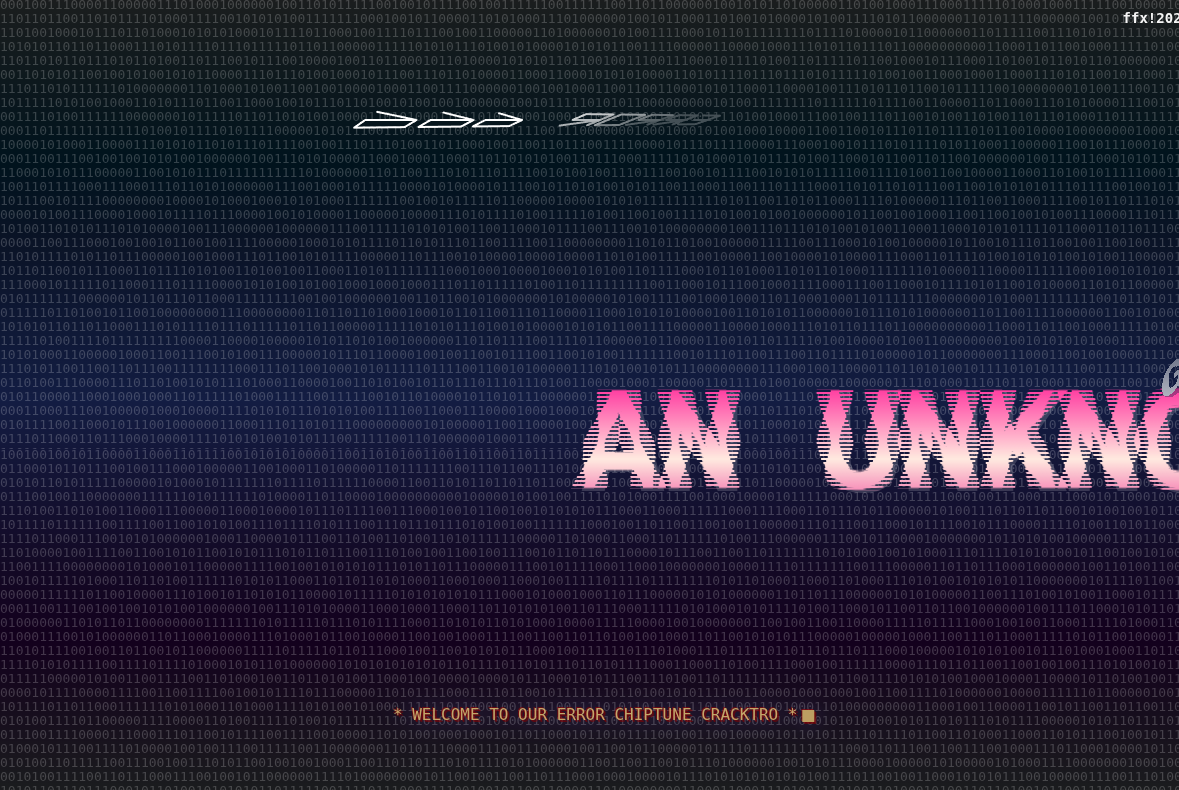
 once again