Today in my latest mad experiment with agentic vibecoding, I exported my Renoise Keybindings.xml and had Gemini create a visual, searchable guide for easier reference. I then packaged it as a PWA (progressive web app) so it can live on my Mac desktop as an app. AND I created an Alfred Workflow for it so I can search my Renoise keystrokes from my Alfred quick search bar.
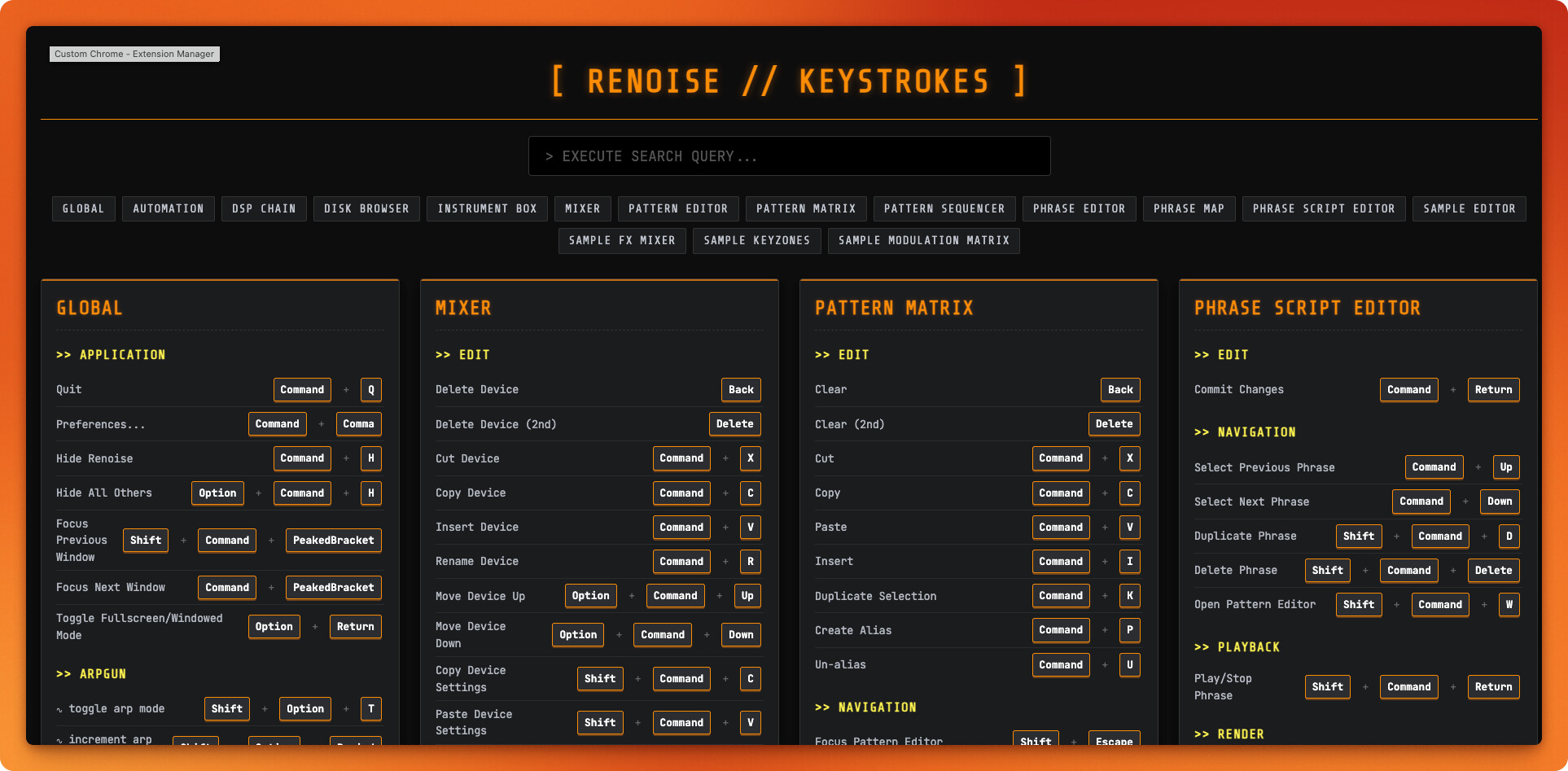
I’m happy to share it but/and please note that it’s customized to MY keystrokes, so you would ideally need to have your own AI minion rebuild it based on YOUR unique set of keybindings.
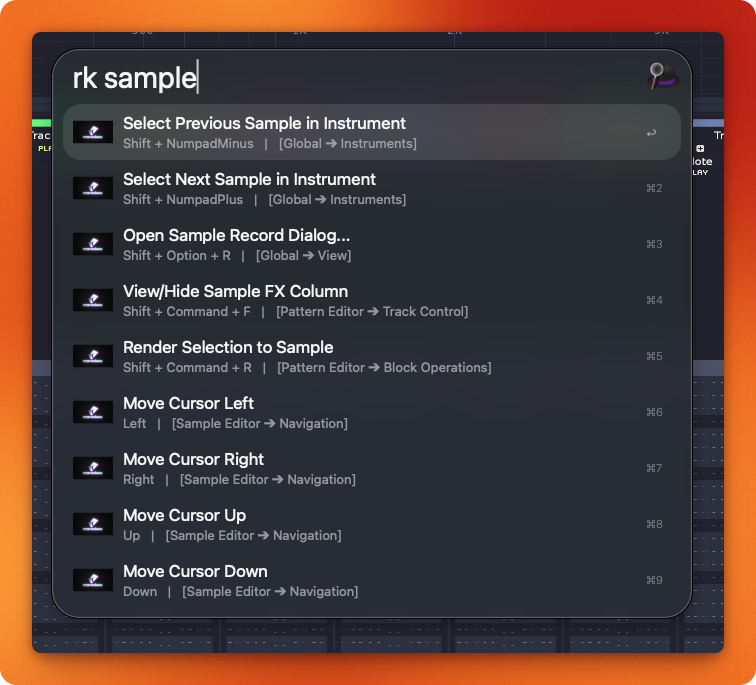
But Why?
I love working in Renoise with a keyboard-based workflow, I’ve memorized the handful of commands I use frequently, but there are a lot of other actions I have to mouse for when there’s probably a good keystroke to do it. I just don’t know what it is.
I wanted an easier visual way to explore the existing keystrokes, quickly invoke more of them, and see if there are any default keystrokes being used for features I never use that could be freed up for other functions.
It’s amazing that I can think of a problem and, an hour later, have a working prototype of a solution. This would have been out of my reach as a non-coder but it’s actually a pretty simple solution to a common problem. Hope it helps you.
But How?
If you’re interested in the tech I used to do this, it’s just Zed editor, Zed Agent to plan and execute it, and Gemini 3.1 Pro did all the heavy lifting. I had to send it back a number of times for refinements of look, feel, performance, and functionality, but the final product is just what I wanted it to be after not too much work.