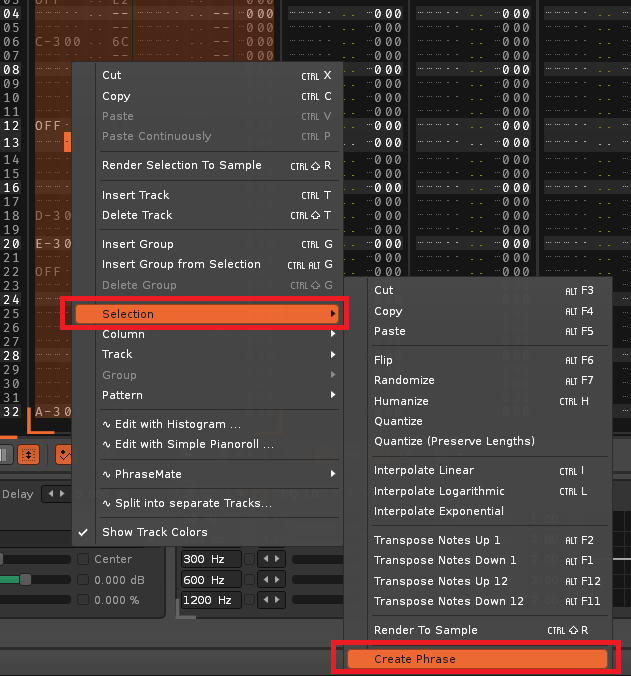
Hi everyone, this may be silly question but:
how does one create phrase from selection to existing/selected instrument (default behavior is that phrase is created in duplicated instrument). Can we have at least alias instrument - or ability to create phrase to already selected/playing instrument, rather than new one?
i understand that sometimes it makes more to have new instrument, so the original arrangement is not messed up, but it would be good to have ability to:
create phrase to selected instrument (and replace source selection/track in pattern with single note which will then trigger newly created phase)
maybe this would be good workflow improvement. What are your opinions?
Thanks
Make a selection in the pattern editor, then right mouse click so the menu pops up and I think there should be an option there to make a phrase out of the selection.
i’ve added it to my todo-list and will have a look at how to feasibly do it. the catch of course is that it would need to go through all patterns, and what if you use the instrument in multiple places?
would it be okay if it just duplicated the instrument, and then added a phrase, created the phrase from the selection, and replaces the content on the pattern with the phrase trigger?
Sorry for the late reply! I think your idea could work well. I am currently experimenting with Raul’s travel through phrases which seems to be able to extract phrases from the pattern editor. Need to spend more time with it though. Thanks!