Live performance

Live performance topics in Tips&Tricks are a decade old. If you use Renoise during live performances, please share your tips. We’re curious.

You can write about :

  • Tools
  • MIDI controllers
  • Hardware integration
  • Live coding
  • Improvisation
  • Patterns and phrases management
  • etc.
2 Likes

Mixer, two laptops, two Akai midimix, map loop song and mute tracks to buttons,
map some group and master efx to dials.

Record your tracks to stems, play stems on some great mixer.
Traktor files and other stem template files might be interesting too.

3 Likes

I use two instances of renoise and bounce back and forth between them with spacebar sync and custom midi maps on a small controller for mixing, live glitching, and fx control

Compact and versatile setup

I’ve played live this way a bunch of times

3 Likes

Oh I’m really interested in this,care to elaborate?or maybe even a YouTube vid? :face_with_tongue:

1 Like

Do you sync your laptops ?

I’ve seen serveral videos with a “2 renoise instances” setup. I would never have thought of that !

Yeah I actually tried making a video on this but was having issues with OBS. I’ll give it another shot :sign_of_the_horns:

It’s pretty simple really, just have two instances of renoise and bounce back and forth between them loading and playing songs with the spacebar. MIDI control to taste.

But if I make a vid I’ll show exactly how I like to do it

1 Like

I’m using a combination of Renoise and Digitakt as my MIDI controller.

My live set brain is the Digitakt, in which I have different patterns, sounds, etc. It does 80% of the work in the live performance.

However, despite being very very powerful, Digitakt is monophonic, can’t do chords, and the pattern size is limited (64 steps). So I’m using Renoise as an “extension”, since I have no polyphonic hardware.

This is where Paketti (the tool by @esaruoho) comes in handy.

I can have a Renoise instance with chord progressions and trigger the sections from my Digitakt (for example: I can set a rule to launch the section* 3 once every 8 bars…).

Same for breakbeats: I can use the Digitakt to tell Renoise to switch sections and even jump between patterns inside that section (hitori tori style) using MIDI mappings.

So I have two synced instances of Renoise working as instruments for the Digitakt: one for breakbeats and more complex drums + one for chord progressions. Idea is to set everything up in the Digitakt and not look at Renoise at any moment during the performance, because it distracts me.

The Paketti functions are called “Select section using knob”, “Select, Trigger and Loop Section XX”, etc… Natively, Renoise won’t move the section loop when you change sections (I mean the gray boxes at the left of pattern matrix), so @esaruoho was kind enough to script it. It would be nice to have it natively, though :stuck_out_tongue:

*By section, I mean the Pattern Matrix headers you can rename.

Just one problem:

I notice a lot of MIDI clock jitter regardless of my configurations when clocking Renoise externally on Linux. Sometimes the BPM speeds and slows down, which is very annoying. But I guess that’s a subject for another thread.

5 Likes

p.s. wanted to chime in that if anyone’s looking for additional live performance tweaks, including macro shortcuts, midimappings that do a bunch of things in one go, etc, i.e. combinations for workflow improvements, if you can describe them in detail, i’ll try and script them.

i’ve done a bunch of pattern sequencer / section / selection / trigger / queue scheduled list stuffs over the past year, when requested. i’m more of a zero pattern guy when it comes to live performances (00 is the pattern i’ll be using), but maybe i’ll eventually branch out to more complex live compositions. but hmu if you’ve got something that you’d like to mash up into a single function or a feature.

4 Likes

I sponsored this baby a while back. I think it’s currently being updated to 3.5 but I pretty much use(d) it to trigger my patterns Live/MPC style. You assign keyboard shortcuts and/or midi mappings to each pattern.

The best part is you can then choose when exactly the next pattern is jumped to. For example: Pattern 1 is currently playing, you push the trigger key/midi for pattern 2. You can choose if the next pattern(2) is jumped to within the next beat, bar, or even a specific amount of lines. Or immediately.

More like an advanced version of renoise’s native pattern trigger, which jumps to the preselected pattern at the end of one pattern to the beginning of the next selected.

However, the play head has the option to remain in sync with the lines of each playing pattern to the selected. For example if pattern 1 is playing and you trigger pattern 2 to begin at the next beat, pattern 1 will continue playing until it reaches the next beat. Upon reaching the 2nd beat, pattern 2 will begin at beat 2. Enable autoseek in the sample editor and you can jam out live :smiling_face_with_sunglasses:

Of @Raul packed this tool with even more features than I have time to use and I sponsored the darn thing :winking_face_with_tongue:. I would definitely recommend getting a license for this.
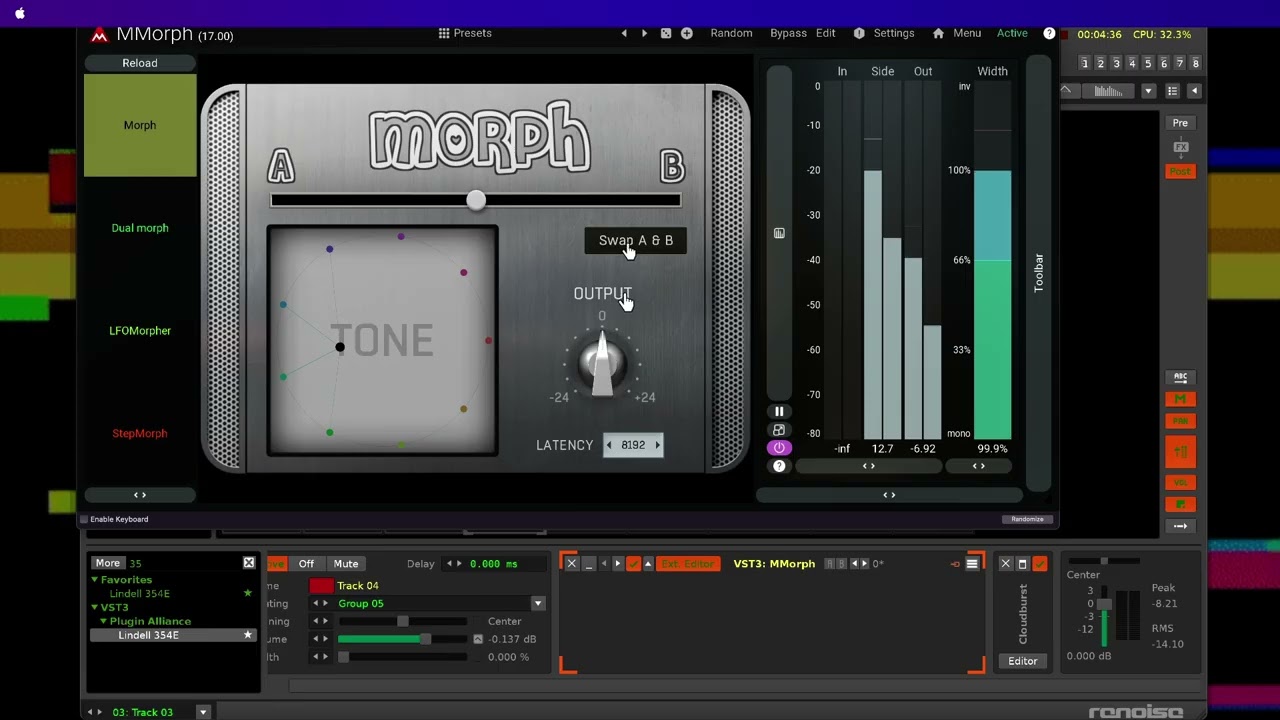
And also if your looking to maximize your use of phrases then check out Travel Through Phrases as well. They are both built with live use in mind.

Coupled with @esaruoho Paketti and anyone who wants to perform live should be good to go.

1 Like

I use a fairly basic setup with an iPad running MIDI Designer Pro as my controller (https://mididesigner.com). I use MIDI to do simple things, like:

  • transport controls, including turning pattern looping on/off
  • selecting a specific pattern to play next
  • controlling effect parameters
  • controlling track volume and/or send faders
  • trigger notes / field recordings / samples

And sometimes I use a second iPad as a synth, feeding into Renoise’s Line In device.

Sometimes I’ll use Renoise patterns for note/chord sequences that are too challenging for me to play live. Most of my stuff is drone ambient, though, so I largely use Renoise as a VST host for instruments then manually mix + adjust effects parameters.

2 Likes

My little performance without a sequencer. Just a generative patch.

4 Likes