@bizzyb
yo, check dis timestretch tool!
1 Like
Looks like he hasn’t been on his forum account in a long time. Probably best to email or post it as a comment on one of his vids!
here’s shortcuts midimappings and menu entries for modifying the selected track output delay by -1, -5, -10 or +1 +5 +10 (or resetting to 0ms:

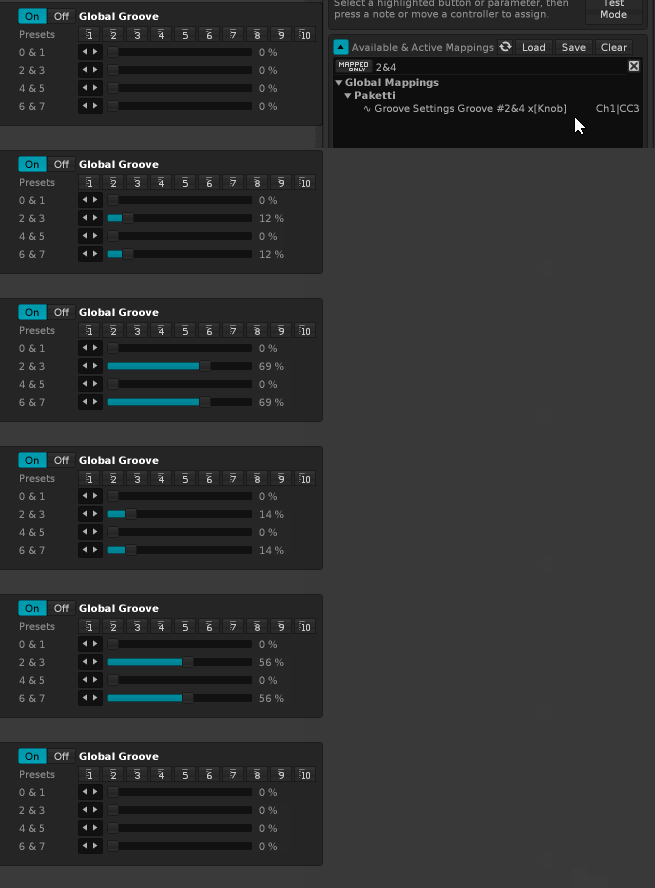
here’s a midimapping for controlling both the global groove “2” and “4” for accurate shuffling
Hi,
I’m really interested in using paketti to see if slicing samples via my midi controller, mpc style, is something that I would use.
I’ve installed the package, found a lot of menu’s, but I have no idea where to find or how to get started using the features.
Can somebody point me in the right way, or tell me if there are any tutorials? I’ve read most of the posts with animations in this thread, but I have no idea how to do all that 
Thanks!
1 Like
I think I’m interested in this.
I record a lot of processed bassdrums from my 909, like 32 in one take, which I then want to slice really precisely, like on the first zero crossing before the transient of the kicks, to use the kicks in a round robin instrument.
I do this now with the mouse, and this takes a lot of time obviously, but it’s worth the effort I hoped I could snap the slice point with my midi controller to zero crossings, just hacking the file in 32 even slices is not good enough for me.
Thanks again!
1 Like
simple thing but helps
now each and every Paketti-loaded, generated, unison generator’d or anything else sample has a deactivated Panning LFO ready to go.
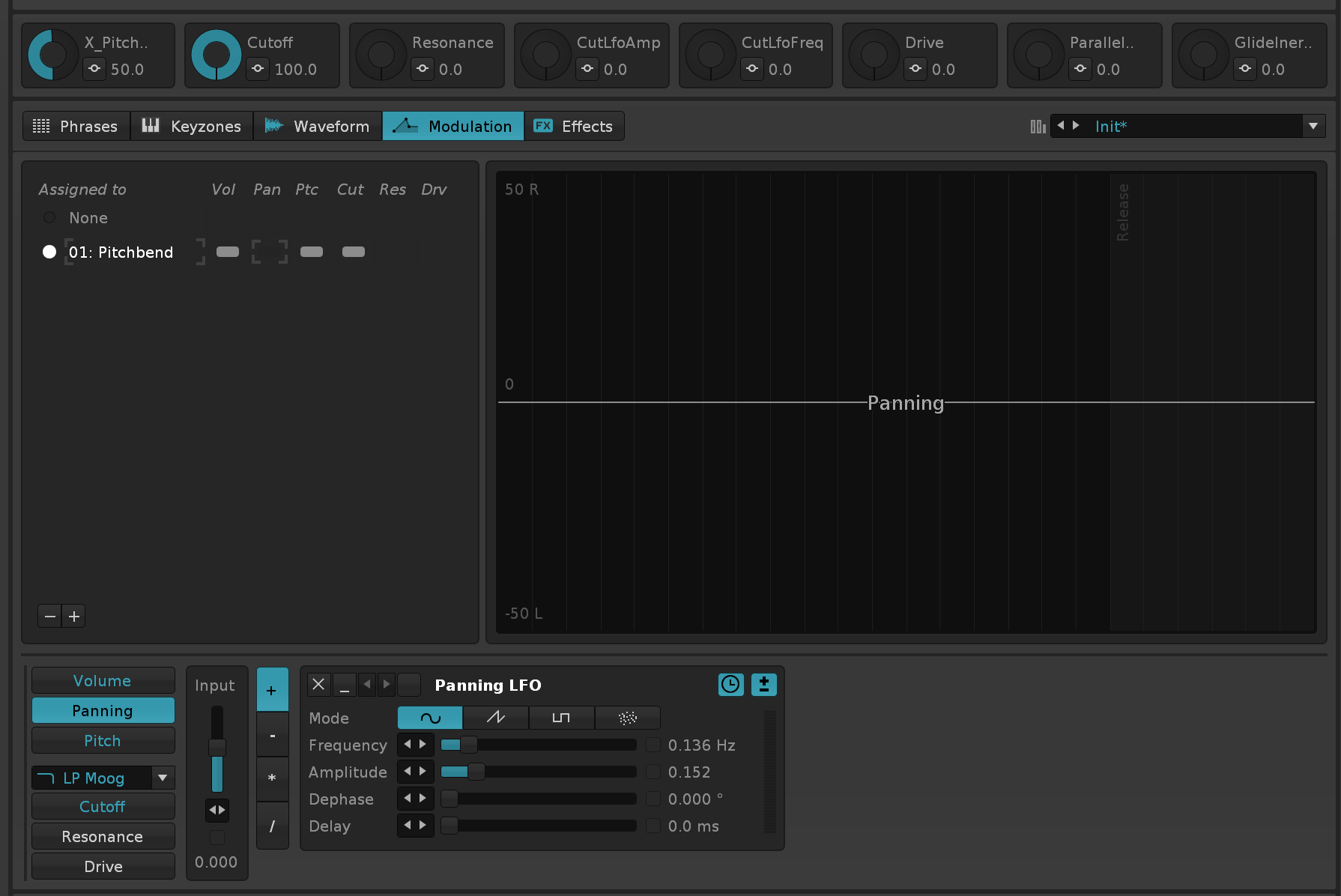
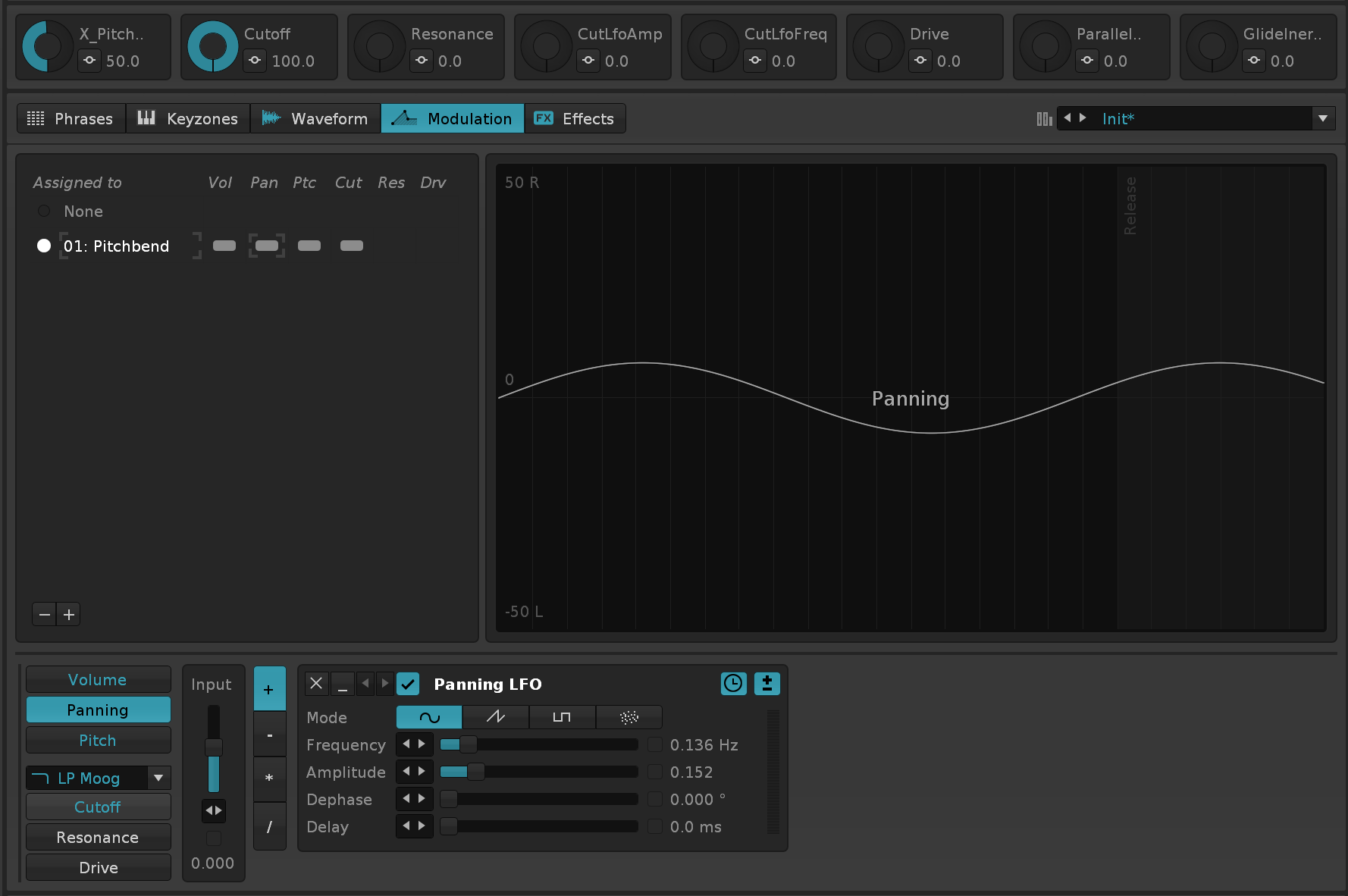
so you can reactivate it and pan away

also added the Slice Loop EndHalf setting to Paketti Preferences. so if you set it to On - then it will loop the second half of each slice, when using Wipe&Slice to mathematically slice.
Neat feature! there’s always something to discover 
1 Like

@Bluethereal
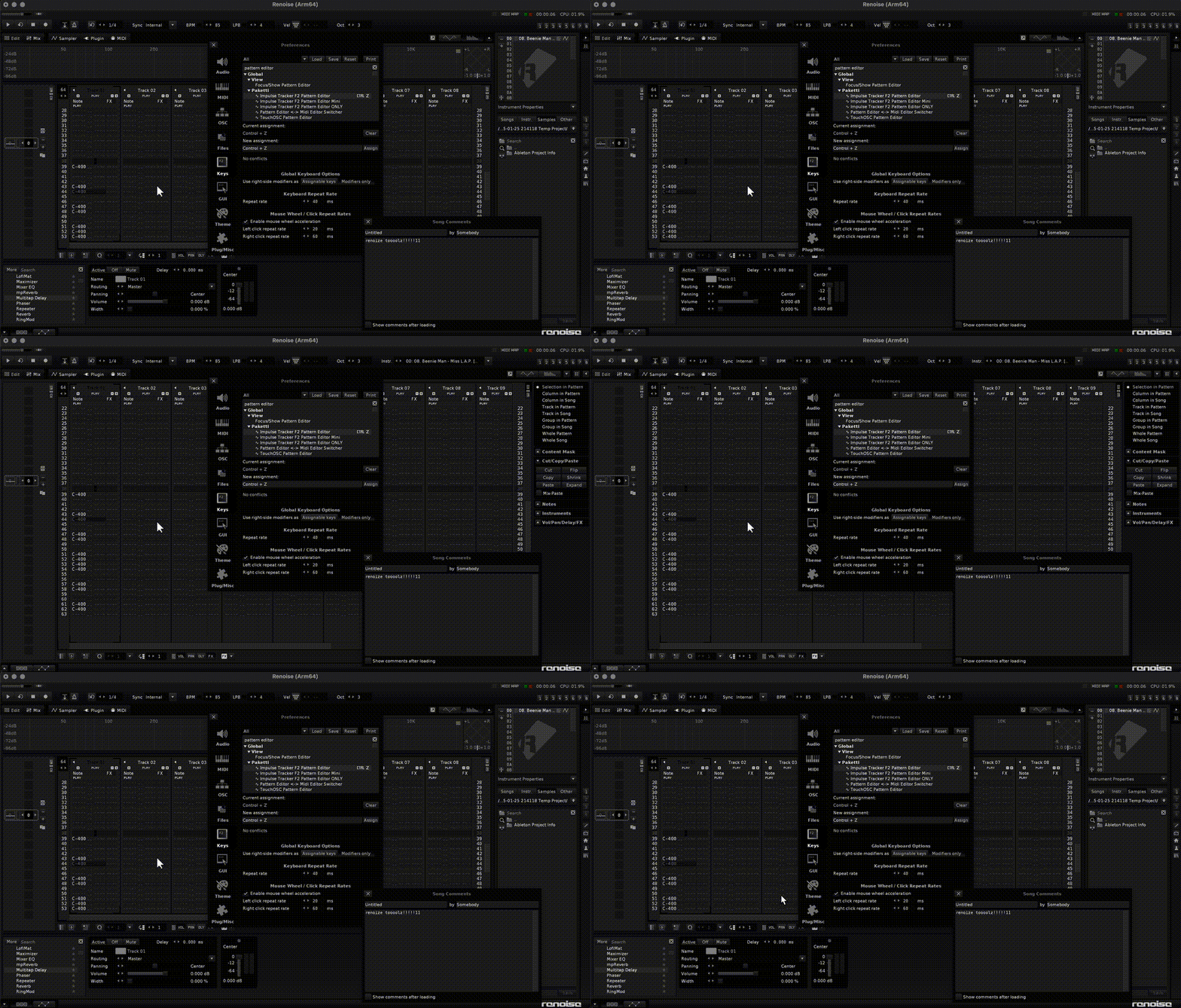
hi, so, yes, these are impulse tracker features…
F2 is “go from anywhere to pattern editor”… then when you press it again, it hides upper frame, lower frame, disk browser/instrument box and shows the adv. edit parameter.
F3 is “go from anywhere to Sample Editor” - then when you press it again, it’ll cycle through certain Sample Editor / Instrument Editor features.
Same for F4 - but it goes to Instrument Editor & Midi Plugin Editor.
F11 is for going to Mixer, and when you go again, it enlarges the Pattern Matrix and shows the Automation.
Press it again, hides Pattern Matrix + Automation and shows Track DSP.
these are just modifications that take the Impulse Tracker thinking into consideration and updates them for what Renoise can provide.
There’s also the Dynamic Views which let you actually set up your own cycles, max 8 cycles per macro/shortcut
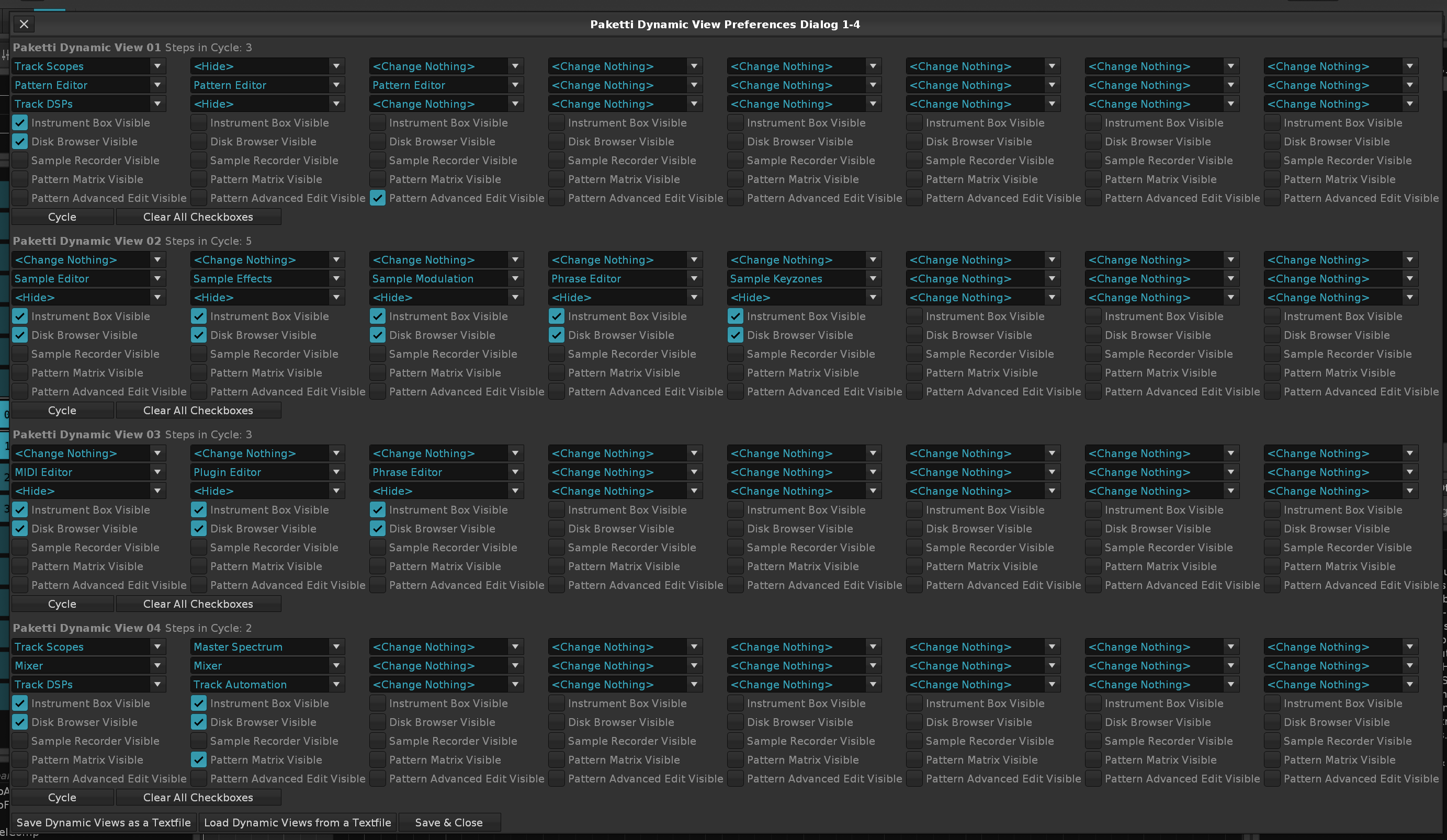
so you can set them up so that they show or hide specific features or maintain them as shown. i will be updating this soon with new features and more configurability.
2 Likes
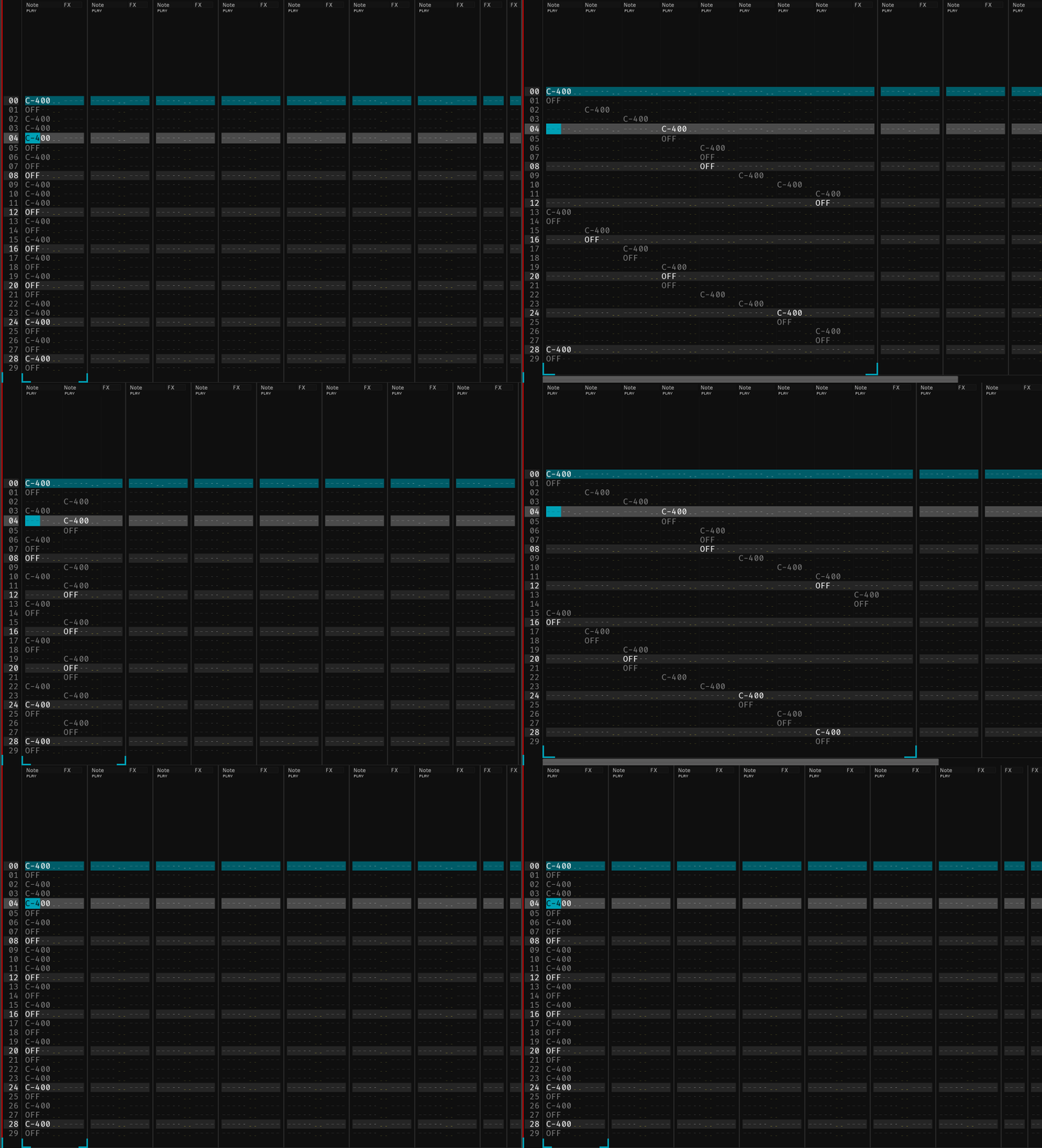
here’s a feature from OctaMED - the Note Spread.
2 Likes
Sort Notes (Ascending) / (Descending)
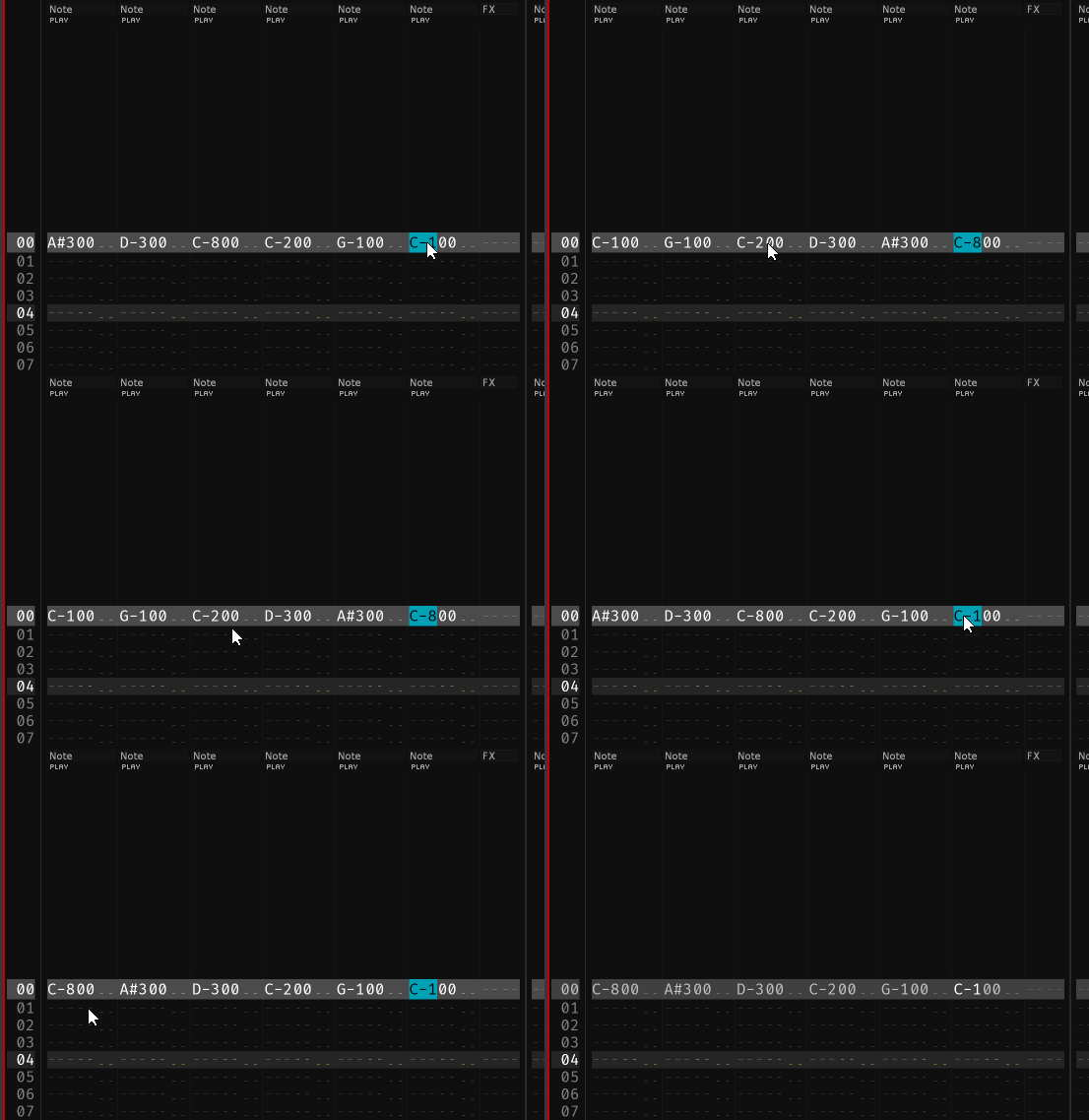
2 Likes
I was waiting for this one. Now my chords won’t look like they are all over the place. Does it organize the entire row or only columns with adjacent notes?
1 Like
it organizes the entire row… but if there’s a note-off on the row, then it keeps the note-off on the same column.
there’s been a request to “shift to the right” so there’s space to add a basenote to the chord. i’ll look at that in the very near future.
1 Like
Can we get an option to move the note off along with it’s note? Shift to the right sounds sweet too. Nice work man
1 Like
hi so i figured out a way of throwing the discord paketti-updates channel’s contents (all the changes i’ve made to paketti since june 16th 2024 till today) into markdown so here’s a direct link to Paketti changeslog.
there’s animated gifs, embedded videos, screenshots.
1 Like
i’ve finally added the “long in the works” automation documentation to the paketti manual. here it is.
this should in theory be all the automation features that paketti introduces.
oh, but now that i think about it, i forgot at least a few things from it.
2 Likes
Improvement: OctaMED Pick/Put Dialog now reads Selection in Pattern in Selected Track and writes to Selection, while following EditStep.

1 Like
here’s shortcuts for moving track dsps in current track to next or previous.
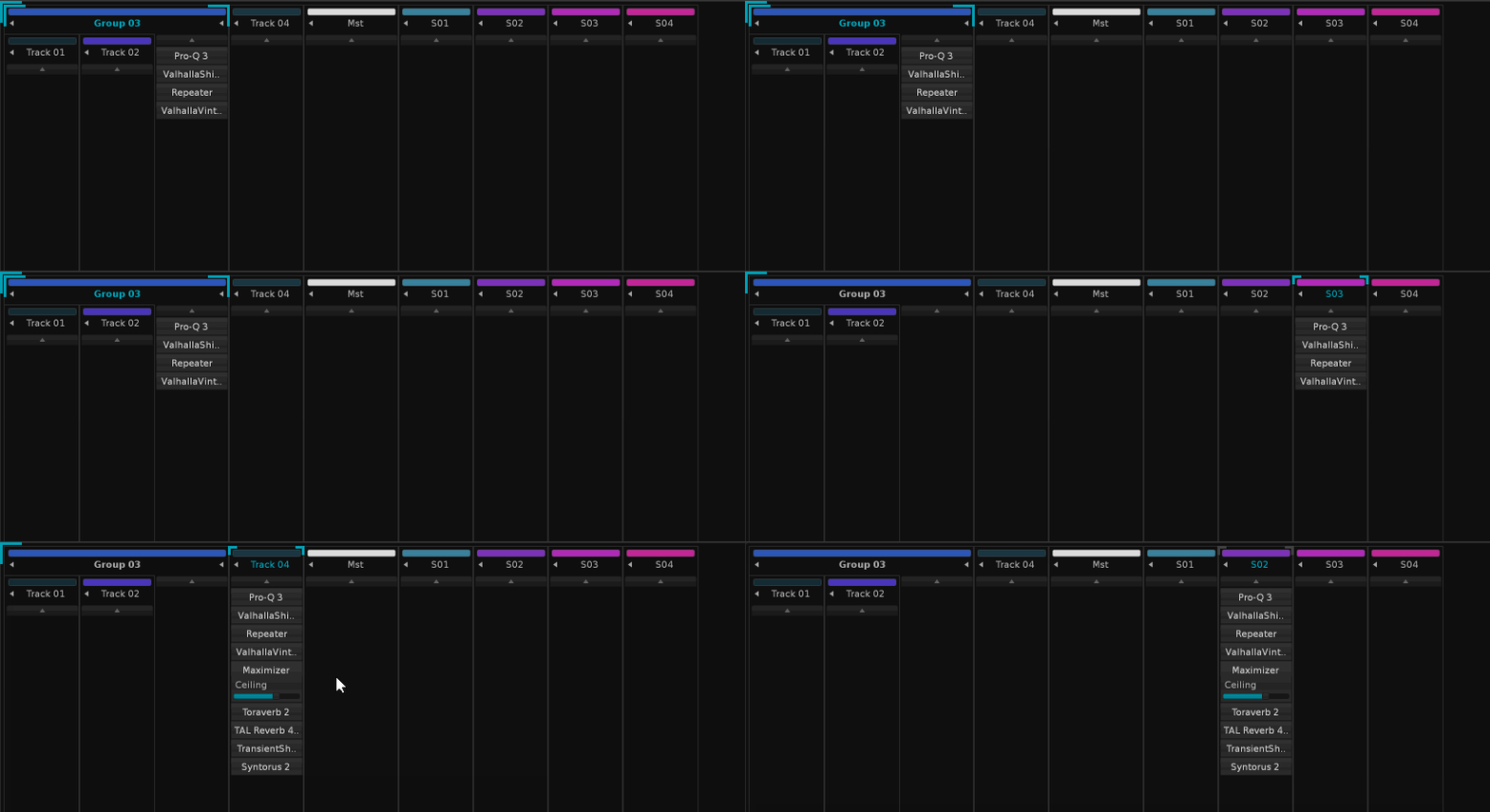
it will now retain is_maximized settings (whether device is minimized or not) and then let you move it from track, to group, to track, to master, to send, and tjhen wrap from last send to first track, etc.
2 Likes

and here’s the more cut down version that just moves the currently selected device

and here’s something ChordsPlus related, a method of filling the selection with the current-row chord, but altering the voicing, and then Note Sorting ascending/Descending, and adding delay values to the mix for strums.
it’s pretty wild.
if the forum allowed for mp3, i’d link some examples.
1 Like