
there’s been requests for a Paketti Action Selector - aka a menu that has the 2096 menu entries + shortcuts available, and you can pick them from the dropdown menu and then Run them with a button. here it is.
3 Likes
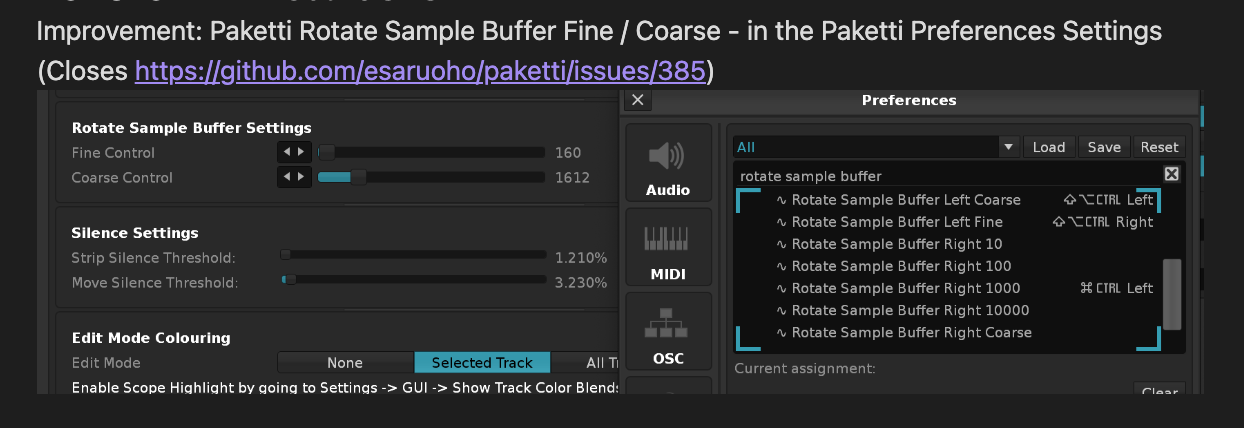
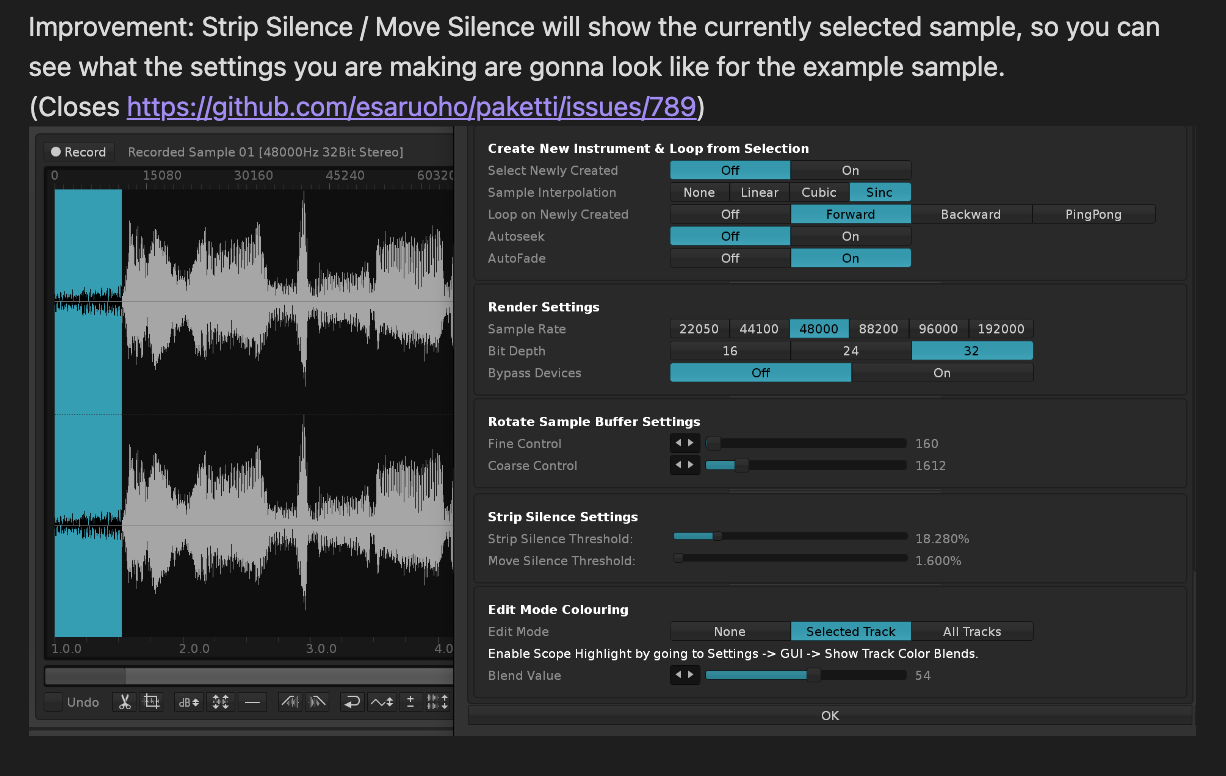
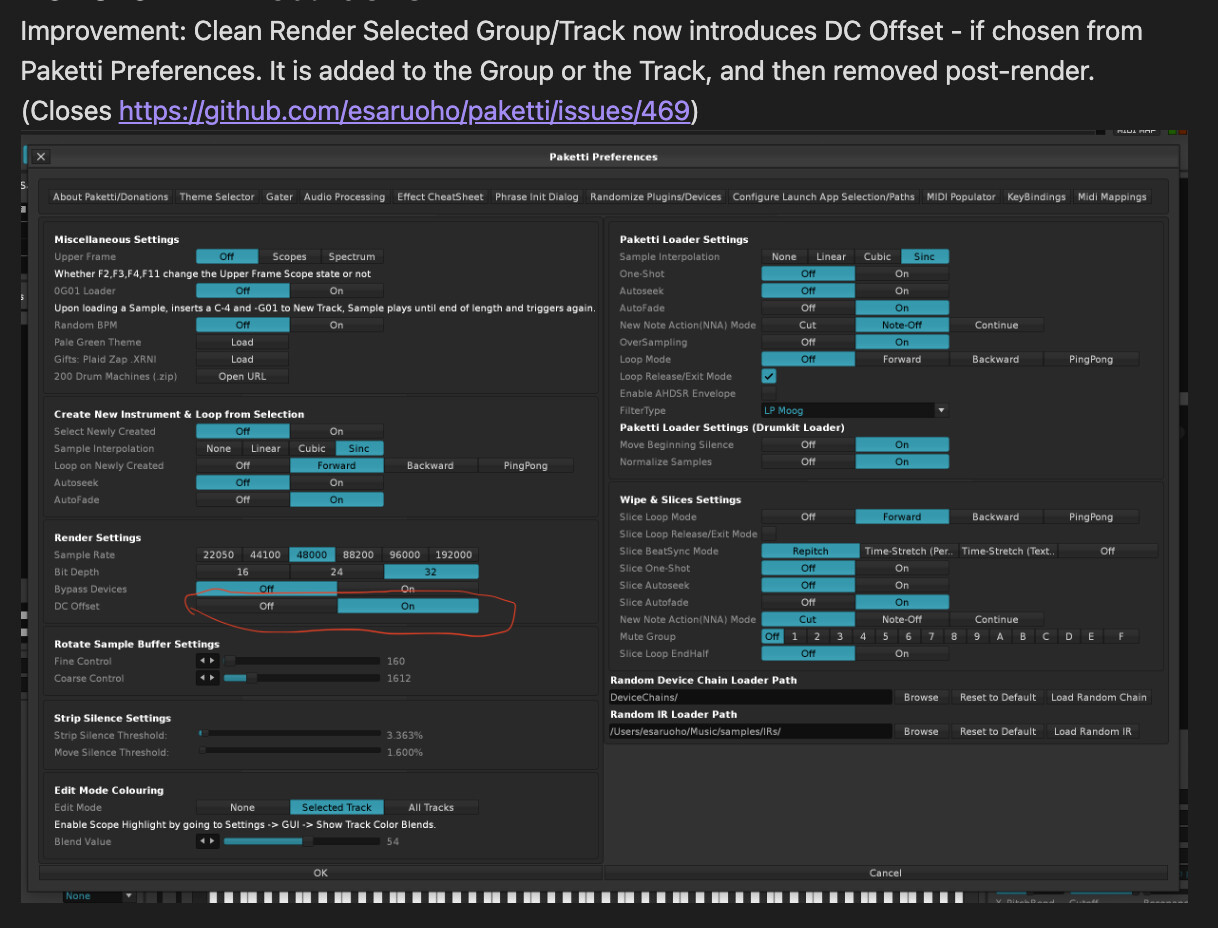

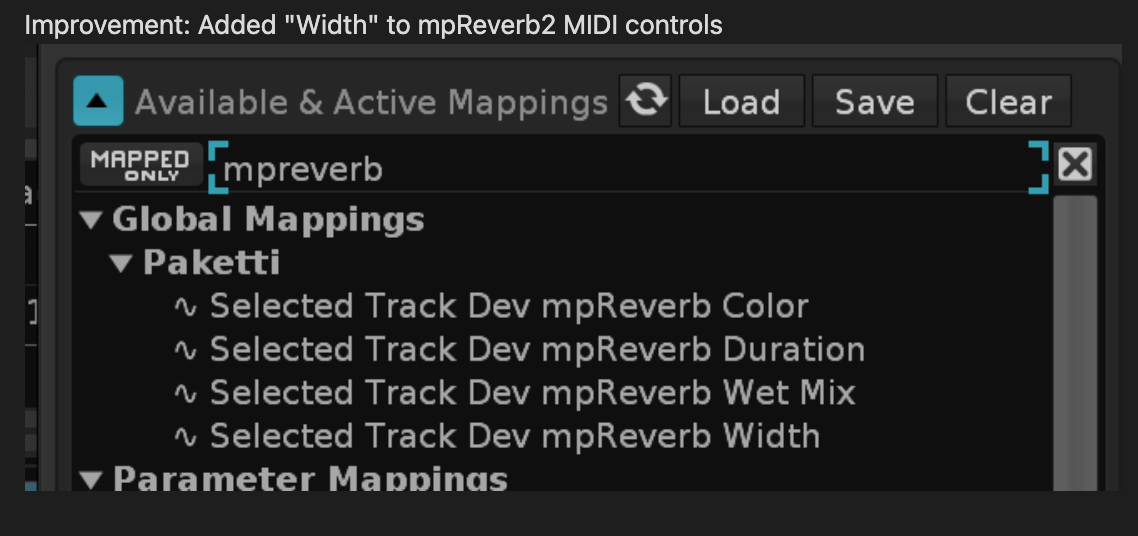
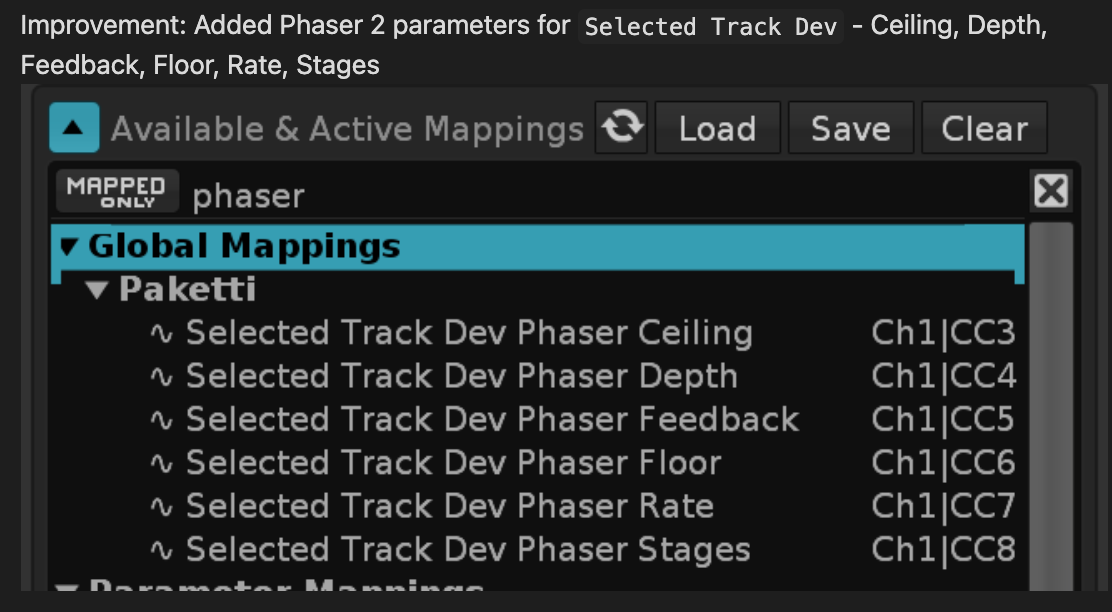

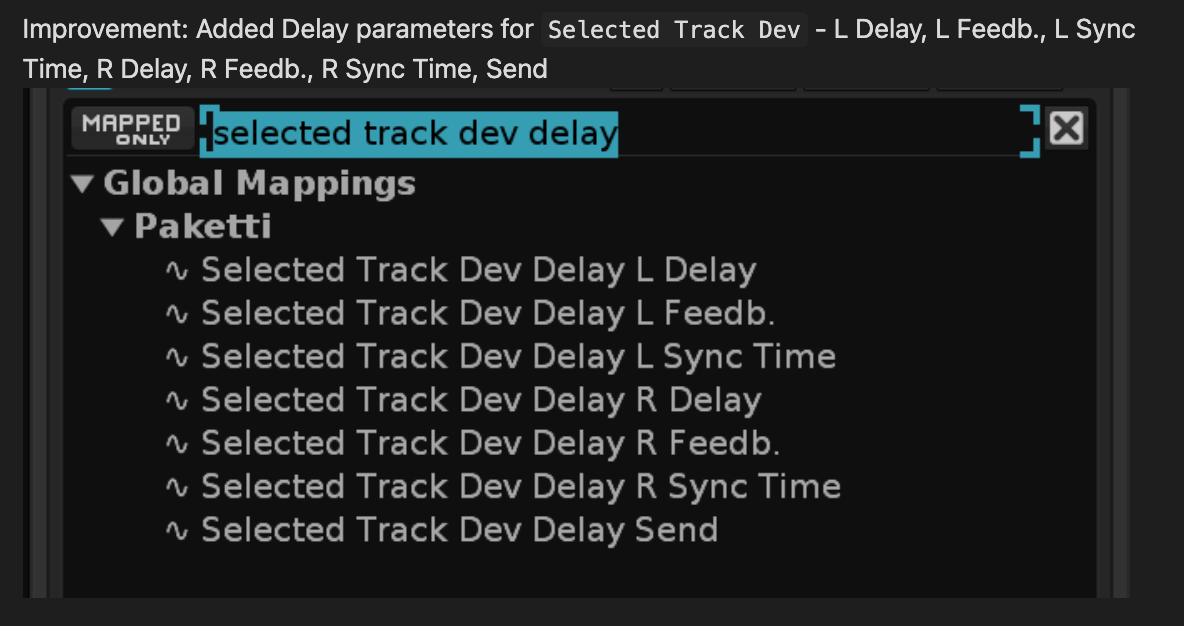
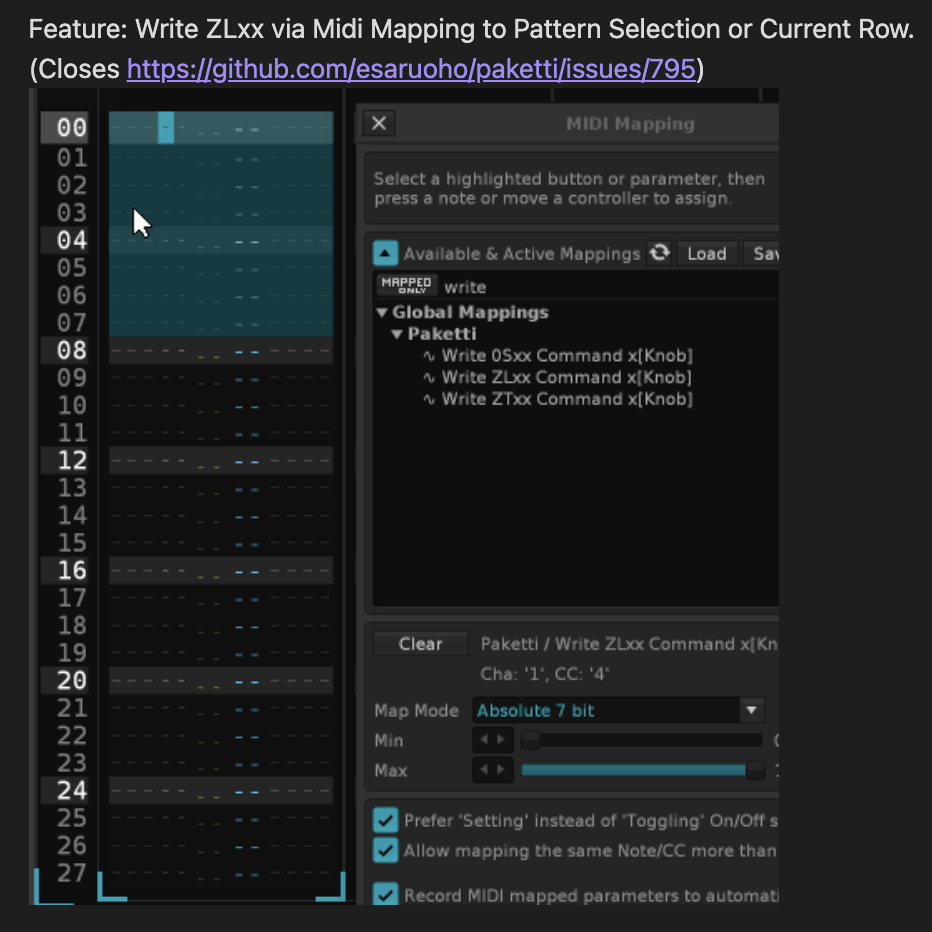
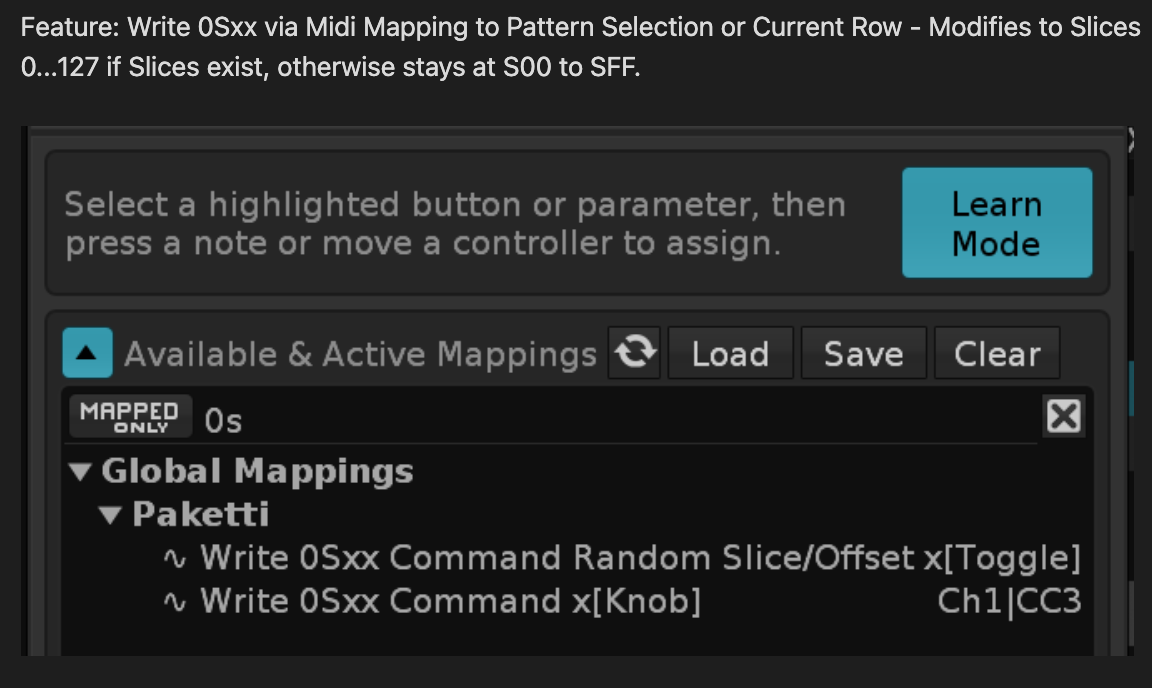
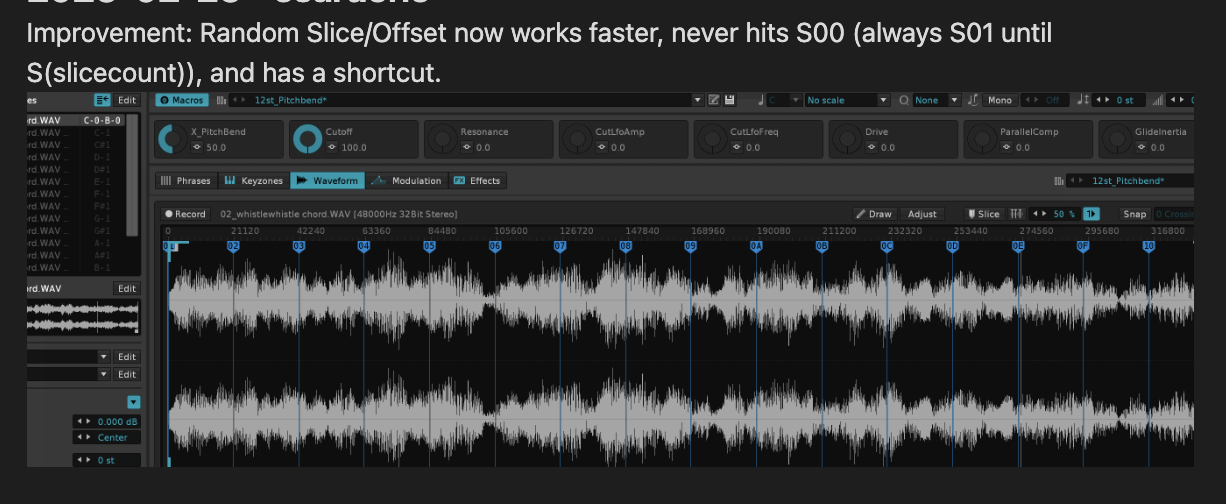
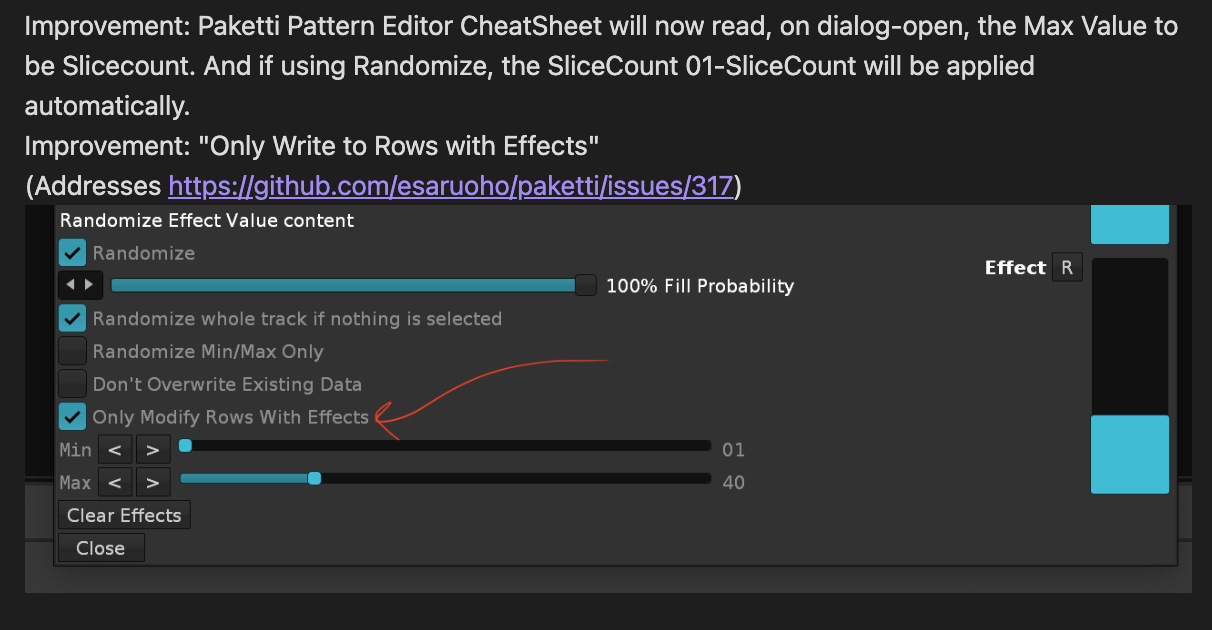

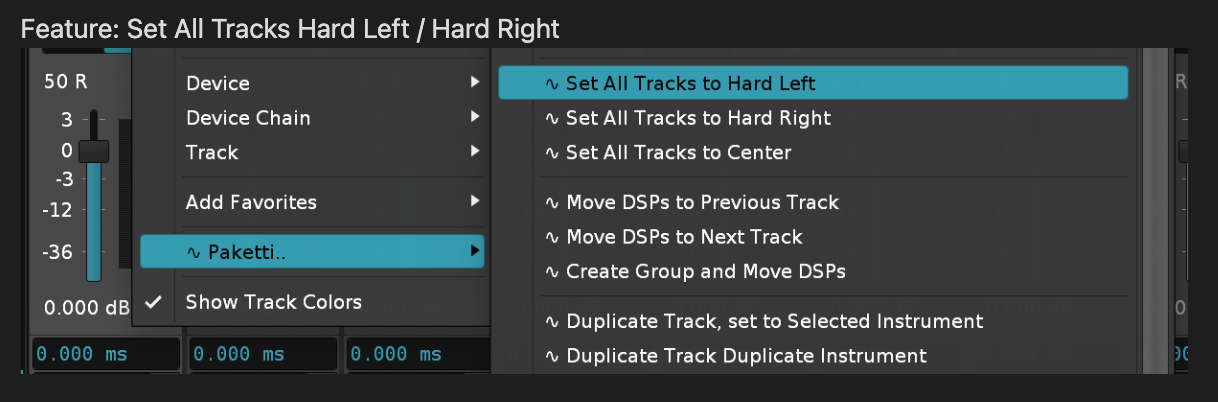
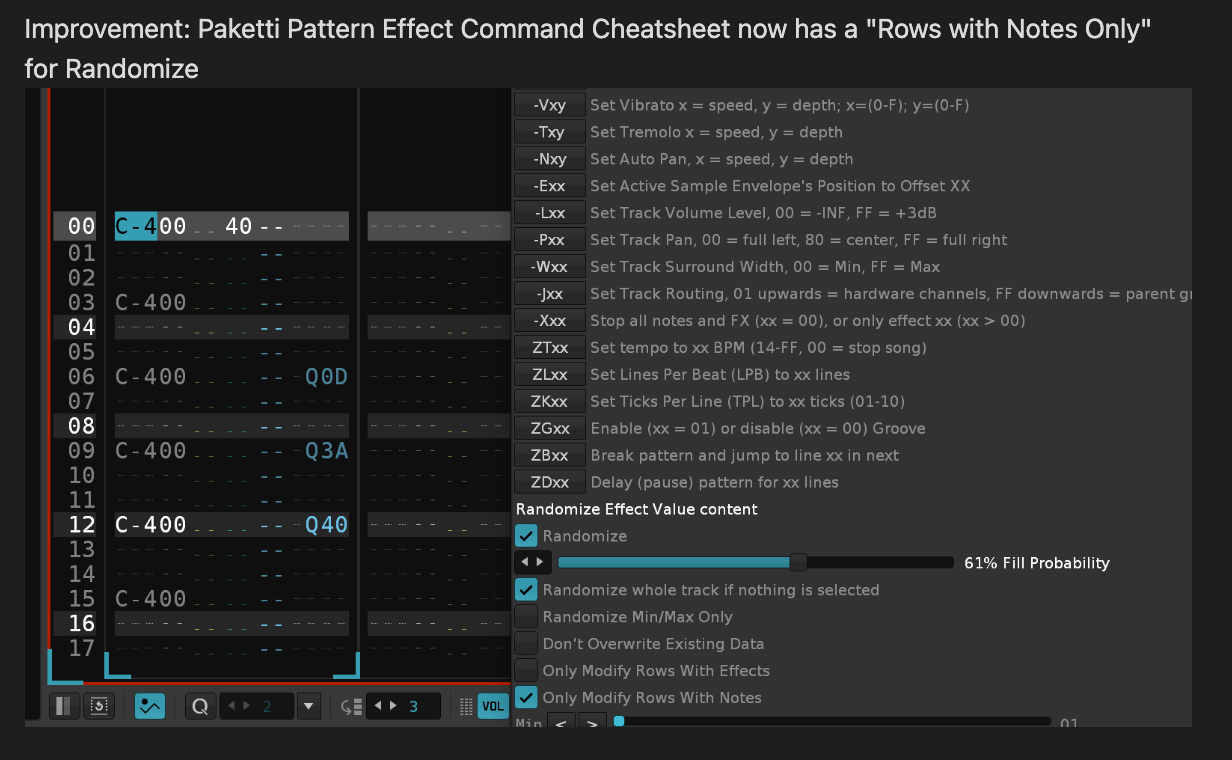

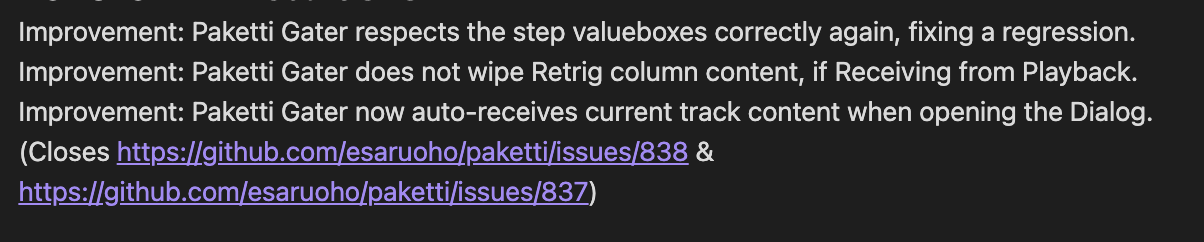
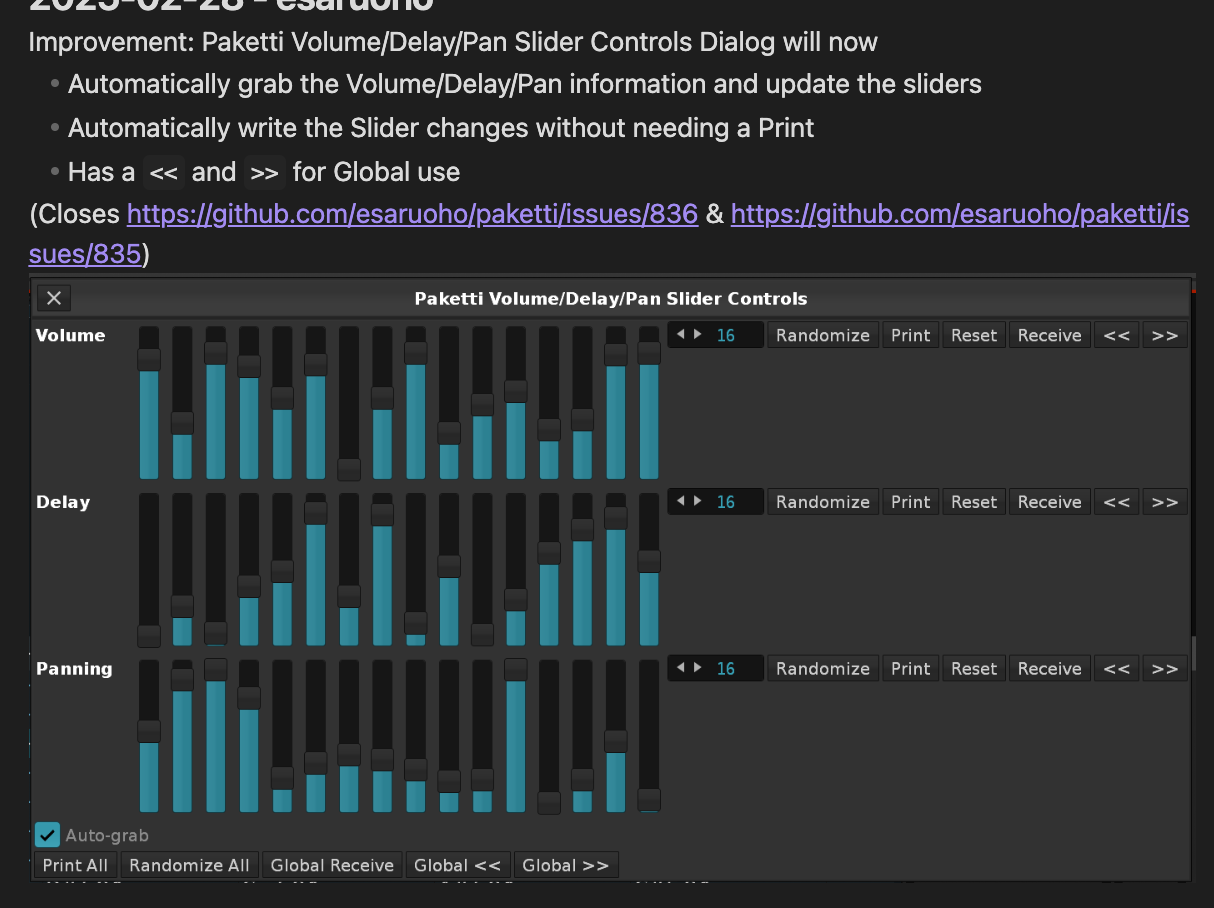

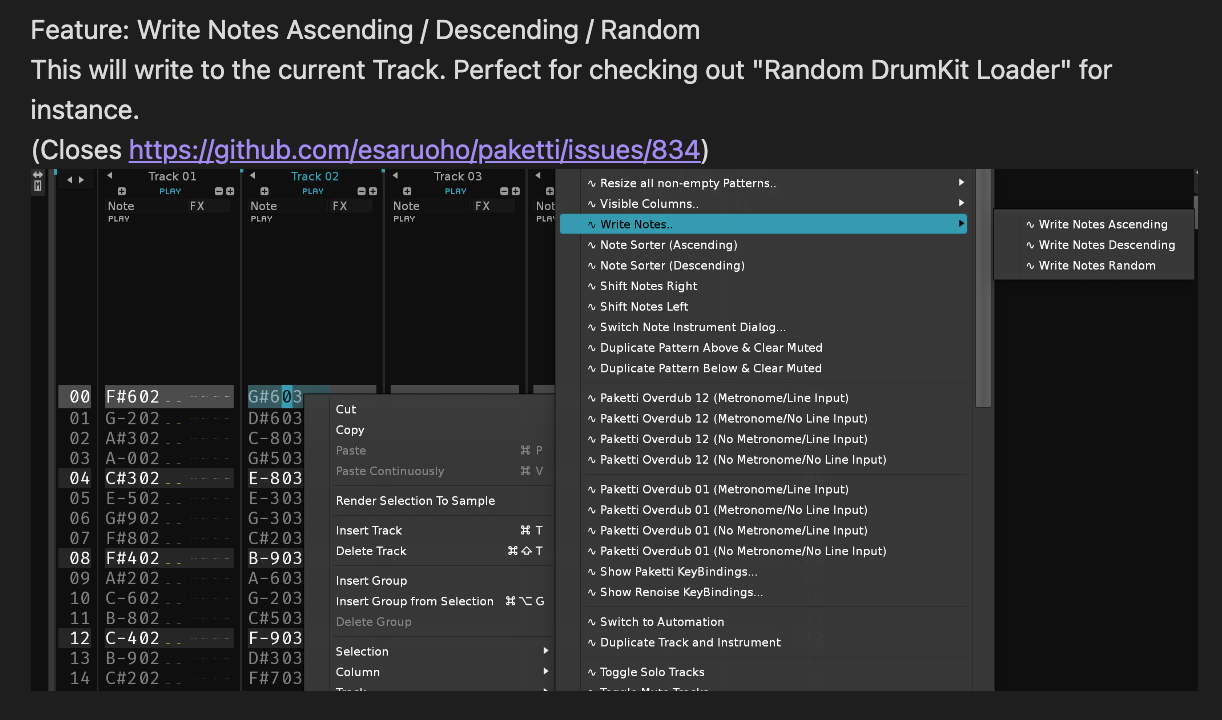
so i’ve been using a lot of this “load 120 random samples as drumkit” and since i throw my whole samplelibrary at it, i end up with, sometimes, instruments with a 300mb or 60mb wavefile “somewhere there”.

this lets you click on Show to hit the sample editor for that specific sample, so you can chop it up in case it takes too much space and you wanna cut the excess to reduce song size.


was actually tracking. thought, geez, i don’t wanna manually name the tracks anymore based on the sample in use. i just wanna have a script do the work.
before:
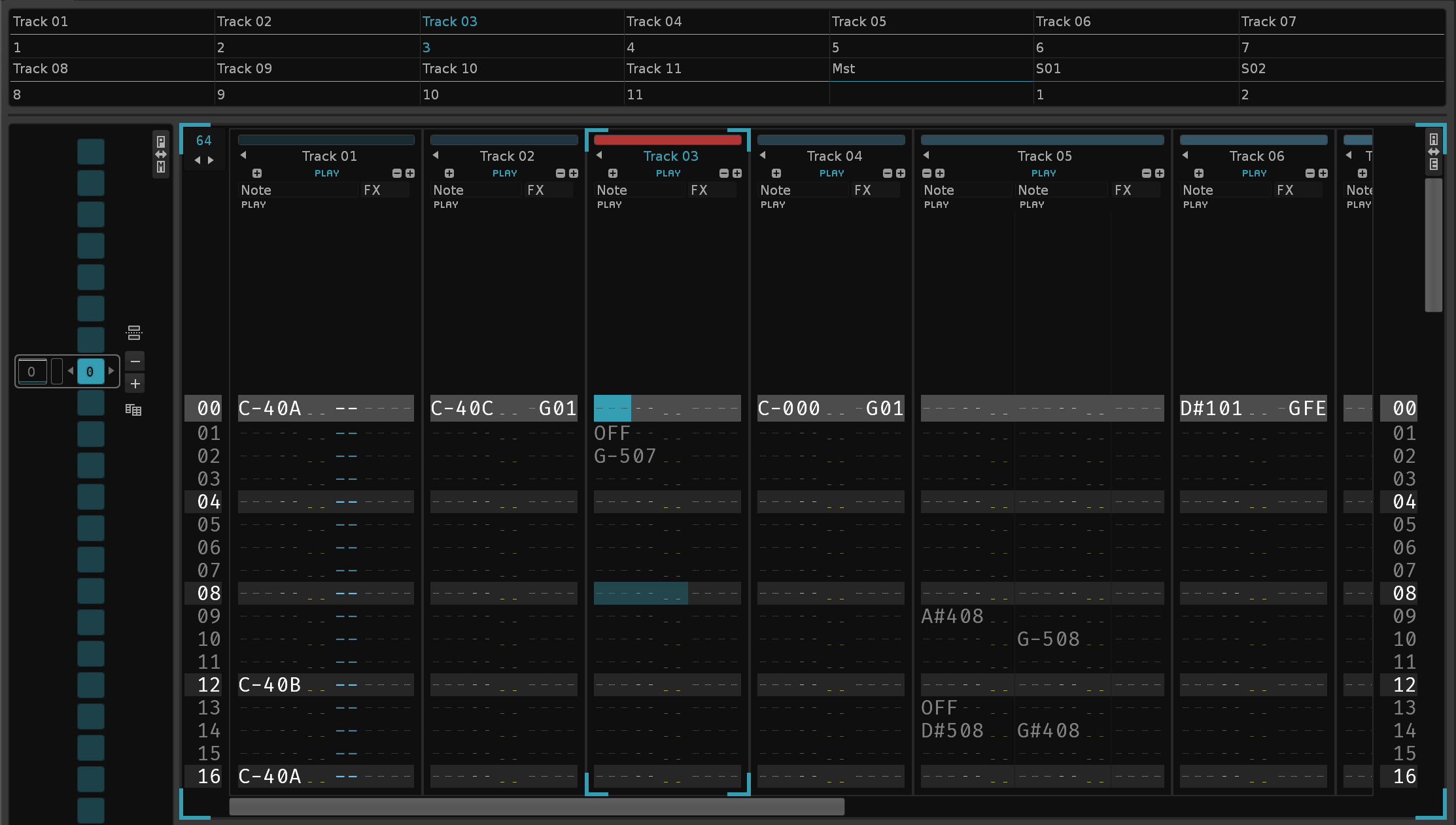
after:

“Rename Tracks by Played Samples”.
it will read the sample inside the instrument, or samples inside the instrument, and name accordingly.
 Excellent work
1 Like
thanks @casiino !
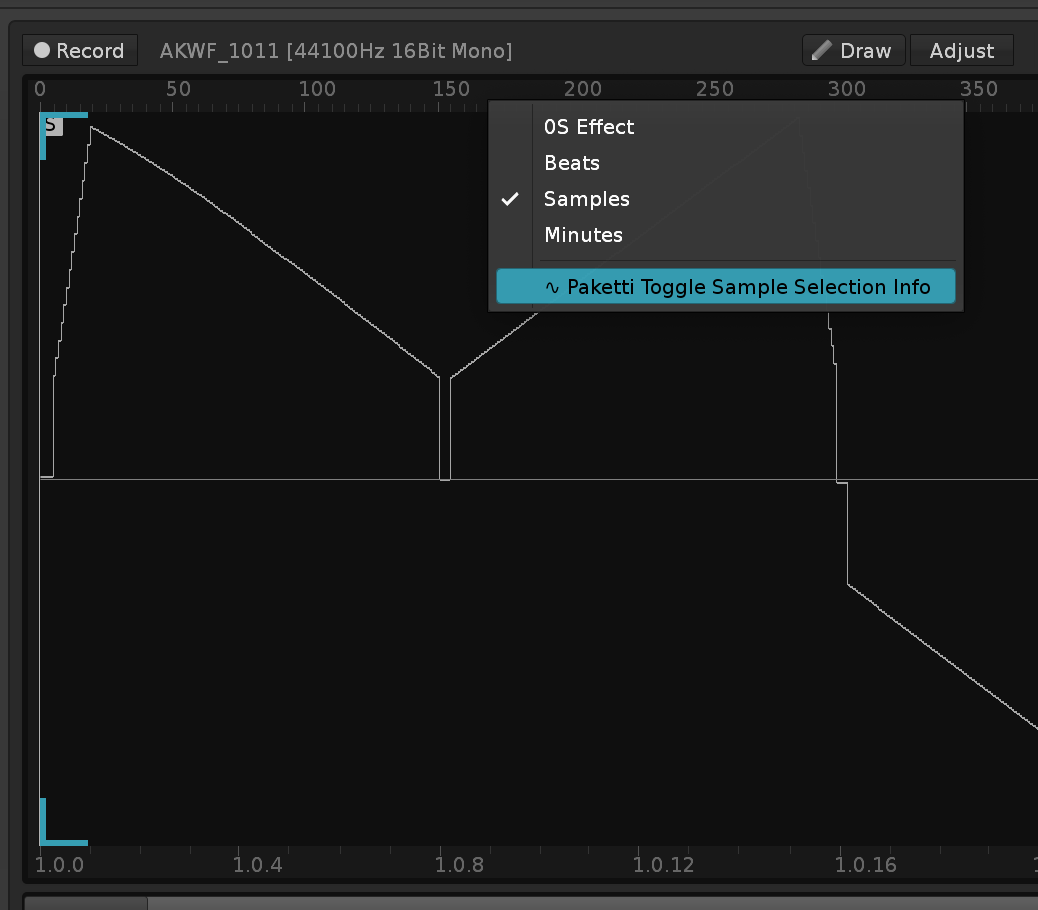
i figured out that this is the best place to toggle it on and off, what do you think, @slujr ?
2 Likes
Yeah, nice! 
1 Like
added “Wipe&Slice (256)” which will create 256 even slices out of the current sample.
then tweaked the formula device dialog a bit more so it has all the current presets that are in the formula device, each of them modifies how many of the sliders is visible on the mixer (A/B/C).
here’s a little demo of what it looks like.

ok, made it write to sample fx chain too, in case you’re there.
currently trying to find more formula snippets to add.
2 Likes
added @kunitoki 's The Stepper from The Stepper™ Meta Device
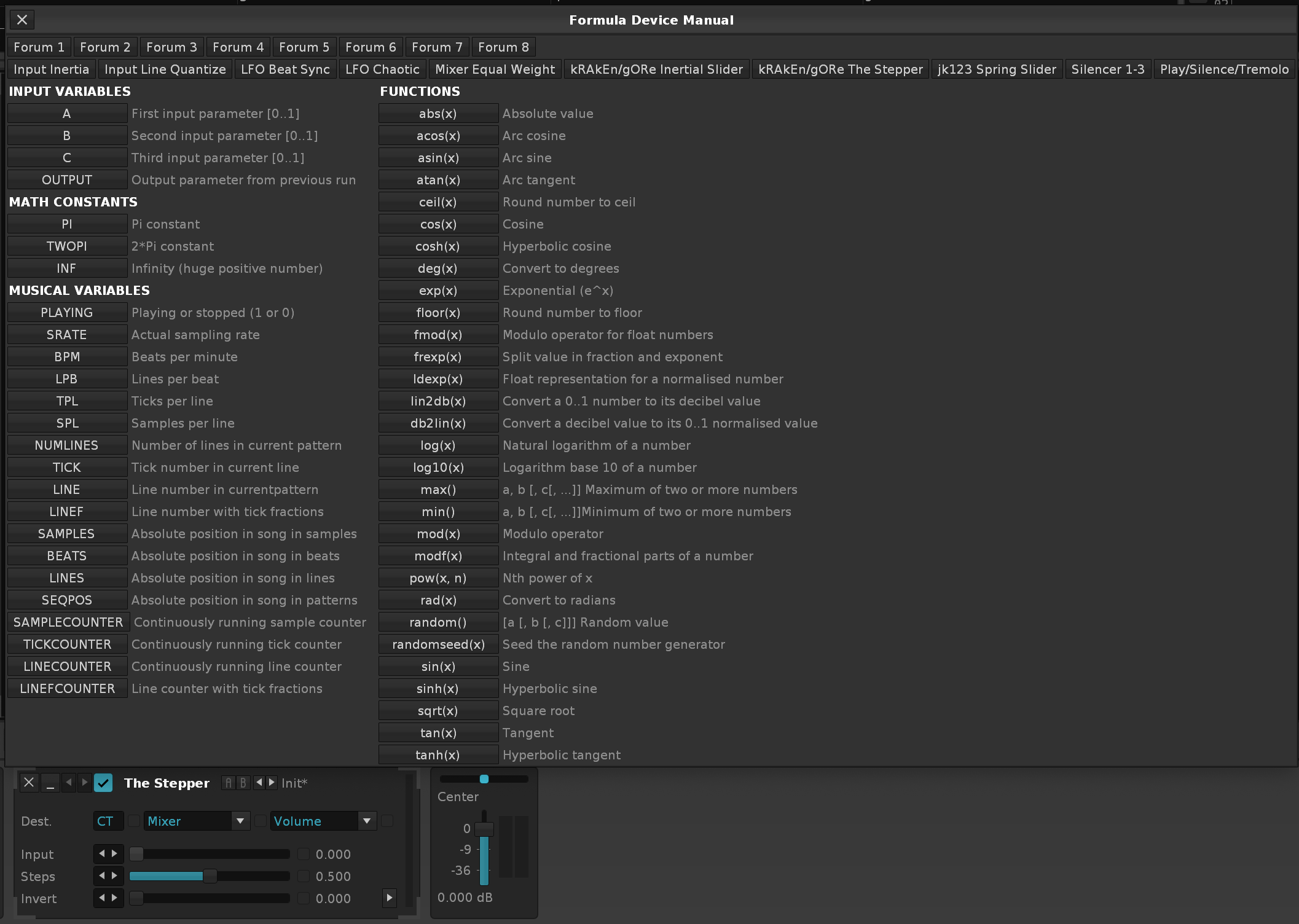
also Inertial Slider is there, right next to The Stepper
and so is Spring Slider from @jk123 - Inertial Slider - #46 by jk123
EDIT and @martblek LorenzLFO from post your formula device code here - #13 by martblek
and @Cas Super Formula from Super Formula Device
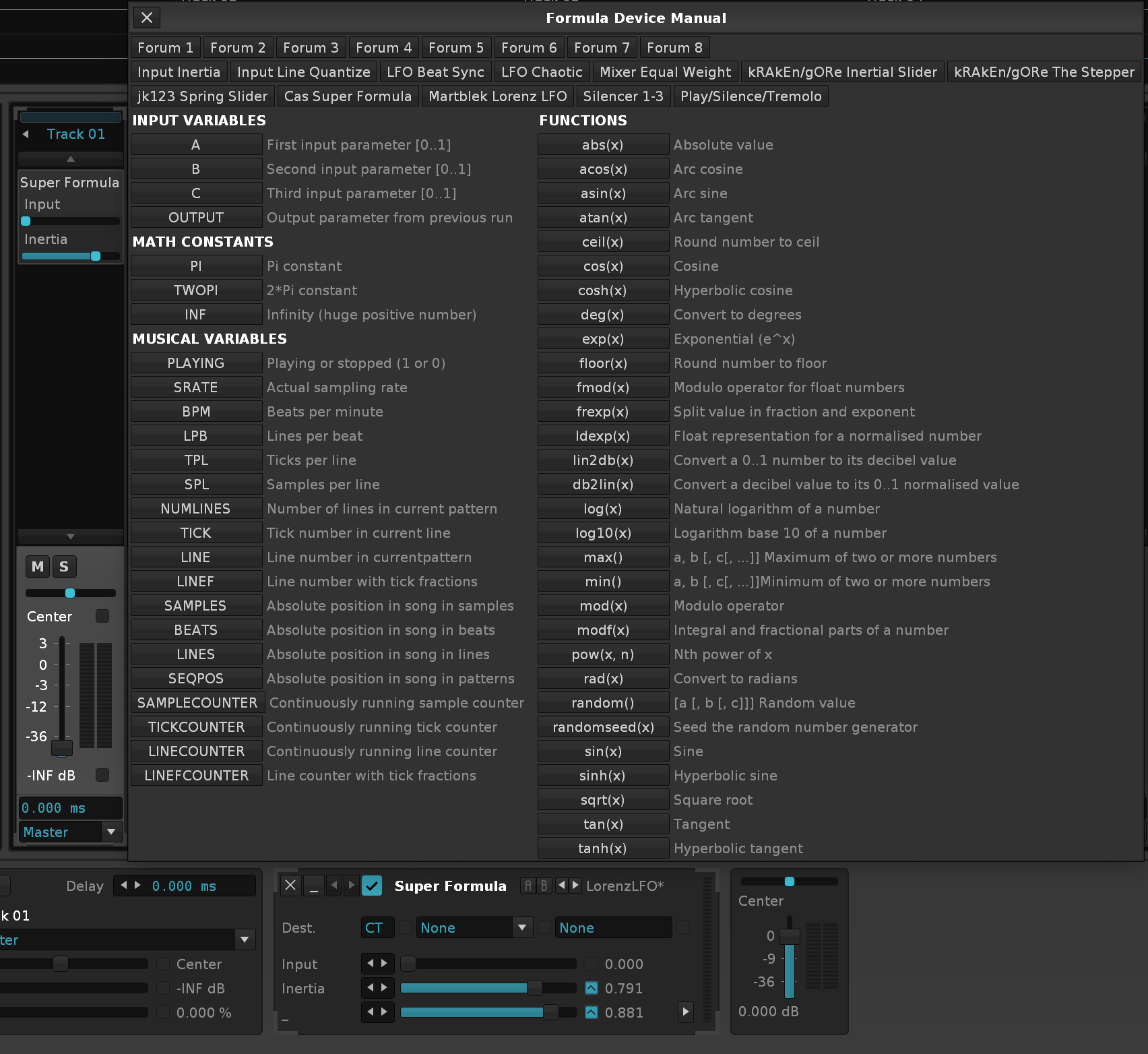
edit: @Bit_Arts Meta Modulator from Meta Modulator Device
edit: Cas Sample&Hold from Sample & Hold CV signal
2 Likes
and @afta8 's Last time asking: Will Renoise eventually support smooth slides on VS - #37 by afta8 “Slew Limiter”
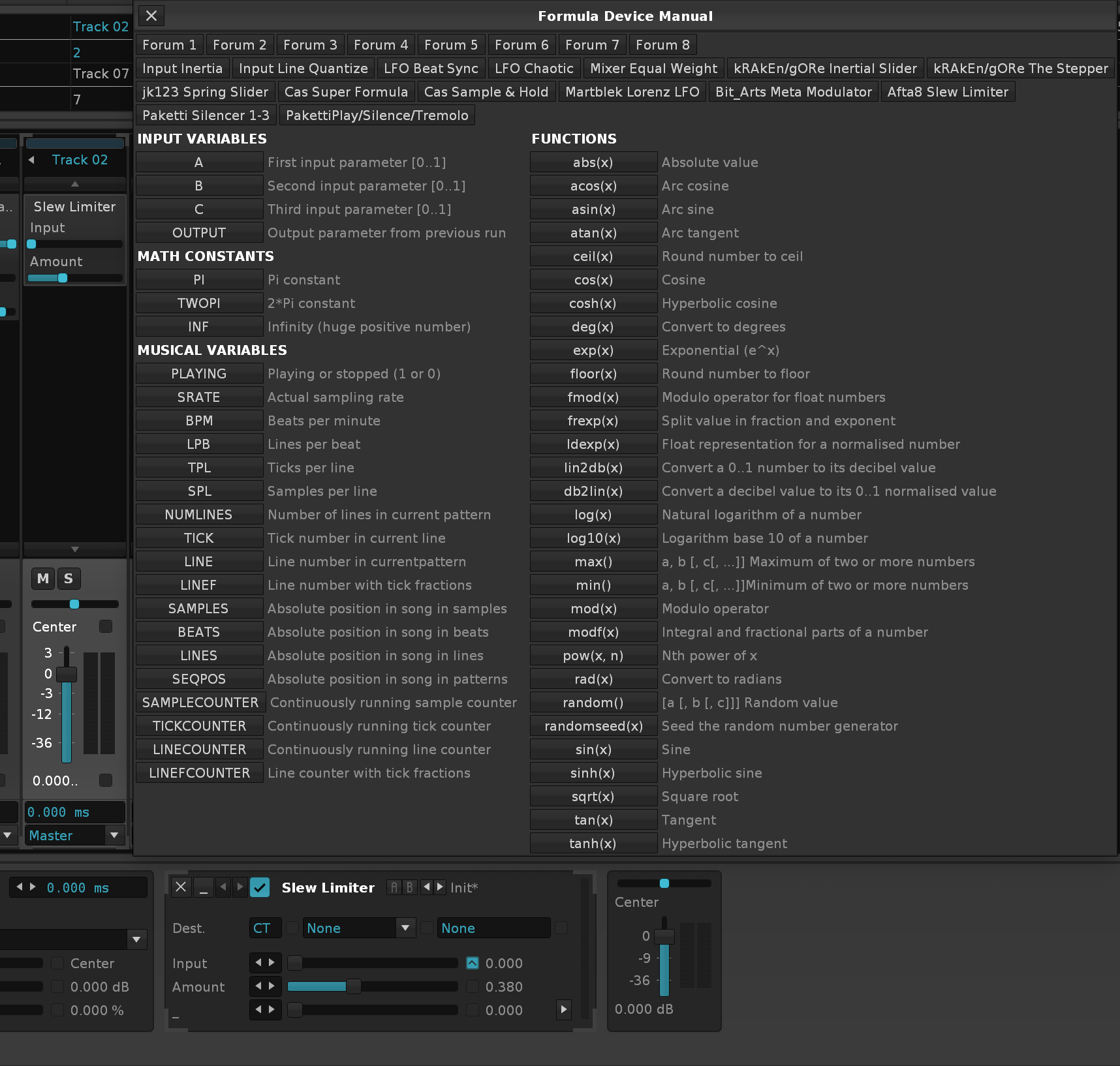
i think this is all the stuff so far, unless if i take and add @slujr 's formula stuff. is that alright with you?
fine by me. Tho I can’t take all the credit for em. @uncle_c was helping me with some formula stuff a while back
1 Like
sorry @slujr - got sidetracked by this… someone asked if a LFO could be made to write directly to automation, so after some hacky sidequesting, i got this running:

3 Likes
here’s something new.
this takes the effect device parameter automation + volume/panning/width automation from effect column, and moves it to automation.
there’s also a “snapshot device parameters to automation”.
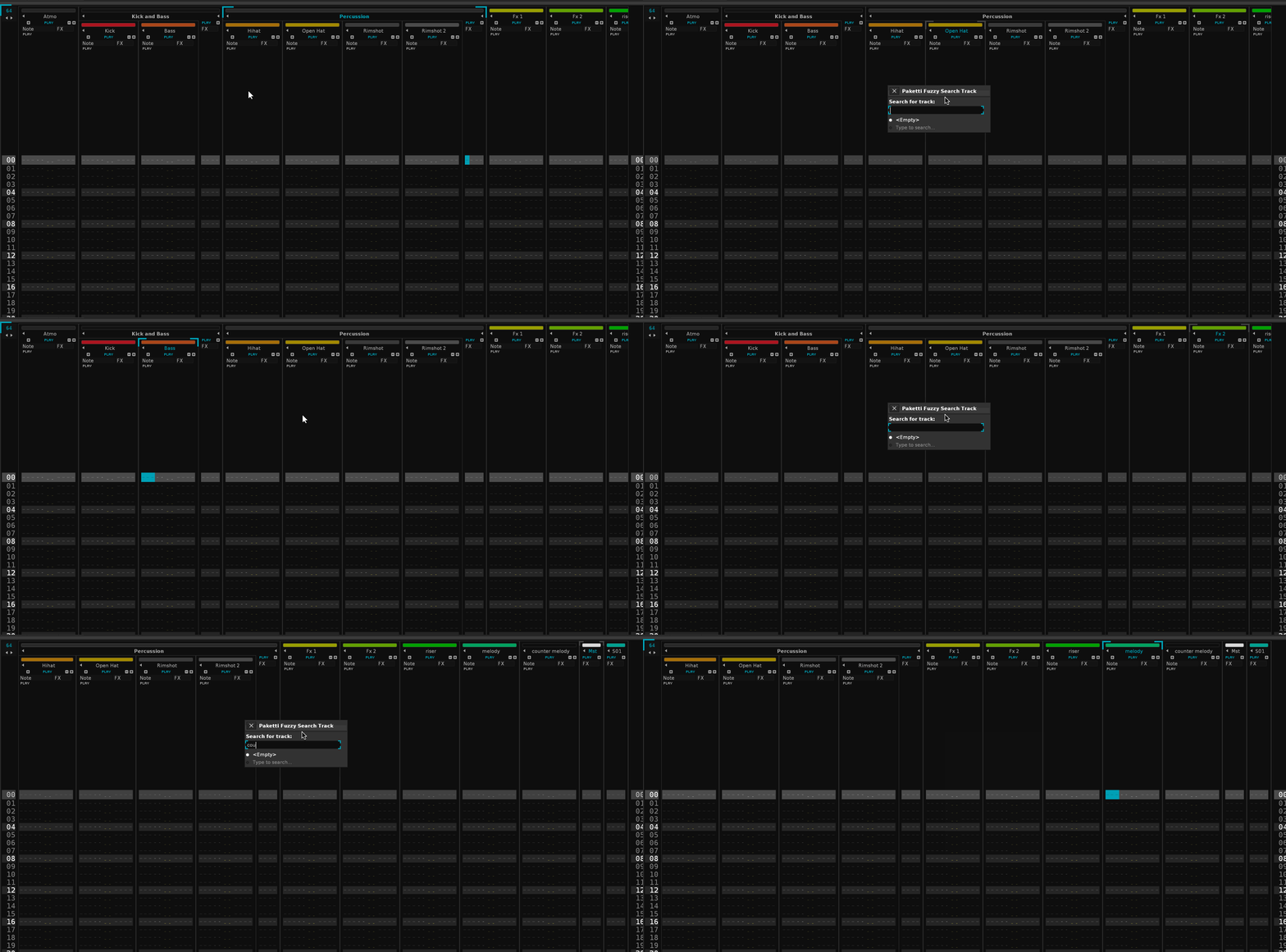
sorry, here’s a better gif
been adding groovebox 8120 features and fixes and tweaks:
Improvement: Paketti Groovebox 8120 will now correctly initialize the correct amount of tracks (and no longer, f.ex., sends, if you’re not on track1), will name them accordingly (8120_01 to 8120_02), and the tracks will be collapsed.
Improvement: Paketti Groovebox 8120 “Random” button will now also update the Sample Selection Slider - thus easier to continue and control.
Improvement: “Fill Empty Steps” percentage will no longer resize the Dialog window.
Improvement: Paketti Groovebox 8120: Output Delay, Random Fill, Probability, Sample Selection mini-arrows left and right on Sliders will now add +1 or -1, thus working as expected.
Improvement: Added “RandomLoad” for each part, which will prompt the user for a folder, load 120 random samples from the folder and all it’s subfolders.
Improvement: Global Groove percentages are now listed with Bold & Strong font. Same for “Fill Empty Steps”
Improvement: Heavily optimized Global Step Count modification so the update is much faster. Also added 24, 32, 48, 64 as buttons.
Improvement: Optimized “Random Gate”, “Randomize All” so they run faster.
Improvement: Renamed “Show Automation” to “Automation”
Improvement: Added “Macros” for taking you to Sample Editor to view Macros
Improvement: StepCount maximum is now 512. So 16 steps will only be played once in a 512 row pattern.
Improvement: Added 128, 192, 256, 384, 512 buttons for setting Global StepCounts
Improvement: Random Gate will no longer fill the same steps for beat triggering AND probability - instead separated.
Improvement: 8120: Added “Reset Output Delay” which resets all the Output Delays.
Improvement: 8120: StepCount is now stored when closing the dialog, and re-fetched when opening the dialog.
Improvement: 8120: Moved “Random All” / “Randomize All” / “Reverse All” / “Randomize all Yxx” / “Reset Output Delay” to their own separate row.
Improvement: 8120: Added some spacing between all parts, for better readability. Removed “Print to Pattern” for readability, since nobody uses it 
Improvement: 8120: If you’re already viewing an Automation Frame, opening the Groovebox no longer kicks you to 1st track and to “some other automation”.
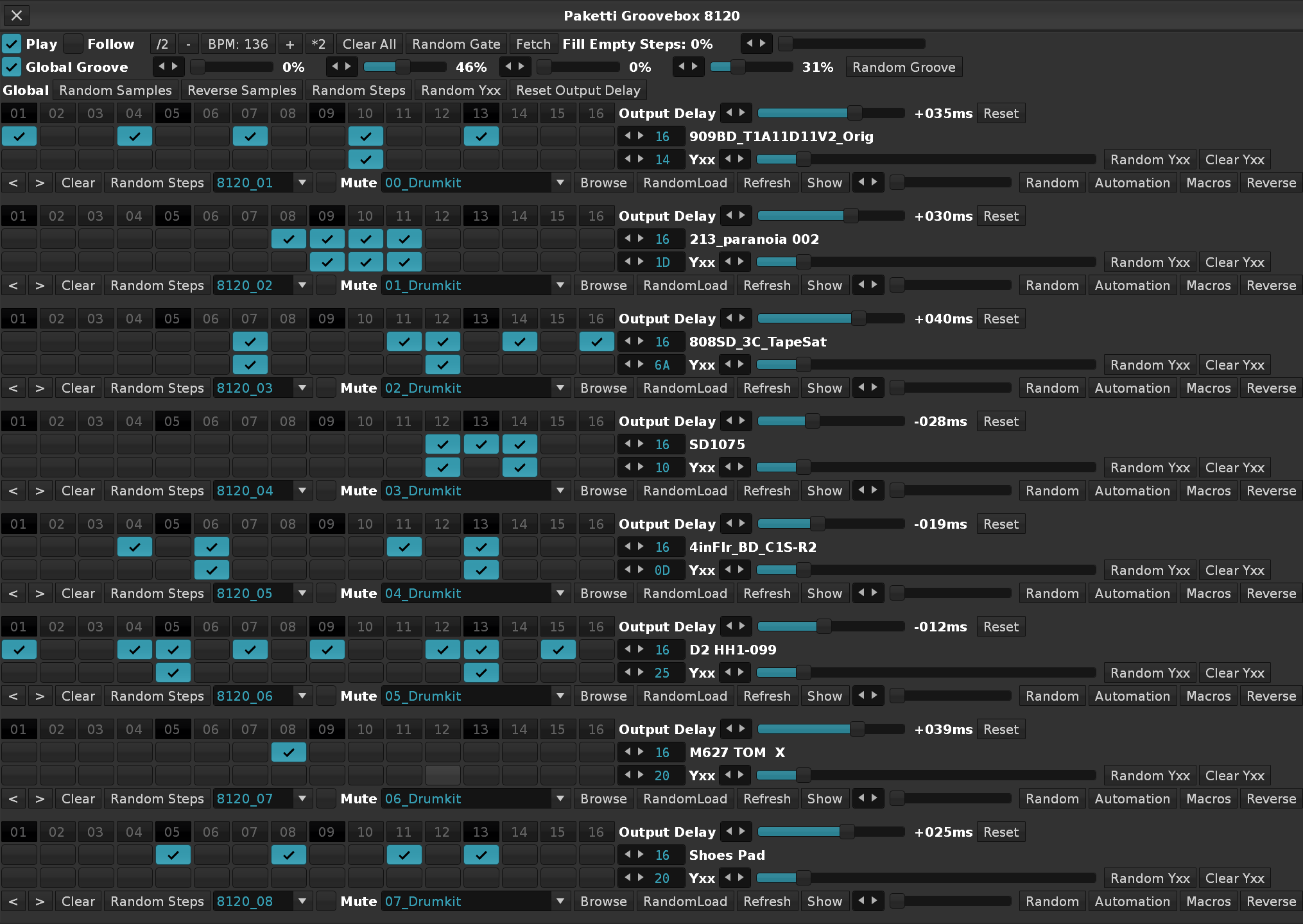
Improvement: 8120: When clicking on Automation, immediately takes you to Pitchbend automation.
Improvement: 8120: When clicking on Macros, focuses the correct instrument and correct sample.
EDIT: this is only the beginning
EDIT:
Improvement: Moved “Show” right next to Automation & Macros, for easier discoverability.
Improvement: Merged “Show” and “Macros” to “Sample” for better discoverability.
Improvement: 8120: Sequential Load will let you select max 120 samples per part, manually, instead of Randomly.
Improvement: 8120: Random & Slider for selecting sample will now select the last sample instead of only the second last.
Improvement: 8120: Sample Slider will now correctly select the 120th sample too
Improvement: 8120: Upon opening the Dialog, the Sample Slider will be correctly set to the correct sample.
Improvement: 8120: Global Groove Control Sliders will now correctly set 99% to 99% in Global Groove settings in the song, instead of 99% = 100%.
Improvement: 8120: Tweaked the interface once more - reintroduced the missing global steps controls and made sure there is no extra spacer at the end of the interface.
Improvement: 8120: When clicking on Sample, the correct Track is selected.
Improvement: 8120: When changing Stepcounts, the track title is modified - and then, the titles are used to fetch the Stepcounts when opening the dialog. This saves them in the best possible way (simplest way, too)
Improvement: 8120: When changing a Sample (Slider or Valuebox), the correct Track is selected.
1 Like
hi. sorry for the silence.
someone on a Tracker Discord asked if i could port the .REX (not .RX2 before you kneejerk) import written by @mxb into working with V3.4.4. So I took his REX import code and reworked, rewrote etc it from scratch.
here’s all the good stuff that is now in the newest version of Paketti.
Feature: Paketti REX Import.
This rewrites, from scratch, the REX Import tool originally available for Renoise V2.8 only, which has been abandoned for the past 14 years or so, and adds additional features.
- The REX filename you loaded, is printed to the Instrument Name and to the Sample Name and to the Sample FX Chain & Sample Modulation Chain names.
- Will always add a new Instrument instead of dangerously overwriting the currently selected Instrument.
- The REX Headers before each Slice are cleanly removed.
- Pakettify the instrument (introduces 8 macros, PitchBend, Cutoff, Resonance, cutoff LFO Amp, cutoff LFO Freq, Overdrive, Parallel Compression, Glide PitchBend.)
- The
*Instr. Macrosdevice will have the instrument slot number in hex and the name of the imported REX file. so1F 507_COOK.REXwill be the name. - User specified Paketti Loader defaults will be applied (Autofade, Autoseek, Loop, Interpolation, Oversampling, etc)
so yes:
as long as these threads talk about .REX and not .RCY or .RX2 - it works.
4 Likes
Cool! I am curious why rex 2 was/is never implemented seeing this is the most popular/newest version of rex, is there a license issue or simply to difficult to implement?
i’ve reached out to them for information and am looking around. i hope they didn’t bake it inside a .dll requirement cos that’d be wack.