bpm to ms delay calculator dialog added
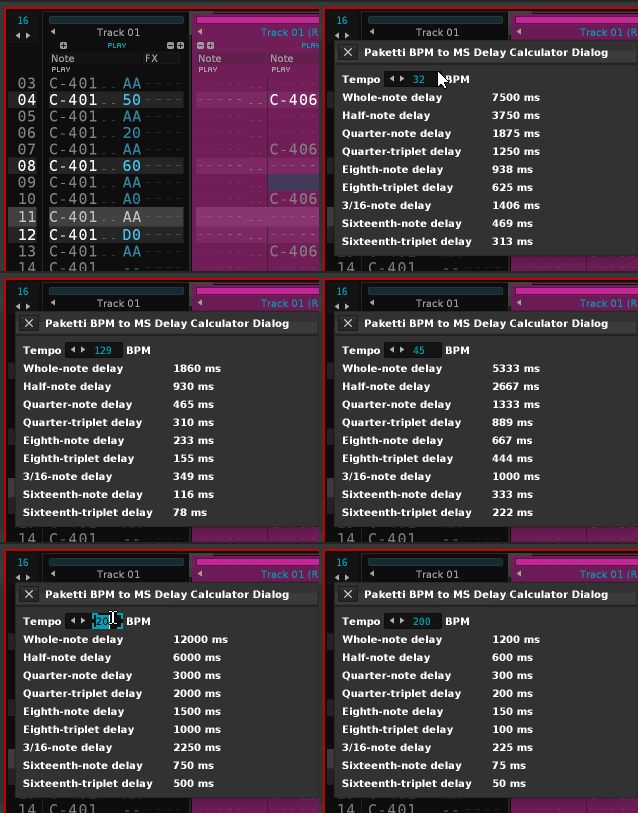
if you need more stuff, let me know.
bpm to ms delay calculator dialog added
if you need more stuff, let me know.
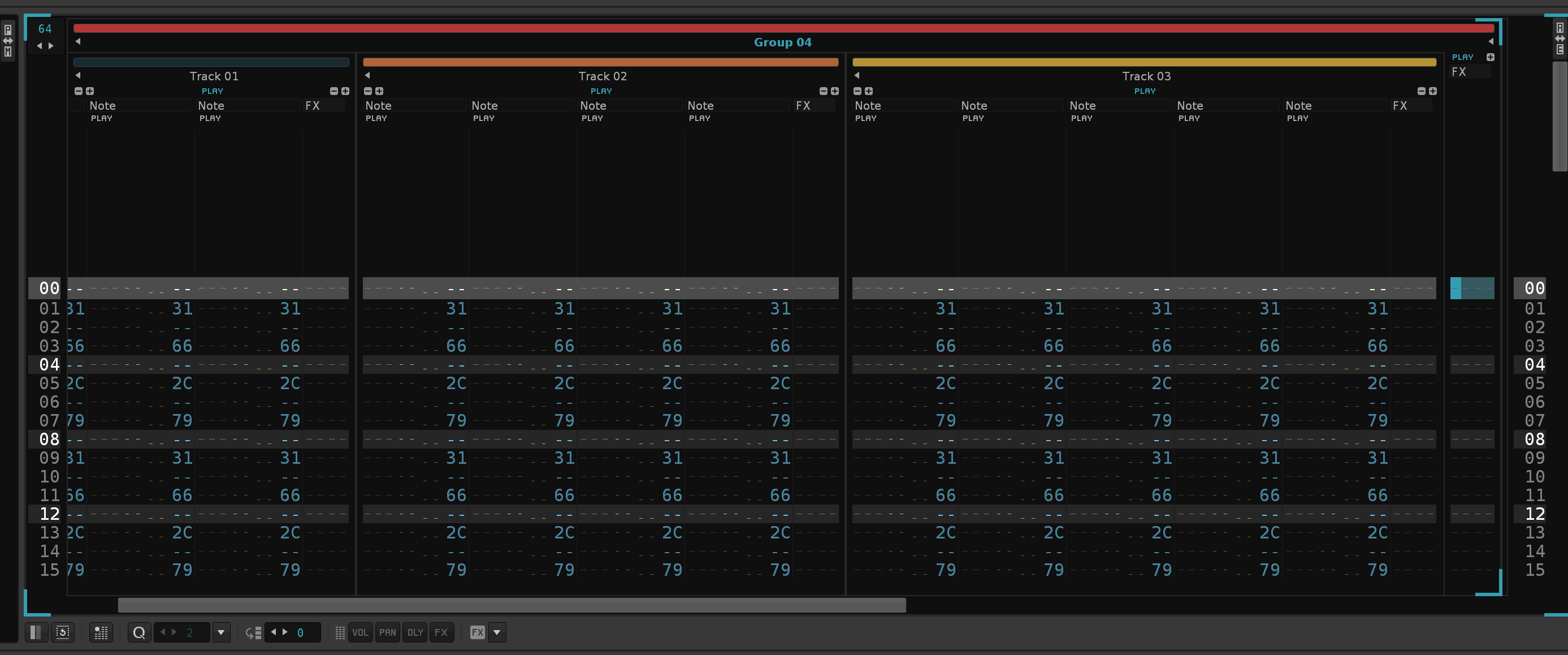
the swing
can the note be delayed negative? (before the note)
In an extreme form,“jazzy”
No because it will add latency for realtime
@aprilix :
please use output delay value which can be assigned to each track. i have shortcuts for that
i’ve written a LPB4 + LPB8 functioning system for global groove dump to delay values.
just added group support to it - if you run the script while in a group, all the tracks within the group, and all their visible note columns, will get delay values.
still haven’t been able to reach out to @dblue for advice on how to do LPB16 or LPB32.
i’ve been posting dozens and dozens of new features but maybe this would be of some interest.
I’ve added .IFF and .8SVX support. It’s in the newest build of Paketti on GitHub
This addresses the following threads:
i’ll have a look at .16vx too.
edit: .16vx works now.
Think I tried the stacker option on a sliced sample;
"'C:\Users\pluge\AppData\Roaming\Renoise\V3.5.0\Scripts\Tools\org.lackluster.Paketti.xrnx' failed to execute in one of its menu entry functions.
Please contact the author (lackluster | esaruoho@icloud.com) for assistance…
std::logic_error: ‘can not copy an alias sample to a regular sample. copy its properties and buffer manually instead.’
stack traceback:
[C]: in function ‘copy_from’
.\PakettiUnisonGenerator.lua:91: in function <.\PakettiUnisonGenerator.lua:1>"
can ya shoot the xrni at me. i should check out for alias stuff and disable that.
(i don’t really use aliases).
thanks for the lead @Jonas
It is already gone, unsaved. Just messing around with random stuff, started a new project.
cool. i’ll set is_slice_alias protection, but also try and figure out what in the world even is a slice alias.
…what’s a slice alias? hopeful smile
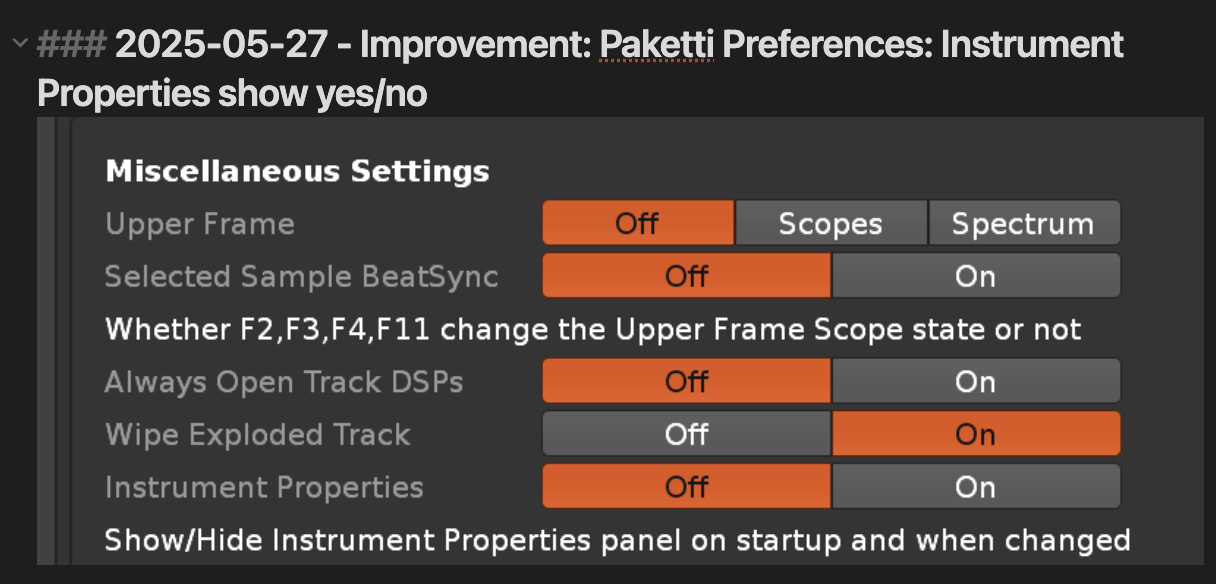
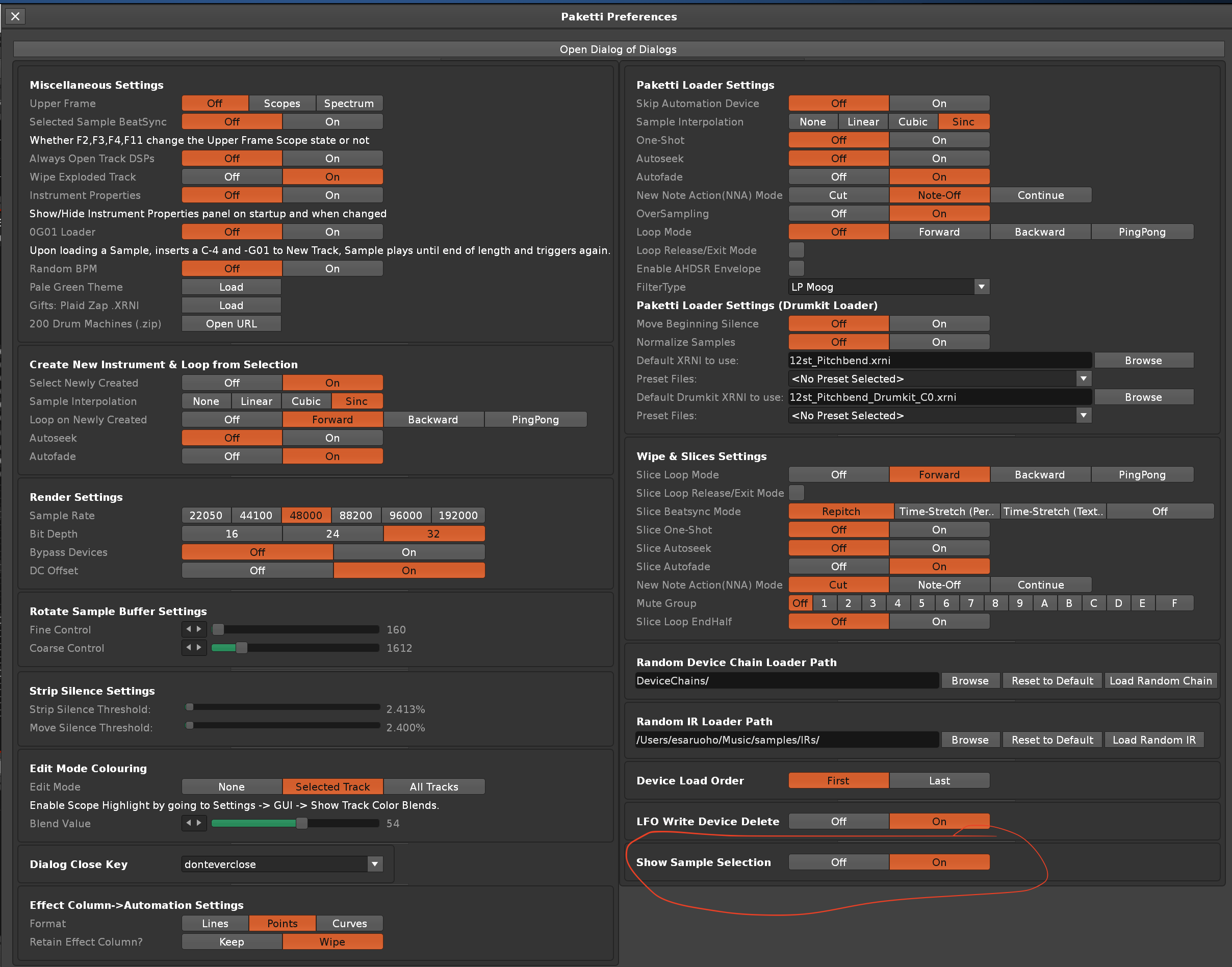
after installing your tool, every time I start up Renoise, I have to hide the ‘instrument properties’ in the browser as I don’t use them. It seems like it doesn’t matter anymore what I set up here to show or not, everything is expanded/visible after boot. Are there preferences in Paketti to turn this off, return to default Renoise behavior? I can’t find it real quick, too many options  .
.
i’ve actually been thinking about this specific thing myself, too (since i don’t really actually need it to be there by default as shown). i’ve set it to be automatically false. but will add a Paketti Preferences setting for this, soon.
the new build of Paketti has this set to false. Releases · esaruoho/paketti · GitHub
Cool, that seems to work!
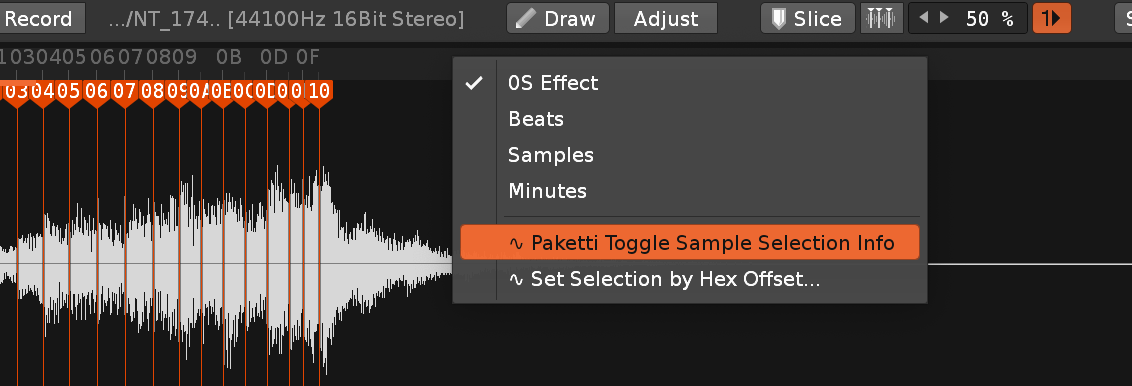
I also notice in the sample editor, when making a selection, there automatically is data shown in the statusbar about the selection. Is this also toggle’able?
Are there other hidden things paketti puts in motion when installed, always running in the background? I’m pretty anal when it comes to performance in renoise and rather have these things optional, no matter the cpu hit .
loading the samples from mod option in your tool, I get a window to select a mod file. Even though I direct the tool to my mod folder, nothing is shown here. So I choose the “.” option to see all files. After selecting a mod I get the standard ‘script is taking to long’ dialog window asking me if I want to terminate. I don’t and let the script work out. A few samples seem to be imported, but there also is the following bug notice;
"'C:\Users\pluge\AppData\Roaming\Renoise\V3.5.0\Scripts\Tools\org.lackluster.Paketti.xrnx' failed to execute in one of its menu entry functions.
Please contact the author (lackluster | esaruoho@icloud.com) for assistance…
std::logic_error: ‘invalid loop_start index ‘8983’. valid values are (1 to 4462).’
stack traceback:
[C]: at 0x01404b2eac
[C]: in function ‘__newindex’
.\PakettiMODLoader.lua:187: in function ‘load_samples_from_mod’
.\PakettiMODLoader.lua:33: in function <.\PakettiMODLoader.lua:33>"
edit, scrap the bug notice, this seems to be a corrupt mod, I tried another one and that one does work!
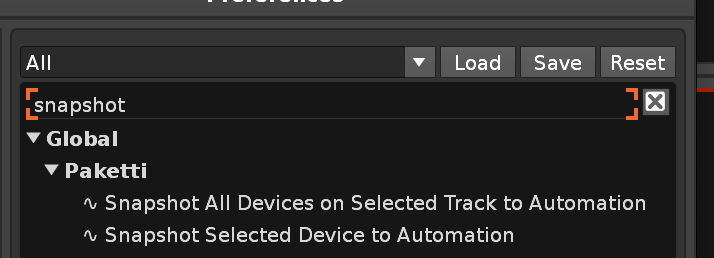
Sorry for flooding this thread, but using the 'Snapshot current device values to automation´ keyboard shortcut, I note all dsp devices on that particular track are taken into account - written to automation, not just a selected dsp device.
I think a better name, as it works now, would be; Snapshot track dsp-device(s) values to automation.
Additionally another snapshot shortcut (if not already present?) would be that only the selected dsp device is taken into account.
Sometimes I have linked signal followers or other modulation meta devices to parameters, if the snapshot writes everything to the automation editor, these linked parameters can act wonky. So there isn’t always a need to write all automation for every device.
(btw Afta made a similar script ages ago; New Tool (2.8): Snapshot )
it prompts for *.mod. would it be better if it prompted for *.mod and mod.* - i modified so these are prompted for. or do you want automatic . ?
the script is taking too long work i can work around with process-slicer, i’ll do that a bit later. (am currently working on .RX2 to .PTI pipeline within Paketti.
sounds like i could write a protection against i.e. if the loop_start index is invalid, then ignore that and don’t try to set the loop. that could help with certain corrupted mods. ok, i’ve done it.
so, now it’ll rename sample + instrument to (invalid loopstart)
and if loopend is say 5002 but sample is 5000, then it just sets it to 5000 instead of erroring out.
thanks for the feedback!
thanks, that was very good feedback. sensible.
here we go.
how’s that?
i don’t know what the snapshot afta8 tool does but i guess i can compare what Paketti does and what it does and see if there’s something i missed or if i accidentally improved on it.
so i wanted to say:
i’ve improved the .RX2 importer so now it loads both stereo AND mono samples, doesn’t mutilate the samplerate or bitdepth, so your 24bit loops are still there. it no longer extracts the slices one by one and then throws the slices together into one sample (there were clicks and pops), instead extracting the full sample and then adding the slices.
also, i’ve added .RX2 to .PTI export. and .PTI export.
so this means you can load a .RX2 and save it directly as .PTI - and the slice count will be capped to 48 since that’s the .PTI limit.
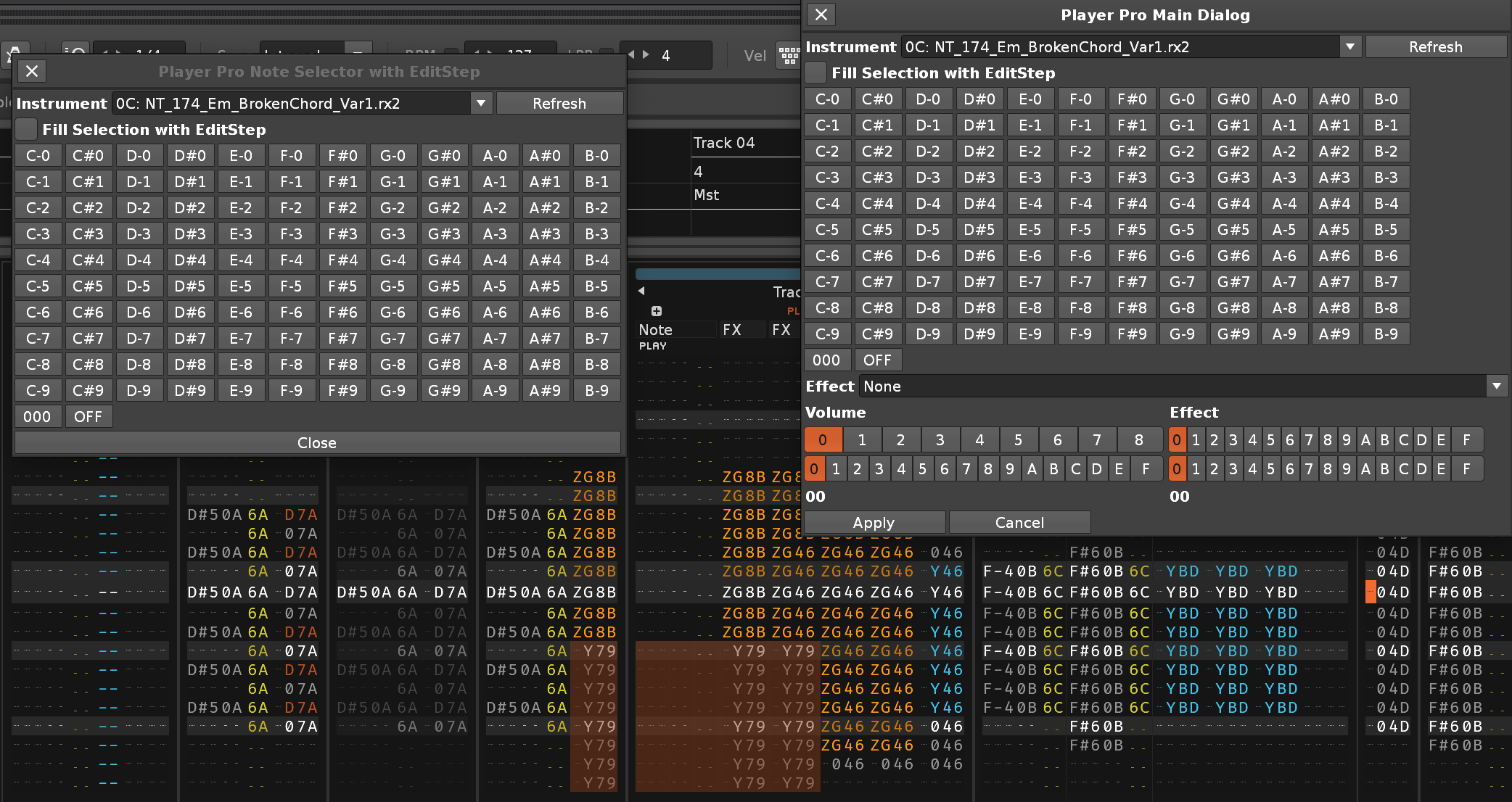
i’ve also started improving the PlayerPro dialogs and they’re closer than ever to being finished.
here’s a little teaser screenshot.
i have also applied for the 5th art grant for supporting the development of Paketti, and got the 5th denial. i’ll keep applying until i get an art grant. there’s lots to do. lots.
In the load samples from mod option, the dialog looks like;
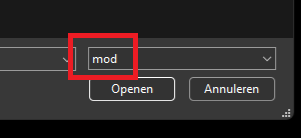
and no .mod is shown.
In the load mod as sample option, the dialog looks like;
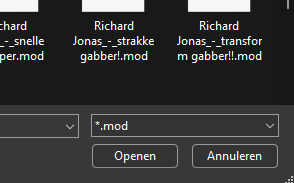
and the mods are shown. Note the file type choice looks different! Might just be a typo in the first selector.