perfect! problem solved
1 Like
I just realized one slight issue which is obvious if you know programming but Renoise pops up the “Save changes” dialog even when you make no changes and just open and close a song, I doubt there’s anything you can do about it though.
if you change the tint settings of the track, you have modified the song, though? 
yes it’s an unintended consequence, I suppose only taktik can come up with a “don’t show save notice on changes” flag for tools.
Unfortunately changing track colors from a tool is the same as changing it manually, so the song registers a change that can be saved or discarded, it makes tools behave in a way that their actions can be undoed by the user without the tool dev doing any work, which is a big win in most cases, but not here.
I asked for a feature in the API to allow bypassing this for this and other tools that do similar stuff. With that it would be possible to avoid this issue but there are possible problems with such feature that might not worth the few cases it’d be useful (see taktik’s response there) so it might never happen.
1 Like
Yeah I can understand that it can cause some havok but I hoped setting a global flag to ignore everything from a tool from going into the undo stack would work, that would be suitable for cosmetic tools like this.
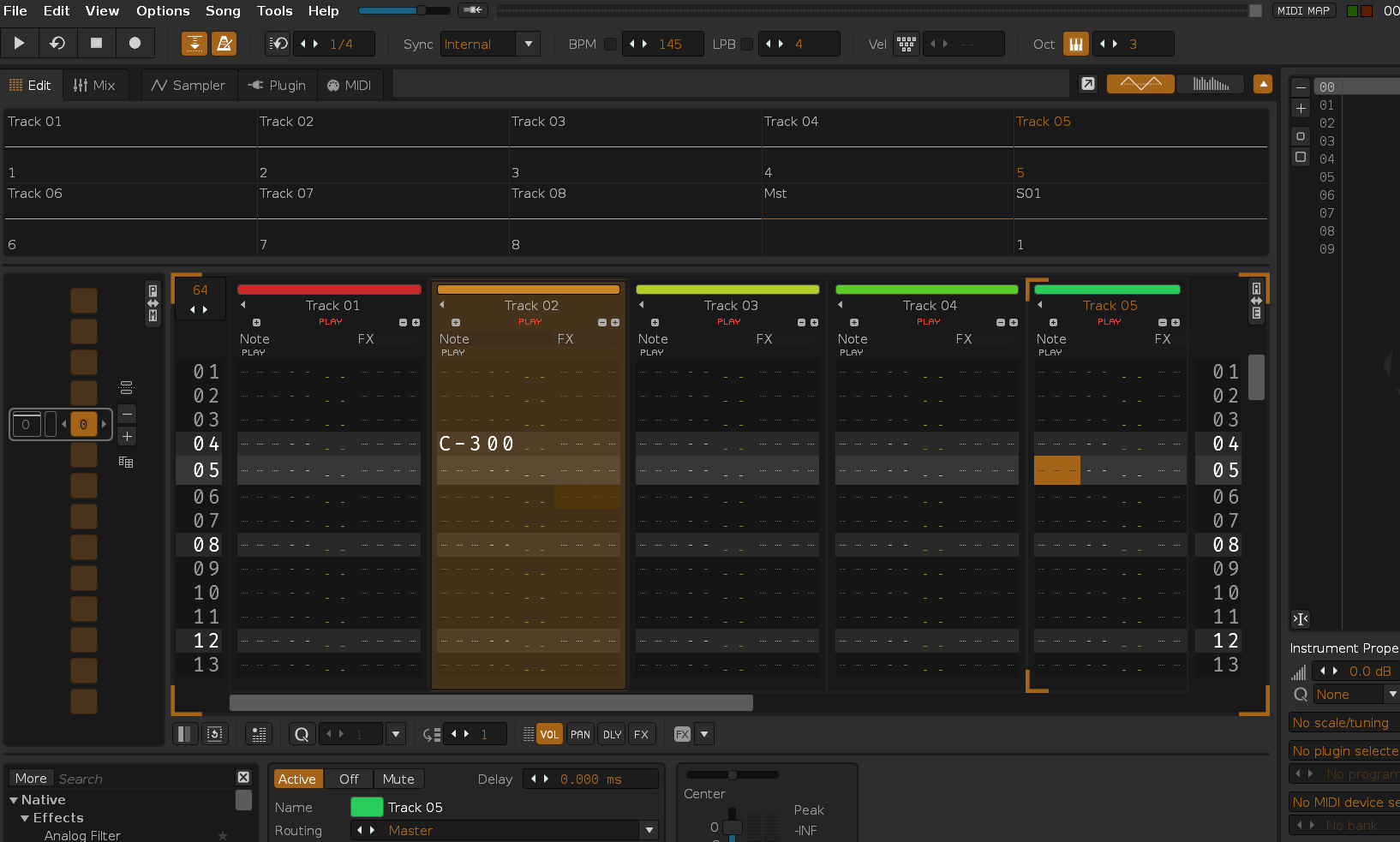
Hey @titan384!
What are your settings in Tools/tint?
Do you have other tools installed?
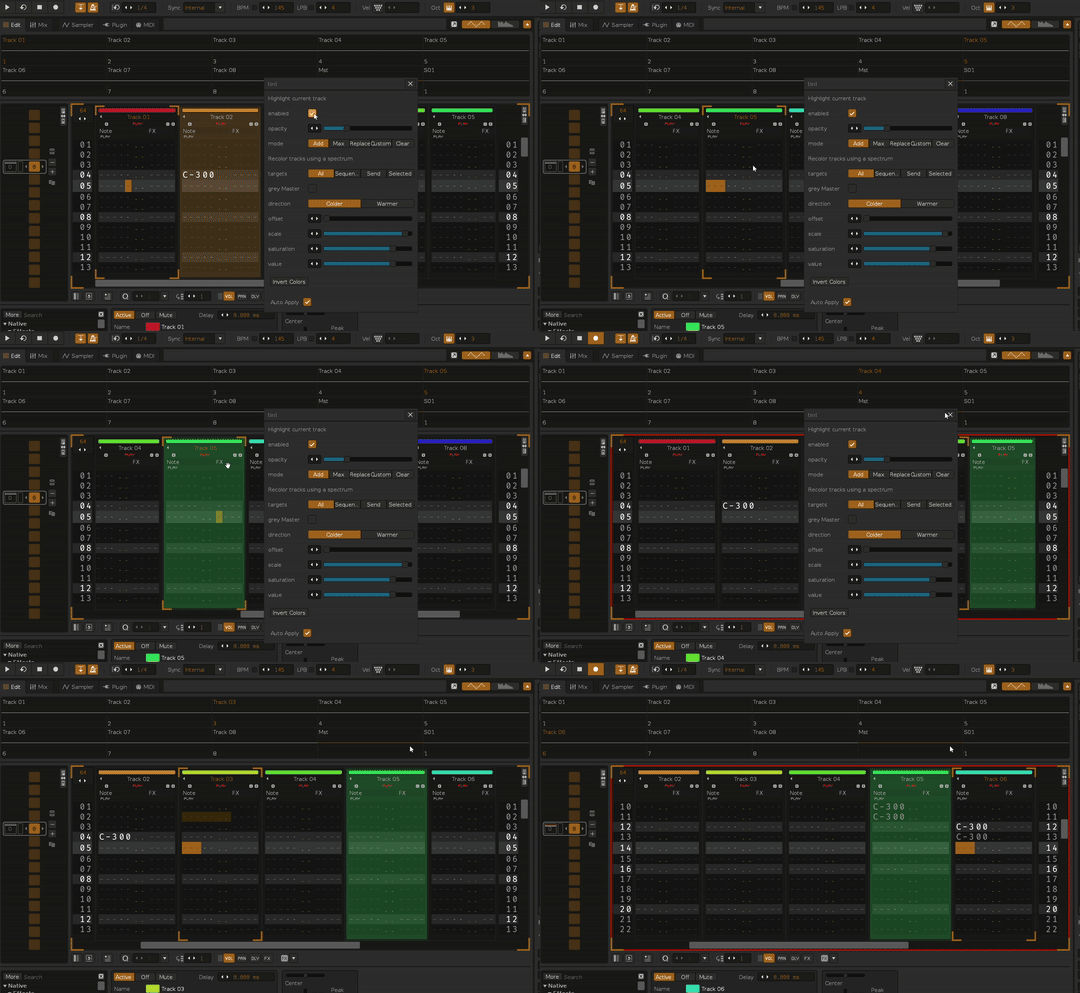
hope this is clear. I have Paketti installed as the only other tool
1 Like
Then that’s the issue, since Paketti cloned this feature it breaks if both tools are used.
2 Likes
@titan384 - Paketti and tint will fight amongst themselves.
i don’t think there’s a way for Paketti to “recognize tint is there, and not work”.
so, please either use the feature in Paketti, or use the feature in tint. you can turn it off in Paketti like this from the Paketti Preferences:

then tint should work as expected.
1 Like
If you go with using tint, I recommend keeping the mode on Clear, the rest are a bit hackish workarounds for people who want to have some tracks always colored.
1 Like
it is already set to none but doesnt work even with that  i guess ill use the feature from paketti.
thanks a lot folks!
1 Like
yo , there is.
use installed_tools as a table with items and their metadata (such as enabled) in renoise.app()
1 Like
checking
thanks @ylmrx
>>> for i=1,#renoise.app().installed_tools do oprint (renoise.app().installed_tools[i].name) end
works, i’ll be having a look at what could be done for that. and thanks! sorry @unless
Your list of installed tools is going a bit off-topic here but I suggest using the id field if you want to check for a specific tool instead of the name, the former should be more reliable to identify a tool.
1 Like
hi, so i was wondering, did you have the renoise tools page download of paketti, or the Releases · esaruoho/paketti · GitHub one? because the renoise tools one was from april (!) and grossly outdated
and thus wouldn’t have the little fix to tint etc
honestly i dont really remember. but ill try updating to the github version
1 Like
Tint effect looks great on a gray layout. Unfortunately, on my blue layout, not all colors look good, even with low transparency. That’s why I think it would be useful to have an additional option to use the same color for highlighting the active track.
Makes sense, I might add that but this also runs into the issue discussed before, a tool cannot really understand which two tracks were swapped and in those cases tint would make the original track colors lost.