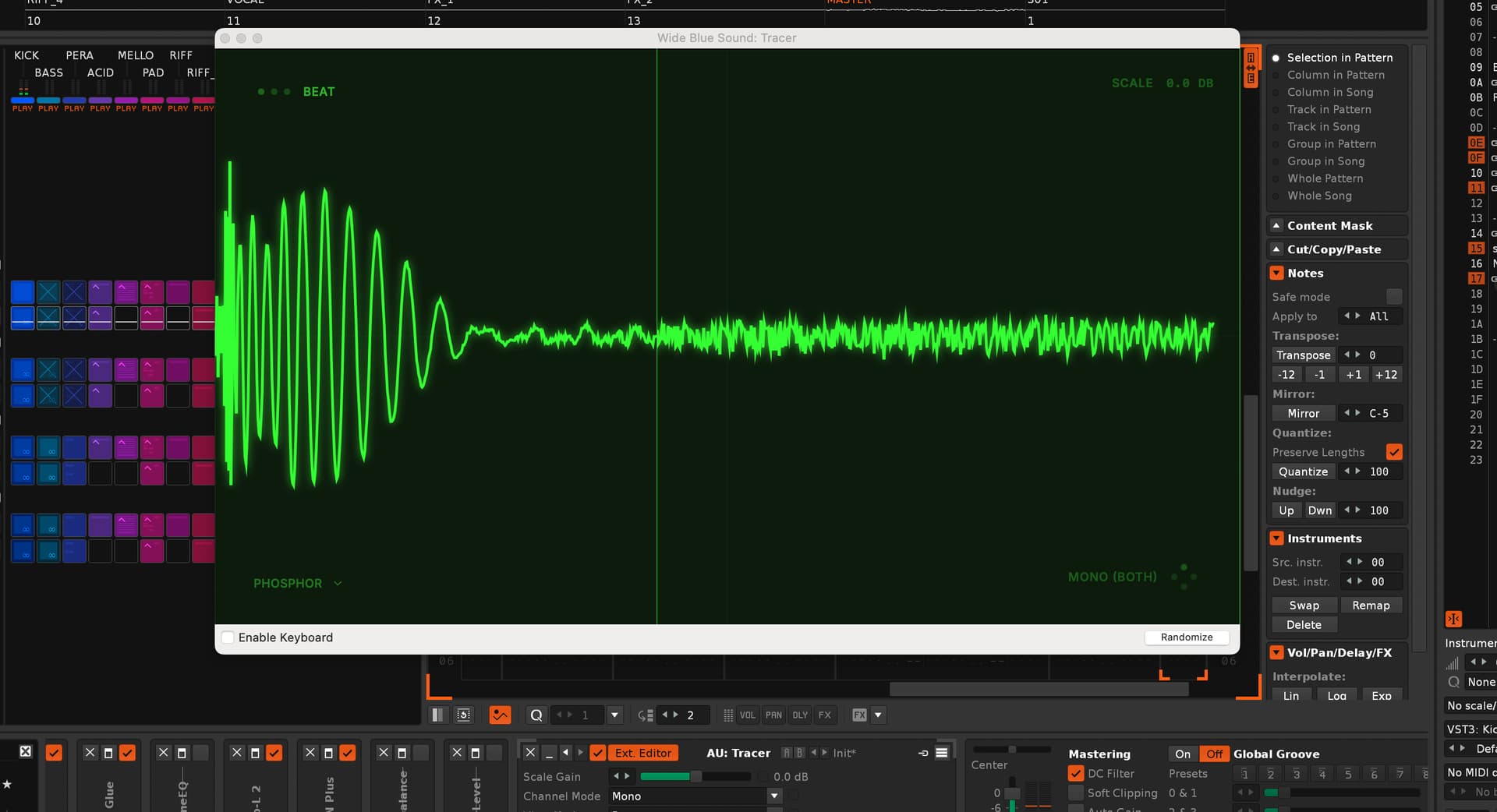
I also made an update to this so that it will remember the current preset/settings you have for Wave Observer, as
I was finding it annoying to have to keep slowing the wave scrolling down and move the window each time a new instance was toggled.
NOTE: If anyone wants to get the free version on mac working with this tool, you will probably [need to provide me with the same details Leszek did which I guess was for his bought version of the plug.
A Menuitem to show/hide on the Trackmenu (or on the Device) would be nice too! It comes as an FX device? Then it would be nice to if it react on deactivation with Enter key! The coolest thing would be to overide the entire Renoise oszilloscops window area with a custom canvas for this, but i think that are only dreams…
If not I am probably going to add a more general version of this into this tool which will just allow you to have this same behaviour for any oscilloscope/ analysis plug:
A Menuitem to show/hide on the Trackmenu (or on the Device) would be nice too!
This could be added, but trying to not force menu items with all tools, I’m looking at making a general prefs for menu items with scripts. I did start on that a while ago so need to go back and see what I can do.
It comes as an FX device? Then it would be nice to if it react on deactivation with Enter key!
It is a VST so should behave like any other with Enter when used, or do you mean something else, like closing the GUI when DSP is bypassed in renoise?
The coolest thing would be to overide the entire Renoise oszilloscops window area with a custom canvas for this, but i think that are only dreams…
Ear fatigue is real and monitoring often imperfect, sometimes a visual sanity check is welcome! particularly for DC offsets and transient spikes. Stuff that’s not apparent in a frequency analyser.
Also can be a learning aid/ prompt in realtime for how different processes modify waveforms.
No i don’t think it’s possible, that is one for native/ taktik I think
Now it works but it add plugin to first to chain of devices… it is strange, when you chose a new track sometimes this plugin is at the end of chain but when you close it and open again it is again as first in chain.
Had a thought and modified it so that before Wave Observer is deleted it hands back selected device to the device before it, so when you come back to the track it will re-insert in the same pos as before:
..closing the GUI when DSP is bypassed in renoise?
I’ll have a look this, will have to add some notifiers for this to work, probably doable with an alternative shortcut so as not to add menu option clutter for now