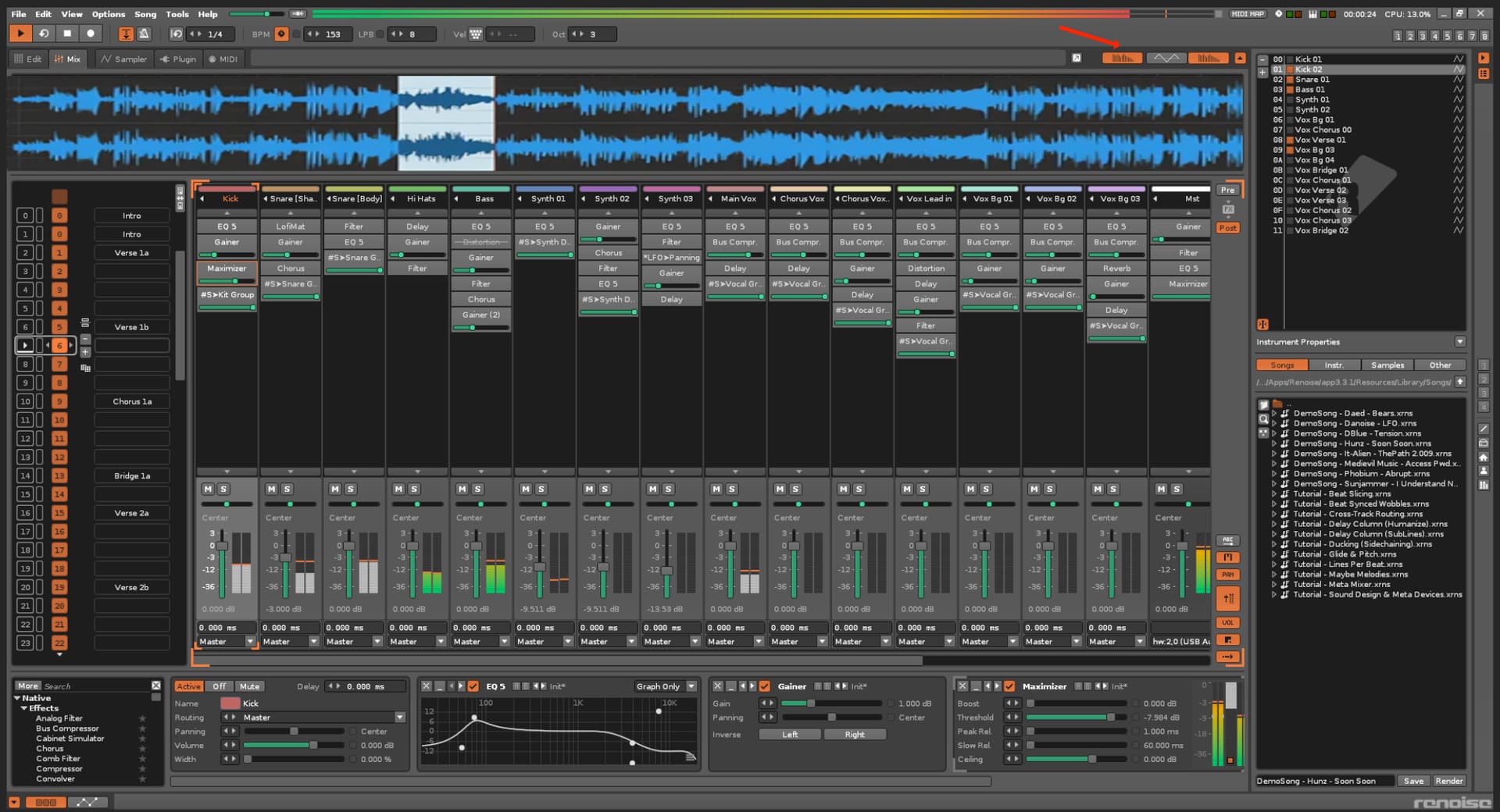
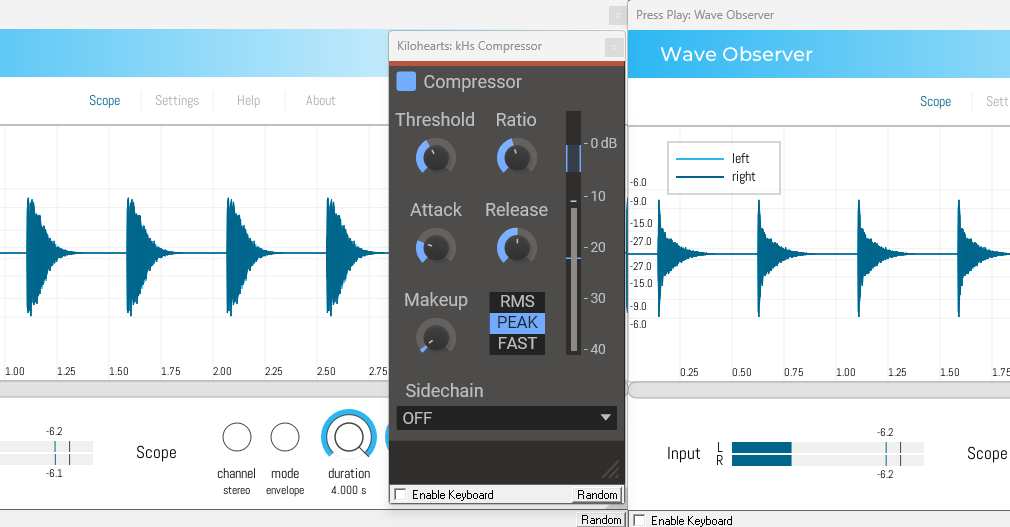
New view of waveform , track or master track. This will be very useful when you add VST effects on track like for example compresion etc. it will be easy to see how waveform is changing in realtime.
Something like this.
Are you asking to display the waveform after effects have been applied?
I apologize if I’m mistaken, but naively speaking, it seems impossible as a specification.
What the program will do in the future after effects are applied is unknown.
For example, some might behave like chance operations, or the user might move a knob.
To see the waveform after effects are applied, you’d need to actually apply the effects to the waveform and reflect them in the sampler’s sound source.
Since that predefined waveform is the sampler’s own waveform, I don’t think it can be displayed in the mixer view.
I apologize if I misunderstood something.
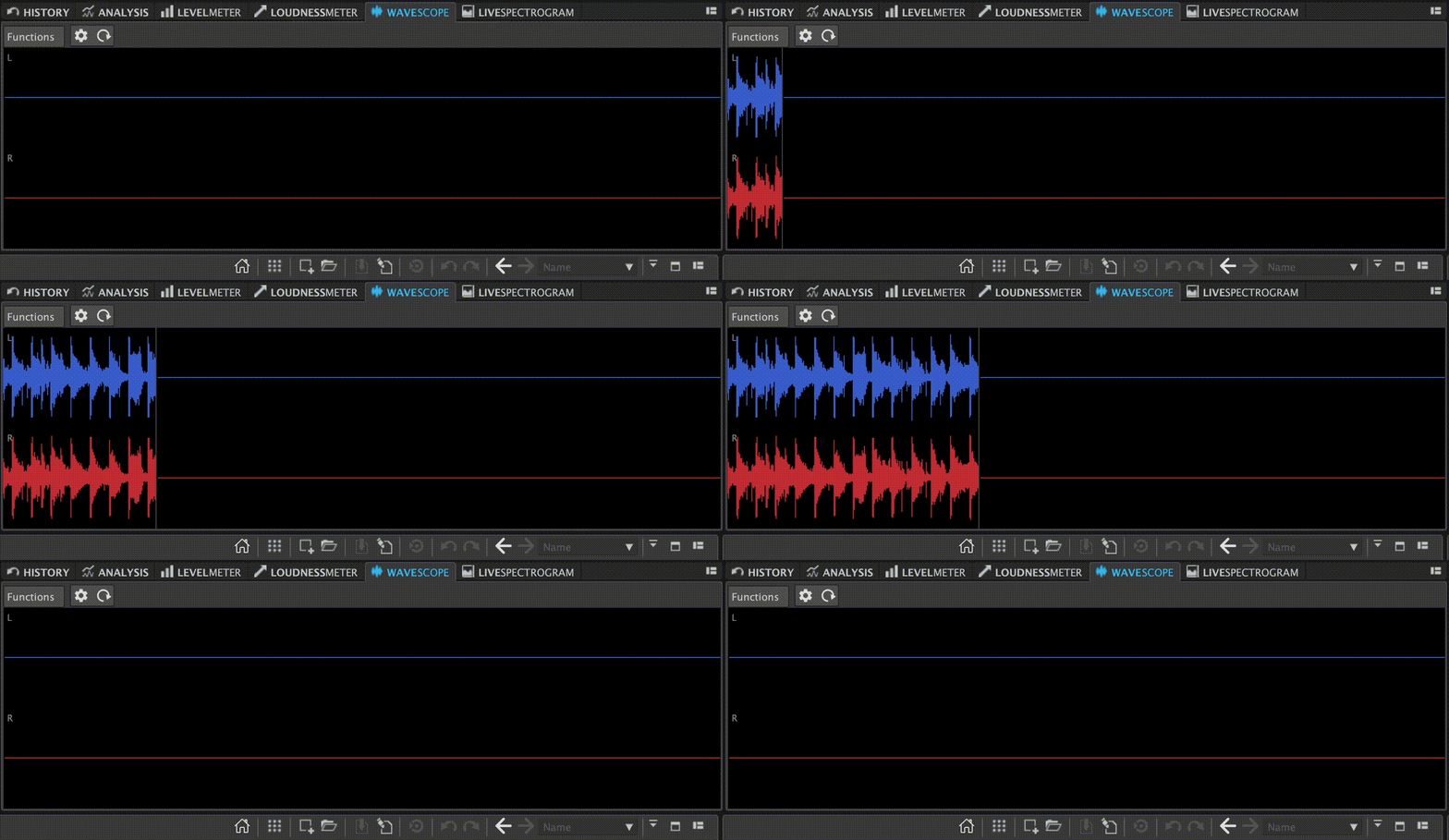
I would like to show you how it works in app called wavelab 13 . when you hit play button wavescop shows / generete in realtime a view of sound . Addiotional it will generete ony a view of “track” from Renois you have selected. If you selcect one it will generete from one , if you select for example “master track” it will generete a view from all track has been used in project.
A native oscilloscope view next to track scopes and spectrum panel? Yes, that would complete the view options. I support that. But:
What conclusions could be drawn from this? What’s the benefit?
It would be interesting to see what’s happening and how the waveform would look, but it’s as useful as if instrument waveforms would be visible in the pattern editor (like in Radium), isn’t it? There’s no benefit besides being interesting to see.
I see, thanks for the information. Pretty weird stuff, I’ve never experienced this due to compression. Maybe it’s because I use a clipper by default in the master track (soft clipping), but I don’t think so because that wouldn’t make sense. Anyway, that oscilloscope view would be nice to have either way.
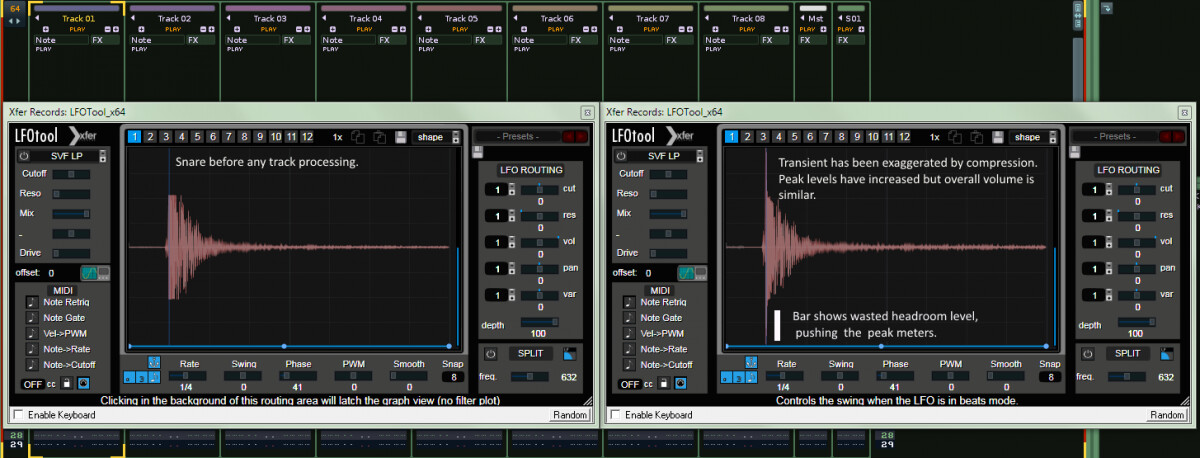
yeah it was something I was unaware of until started checking with an oscilloscope, but it makes sense when the compressor is not kicking in instantly due to attack time. So there is the uncompressed transient at the beginning but a compressed tail. As you use makeup gain to pull the whole percieved volume to similar to what it was before, you are both pulling up the tail and the uncompressed transient that the attack ignored, so get this super transient/spike!
Yes, the waveform looks almost the same as on the picture above. But on this picture the amplitudes of uncompressed and compressed waveforms do have the same range, whereas on the picture above the amplitude of the compressed waveform has got twice the range in comparison. I wonder why. Different settings, higher ratio and makeup gain?
The original was gain matched by ear, so the new peaks were excess on top, the new example was peak matched via the LR readouts on the scope. So just different perspective on same behaviour. First has more makeup gain.
Was also a different compressor, maybe the NI VC 160 which I first noticed these peaks on, can’t tell you what settings were though.
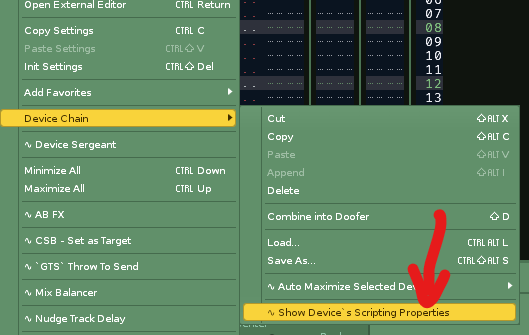
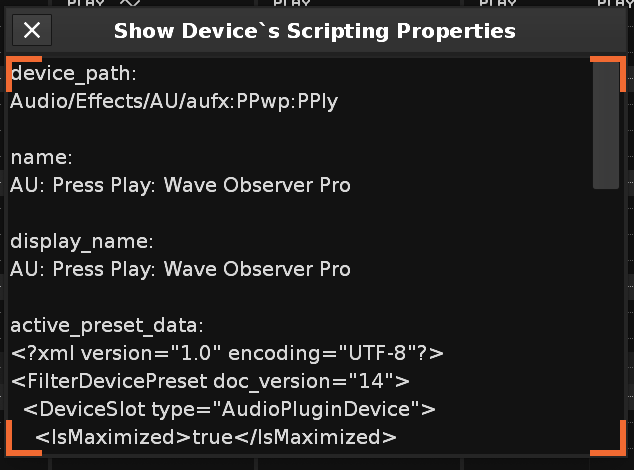
Hey Leszek, I modified some script code to make a tool that will show/close Wave Observer on the current track via shortcut. It works on Windows, but if you (or anyone else) are on mac and are interested in getting it working I can do that too, but will just need you to run another script to retrieve the plugin ID from your mac to add into script.
Hi, I have bought a full version of Observer and breaker theses plugins are great!.
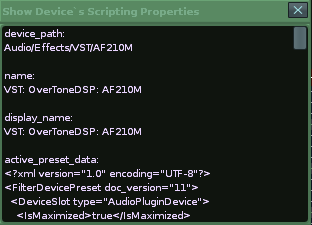
Ledger, do you know where I can find ID number for Observer or you need a path where this plugin is installed ?
Thanks, here is the modified script, let me know if it works for you. it works by adding Wave Observer after the selected plug in the chain. The plug should be named Wave Observer TEMP, the tool then deletes any instances in the whole song on toggling off. This makes sure that if you changed track and left an instance elsewhere, it gets tidied up.
Also a small quirk is that it toggles by adding and removing the plug on alternative presses, so if you closed the window manually and didn’t manually delete plug, it will delete the plug on next press and it looks like nothing happened. Just press again and it will load a new instance with window open again.