Dear Renoise, I’ve been working on it for a while now, but I haven’t switched from Windows 10 to 11 yet. I also focus more on music programs than operating systems, and various files, editing and changing files. If anyone can explain to me the steps I need to take to get it working, the full version of Piano Roll Studio. Maybe I’m certainly not that smart at installing software, but making music is my starting point. After trying for a while, you get discouraged that it has gone from an XRNI file to an HTML file. Kind regards, Marc de Zeeuw, and I would really be very grateful if I could get a helpful explanation.
Just drop PianoRoll .xrnx file into open Renoise window.
Then in menu Help/Show the preferences folder
an Explorer window will open
move to Scripts/Tools/com.ulneiz.PianoRollStudio.xrnx/
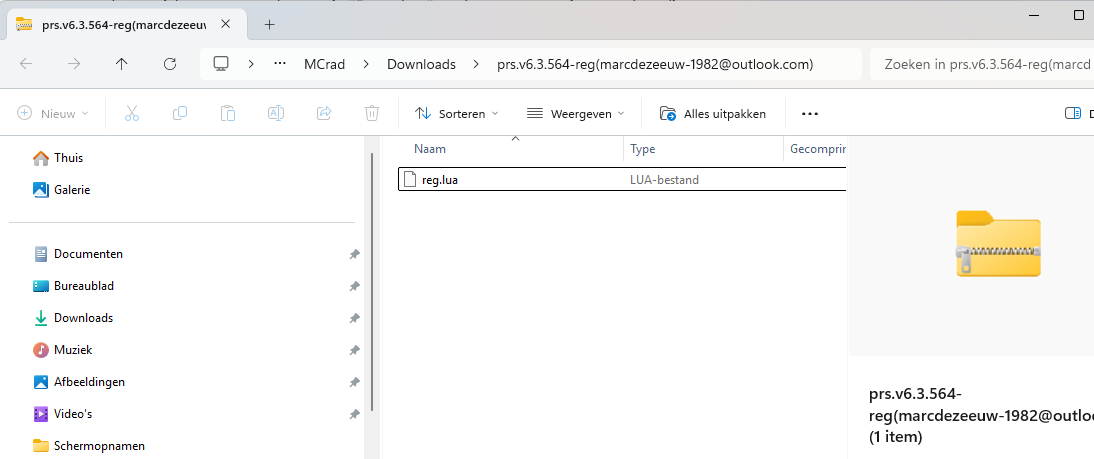
just paste reg.lua file here.
Don’t worry, you’ll definitely be able to install it correctly.
I’ve sent you a PM with all the details, please continue there. Since it’s detailed and you’ve also started a thread here, I’m copying the explanation into this thread as well, in case it’s helpful to others (this explanation also applies to any other Lua tool for Renoise).
I’ll explain in detail what needs to happen and what you need to understand, since it is clear that there are serious doubts here:
An XRNI file (ending in …I) is a container file for an instrument compatible with Renoise. It has nothing to do with a Lua tool. An HTML is a file that references other files in order to display web content, visible in your browser (such as Google Chrome, Microsoft Edge, or Filecilla Firefox). A javascript format file (.js) is a file related to the HTML instruction manual. It has nothing to do with a Lua tool. For now, forget about these things… Note: It is recommended that your operating system displays file extensions.
A Lua tool, like Piano Roll Studio, is an XRNX file (ending in …X). In this case, the file is called “com.ulneiz.PianoRollStudio.xrnx” (Many files related to renoise are in format XRN…another letter).
This file com.ulneiz.PianoRollStudio.xrnx) is the DEMO version of the tool you want to install, and you’ll get it by extracting a ZIP file called “PianoRollStudio.64bit.v7.0.1005.zip”, which is the one you download from the dedicated Renoise forum for the tool: New tool (3.5.x): Piano Roll Studio v7.0 build 1005 (July 2025)
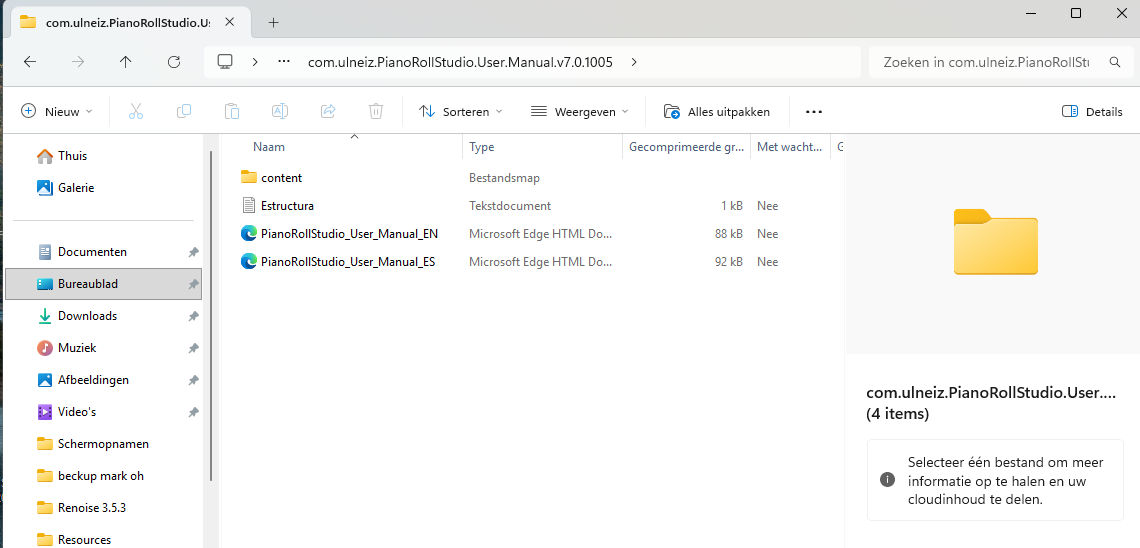
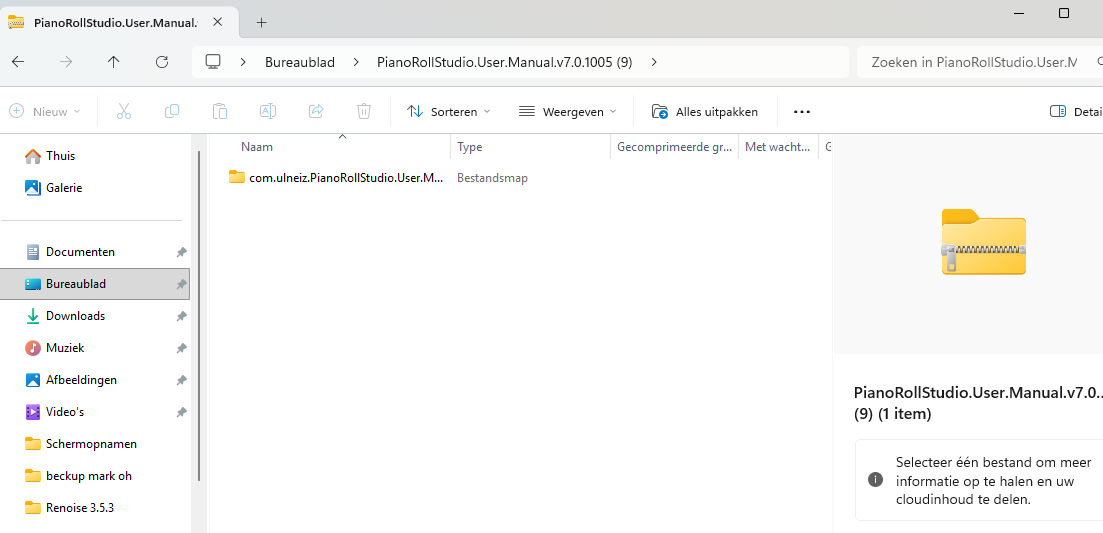
Then, you download the compressed file PianoRollStudio.64bit.v7.0.1005.zip and then unzip it, and you will have access to the file com.ulneiz.PianoRollStudio.xrnx.
Install the DEMO tool within Renoise: Run Renoise. Drag the single file com.ulneiz.PianoRollStudio.xrnx in to the Renoise window with your mouse. When you release the mouse button, Renoise will detect that it is a tool and automatically install it. Note: This single file com.ulneiz.PianoRollStudio.xrnx is actually another ZIP archive. It’s a way to “package” multiple files into one.
Installation folder location: The above procedure installs an unzipped folder with the same name as the tool (the folder named com.ulneiz.PianoRollStudio.xrnx). It’s a folder that contains multiple files. You just need to know where it’s installed. I understand this might be a little confusing, but that’s how it works.
Locate the Lua tool installation folder.. There are several ways to locate the folder (this is also explained in the HTML User Manual). The official way to open the Lua tool’s container folder: Renoise top menu: “Tools/Tools Browser…” Expand the folder icon “Installed Tools”. Locate “com.ulneiz.PianoRollStudioPro (Piano Roll Studio Pro)”. Right-click on it and “Reveal in Explorer…”. This will indicate the installation folder for this Lua tool, it is the “root folder of this tool”. Note: This folder is the one that was automatically installed in the procedure in step 5.
This concludes the installation procedure for any Lua tool for Renoise (rhese are always the same steps for any Lua tool for Renoise; this does not work for any software other than Renoise). This also applies to any other tool. In this case, you have installed the DEMO version of Piano Roll Studio.
Please Mark, when you get here in step 7, let me know via PM.
@martblek Your comment is perfectly summarized. Thanks! This procedure is very simple, but if at any point a user does not quite understand what is happening, they get stuck and cannot move forward. I even heard from a user once that the Lua tools expected it to be an .exe-style installation file. For people who are not familiar with Renoise “and its archives”, it’s a bit confusing…
Thanks @Legs! I got here thanks to your @ notification. Sometimes I’m very busy (with work) and I’m not so quick to reply…
I haven’t done anything with it. I downloaded the 7.0 demo of Piano Roll and went to Renoise in the toolbar. If you right-click on the bottom left mouse button, you can see folders. I looked in the toolbar with my right mouse button. There’s no .reg.lau file, only a JavaScript file. Or should I put that old purchase receipt from September 1, 2024, from the previous version in there? It is a .reg.lau file, but I had trouble then too. Did you help me because something was wrong? Really, the full 7.0 Renoise, just the Renoise program and a JavaScript file.
I can keep searching in the html 7.0 when I download it there is no re.lau or xrni file in it. Or I have to put the reg lau file from the demo or from the purchase on 01-09-2024 in it. But I think I’ve already tried, sorry that it’s so difficult but I don’t know what it is either.
Registration file is in your Email, password for file you have in private message from Raul.
I think your keyfile from 2024 is old. You must contact Raul directly for new key file for v7.