Long time Renoise user here… just bought Redux . Using it in my DAW.
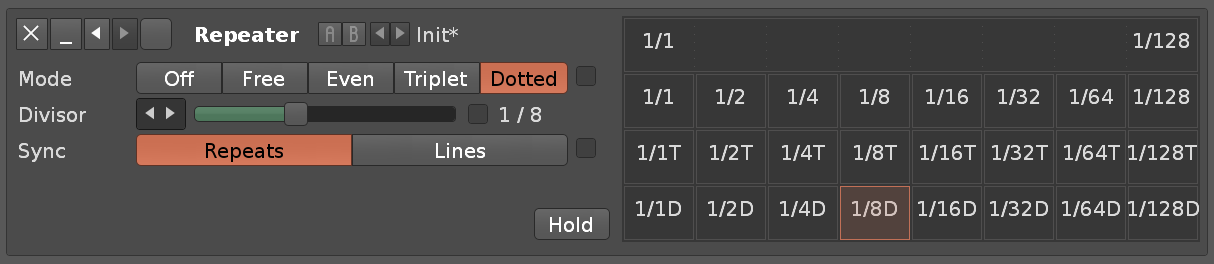
Question:is there ANY way of triggering the “on/off” state of the Repeater device via a phrase command?
I know I can’t instruct setting changes in devices (fx) via the phrase editor in Redux, I read that in the manual. I know there are limitations on phrase commands.
I saw I can make a macro to set the “mode” to “1/8D”, but I can only (?) manually drive this change.
I have sucsessfully instructed an LFO device to drive some of the parameters in the Repeater device.
I want to “trigger” (activate) the Repeater effect specifically via a phrase.
So I asked for a solution inside phrase commands… but I found it a better construct to automate from my DAW, the assigned macros to the device parameters.
Glad you found a solution. If you want to automate Redux internal fx inside a phrase you can use dummy samples and velocity/key tracker devices. Works really well. Here is the post on how to do this:
 . Using it in my DAW.

