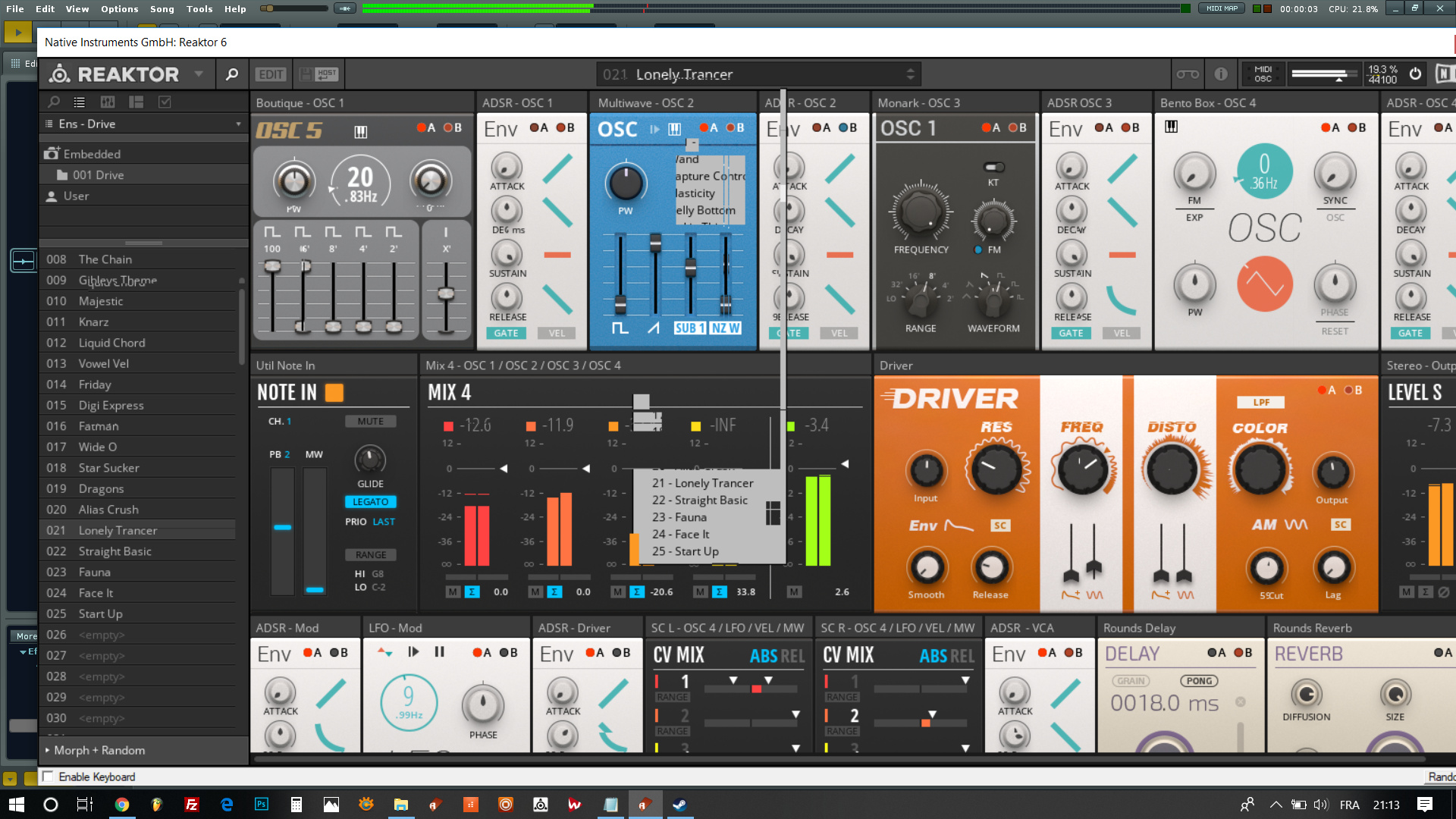
Welcome to one of the main headaches of R3.2.0. All these problems are related to scaling. Unfortunately, the behavior of the plugin depends on its author.
Try the following:
Press the [?] button of the plugin in Plugin tab.
Disable the Auto-scale external editor on HiDPI screens.
Restart this plugin.
Repeat these steps to all plugins with visual problems.
Hi guys.
I confirm that Raul solution works.
Really a good thing that you can enable/disable Auto-Scale for each plugin independatly.
Once again Renoise is “smart” and “simple”.